Description
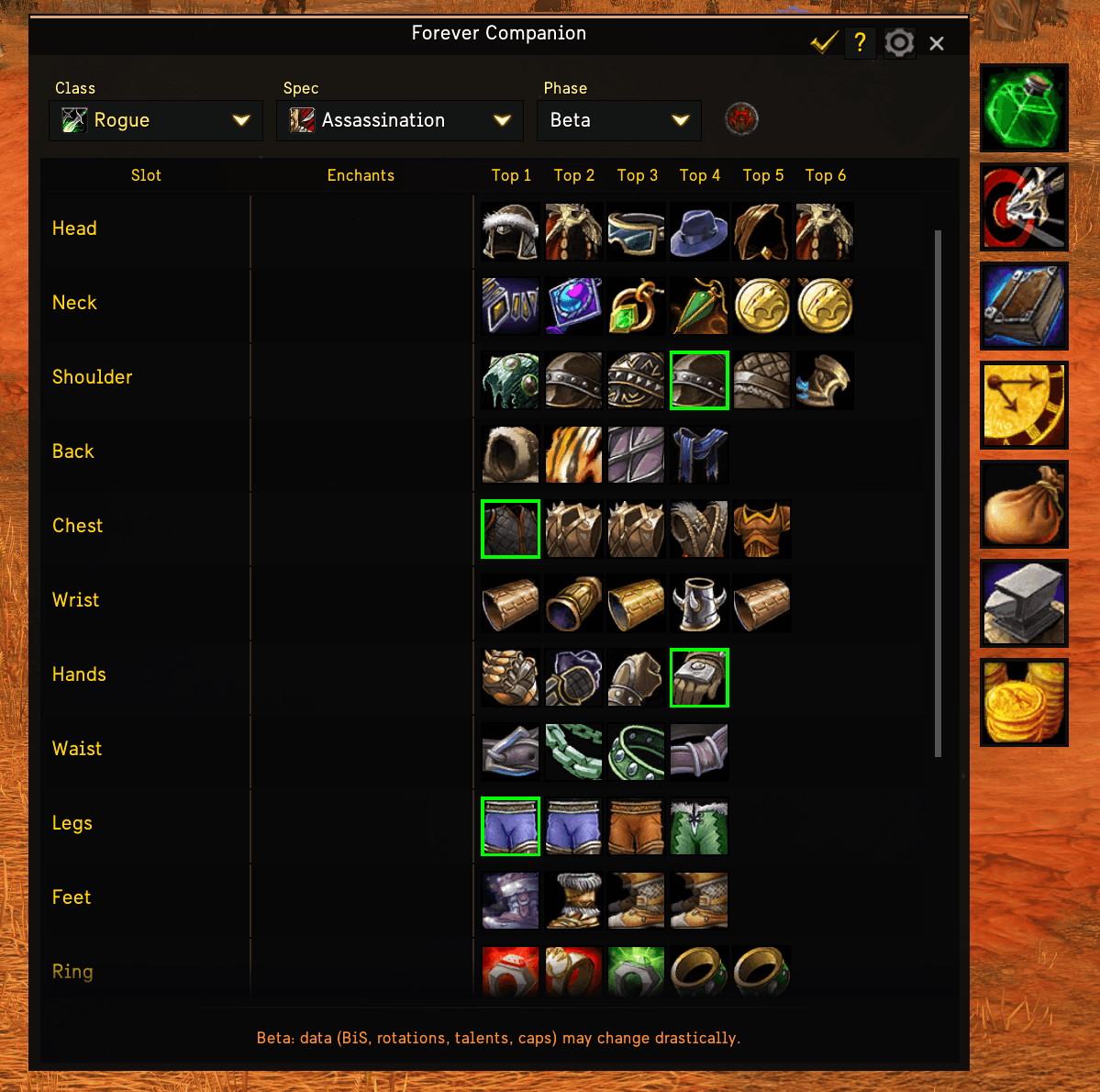
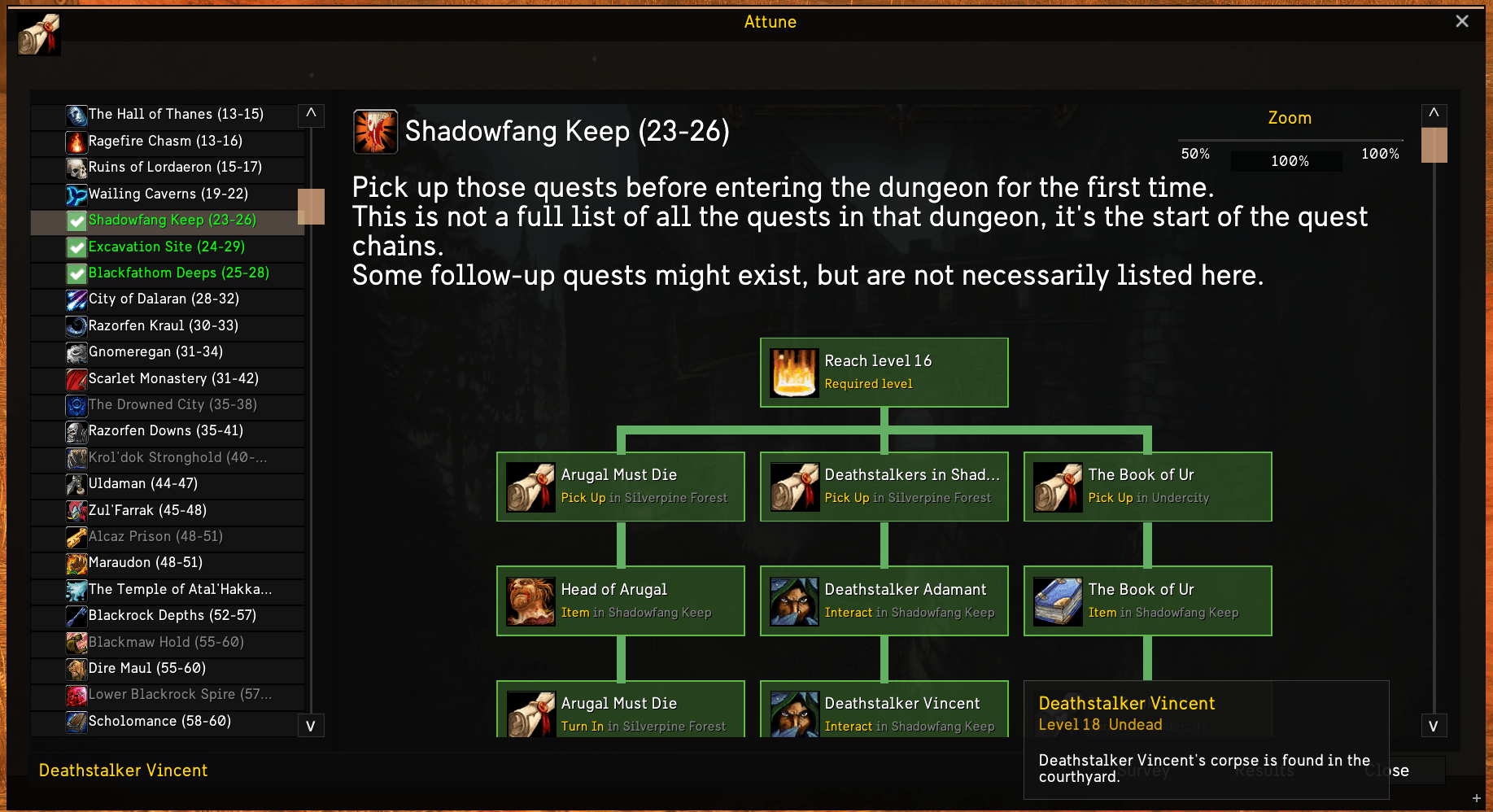
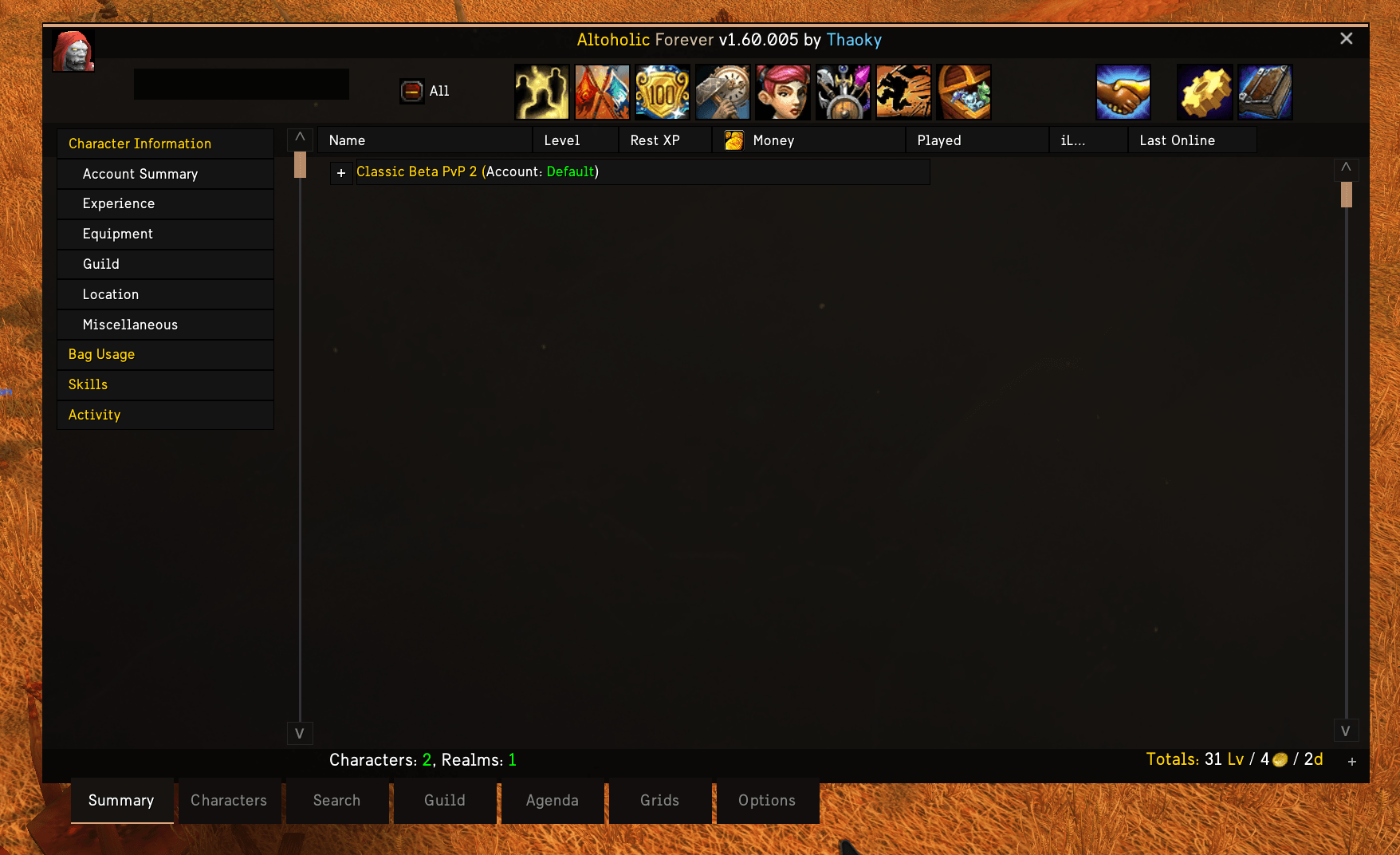
EUI AddonSkins styles supported addon windows to match EllesmereUI, giving your interface a consistent appearance.
It applies EUI backgrounds, borders, fonts, buttons, tabs and accent bars to supported windows. Skins follow your EUI theme and accent settings while preserving the addons’ existing functionality.
Work in progress: additional skins and styling improvements are planned.
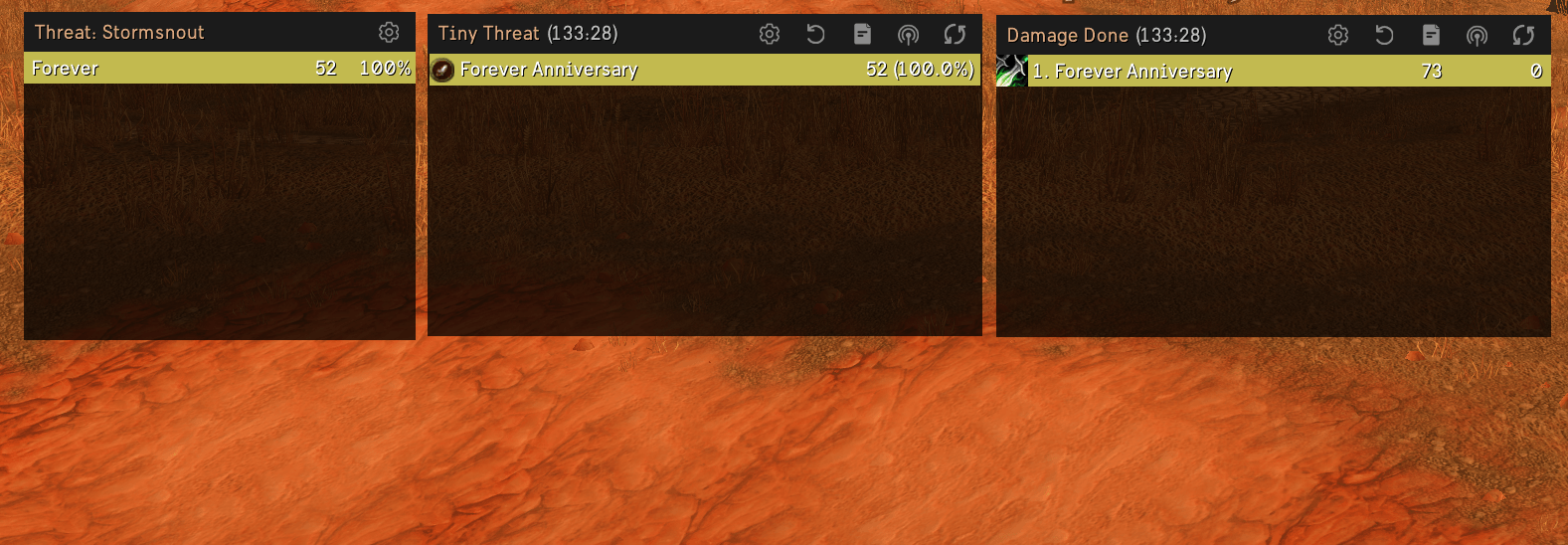
Details! Damage Meter to enable / disable skin for individual modules (Damage meter / Tiny threat) i have added an option in the drop down menu when hovering over the Settings button.
Can also be accessed through /euidetails or Options -> Addons -> EUI Addonskins: Details
Supported addons
AtlasLootClassic Continued
Attune
Auctionator
BugSack
Deadly Boss Mods
Details! + Tiny threat
Forever Companion
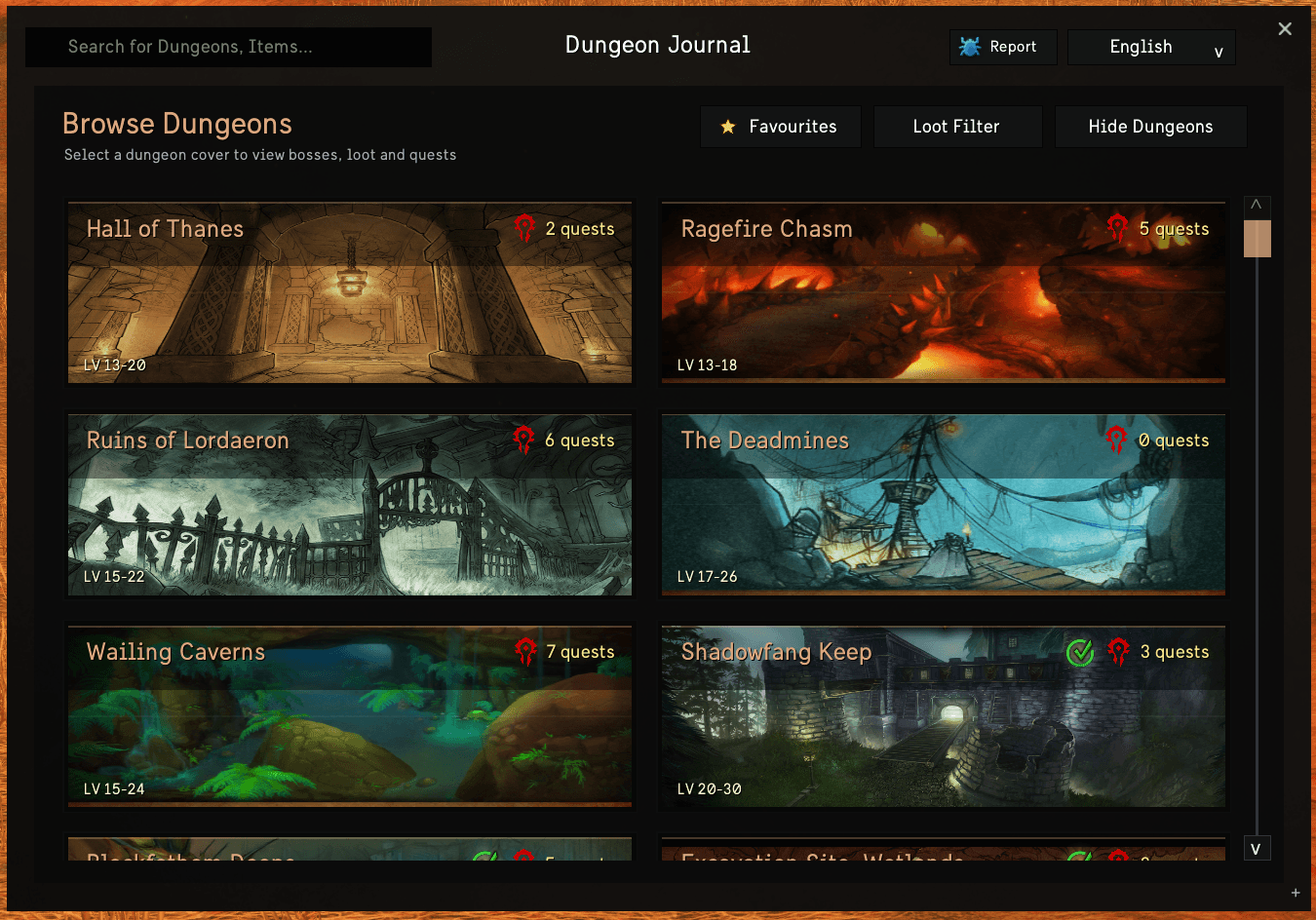
Forever Dungeon Journal
Gargul
GTFO
ItemRack
KiwiFarm
Myslot
Questie
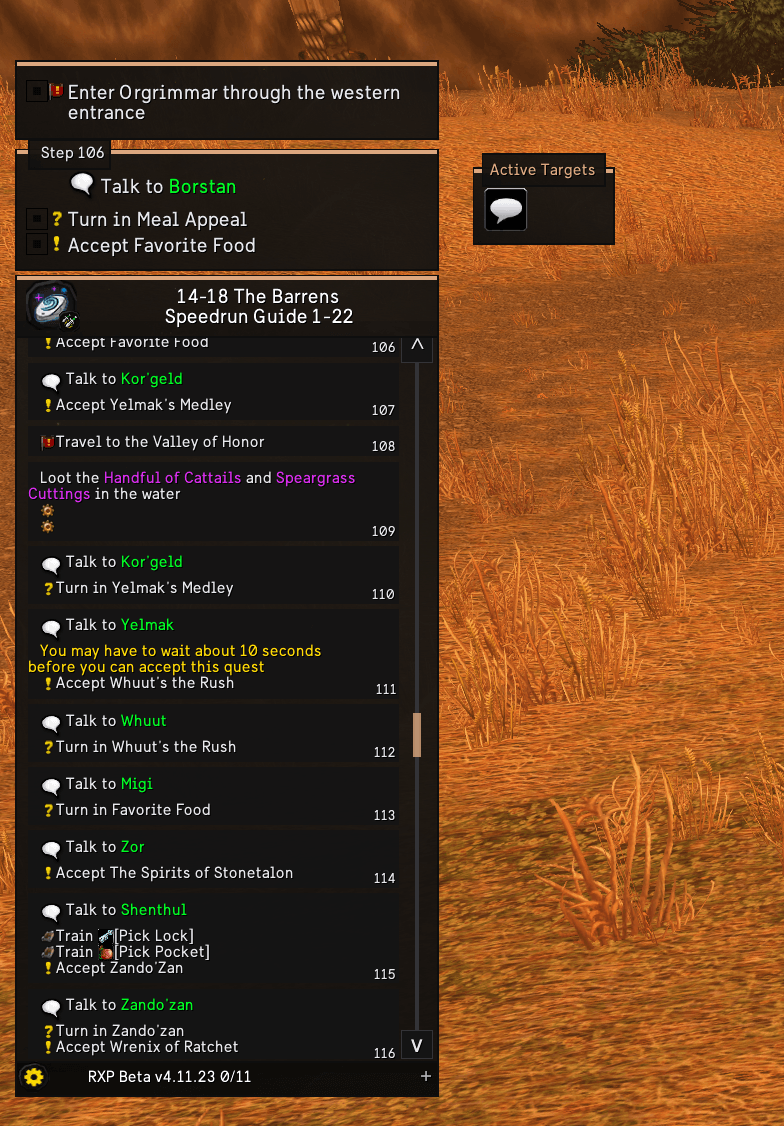
RestedXP Guides
Spy
ThreatClassic2
TwitchEmotes
What's Training?
Each skin activates only when its addon is installed and loaded. You can enable or disable skins individually under Blizzard Skins+ > Window Skins > Third-Party Addons. Reload your UI after disabling a skin.
Requirements
Requires EllesmereUI with Blizzard Skins+ enabled. Supported addons are installed separately; none is required to use the other skins.
# Credits to EllesmereUI for the great addon and skinning api provided by it.
Disclaimer
EUI AddonSkins is an independent third-party addon and is not affiliated with or officially endorsed by EllesmereUI or the authors of the supported addons.
All trademarks and addon names belong to their respective owners.
EUI AddonSkins uses the public EllesmereUI skinning API. EllesmereUI and the supported addons are distributed separately and are not included in this project.
Addon Skins for EllesmereUI Team