


EpikUiFade - Elvui / Ellesmere / Danders ...
- By
Description
Hight compatibilty : Elvui / Ellesmere / Danders and more...
Fade out or disable your frame !
🇺🇸 and 🇫🇷 localization
🇺🇸 : EpikUiFade
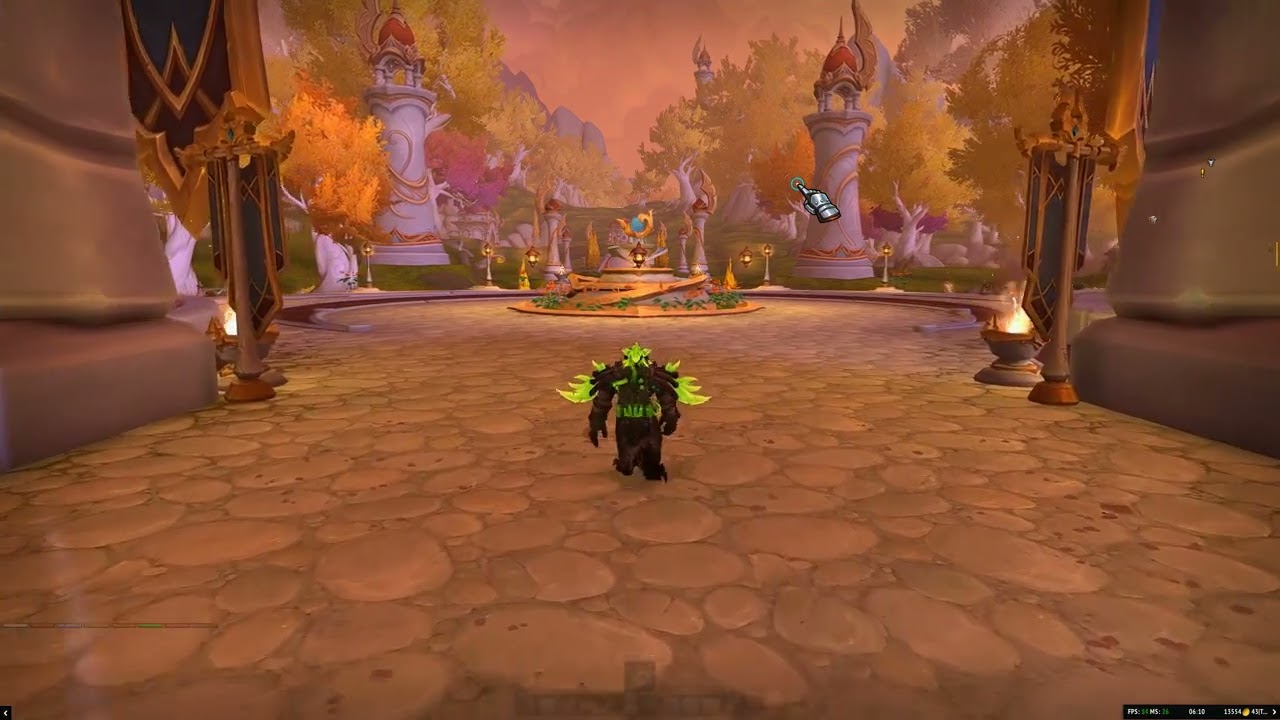
Epikuifade is a lightweight yet powerful addon designed to enhance immersion by dynamically managing the opacity of your UI elements based on your current in-game situation.
Key Features
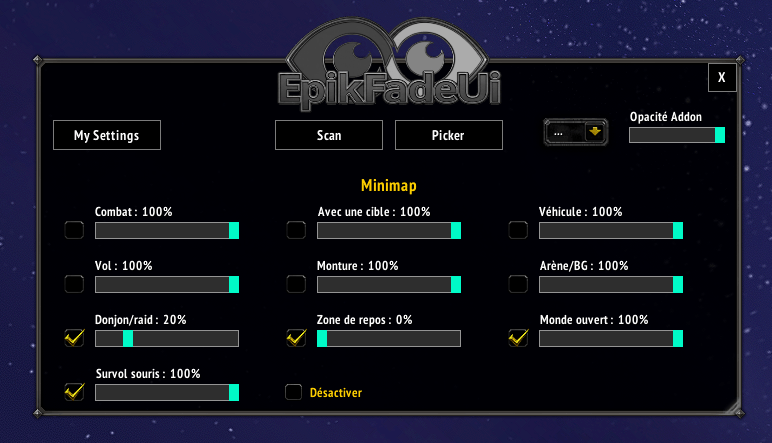
- State-Based Opacity : Set specific alpha levels for various states: in combat, with a target, mounted, flying, in dungeons, resting, and more.
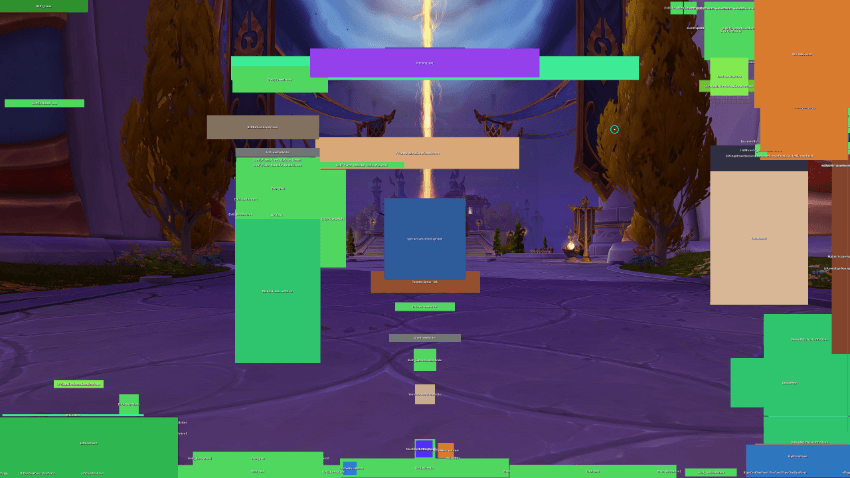
- Visual SCAN & PICKER : Use the built-in picker tool to click directly on any UI element and start configuring it immediately.
- Smart Visibility : Hide your action bars or unit frames while exploring, and bring them back instantly with a simple mouseover.
- Auto-Categorization : Easily filter through your UI elements by category: Unit Frames, Action Bars, Buffs, or 3rd-party Addons.
How to use it?
-
Type /ef to open the settings panel.
-
Click on SCAN or PICKER to select an element on your screen.
-
Check the boxes next to the sliders to enable custom opacity for specific states (e.g., Combat, Mounted).
🇫🇷 : EpikUiFade
Epikuifade est un addon léger et puissant conçu pour améliorer l'immersion en gérant dynamiquement l'opacité de vos éléments d'interface (UI) selon votre situation en jeu.
Fonctionnalités Principales
- Contrôle Total par État : Définissez une opacité spécifique pour chaque état : en combat, avec une cible, en monture, en vol, en donjon, en zone de repos, etc.
- Scan et Picker Intelligent : Utilisez l'outil de sélection visuelle pour cliquer directement sur n'importe quel élément de votre écran et le configurer instantanément.
- Détection Intelligente : Cachez vos barres d'actions ou vos cadres d'unités quand vous explorez le monde, et faites-les réapparaître d'un simple survol de souris.
- Catégorisation Automatique : Filtrez facilement vos éléments par type : Unités, Barres d'actions, Buffs, ou Addons tiers.
Comment l'utiliser ?
-
Tapez /ef pour ouvrir le panneau de configuration.
-
Cliquez sur SCAN ou PICKER pour sélectionner un élément à l'écran.
-
Cochez les cases à côté des curseurs pour activer l'opacité désirée selon l'état (ex: Combat, Monture).
The EpikUiFade - Elvui / Ellesmere / Danders ... Team
