


Enhanced Soft Interact
- By
Shows your soft interact target's name, action and keybind in a frame you can customize.
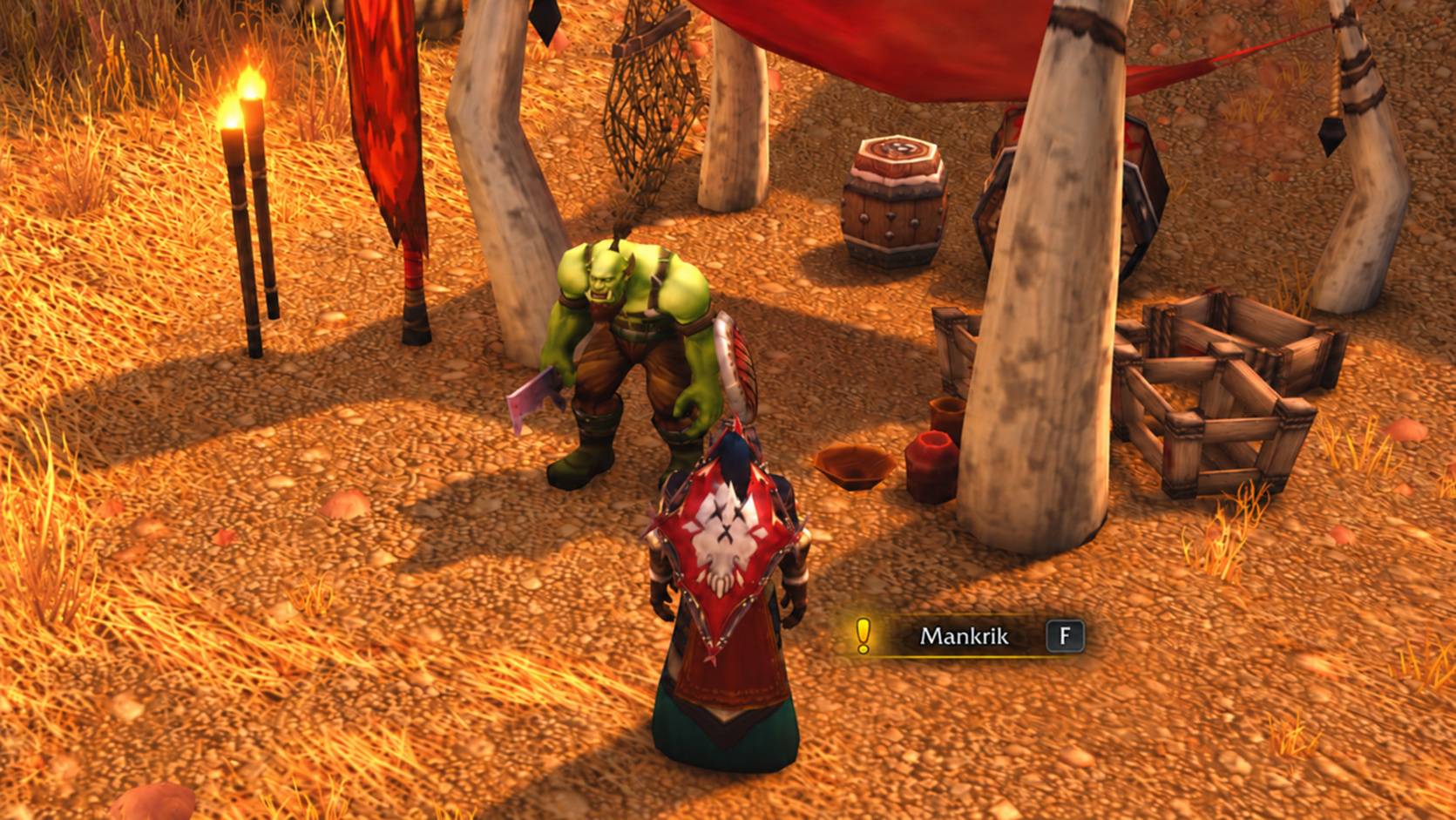
Picking up Mankrik's quest
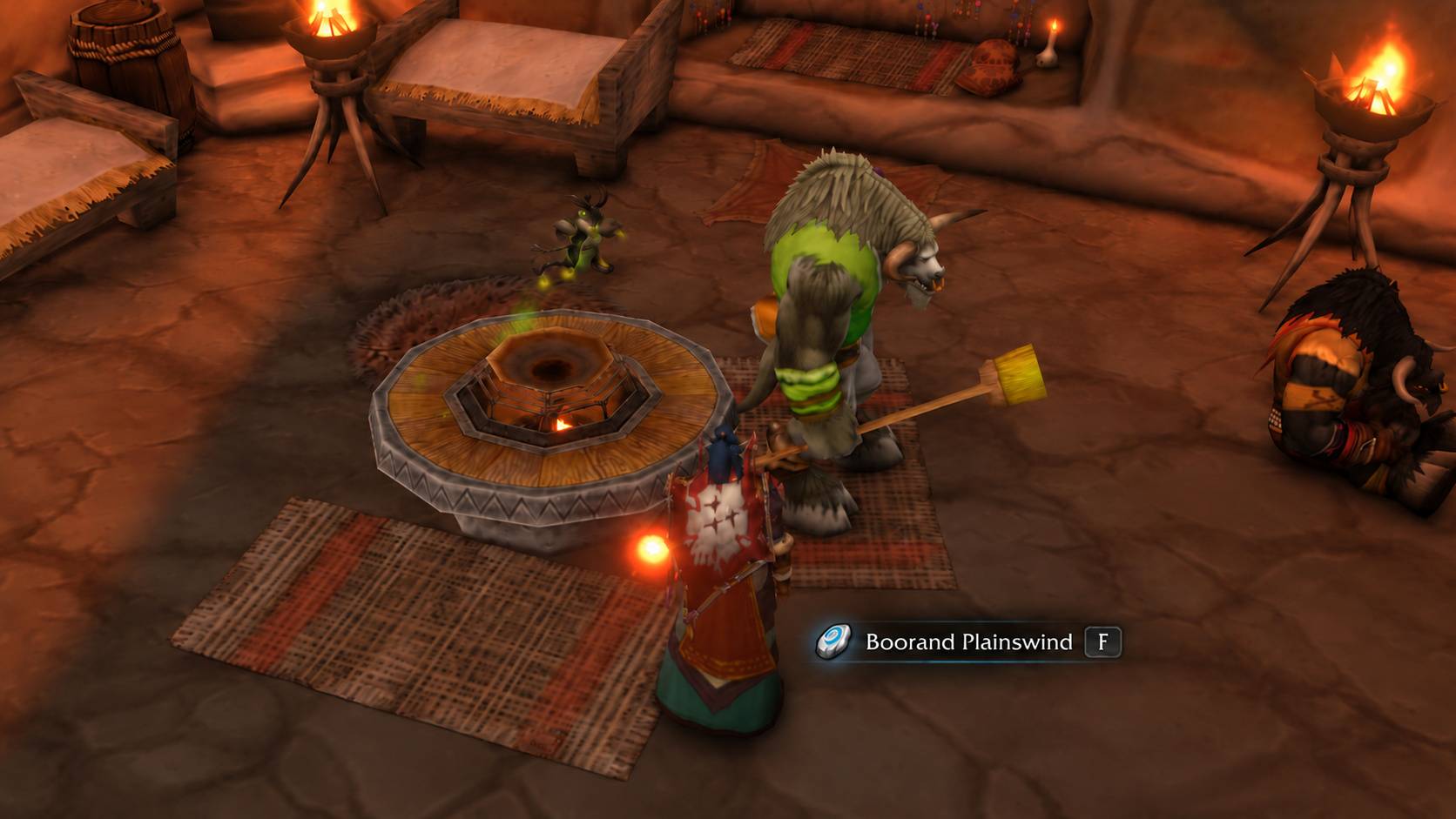
Innkeeper Boorand Plainswind
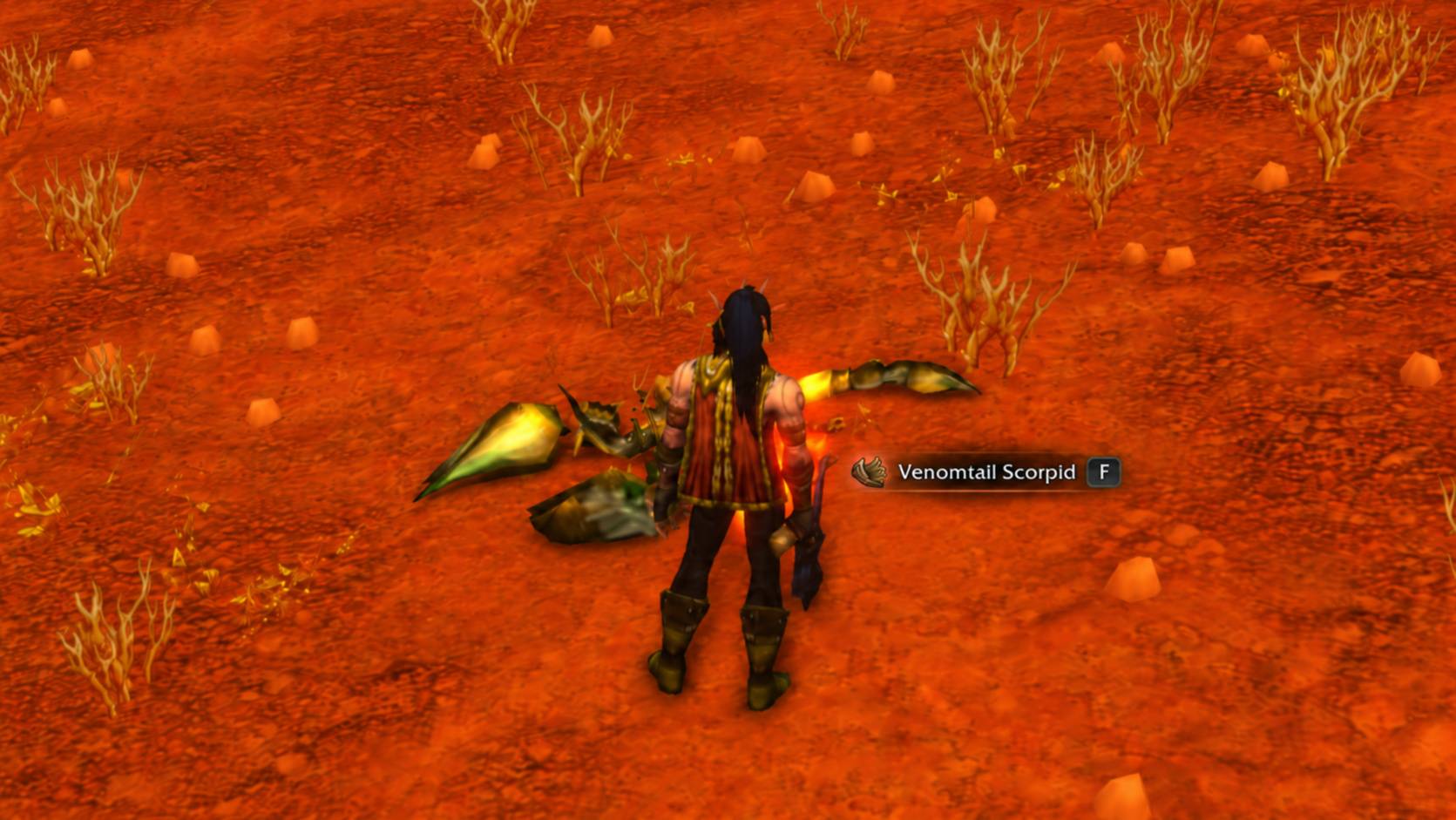
Skinning in Durotar
Description
Enhanced Soft Interact
Shows your soft interact target's name, action and keybind in a frame you can customize.

Features
- Shows the target's name, an icon for the action, and your interact key or controller button
- Colors the frame by target type, and turns it grey when the target is out of range
- Shows when you need a profession to gather a herb or ore
- Replaces Blizzard's soft target tooltip and nameplate
- Lets you move and customize the frame in Edit Mode
Getting started
Enable the interact key under Options > Controls, or in the addon's options. Type /esi to open the settings.
The Enhanced Soft Interact Team
