


EngagedPlates
- By
Shows full nameplates only for enemies you’re fighting; everything else is reduced to just a name
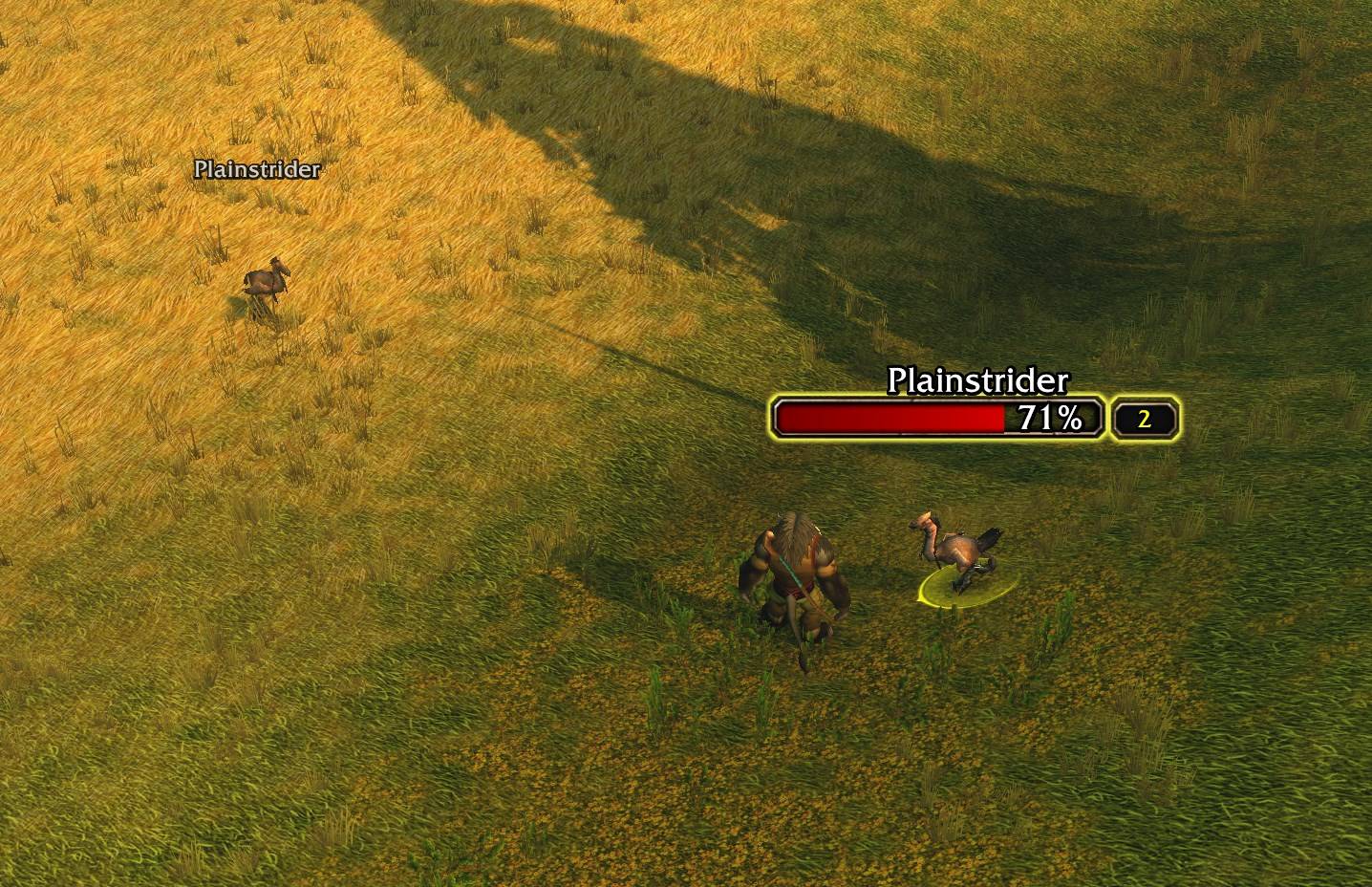
All nameplates
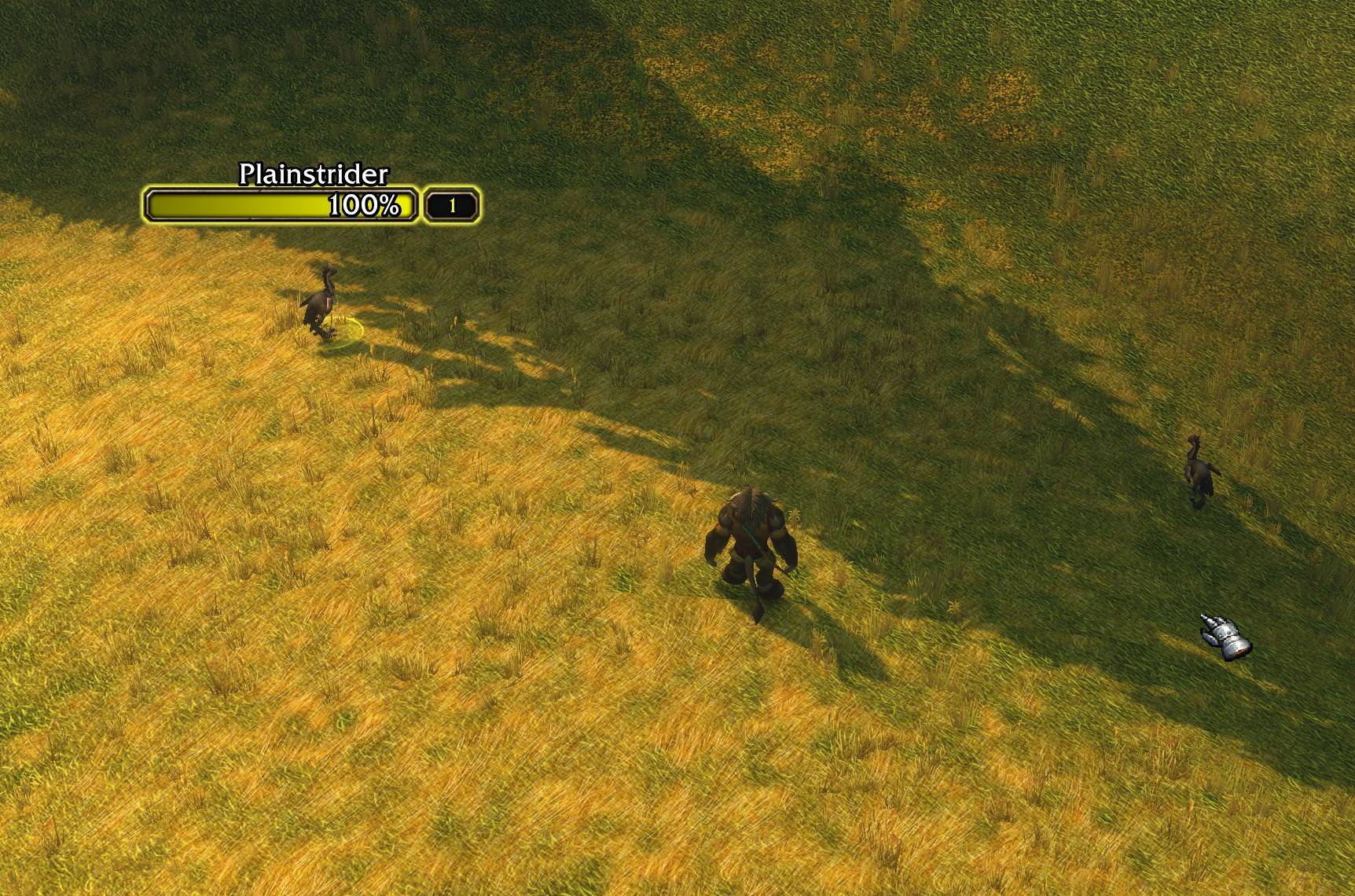
Only quest nameplates
Description
This is low-effort AI slop, because I don’t like other nameplate addons or Blizzard’s default settings. It was made purely out of irritation at the inability to hide out-of-combat nameplates.
EngagedPlates
Play with all nameplates turned on without the clutter. EngagedPlates shows the full Blizzard nameplate only for enemies you’re actually fighting. Every other enemy is reduced to just its name.
How it works
- Engaged enemies keep the full default nameplate: your target, mobs attacking you or your pet, and anything you’re on the threat list of.
- Other enemies show only their name, so you can still see what’s around you.
- Quest mobs you still need for an active quest get a yellow name. Once an objective is complete (for example 6/6), those mobs stop counting as quest mobs, even before you turn the quest in.
- Non-quest enemies can be hidden completely, so only quest targets stand out.
- Full names: long names are no longer cut off (“Young Night Web...”) in name-only view.
Nothing is reskinned or replaced. The addon only fades parts of the default Blizzard nameplate in and out, so it stays safe in combat.
Settings
Open Options > AddOns > EngagedPlates or type /ep:
- Enable: turn the addon on or off.
- Only in combat: only reduce nameplates while you are in combat.
- Hide names of non-quest enemies: show names for quest mobs only.
- Show full names: draw complete names instead of cut-off ones.
Hotkey and commands
- Bind a key under Options > Keybindings > AddOns > EngagedPlates to quickly switch “Hide names of non-quest enemies” on and off.
/ep toggle: turns the addon on or off./ep combat: flips “Only in combat”./ep quest: flips “Hide names of non-quest enemies”.
Tip: turn on enemy nameplates in the game options for the best experience.
EngagedPlates Team
