EnchantmentDisenchanter
- By
In World of Warcraft, farming old-world dungeons drops too much equipment, and your bags are getting full. Use this addon, EnchantmentDisenchanter, to help you quickly disenchant items.
chai400.png
微信å¾ç_20260201192906_12493_2.png
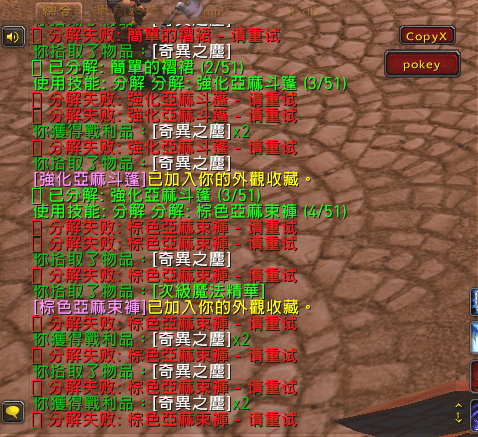
微信å¾ç_20260201192950_12494_2.png
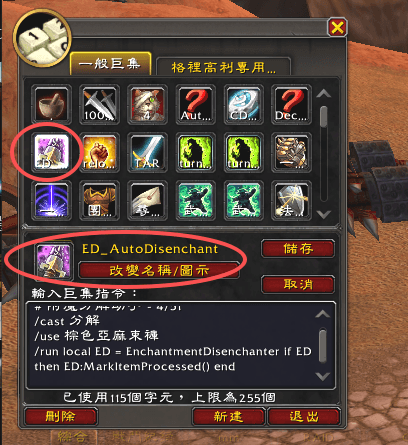
微信å¾ç_20260201193011_12495_2.png
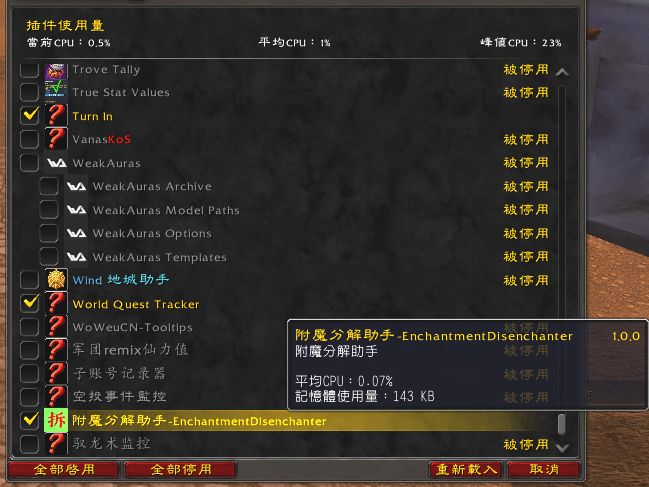
微信å¾ç_20260201193302_12498_2.png
Description
Alright, today we’re tackling something a bit frustrating.
Recently, I’ve been leveling an alt who learned Enchanting. Since I’ve been farming old-world gear, selling each piece for only 10–20 gold feels like such a waste.
So I thought, why not disenchant everything and sell the enchanting materials instead?
Anyone who farms old-world dungeons knows that your bags fill up in no time.
But having to disenchant each item one by one… that’s a real pain.
And that’s how this addon was born!
**EnchantmentDisenchanter**
Your one-click disenchanting helper!
First off, due to Blizzard’s restrictions, fully automatic disenchanting is no longer allowed. I know some of you might mention Dejunk—it can delete items automatically—but disenchanting counts as casting a spell, which is different from simply destroying items. Blizzard’s rules currently don’t allow fully automated spell usage.
So, as usual, we’re taking a workaround approach. This addon generates a constantly updating macro. By spamming that macro, you can disenchant in just one click.
You’ll need to drag the macro with the enchanting icon onto your action bar and spam it.
If you press too fast and see an error message, just ignore it and keep pressing until there’s nothing left to disenchant.
Here’s how the addon works:
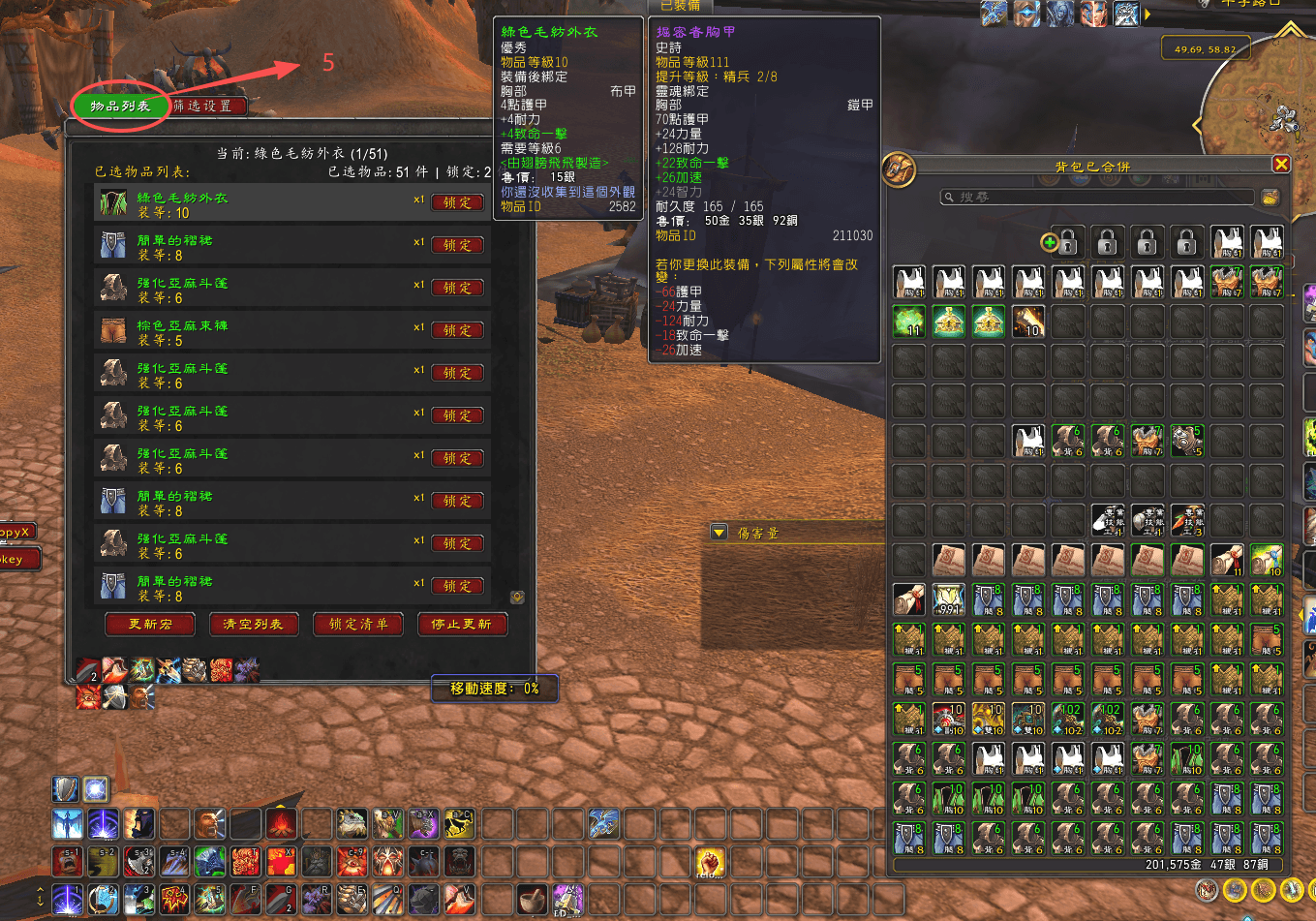
We’ve added a minimap icon for easy access to the settings window. The one with the enchanting icon on the far right is it.
When you open it, follow the steps 1–4 as shown in the image below:
1. Set the quality and item level in advance, then click confirm.
2. Click “Filter Equipment” to see the list of items.
3. Click “Update Macro.”
4. Then go ahead and spam the generated macro.
**Important!!!**
Make sure to lock any valuable items first by adding them to the lock list. Otherwise, don’t blame me if something valuable gets disenchanted by mistake.
EnchantmentDisenchanter Team