Emotes Compass
- By
emote-compass-wheel.png
emote-compass-customize.png
emote-compass-icon.png
emote-compass-settings.PNG
Description
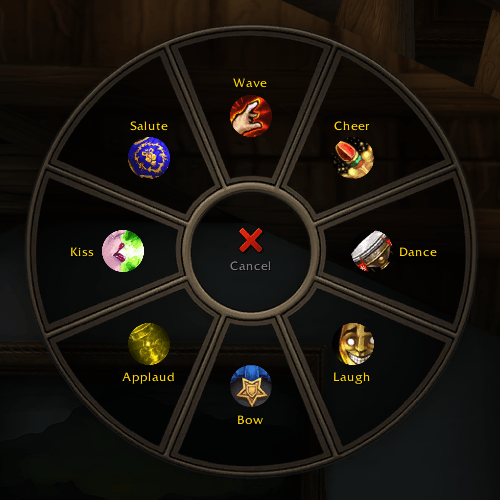
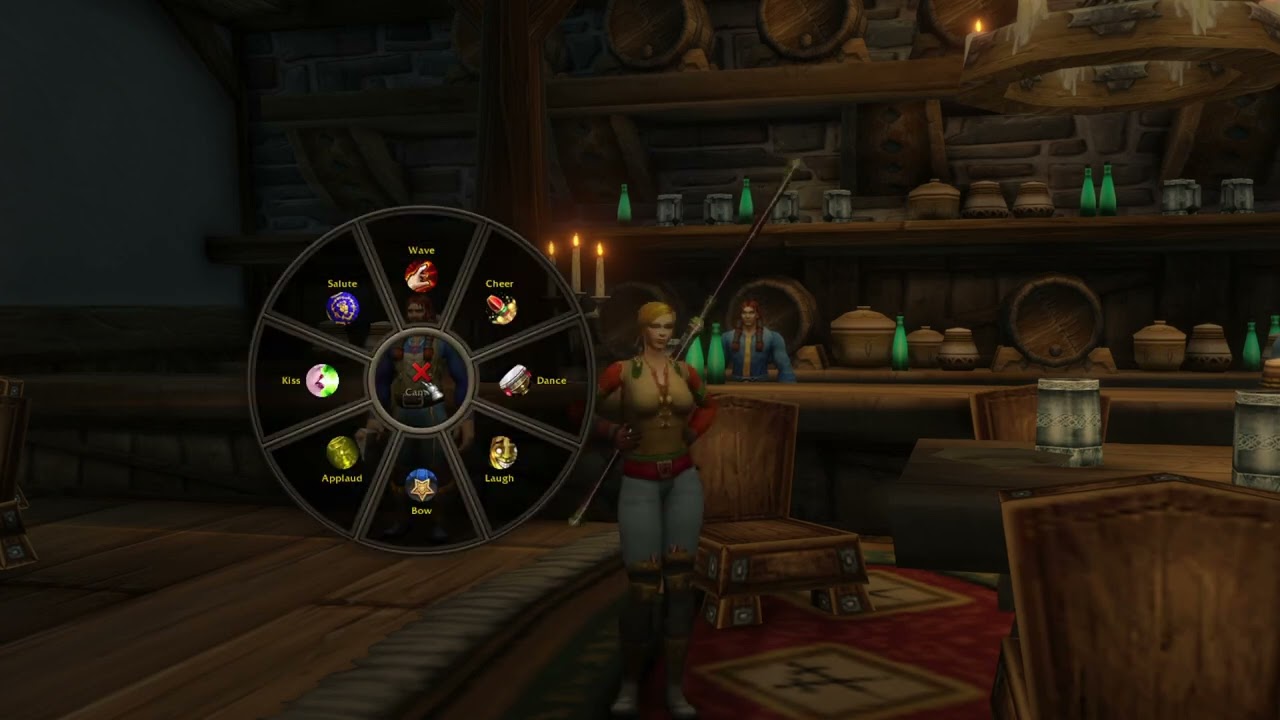
Emotes Compass copies the emote wheel from the game's controller UI and makes it work with a keyboard and mouse. Pick the eight emotes you use most, then play any of them with one key or one click.
How it works
There are two ways to open the wheel:
- Hold the key (G by default), point at an emote and release the key to play it.
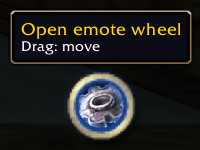
- Turn on the wheel button in the settings and click on the icon to show the wheel, then click an emote.
To close the wheel without playing anything, release on Cancel in the middle or press Escape.
Customize the wheel
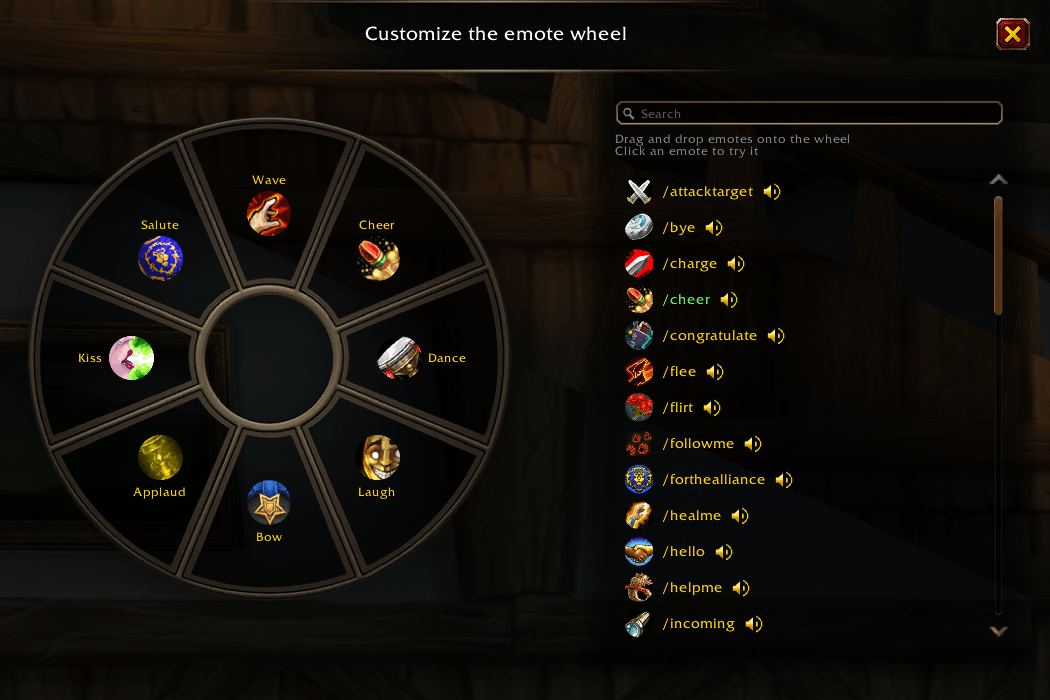
Compared to the controller UI's wheel of emotes, this addon lets you choose the emotes you want. Open the settings to customize the wheel. You'll see every emote from the game's emote and speech menus, with voiced emotes first. Click one to try it and then drag it into a slot.
Settings
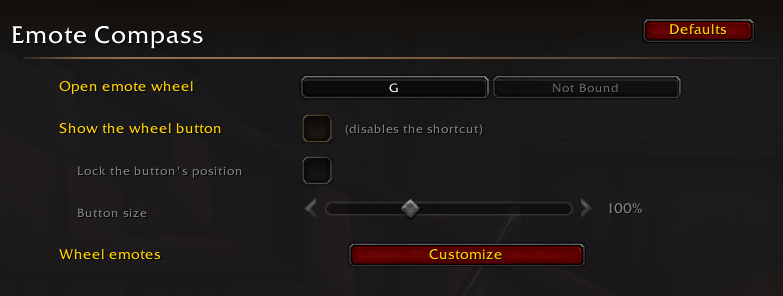
You have a bunch of settings to change the addon:
- Update the key that opens the wheel.
- Show the wheel button. While it's shown the key does nothing, so the two don't clash.
- Lock the button in place and set its size between 50% and 200%.
Commands
- /ec or /emotecompass will show the settings
- /ec show or /emotecompass show will show the wheel
Languages
The addon was developed for French and English. Automatic translation has been used for the other languages (German, Spanish, Italian, Portuguese, Russian, Korean, Simplified and Traditional Chinese)
If a translation is wrong, leave a comment with the right wording and I'll fix it.
Emotes Compass Team