Elite Cast Bar (Retail)
- By
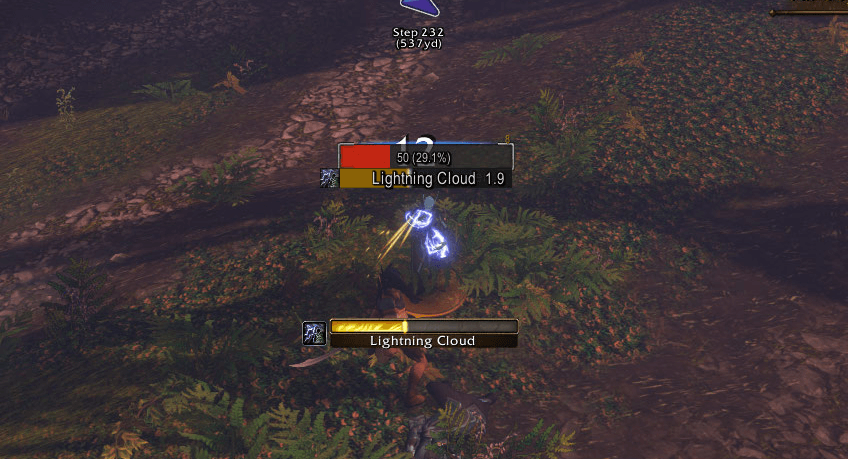
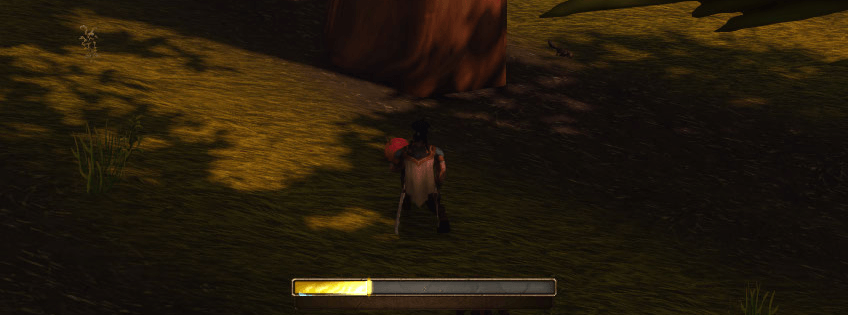
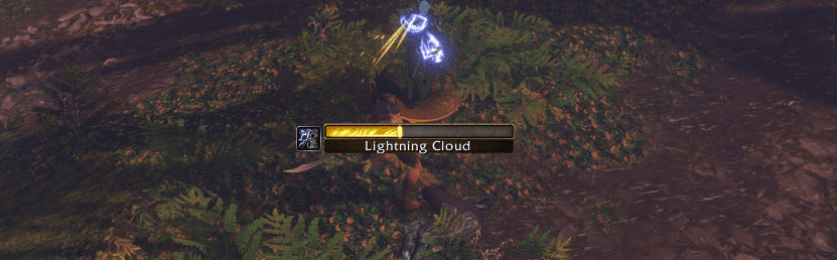
Move, resize and restyle your Player, Target and Focus cast bars for retail WoW.
ecb-shot1-848.png
ecb-shot2-848.png
new-021445.png
menu-200407.png
menu-044101.png
Description
Elite Cast Bar
Put your cast bars exactly where you want them. Elite Cast Bar lets you move, resize and restyle the Player, Target and Focus cast bars in retail World of Warcraft. It's light, simple, and built for retail 12.1.0 and 12.1.5.
It restyles Blizzard's own cast bars instead of replacing them, so enemy casts keep working even when the game hides cast details from addons in combat.
Features
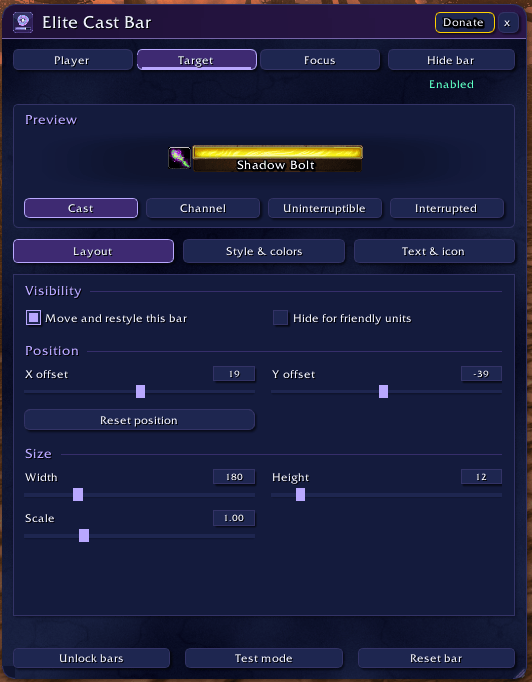
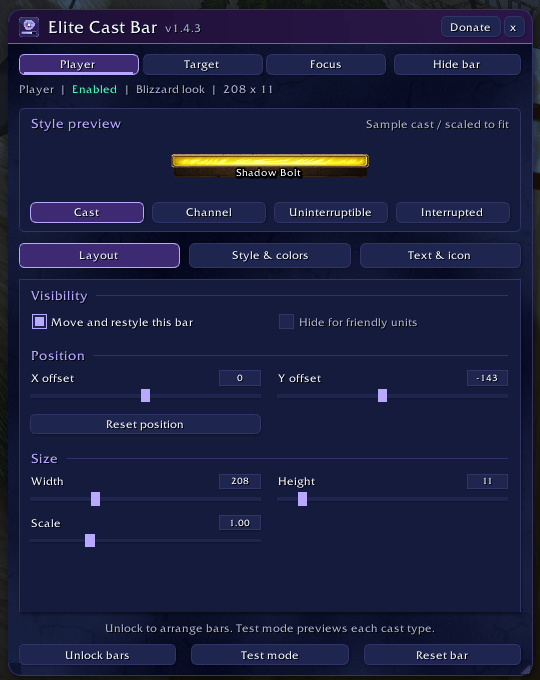
- Move anything: type
/ecb unlock, drag the gold box, then right-click to lock. You can also type exact X/Y values. - Resize: drag the corner grip, or use the width, height and scale sliders.
- Blizzard look by default: you get the default Blizzard art at whatever size and position you want. The Use Blizzard look button restores it any time.
- Custom styles: pick from several bar textures, each previewed right in the dropdown, plus SharedMedia textures if you have it installed. You can also choose borders, background opacity, and colors for cast, channel, uninterruptible and interrupted.
- Text and icon: turn the spell name, cast timer (
1.2or1.2 / 2.5), spark and spell icon on or off. The icon can go on the left or the right. - Hide bar: a one-click hide for each bar, which works in combat too.
/ecb hideand/ecb showalso work (player, target, focus, or all). - Separate settings for the Player, Target and Focus bars.
- Test mode: run sample casts, channels, uninterruptible casts and interrupts so you can set things up without a target.
- Hide for friendly units, an option for the target and focus bars.
- Small options window that you can move, scroll and close with Esc. It's also listed under Esc → Options → AddOns.
Commands
| Command | What it does |
|---|---|
/ecb |
Open or close the options |
/ecb player / target / focus |
Open the options on that bar |
/ecb unlock / lock |
Move bars or lock them |
/ecb hide / show |
Hide or show a bar |
/ecb test |
Turn the sample cast on or off |
/ecb reset player / target / focus / all |
Restore defaults |
/ecb status |
Diagnostics |
Notes
- Built for retail WoW 12.1.0 and 12.1.5. The WoW Forever edition is a separate addon.
- Move the player cast bar with
/ecb unlock, not Edit Mode. - Bars lock and test mode turns off automatically when combat starts.
Support the project
If Elite Cast Bar helps you, a tip keeps updates coming. Thank you!
Found a bug or have an idea? Leave a comment on this page.
Elite Cast Bar (Retail) Team