Eldinar: Forever - Complete GUI Overhaul
- By
A complete HUD overhaul for WoW: Forever featuring Hand Painted panels, Dynamic Particles, Fading Elements, 3D Character Frames, Music Expansion, Resource Tracking and much more!
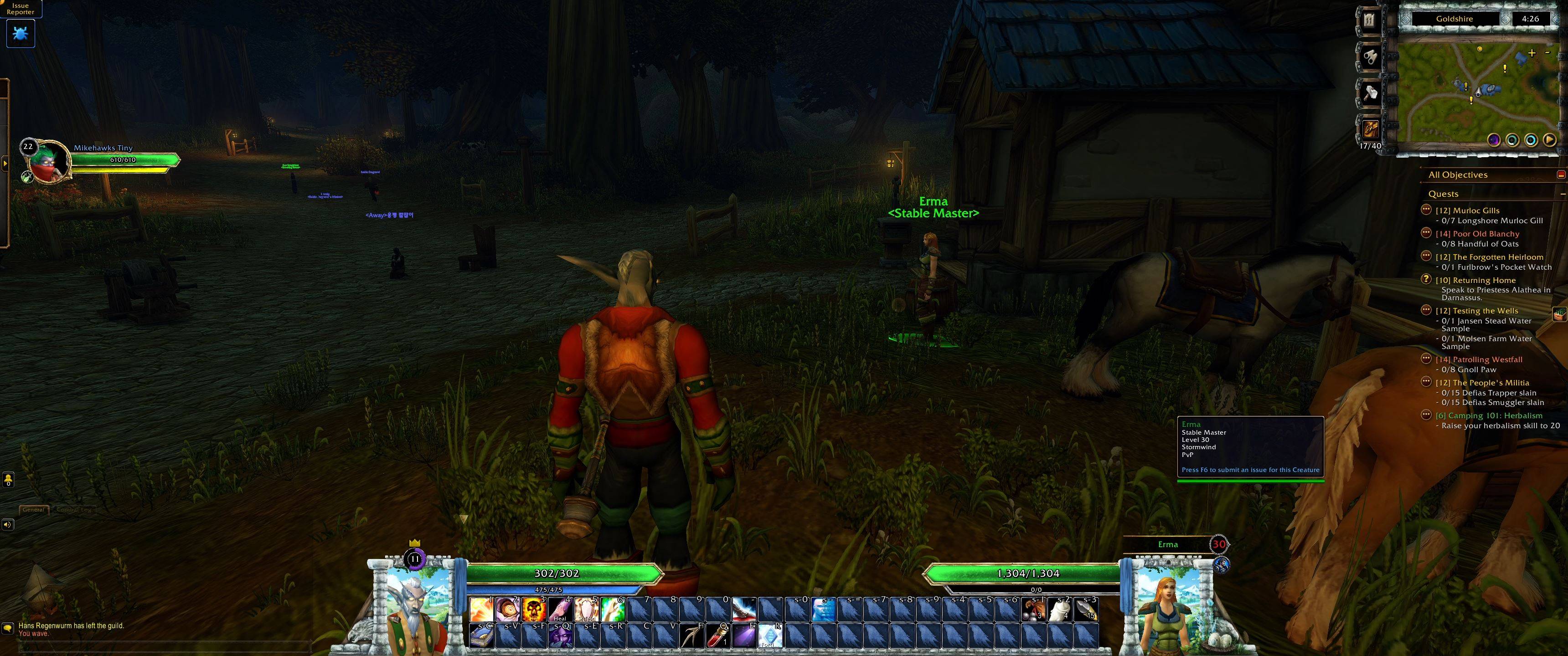
Eldinar_Forever_Screenshot_01.JPG
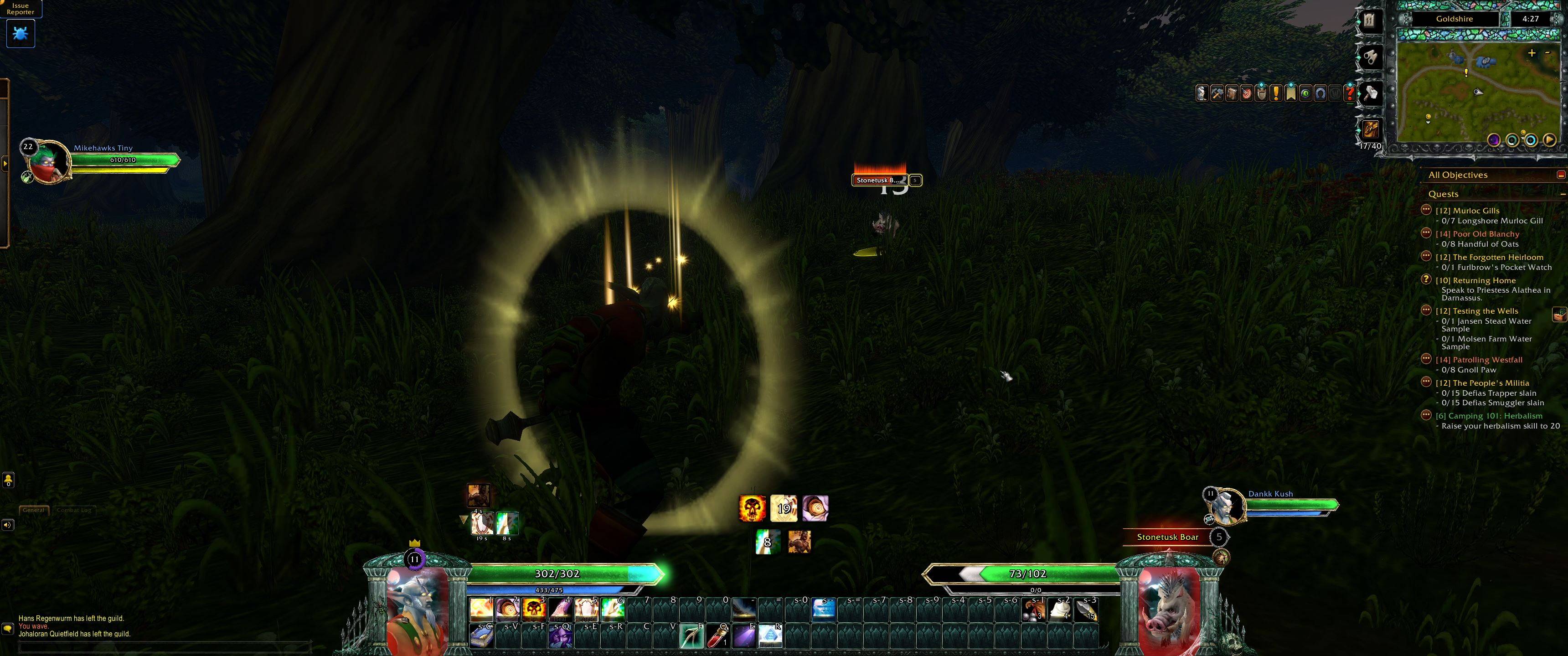
Eldinar_Forever_Screenshot_02.JPG
Description
Your whole interface, repainted. Eldinar: Forever replaces the WoW: Forever HUD with hand-painted stonework, glowing cooldowns and living unit frames, in the art style of Conquest of Eldinar.
It is built on four ideas:
MODULAR (every part is its own module: keep what you love, switch off the rest)
CUSTOMIZABLE (every visual detail has advanced settings)
IMMERSIVE (the HUD is artistic, but minimal and has features to help it gets out of the way when you don't need it)
OPEN-ENDED (no single "right" layout, move, resize, recolor EVERYTHING in World of Warcraft)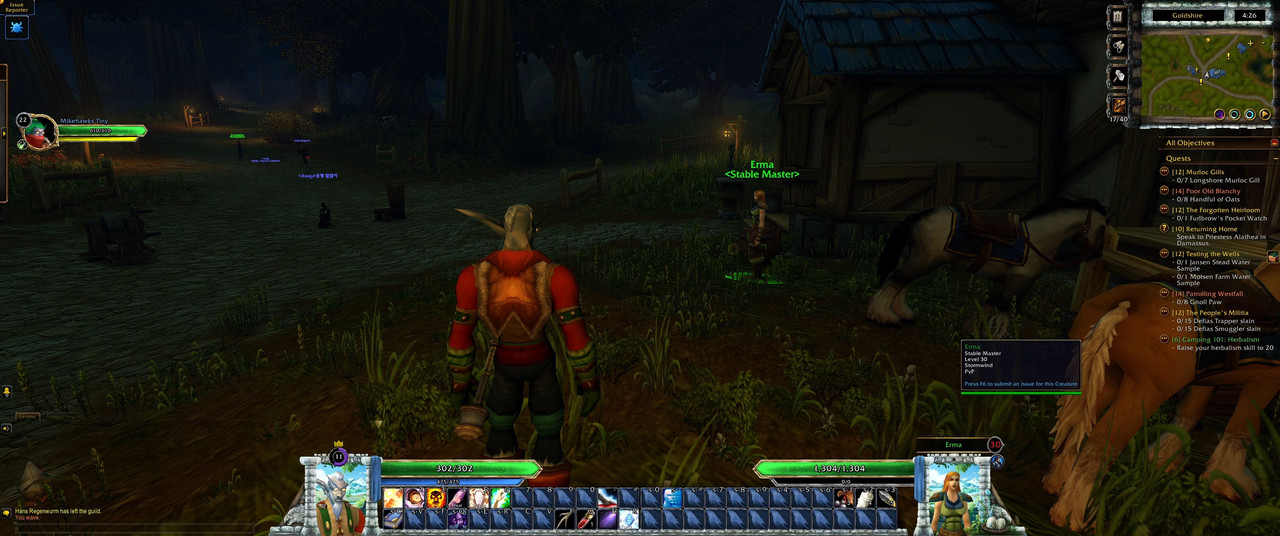
Different Hand Painted GUI Skins
- The Aranor Skin features white stone bricks, griffin accents and blue banners. Perfect for an Alliance hero!
- The Molten Legion Skin features rough black metal framing, burning skull accents and chains. Perfect for a Champion of the Horde!
- The Lichborn Skin features creepy gothic architecture, webs, spiders and skulls. Perfect for any ally of the Forsaken...
- The Equendas Skin features tree growth, green magic and flowers. Perfect for any Druid or Night Elf lovers out there!
- More skin themes will be added to this AddOn overtime!
- Switch at any time with one click (or
/coe skin <name>); the game's own windows recolour to matc
Action bars
- Up to 8 bars, plus stance and pet bars, with painted buttons
- Blizzard's own buttons are used underneath, so key bindings, paging and macros work as normal
- Cooldowns drain as a fill with a glowing edge and sparks (or a classic sweep), with large readable numbers
- A glow when you press a button, grey-out when out of range
- Per-bar rows, padding, spacing and paging rules (stance, stealth, combat and more)
- Quick Keybind Mode one click away
Player and Target frames
- Hand painted Player and Target windows with a 3D portrait (or a flat picture)
- Health and resource bars with a pointed leading tip that glide to new values
- Damage flash: the health you just lost flashes white, shakes, turns red and fades
- Blood on hits, embers on crits, healing sparkles when you are healed
- Absorb shields as a breathing teal band over exactly the protected part of your health
- Incoming heals, and a cast cost preview on your mana while you cast
- State vignette: the window glows red in combat, blue while resting, green when poisoned or diseased, purple when feared or cursed
- Player: XP dial (bright blue while rested, a level-up fanfare), reputation dial, leader crown and resting Zzz
- Target: name plate in reaction colour, aggro glow, level dial with elite and rare art, class or creature icon
- Flip, mirror and fine-tune everything; copy all your player settings to the target in one click
Focus, Pet, Target of Target and Party frames
- Compact round frames in the same art, with portraits, levels, icons and bars
- Party pets shown under their owners
- Healer Mode: a glow behind each party member: orange when hurt, red when low, flashing red when nearly dead, flashing teal when they carry a debuff you can dispel, a green flash when they are healed
- Test frames so you can arrange your party layout while solo
Buffs and debuffs
- Your own buffs and debuffs, and your target's, in movable rows
- Auras you cast are drawn larger, with a coloured glow
- Long buffs tuck away behind a collapse arrow; right-click to cancel
- Duration shown as a draining fill with sparkles, a sweep, or plain text
- Icons pulse as they are about to run out
- Party and focus frames can show auras too
Minimap
- Painted map frame with zone name (coloured by PvP status) and clock
- Calendar, tracking, micro menu and bags in slots down the side; the micro menu and bags roll out when clicked and roll back in when left alone
- Bag space counter coloured green, yellow and red as your bags fill
- New mail icon, zoom buttons, and a tray that gathers other addons' minimap buttons
Dynamic Fading
- The HUD fades away when nothing is happening and returns the moment you need it: combat, a target, low health, mouse-over and more
- Choose where it is active: open world, dungeons, raids, arenas, battlegrounds
- Choose which elements fade, and how far; chat stays up while you type or when a whisper or party message arrives
- A key binding (or
/coe reveal) toggles everything to come back.
Your game's own frames, placed your way
- Chat, cast bar, quest tracker, raid frames, breath and fatigue bars, swing timers and more get a box in Layout Mode, so your whole screen lives in one profile
- Drag the game's windows (character, spellbook, map, bags…) wherever you like; they remember where you put them, and each has its own size
- Window Colors: recolour the game's windows and their text to suit each skin
Layout Mode
Like Edit Mode, but every position is saved in your profile.
- Hover to highlight, click to select, drag to place
- Grid, snapping, arrow-key nudging and alignment
- A small settings window for each element: scale, flip, position, bar size
- Lock any element so it can't be moved by accident
- Reset restores all of an element's settings, not just where it sits (right-click never resets anything)
8 ready-made Layouts
Standard, Grid, UltraWide and UltraWide-Grid, each in a Default and a Healer version. Load one to start, then make it your own! Create, duplicate, copy, reset and delete profiles from the settings page. Use a different profile on each character, or share one across all of them.
Extras
- Tank Assist: a count such as 7/8 shows how many of the enemies fighting your group are on you, turning from green to red as they get away, with a skull for the boss
- Gathering: remembers every vein you mine and herb you pick, and marks them on the minimap and world map (shared across your account)
- Durability shown on each piece of gear in the character window, colour-coded
- Quest item warning before you sell something a quest still needs
- Tooltip size, and a spot of your choice for tooltips
Music (optional companion)
Pair it with Music of Azeroth: Expanded (a separate download in two volumes, needs Eldinar: Forever) for additional zone, dungeon, battleground, battle and boss music from across Warcraft's history. Hand placed to only play in locations in Azeroth that make sense with it's lore and history.
Getting started
/eldinar(or/coe): open the options (also under Options > AddOns > Eldinar: Forever)/coe move: Layout Mode/coe profiles: profiles and presets/coe skin <name>: switch skin/coe help: every command ```
FAQ
- Which game does it work on? World of Warcraft: Forever (interface 16001). It is not made for Retail or Classic Era.
- How do I move things? Type
/coe move, then drag. Click an element for its own settings. - Can I keep some of Blizzard's frames? Yes. Every module can be switched off on its settings page under Options > AddOns > Eldinar: Forever.
- Does it work with my other addons? Mostly. Other addons that move or resize the same frames (such as MoveAny or SexyMap) may fight over them; switch the matching Eldinar module off, or the other addon's feature.
- Where is the music? In the separate companion add-on, Music of Azeroth: Expanded. Eldinar: Forever works fine without it.
- Something broke after an update?
/reloadfirst. If it persists, report it with the text from/coe debug. - Will you add this to Retail or Classic? No thanks. I have no intention on playing those versions of the game, sorry. This is mostly just a small personal passion project of mine, and I'll only be updating it within the perimeters of my interests.
Thank you for giving this addon a try! I will do my best to keep supporting it regularly. Please provide feedback in the comments here and I will look into it! My goal is for this addon to be the ultimate all in one interface addon for those that want something that focuses on blending efficiency, with immersion and style. Thanks again! -Corey
I will upload a trailer and more screenshots as soon as WoW: Forever actually comes out on the 4th. For now, I'm locked out just like the rest of you!
Eldinar: Forever - Complete GUI Overhaul Team