


Edit Mode Window Shading
- By
Roll Edit Mode windows up to their title and keep them where you drag them. Made for WoW: Forever.
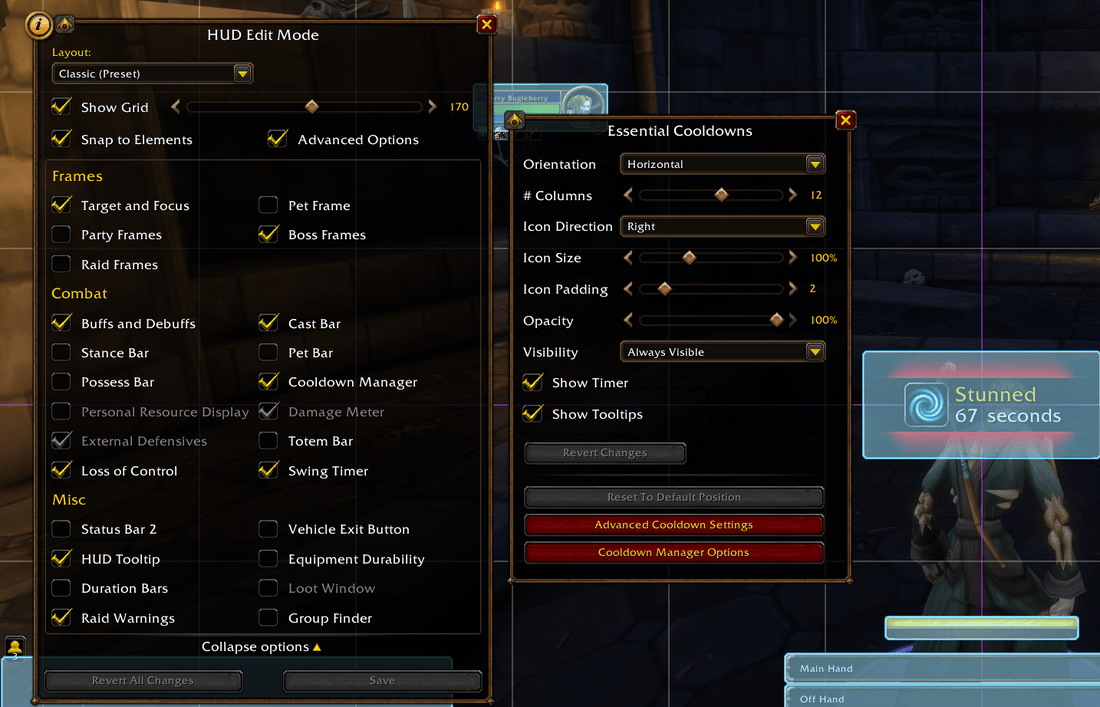
open.png
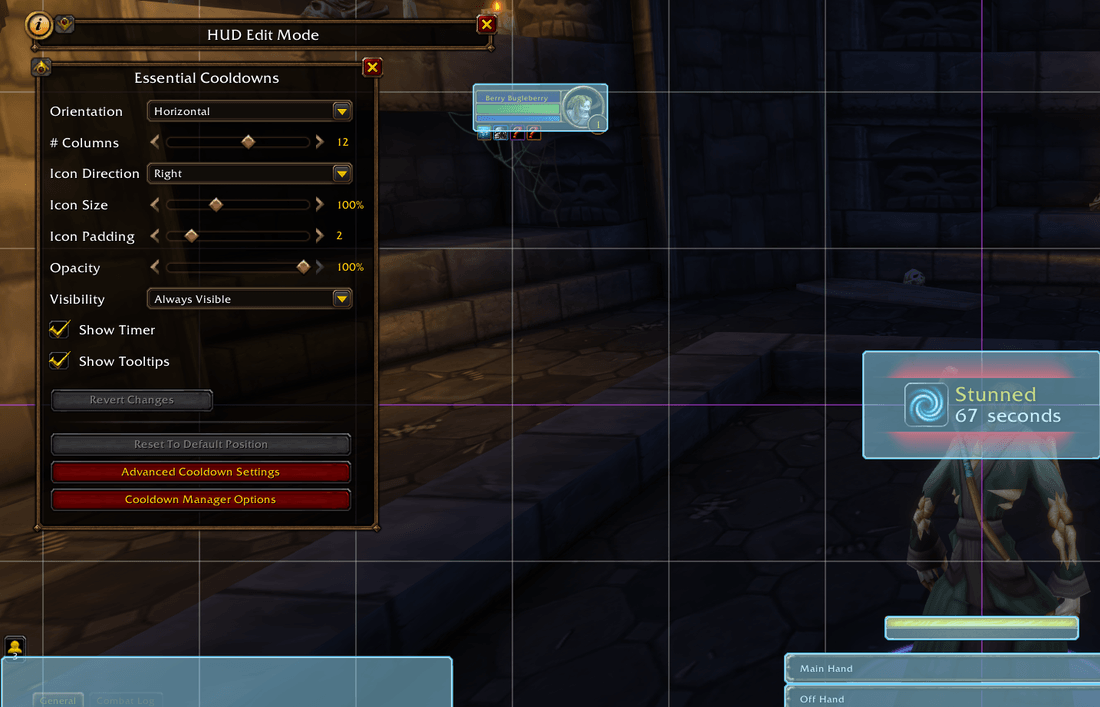
rolled-up.png
Description
I made this because Edit Mode's settings windows kept covering the frames I was trying to move.
Made for WoW: Forever and only ever tested there. It may or may not work on Retail or Classic.
- Double-click a window's title, or click the arrow in its top-left corner, to roll it up to just the title row. Do it again to open it.
- Drag a window (or its rolled-up bar) anywhere and it stays there, even when you select another element. Spots are saved per window title.
- Works on Blizzard's Edit Mode windows and on addon ones built the same way, like Cooldown Manager Centered's settings window.
Open
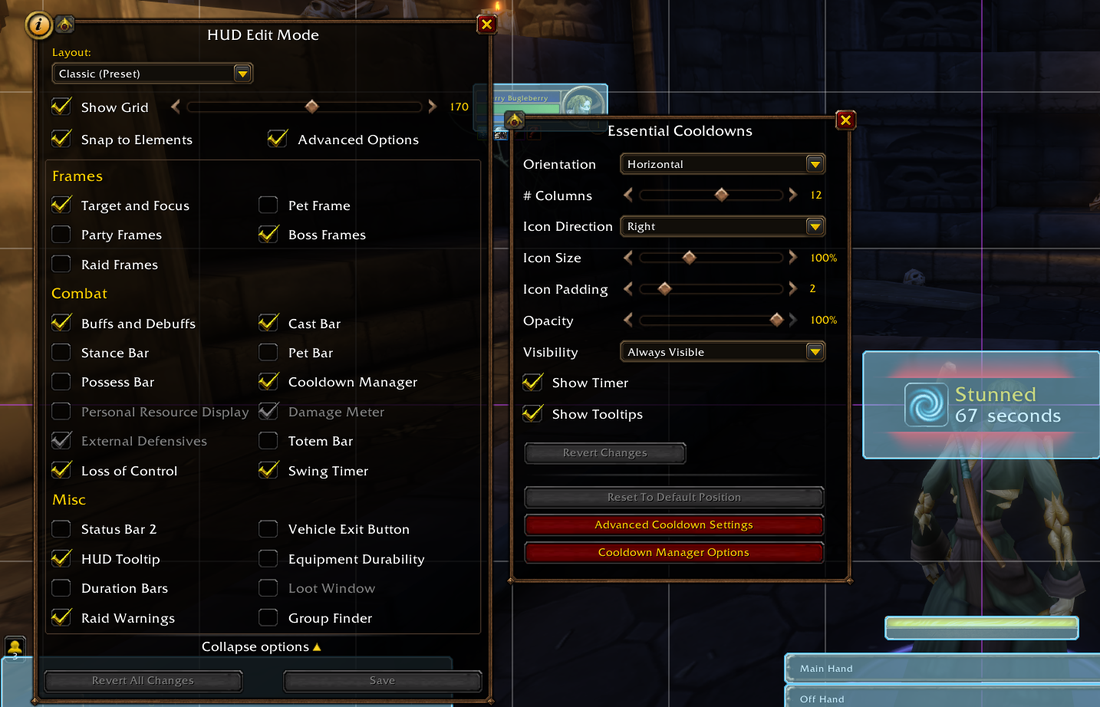
Rolled up
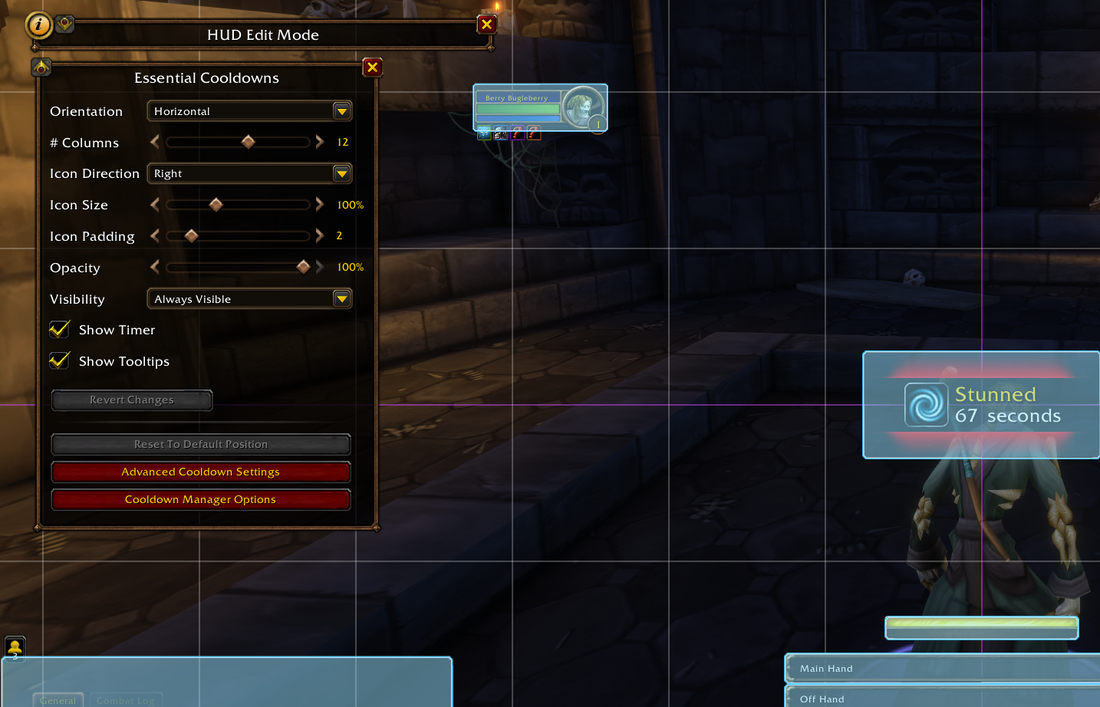
Commands
| Command | What it does |
|---|---|
/ws reset |
Clears saved spots and rolled-up windows |
/ws debug |
Lists the windows it's tracking |
/ws log on / /ws log off |
Starts or stops the log |
/ws log |
Shows the last 20 log lines in chat |
/ws log clear |
Empties the log |
If something acts up, /ws log on, do the thing, then /reload. The log is in WTF/Account/<account>/SavedVariables/EditModeWindowShading.lua.
Reporting a bug
Open an issue on GitHub (you can attach files there) or comment here, and copy this in:
Subject: Bug: <what went wrong, in a few words>

Addon version:
Game version:
What happened:
What I expected:
Steps:
1.
2.
Error:
Other addons:
Then attach the log and a screenshot.
- Addon version: in the CurseForge app, or
## VersioninEditModeWindowShading.toc - Game version: type
/run print(GetBuildInfo())in chat and copy what it prints - Error: paste the whole Lua error. If none shows, type
/console scriptErrors 1and try again - Log:
/ws log clear,/ws log on, make the bug happen,/reload, then attachWTF/Account/<account>/SavedVariables/EditModeWindowShading.lua./ws log offafter - Other addons: especially ones with their own Edit Mode windows. Does it still happen with only this one on?
Source: https://github.com/doctor-paxmor/edit-mode-window-shading
Edit Mode Window Shading Team
