DungeonTeleport
- By
A World of Warcraft addon that adds clickable teleport functionality to Mythic+ dungeon icons in the Challenges UI
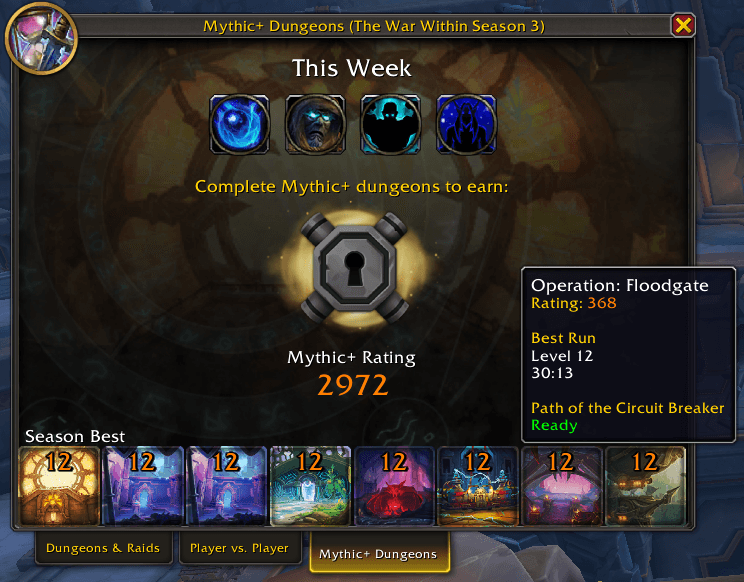
Teleport button is ready to cast.
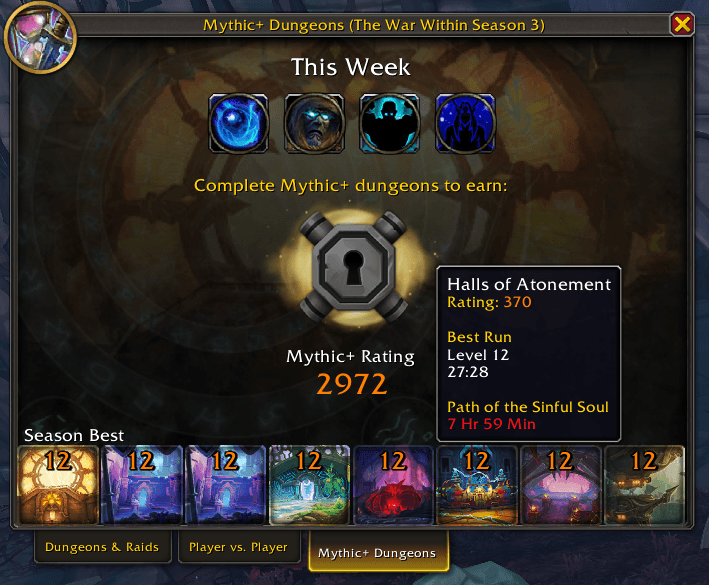
Teleport button is on cooldown.
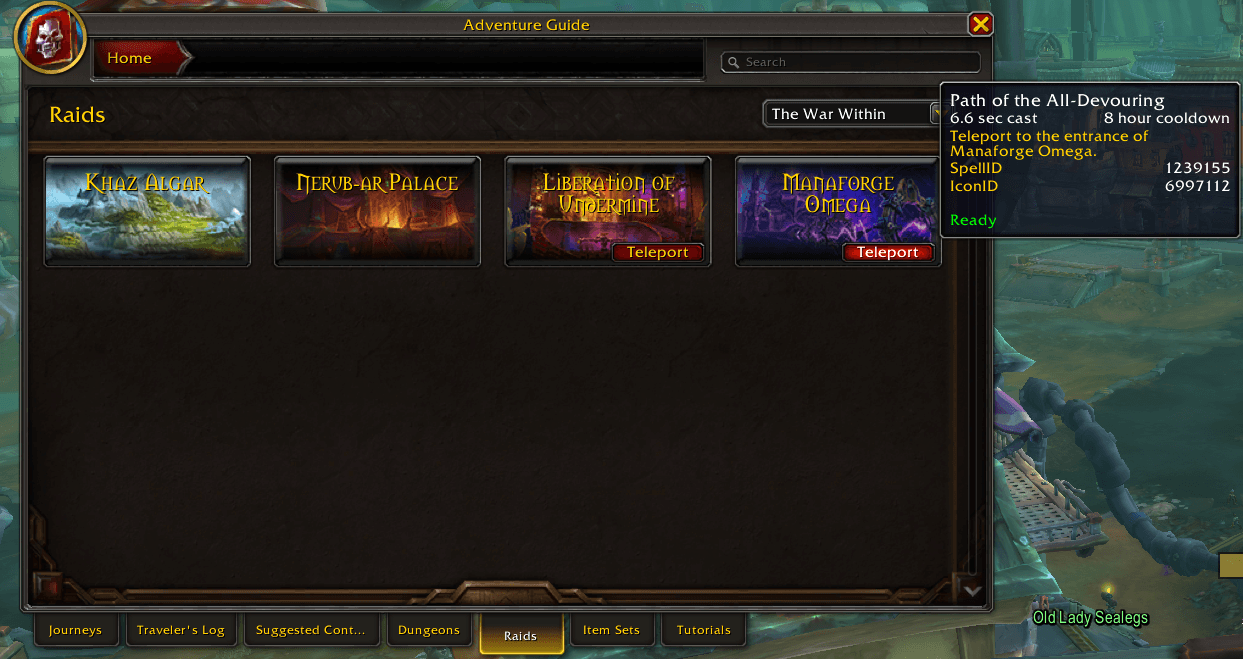
RaidListTeleport-Ready.png
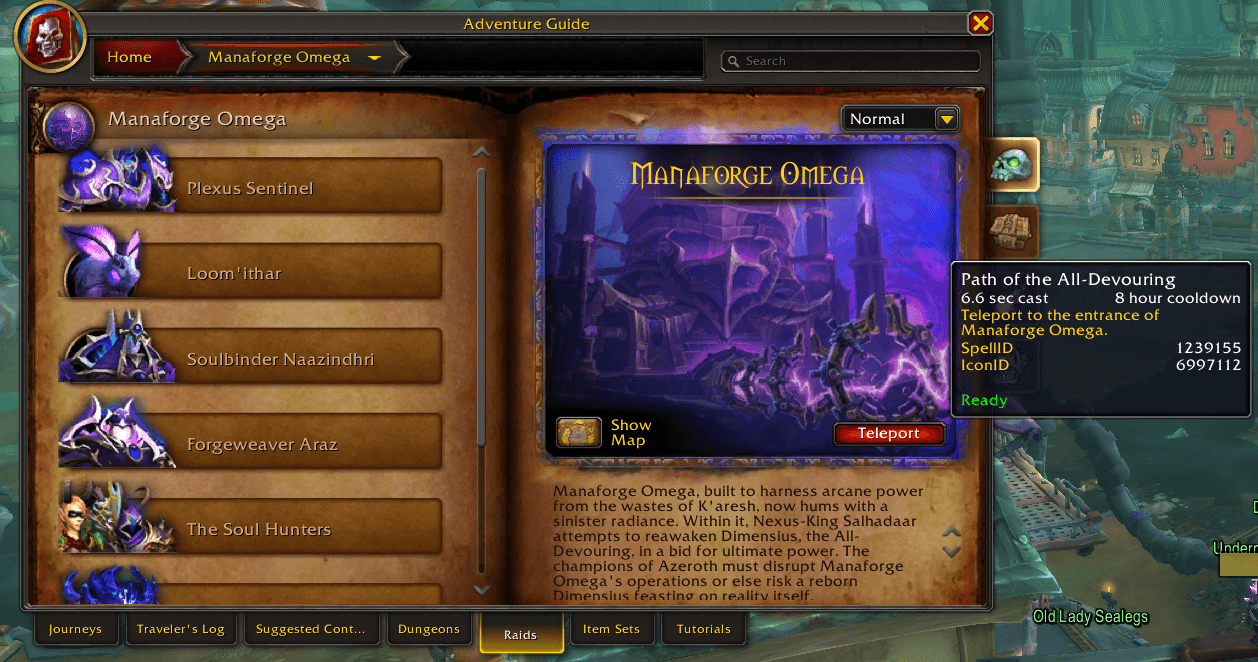
RaidJournalTeleport-Ready.png
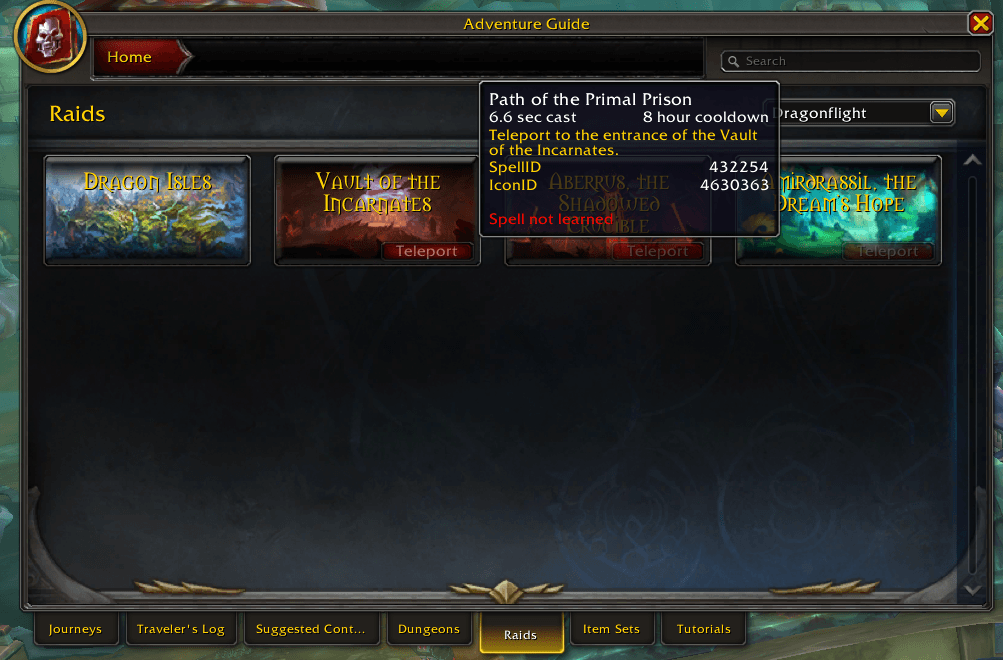
RaidListTeleport-NotLearned.png
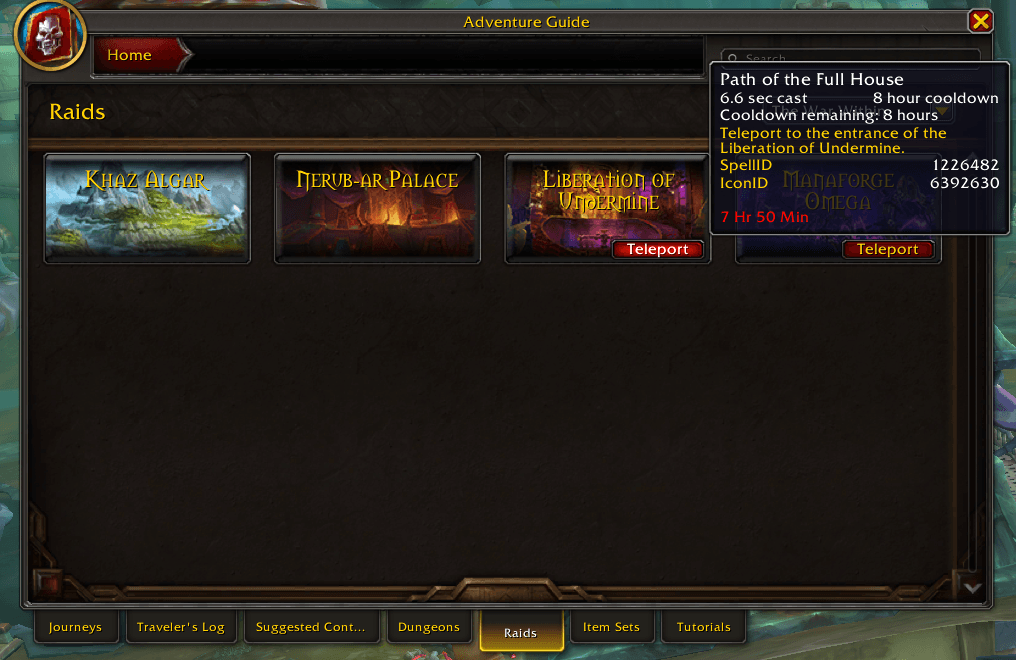
RaidListTeleport-Cooldown.png
Description
Dungeon Teleport
A World of Warcraft addon that adds clickable teleport functionality to Mythic+ dungeon icons in the Challenges UI (Great Vault screen) and raid entries in the Encounter Journal. Based on Mend's Dungeon Teleport Buttons Weak Aura.
Features
- Click dungeon icons in the Challenges UI to teleport directly to them
- Tooltips show spell cooldown status with real-time updates
- Raid list and raid journal teleport buttons in the Encounter Journal
- Supports faction-specific teleports (Alliance/Horde)
- Automatically handles all current and past Mythic+ seasons
- Ready for Midnight expansion dungeons (see below)
Installation
Addon Managers
- Install via the CurseForge app or WowUp
- Search for "DungeonTeleport"
- Click Install
Manual Installation
- Download the latest release from Releases
- Extract the zip file
- Copy the
DungeonTeleportfolder to your WoW AddOns directory:- Windows:
C:\Program Files (x86)\World of Warcraft\_retail_\Interface\AddOns\ - Mac:
/Applications/World of Warcraft/_retail_/Interface/AddOns/
- Windows:
- Restart WoW or reload your UI (
/reload)
Usage
Once installed, the addon works automatically:
- Open the Great Vault / Challenges UI (default: Shift+J)
- Hover over any dungeon icon at the bottom to see the teleport tooltip
- Click any dungeon icon to cast the teleport spell (if you know it)
- Open the Encounter Journal and select a raid to see teleport buttons
Commands
/dtor/dungeonteleport- Display addon info/dt help- Show available commands/dt reload- Manually refresh the dungeon and raid teleport buttons/dt raids- List raids that have teleport spells configured
The DungeonTeleport Team