


Dugi Guides
- By
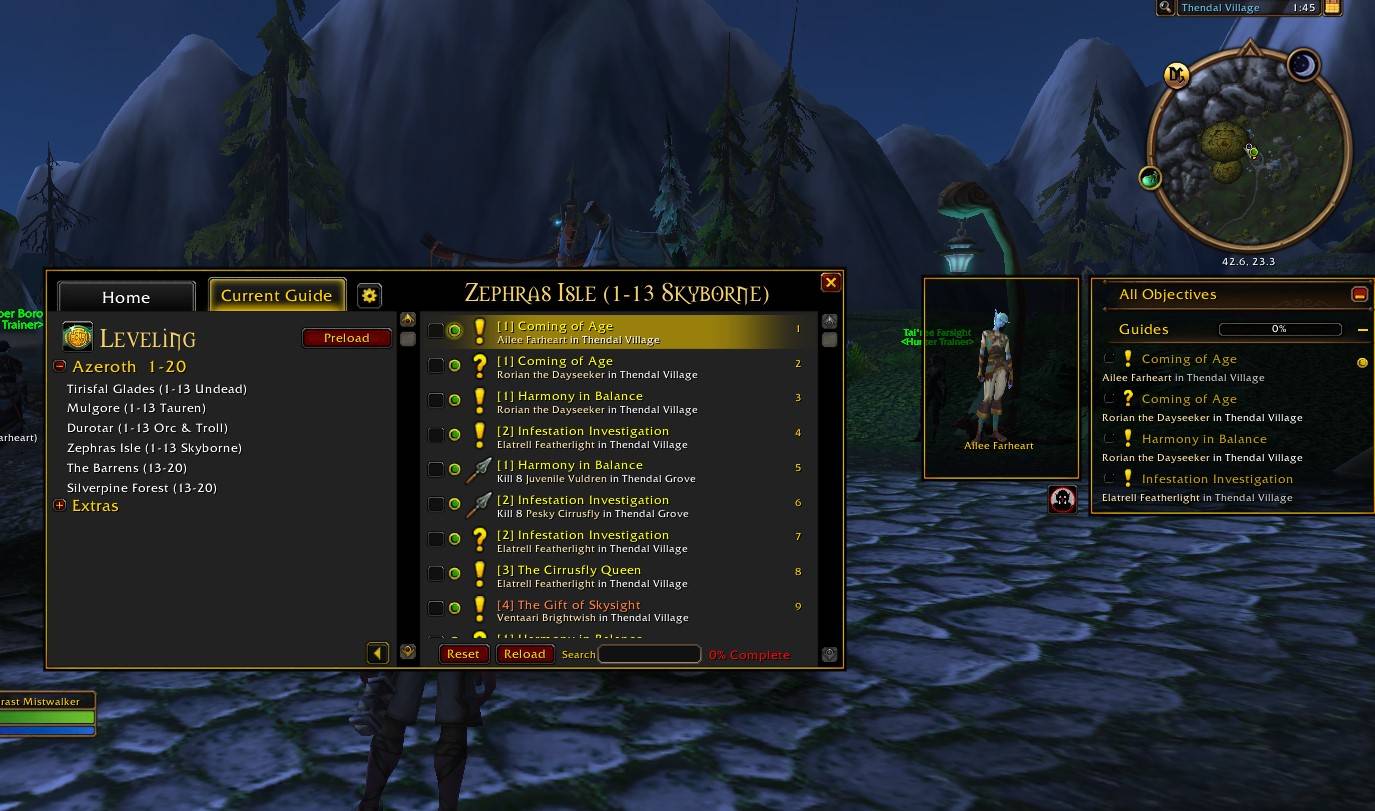
Automate Leveling Guides for all versions of wow
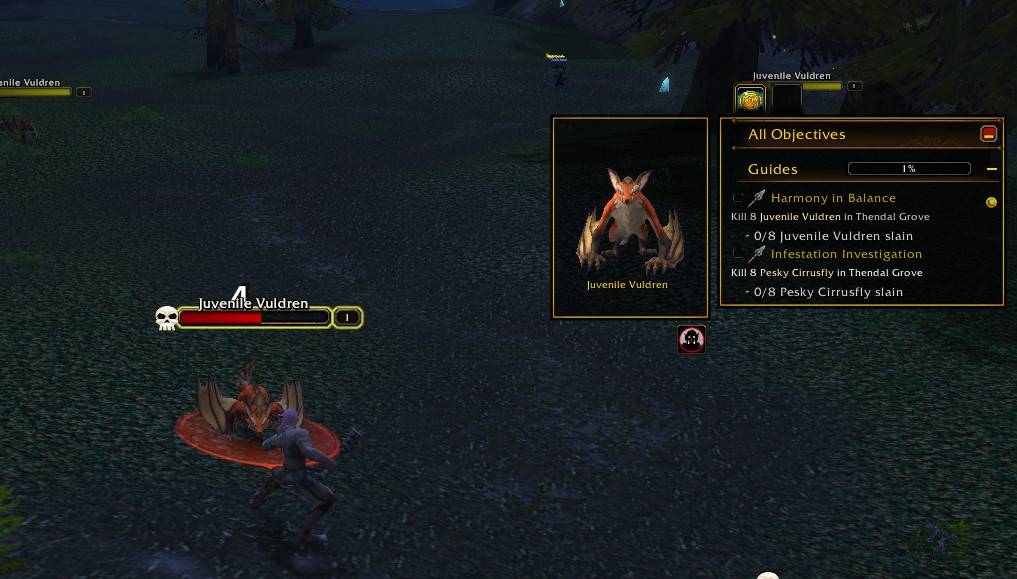
Target NPCs for each step by step format
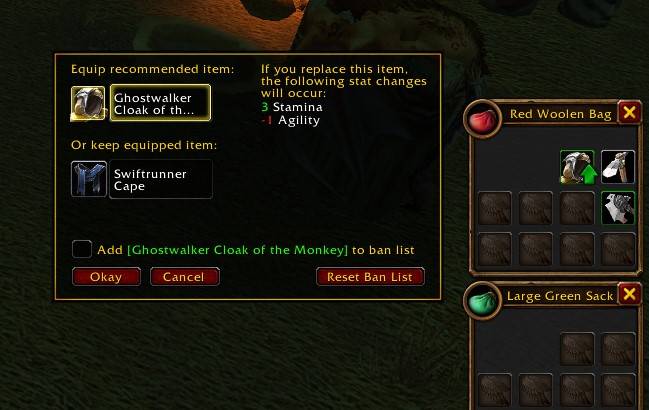
Gear Advisor tooltip will automatically suggest upgrades
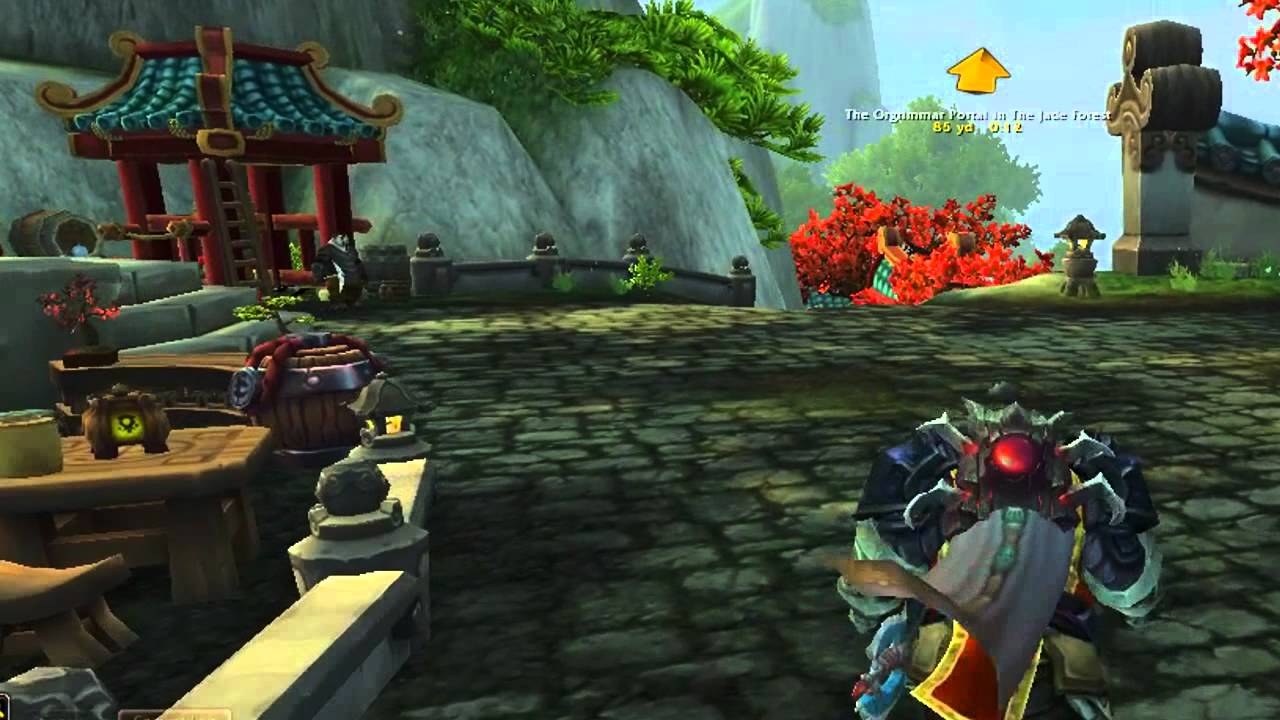
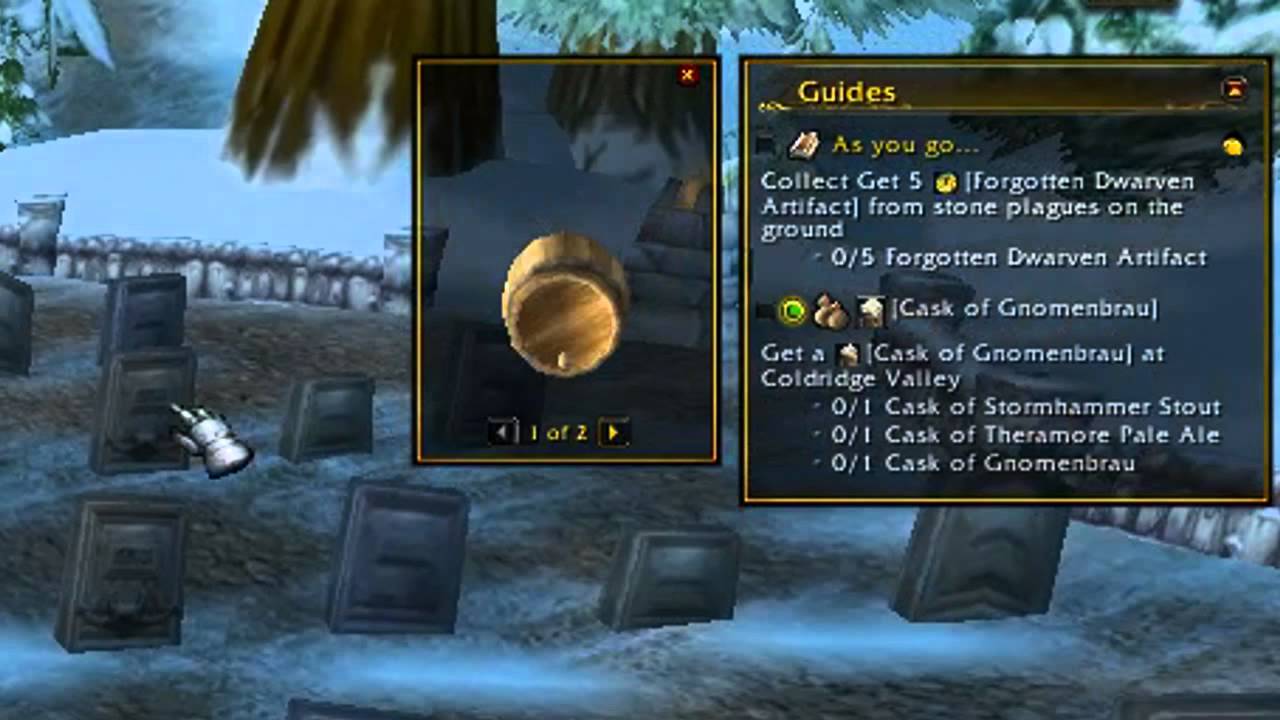


WoW Classic Track Quest POIs tracking and Spawn Points

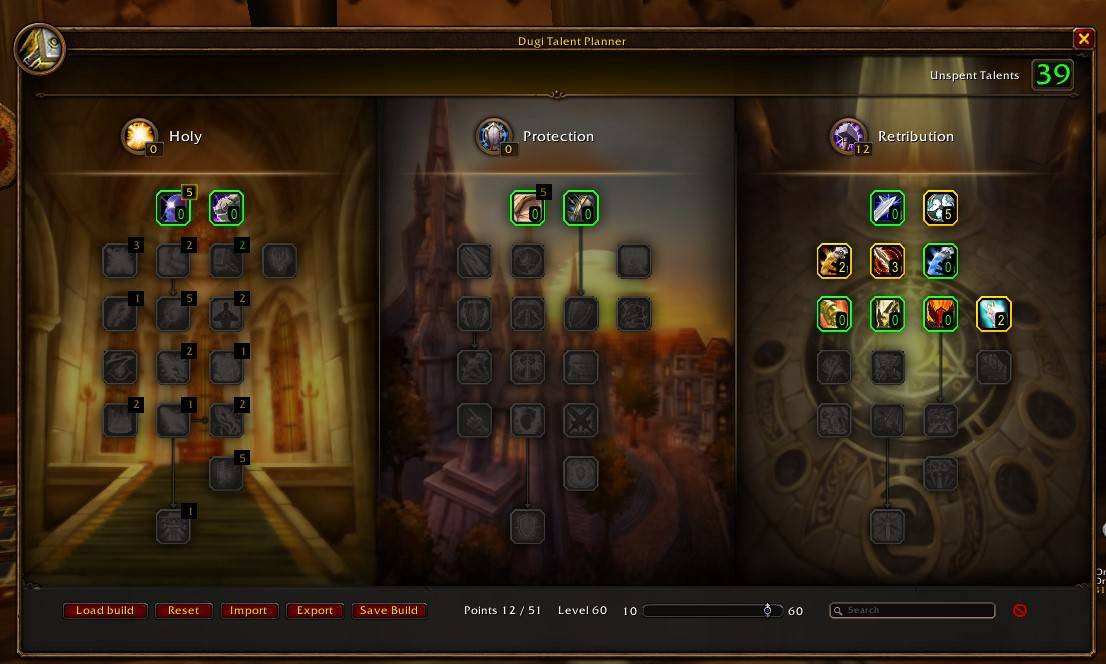
Create your own custom build and Import and Export support for Wowhead, talentsforever.com, wowforevertalents.com
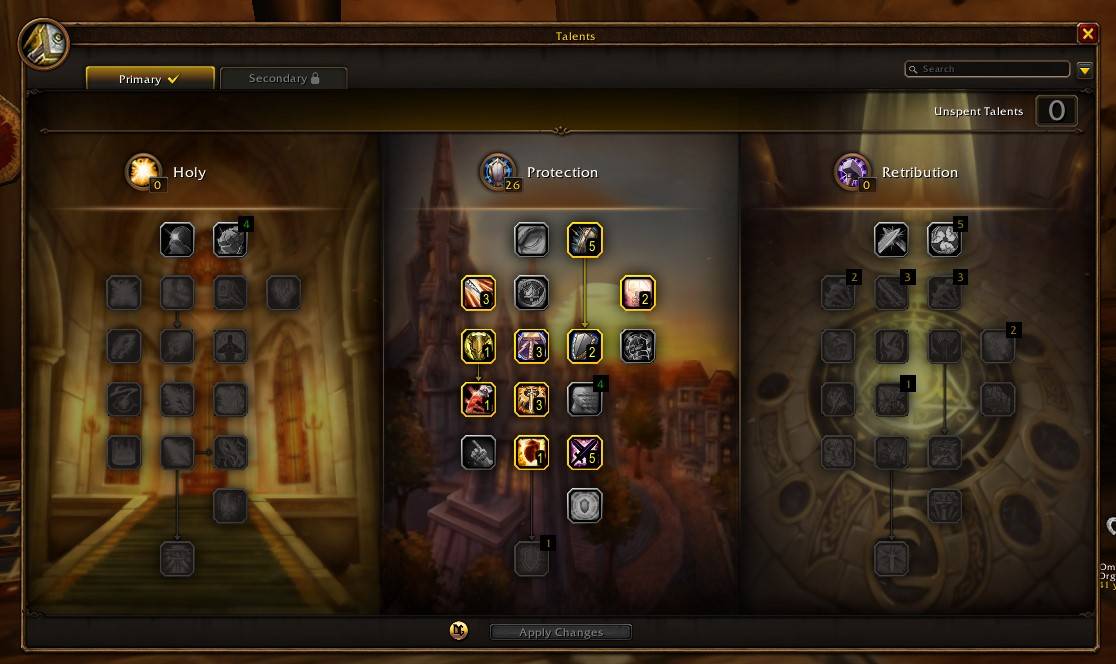
Pre-Built 1-60 Leveling Talent Builds for WoW Forever


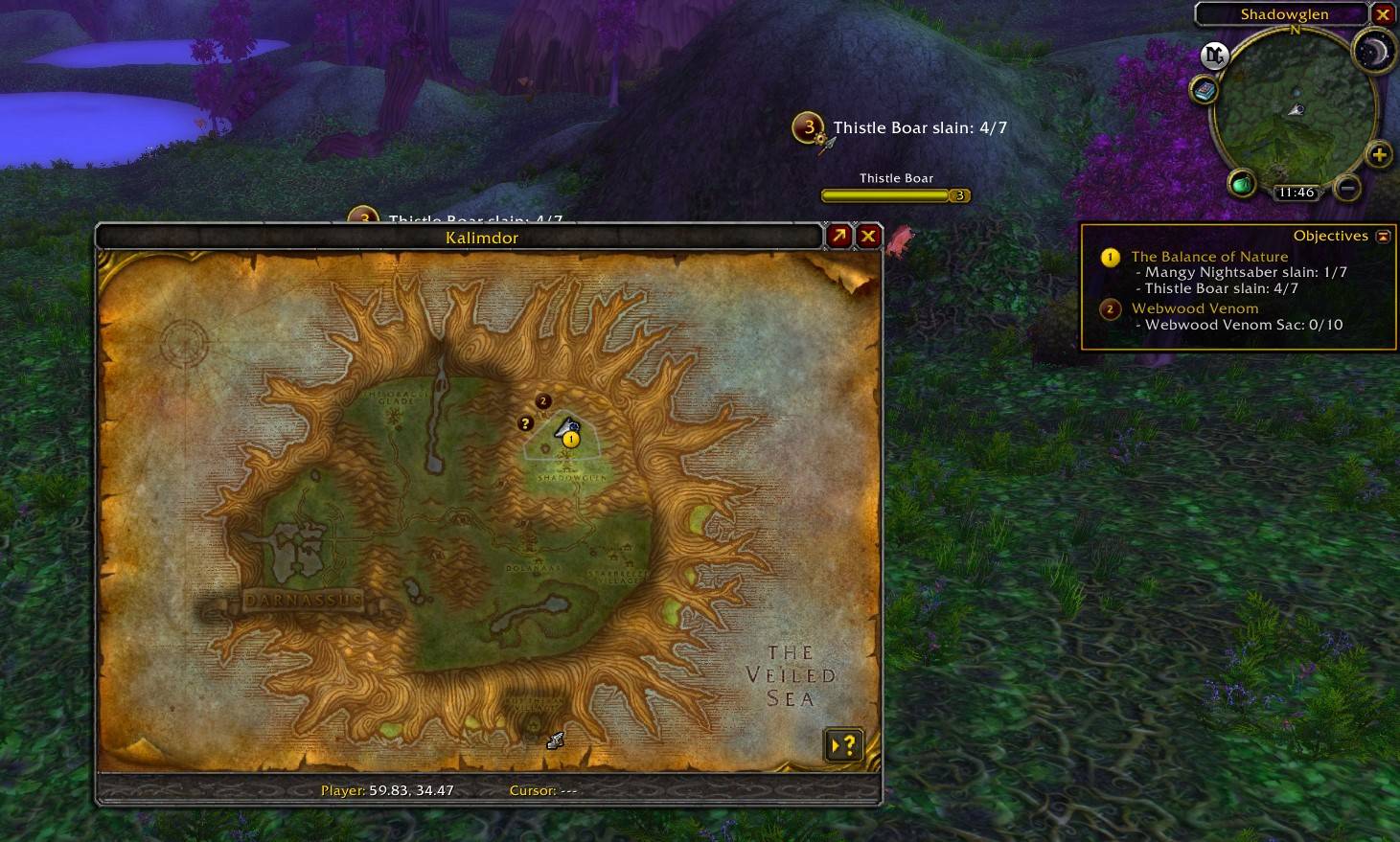
Click on the DG icon to switch to lightweight essential to use addon without guides
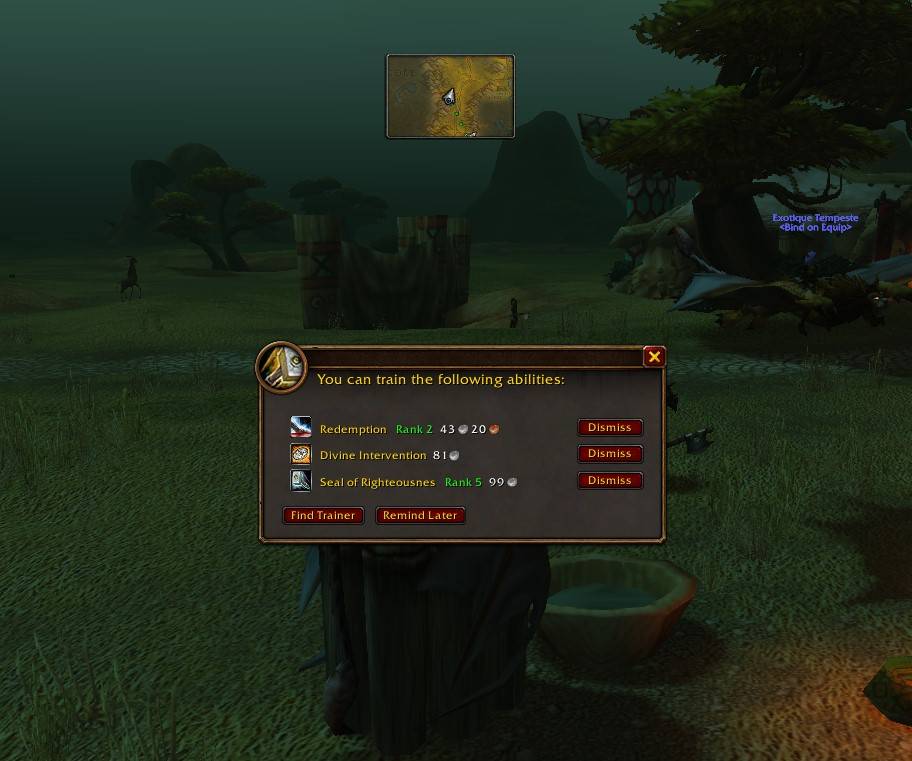
Reminds you when training is available for your character
Description
Dugi Guides™ makers of the best Midnight, Clasic & WoW Forever leveling guides
For tech support best to contact us in our discord channel https://dugiguides.com/discord
In-Game Leveling Guides - Dugi Guides is an automated step-by-step leveling guide, since 2012 we developed first in-game speed leveling addon for World of Warcraft focusing on optimized questing path for every version of WoW.
The Addon has its own 1-20 leveling guides for every starting zones for all Class / Race combo for WoW Forever, Retail, Classic Era, MoP, TBC Anniversary, ready to go! Custom guides can also be created .
Right click on the Dugi Icon for config menu
Type /dugi for a list of commands.
- Waypoint System with Taxi Feature - Works similar to TomTom, clicking the Quest POI in your Objective Tracker will automatically place a waypoint for the quest. The waypoint arrow will turn green if you enter the selected quest area. You can also create your waypoint by CTRL + Right Click on your map and you can also link them together by holding SHIFT + Right Click on your map.
- Taxi feature will automatically create the fastest possible route using flight master, teleport spells, portals, boats zeppelins and available items. Video http:youtu.be/CPx5RsqJh2M
- NEW Talent Advisor - You can find this in your talent frame, includes talent leveling build templates for each specs for WoW Forever
- NEW Talent Planner - Create and share your own build build, i mport and Export support for Wowhead, talentsforever.com, wowforevertalents.com with Talent order support
Track Quest POIs - Displays quest area highlight with POIs for WoW Classic - Track Quest Spawns - Display quest spawns dots similar to Questie and Classic Codex for WoW Classic
- Nameplates - Display objective nameplates above relevant NPCs
- GPS style "Search Location" - You can use this to search for locations in WoW by name and get a result of clickable waypoint for the location name.
- Gear Advisor Feature - Using gear scoring algorithm it will automatically suggest / equip best in slot item from your bag and quest reward suggestion. (see screenshots)
- Works automatically no setup required.
- Weight Stats used for calculation is the same as AskMrRobot to ensure the best gear suggestion.
- Green Arrow to suggest which item is an upgrade in quest reward panel (Similar to Pawn)
- Green Arrow will also appear during loot roll, dungeon journal, vendors.
- Customizable Hit and Expertise cap. - World Map Tracking feature - Option is available in Settings > Maps category. Add icons in the world map when you use your minimap tracking. Video: http:youtu.be/050vaRzMJ6o
- Find Nearest feature - Accessible from the Minimap tracking button to find the closest NPC from your current position. Video: http:youtu.be/050vaRzMJ6o
- Watch Frame Border - A set of cool borders available for the Watch Frame (Objective Tracker), the border will also play a *flash* animation when you complete a quest.
- Quest Complete Sound - Play a sound whenever you complete a quest, a set of voice sound available for all races and genders.
- Map Coordinates - Your standard map coordinates system which will appear at the bottom of your World Map and Minimized Map.
- Remove Map Fog - Reveal all unexplored area, but you can still tell which area is unexplored from the slight dark overlay, similar to Mapster.
- Auto Quest Accept - Lightning fast quest accept and turn in, hold Shift while talking to a NPC to temporarily disable it.
- Auto Sell Grey Items - Sell all the junk that you picked up while questing automatically and display the total profit.
- Auto Quest Item Loot - Loot quest item automatically without picking up other junks.
- Target Button - Target button to automatically target quest givers and npcs to kill.
- Floating Quest Item Button - Don't you hate clicking the quest item on the Objective Tracker because its in an awkward position? The floating quest item can be moved anywhere on your screen and the button will appear if a quest item is available when you click on the Quest POI in Objective Tracker.
Dugi Guides™ makers of the best Midnight, Clasic & WoW Forever leveling guides
For tech support best to contact us in our discord channel https://dugiguides.com/discord
Dugi Guides Team


