


Duelie
- By
Screenshot 2026-10-24 154655.png
Screenshot 2026-10-24 155158.png
Screenshot 2026-10-24 154822.png
Screenshot 2026-10-24 154931.png
Screenshot 2026-10-24 155059.png
Description
Duelie
Records every duel you fight, so you know your history with a player before you hit Accept.
Tracks
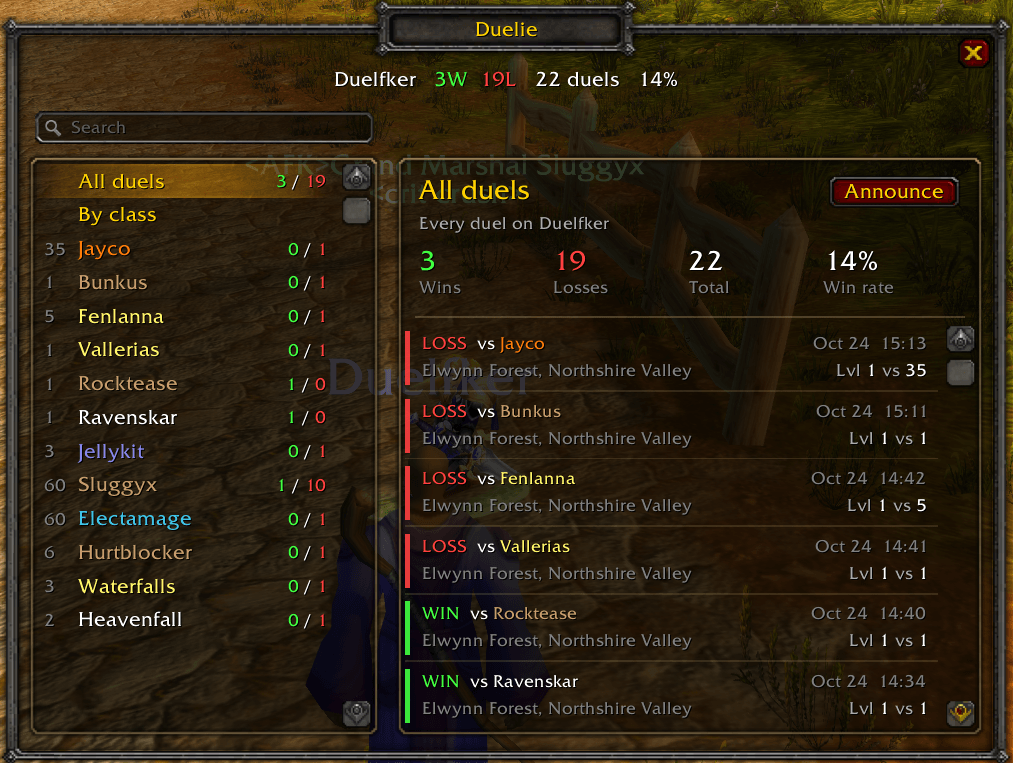
- Win or loss, knockout or fled, opponent, zone, date and time
- Your level and theirs at the time of the duel
- Opponent class, race and level, in class colors
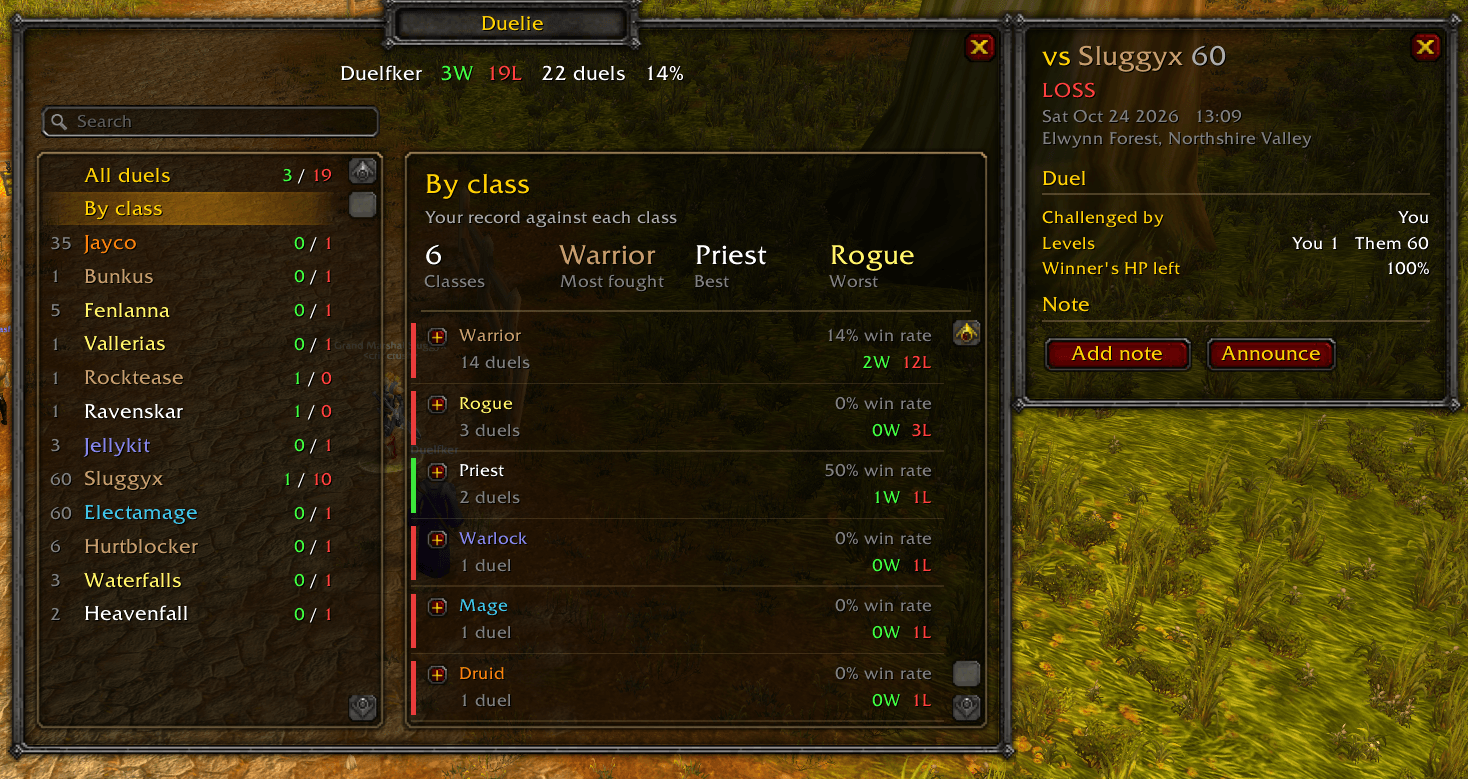
- Winner's HP left, who challenged whom, and fight duration
- Damage done, damage taken and top spells (on game versions with Blizzard's built-in damage meter)
Features
- Duel request popup: your record against the challenger, plus their overall record if they also run Duelie
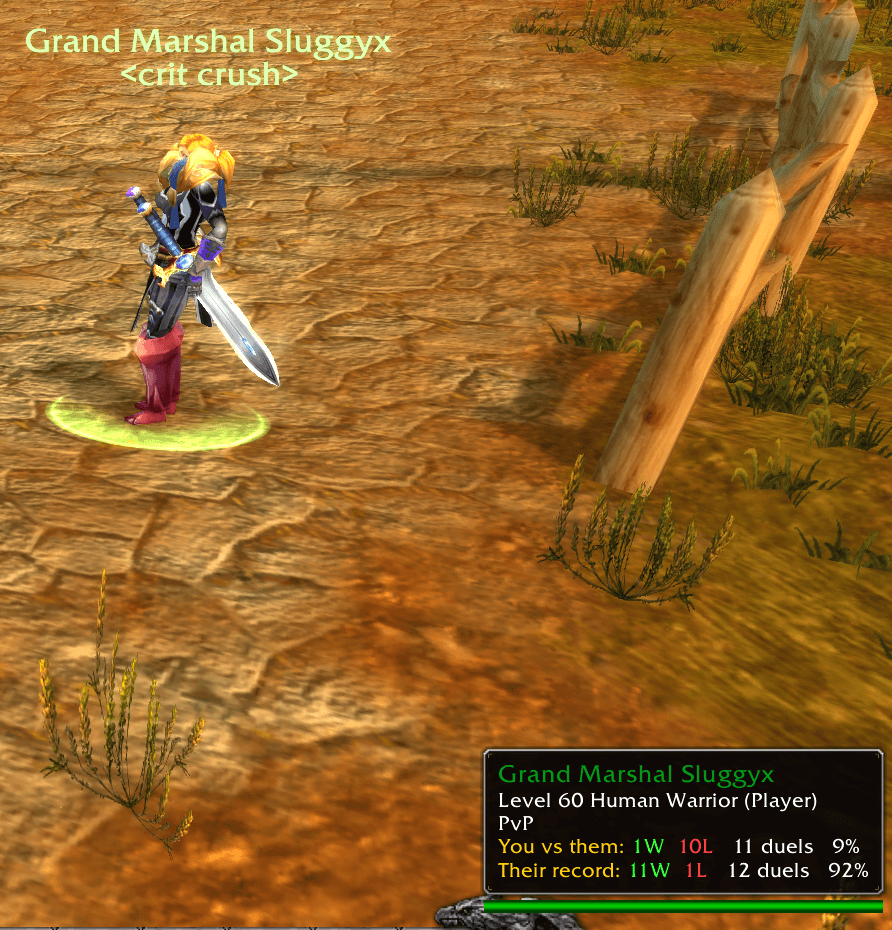
- Tooltip record: mouse over a player to see your W/L, total duels and win rate against them, plus their overall record if they run Duelie
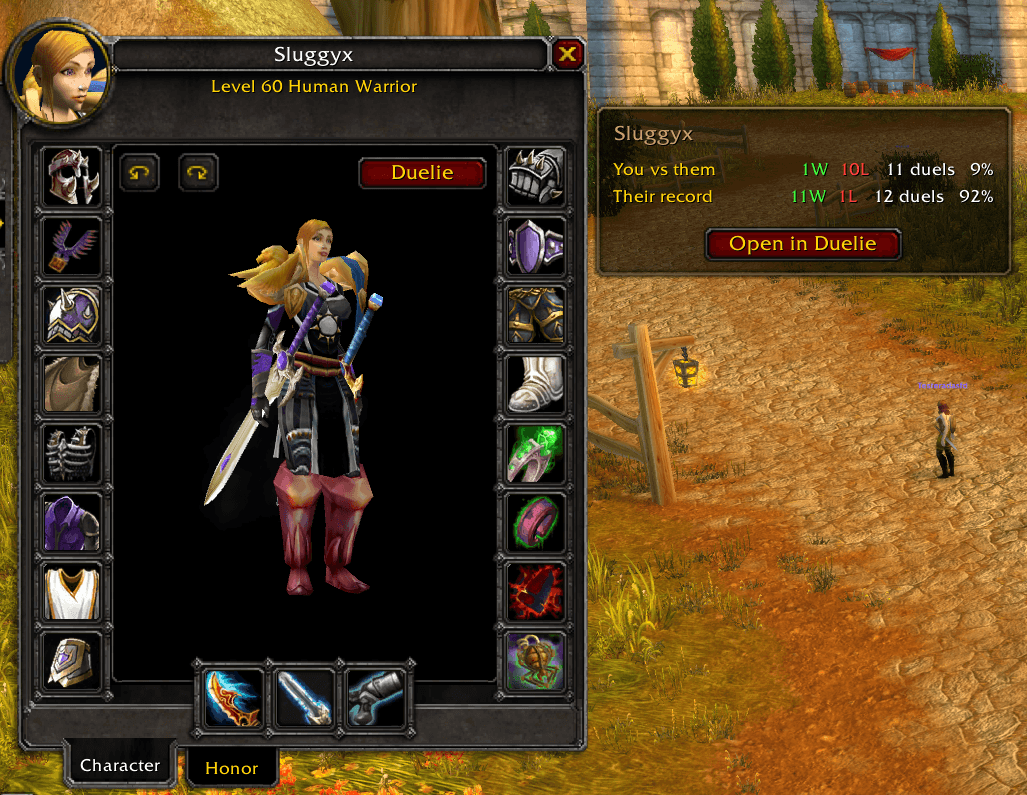
- Inspect button: a Duelie button on the inspect window shows your record with that player and theirs
- By class: your record against each class, with most fought, best and worst matchups; expand a class for your top 3 opponents
- Announce: post your overall record, your record against a player, or a single duel's result to Say, Yell, Party, Raid, Guild, or a whisper
- History sharing: when two Duelie users meet, each fills in the duels they fought before installing Duelie. Shared duels are labelled, and sharing can never change or remove a duel you already have
- Notes on any duel and search by opponent name
- All Duelie windows close when a duel is accepted or declined
Commands
- `/duels` or `/duelie` opens the window
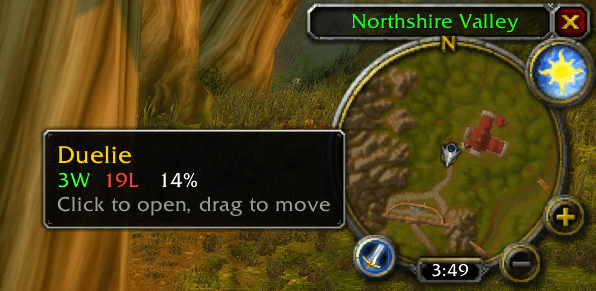
- `/duelie minimap` shows or hides the minimap button (click to open, drag to move)
Records are saved per character. No setup needed.
Duelie Team
