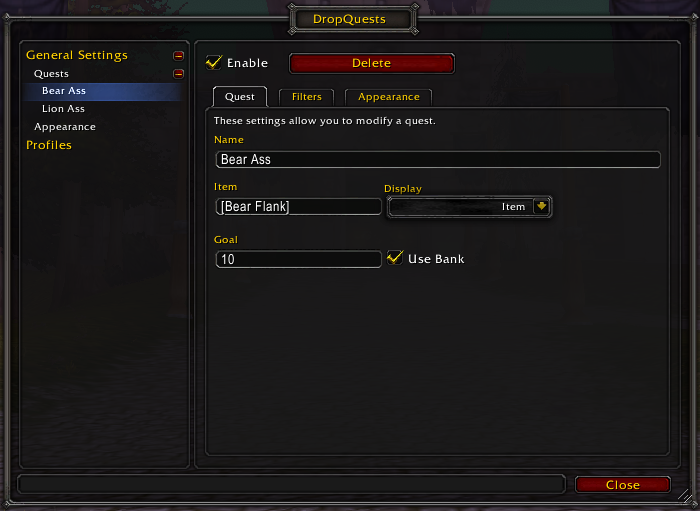
Here you can select the type of quest (item/currency) and what you're tracking, as well as how much of the item you want. (Outdated)
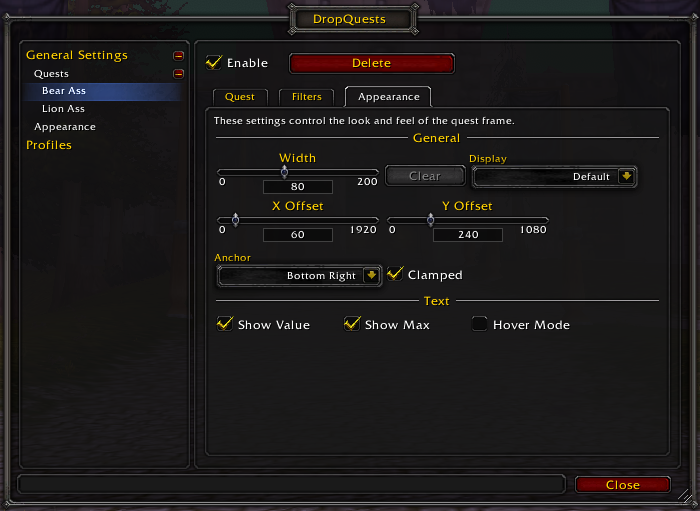
Here you can manage what the quest looks like. There are also global settings that let you set some defaults for all quests that haven't overriden them. (Outdated)
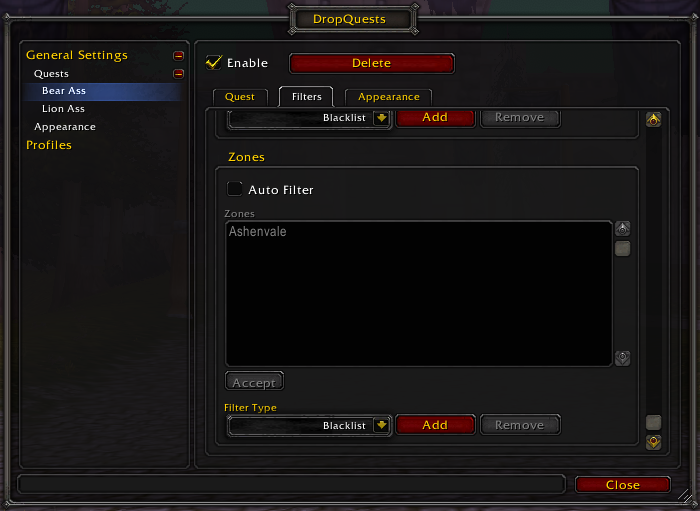
Quests can be set to be shown or hidden in specific zones and continents. (Outdated)
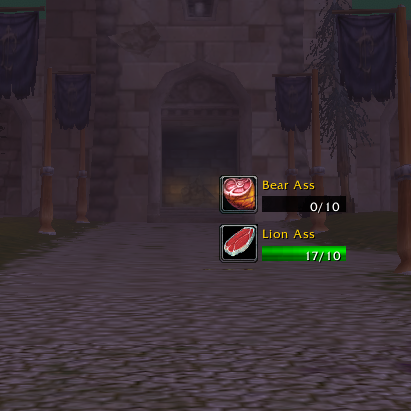
How a couple of quests might look with default settings.
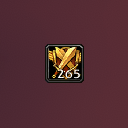
Here's a quest tracker with 0 width and hidden max value. In case you just want to compactly track how much of something you have!
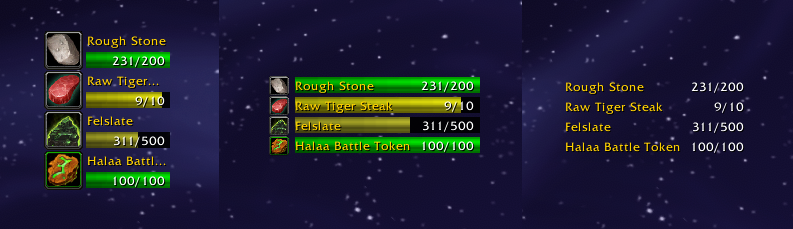
They always ask me, "Why do you call it DropQuests? Why not JunkJournal? It looks nothing like a quest." Well, first of all, that's dumb. Second, have it your way. Make that thing look like a quest log with the new grouping feature and cosmetic additions!
Description
DropQuests
World of Warcraft addon that allows players to track items and currency.
What does it do
The addon allows players to create "quests". These quests can be made to track an item or currency. Each time the player picks up the item or currency, a UI element is updated with a progress bar and the current amount of items out of the desired amount of items.
How to use it
Open the DropQuests interface in the usual Interface menu or enter /dropquests in the chat. Creating a new quest is as easy as hitting New Quest and supplying an item.
Supply a hyperlink (Shift+Click the item/currency) or ID in the item field, or if using the Item quest type and your client has the item loaded, a simple name can work.
Why was it made
When I decided to start grinding a lot of materials for a profession, it quickly became apparent that keeping track of how many of an item I have was inconvenient, needing to keep open the inventory or check manually every so often. After failing to find something that does this, I decided to create it myself.
What's left
The addon is my first, but I plan on improving it further in the future. Bug-fixing will of course be a priority. More visual customization is also desirable. If you have any ideas, feel free to suggest them in the issues.
DropQuests Team