
DrDamage
- By

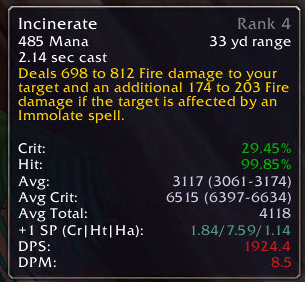
DrDamage example tooltip with less options enabled
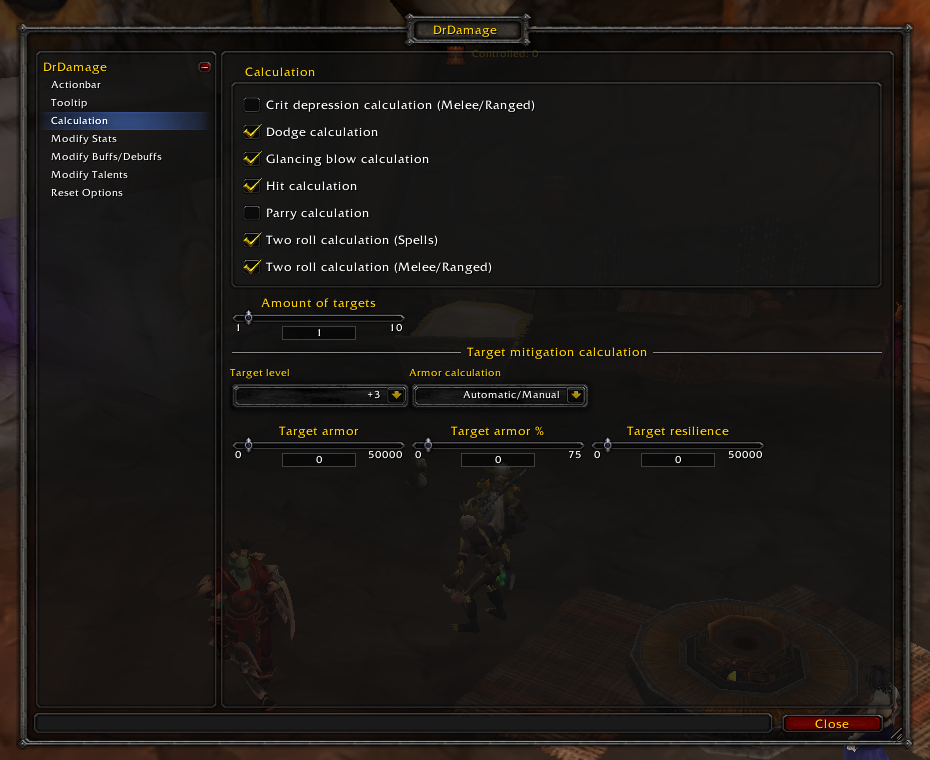
In the DrDamage options screen you can modify your core stats to see how they change the projected values for your spells and abilities. You can also modify a few specific aspects of the calculation.
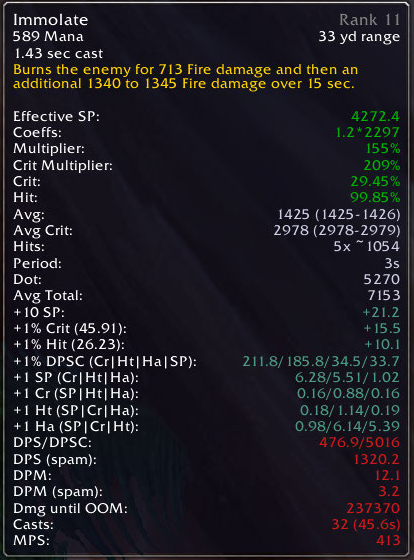
DrDamage example tooltip - All information enabled

DrDamage example actionbar
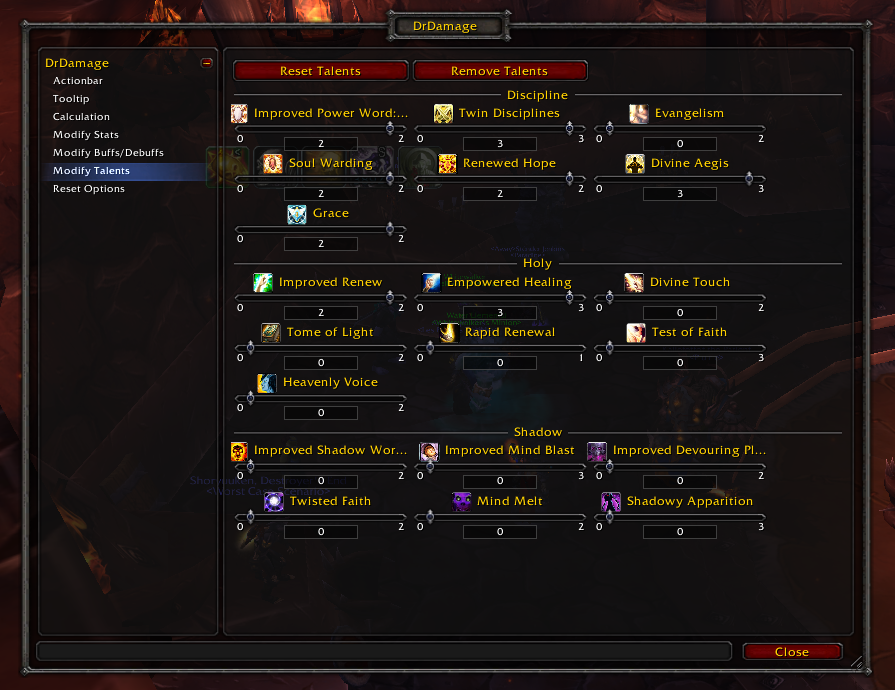
In the DrDamage options screen you can choose some of the crucial talents to include into the calculations to see their projected effects. Not all talents are available due to not being customly implemented by DrDamage.
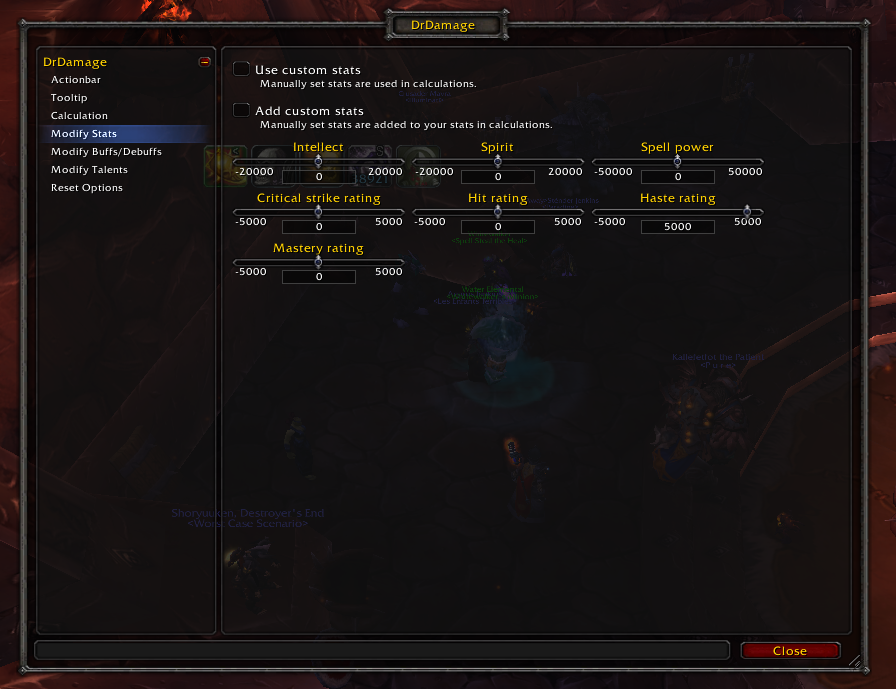
In the DrDamage options screen you can modify your core stats to see how they change the projected values for your spells and abilities. You can also modify a few specific aspects of the calculation.

In the DrDamage options screen you can modify which calculated values the tooltip displays.
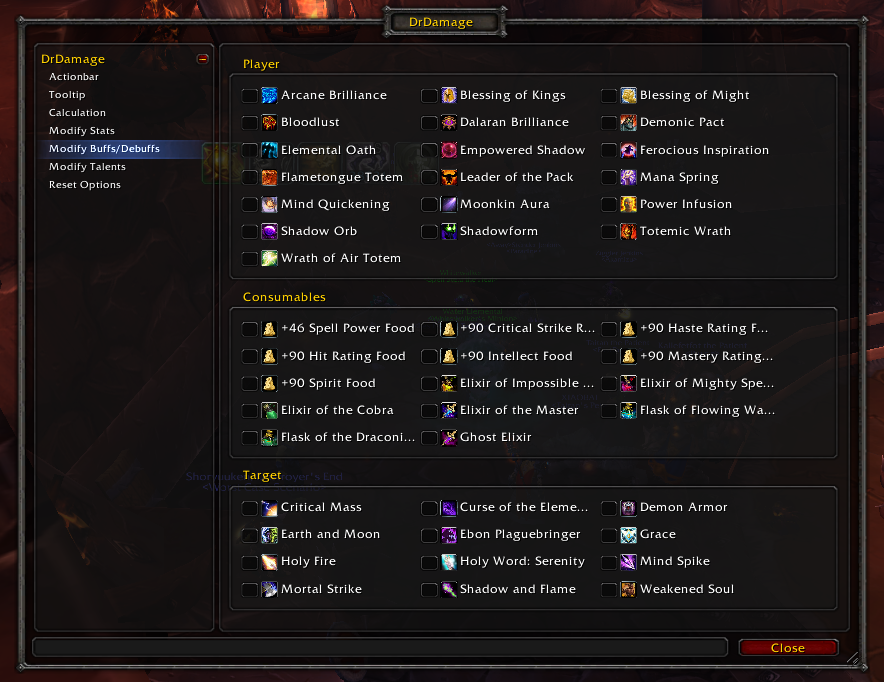
In the DrDamage options screen you can choose which buffs and debuffs you always want to include into the calculations.
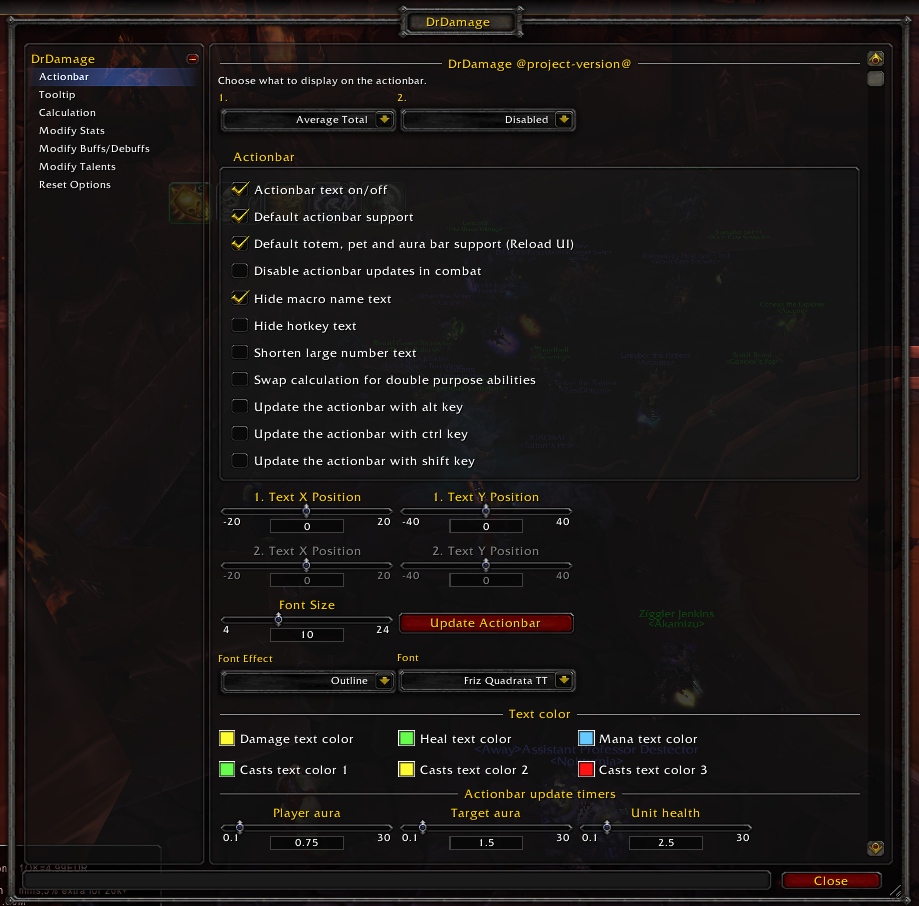
In the DrDamage options screen you can modify how text is displayed on your actionbars.