DotMark
- By
Lightweight WoW addon for quick target and world markers, customizable pings, ready checks, and countdowns with configurable shortcuts and a collapsible toolbar
1.jpg
3.jpg
Description
DotMark – Quick Markers, NPC Targeting, Pings & Group Tools
DotMark is a lightweight and customizable addon for target markers, world markers, pings, and group utilities.
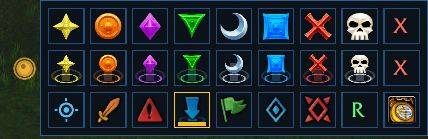
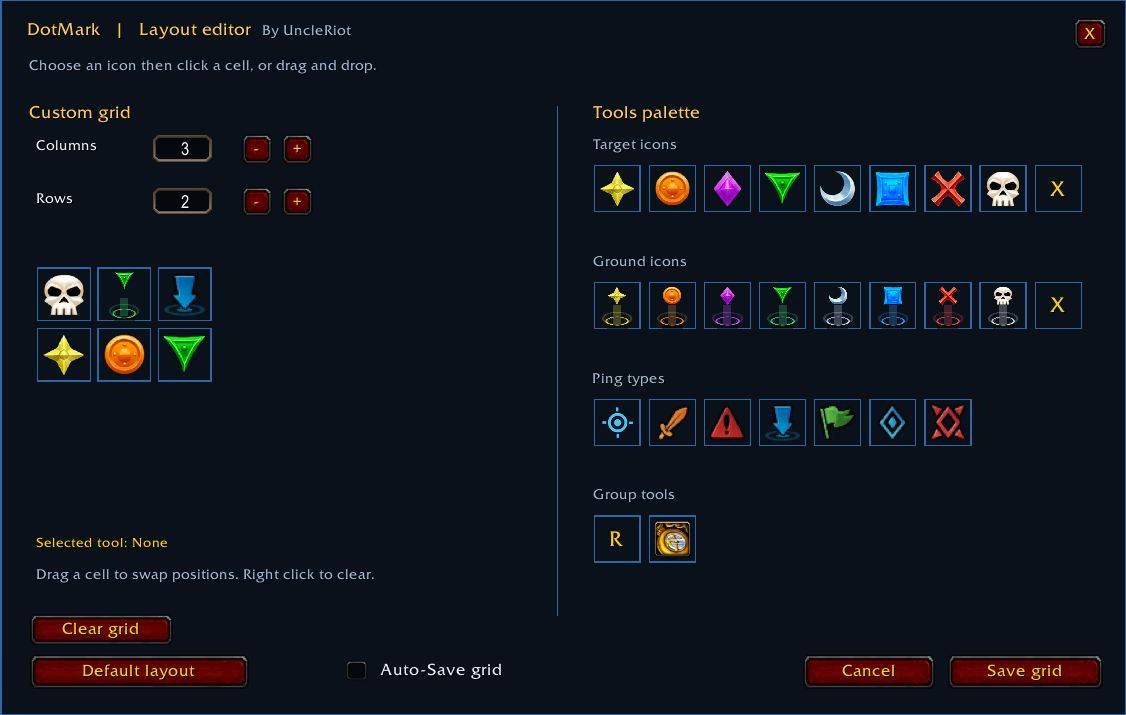
Build your own toolbar with the Drag & Drop Grid Editor! Arrange your favorite tools in a custom grid, choose the number of rows and columns, and place icons exactly where you want them.
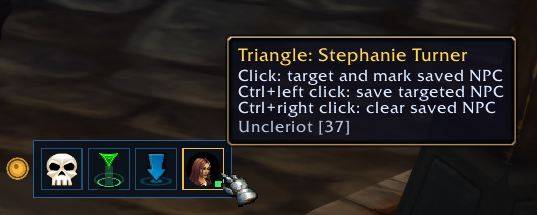
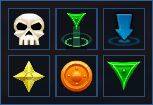
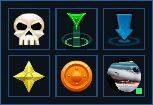
Save NPCs for quick targeting! Assign an NPC to any target marker button and quickly find, target, and mark that NPC again with a single click. Especially useful for quests, farming, and locating specific enemies.
Ready checks and countdown timers are also included in one compact, collapsible toolbar.
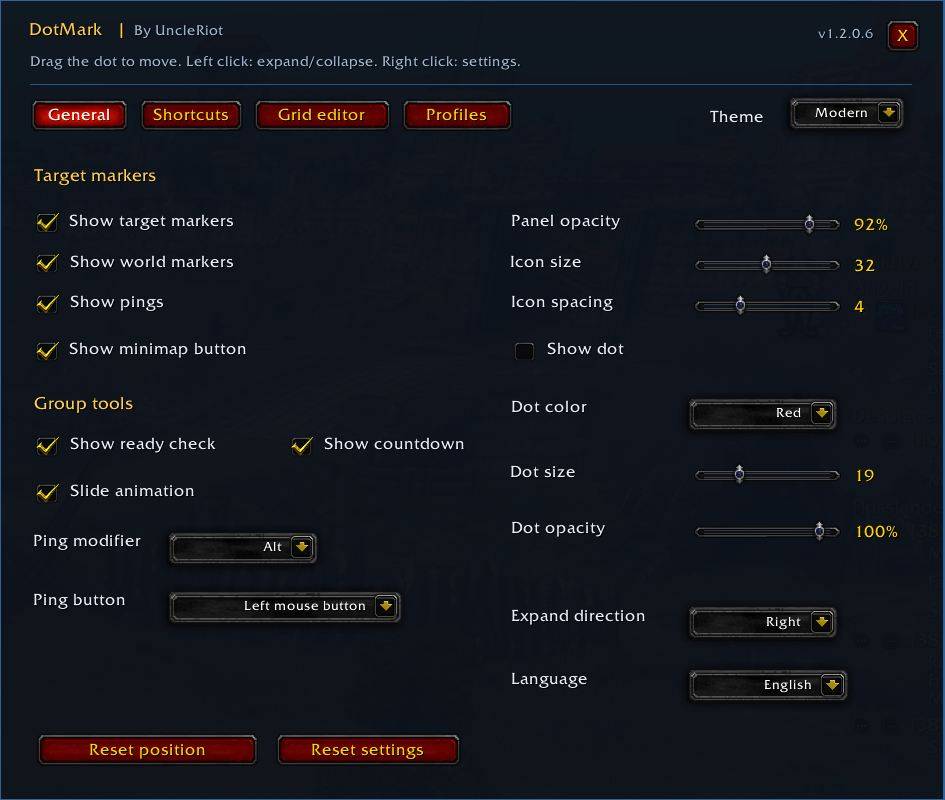
Special: Minimize DotMark to a small, customizable dot. Click to expand the toolbar whenever needed. Adjust its size, color, opacity, and expansion direction.
Customizable Toolbar
Open the toolbar in any of four directions:
Drag & Drop Grid Editor
Create a toolbar that fits your playstyle.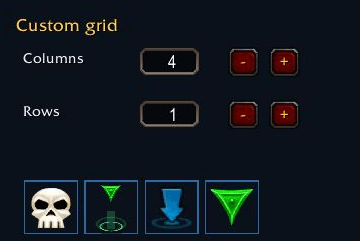
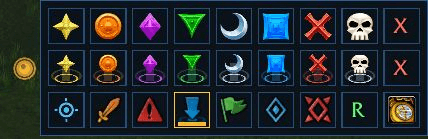
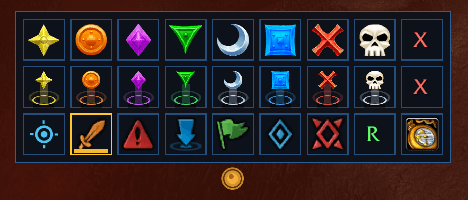
Instead of being limited to the default marker rows, DotMark lets you build your own custom layout using a visual grid editor.
- Drag & Drop – Drag target markers, world markers, pings, and group tools directly from the tools palette into your grid
- Custom Grid Size – Configure 1–8 columns and 1–4 rows
- Flexible Arrangement – Move, swap, duplicate, or remove individual tools
- Live Preview – See your layout as you build it
- Reusable Tools – Place frequently used tools in multiple grid positions
- Apply or Cancel – Save your layout only when you click Apply Grid
- Default Layout – Switch back to the original toolbar arrangement whenever needed
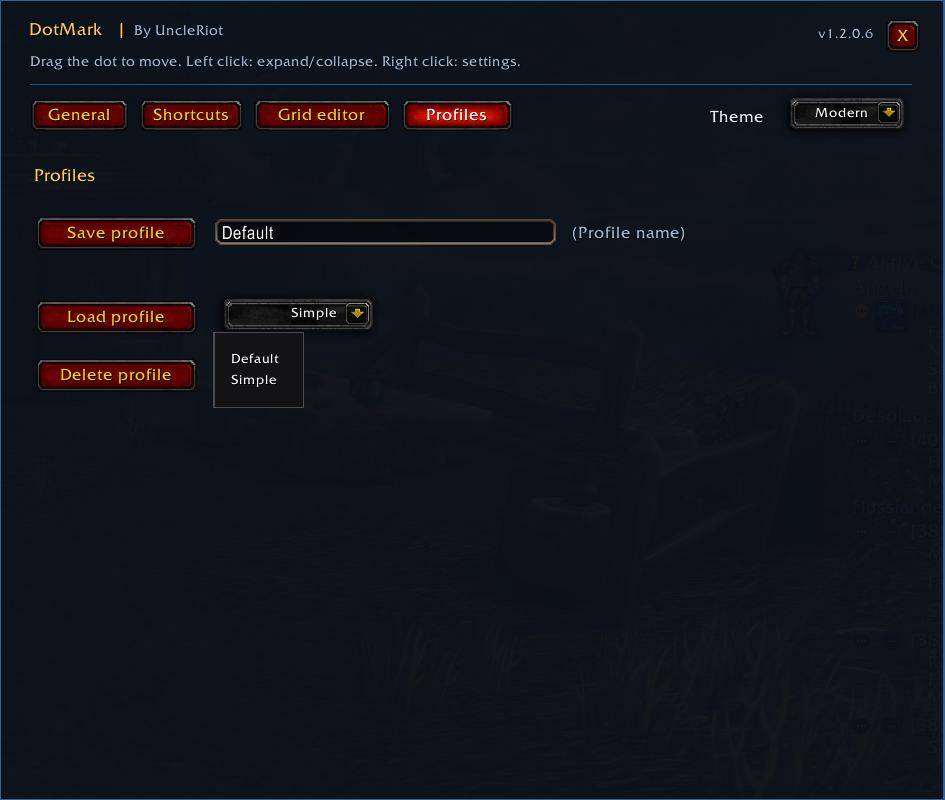
Your custom layout is saved between sessions.
Saved NPC Targeting
Find and mark specific NPCs with a single click.
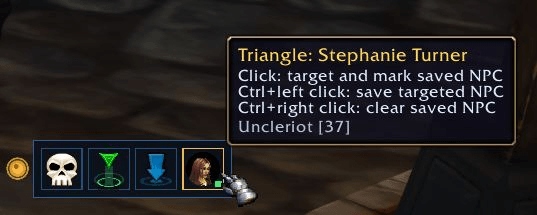
DotMark allows you to save an NPC directly to a target marker button. Once assigned, clicking that button attempts to target the saved NPC by name and applies the corresponding raid marker.
Perfect for quest objectives, farming specific mobs, or repeatedly targeting particular enemies.
How it works:
-
Select the NPC you want to save.
-
Ctrl + Left Click a target marker button to save it.
-
Left Click the button later to search for and mark that NPC.
-
Ctrl + Right Click to clear the saved NPC and restore the default marker icon.
Additional functionality:
- NPC Portraits – Saved NPCs can be represented by their portraits when available
- Persistent Assignments – Saved NPC names are remembered between sessions
- Marker Association – Each saved NPC uses its assigned raid marker
- Dead Target Protection – Dead NPCs are excluded from marking
- No Target Found – No unrelated target is marked if the NPC cannot be found
Targeting is subject to World of Warcraft's normal targeting range and game restrictions.
Features
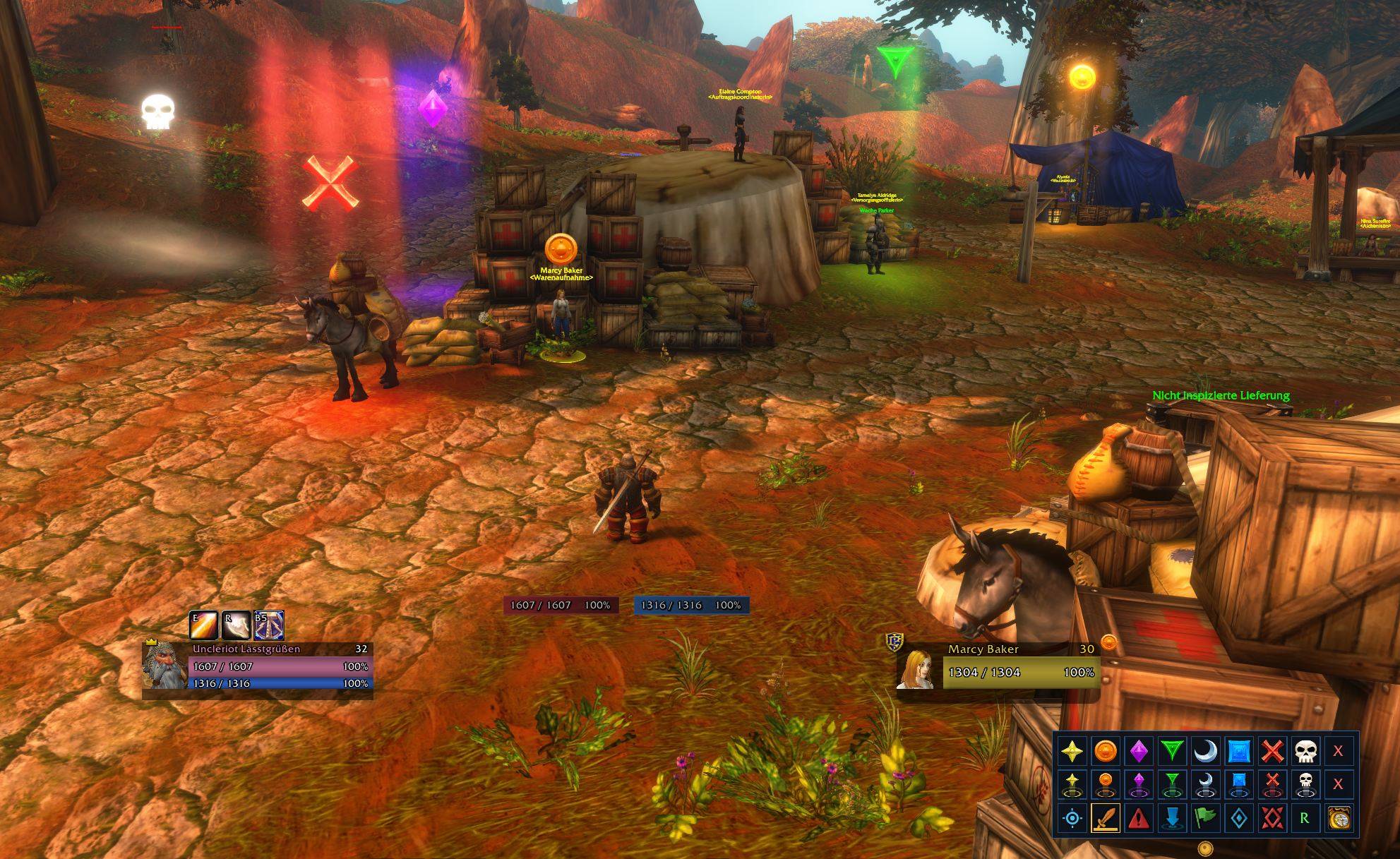
- Target Markers – Quickly assign raid markers to NPCs, players, and other targets
- Saved NPC Targeting – Save specific NPCs and target them again with a single click
- World Markers – Place ground markers with visual icons resembling their in-game appearance
- Ping System – Select different ping types and place them using customizable mouse and modifier combinations
- Ready Check – Start group ready checks with one click
- Countdown Timer – Start countdowns with a configurable, persistent duration
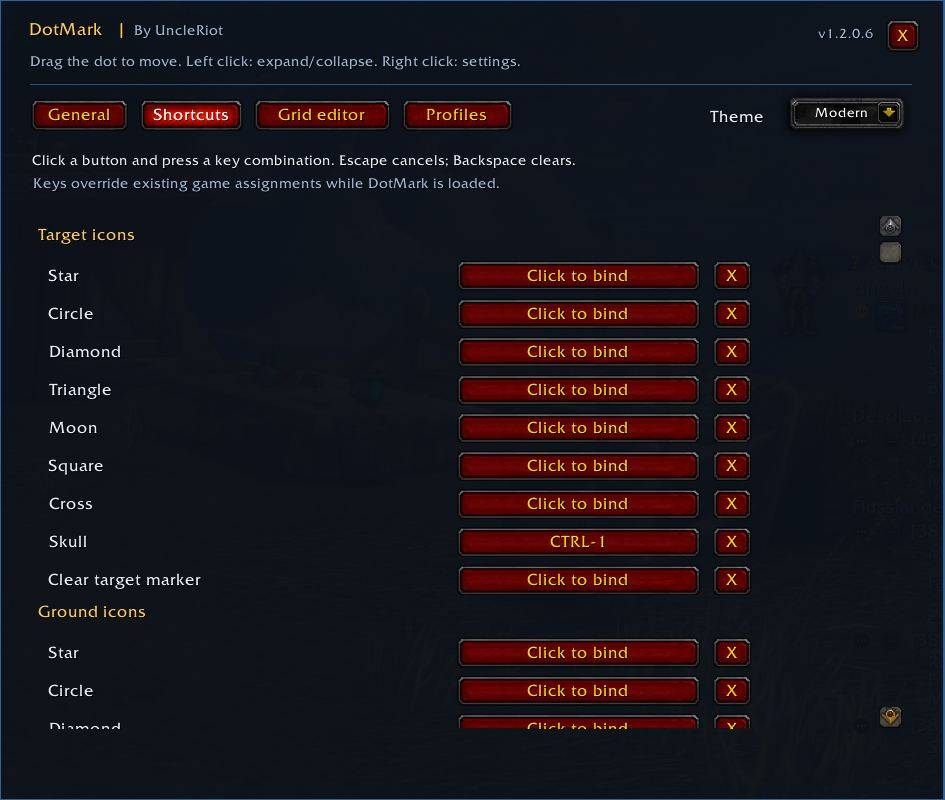
- Custom Shortcuts – Assign individual keyboard shortcuts to actions
- Collapsible Toolbar – Expand in four directions with optional animations
- Customizable Appearance – Adjust icon size, spacing, panel opacity, and toggle dot appearance
- Flexible Layout – Show or hide marker rows and group tools independently
- Minimap Button – Movable, optional minimap button for quick access
- Multilingual Interface – Supports English, German, French, and Spanish
Commands
/dotmark– Open settings/dmark– Open settings
Developed by UncleRiot.
License: MIT
DotMark Team