


Don't Do That
- By

Banner.png
Popup-Talent.png
Recommended.png
Trainer.png
Settings.png
Description
Don't Do That
A World of Warcraft Classic addon that warns you off gold you don't need to spend yet, so you can afford your level 40 and level 60 mounts. Works on Classic Era and WoW Forever, for all nine classes.
What it does
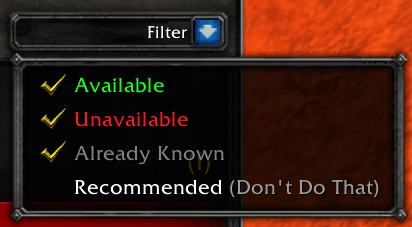
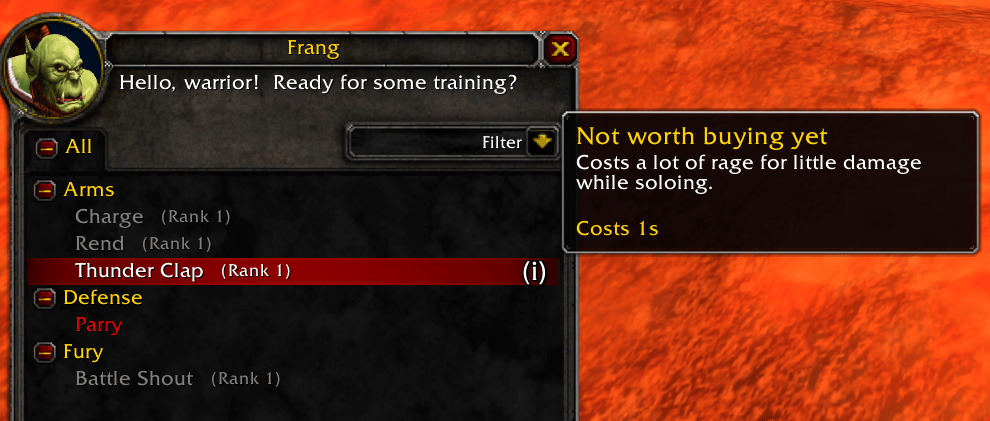
- Marks spells you can skip in the trainer window. A colored (i) appears next to each one; hover it for the reason and the cost.
- Red: Save your gold. You won't need it until later.
- Gold: Not worth buying yet. A low-value spell.
- Blue: Optional. Handy now and then, but you can get by without it.
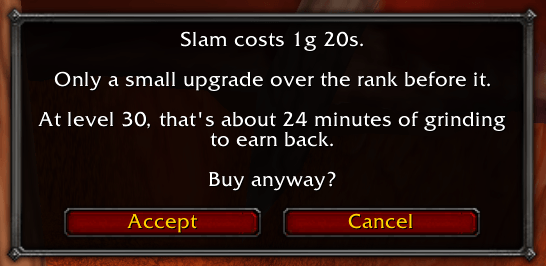
- Asks before you waste gold. Buying a spell that isn't recommended, or a non-essential item (armor, weapons, vanity, bags, recipes), a bank or stable slot, COD mail, a talent reset, or your first lesson in a new profession gets a "Buy anyway?" question that says roughly how long it takes to grind that gold back. You can always say yes.
- Knows your class and spec. The advice follows your talents, or the spec you choose, and comes from common leveling builds and expert guides (Wowhead, Icy Veins).
- Shows what you've saved. The Progress page tallies the gold you've kept and projects your savings up to the mount you're saving for.
It stays on from level 1 until you've bought the mount you chose to stop at. It only ever asks, and you can turn any part off.
Install
Install it from CurseForge or Wago with your addon manager, or by hand:
- Copy the
DontDoThatfolder into your AddOns folder:- Classic Era:
World of Warcraft/_classic_era_/Interface/AddOns/ - WoW Forever:
World of Warcraft/_classic_beta_/Interface/AddOns/
- Classic Era:
- Start the game, or type
/reload.
Using it
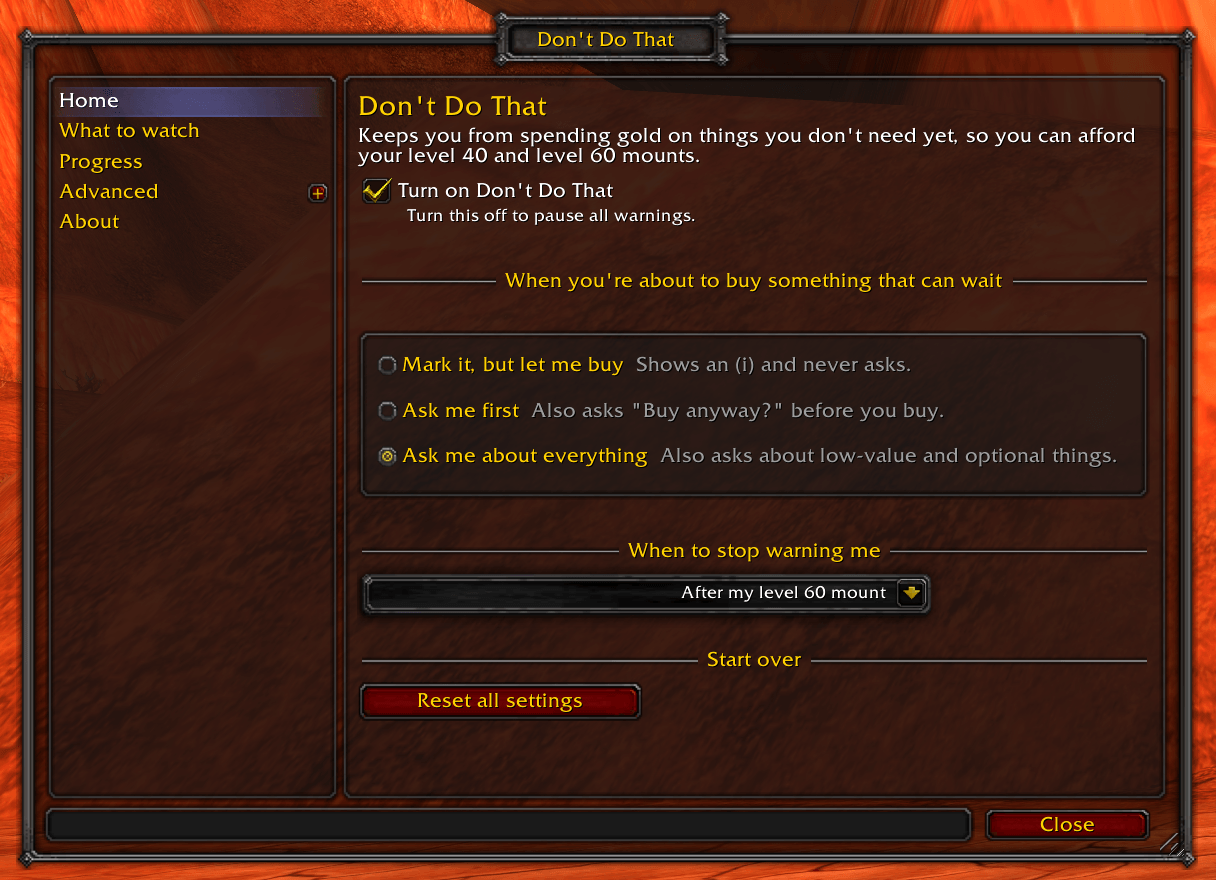
Type /ddt to open the settings (also under Options > AddOns). Pick how firmly it nudges you, which kinds of purchases to watch, and which mount to stop at. /ddt test shows a sample warning without buying anything.
Known limits
- Spell advice follows expert guides. You can switch off any spell or kind of advice.
- Talent choices aren't judged; only the cost of resetting is warned about.
Problems?
Turn on Advanced > Debug > Record what the addon sees, do the thing that went wrong, then Show the report, copy it and send it with a description and your client (Classic Era or Forever).
For developers
See CONTRIBUTING.md.
License
MIT. The bundled Ace3 libraries keep their own license (DontDoThat/Libs/LICENSE-Ace3.txt).
Don't Do That Team
