Dino Nameplates TBC Anniversary
- By
That familiar feeling of KuiNameplates but for The Burning Crusade Classic Anniversary!
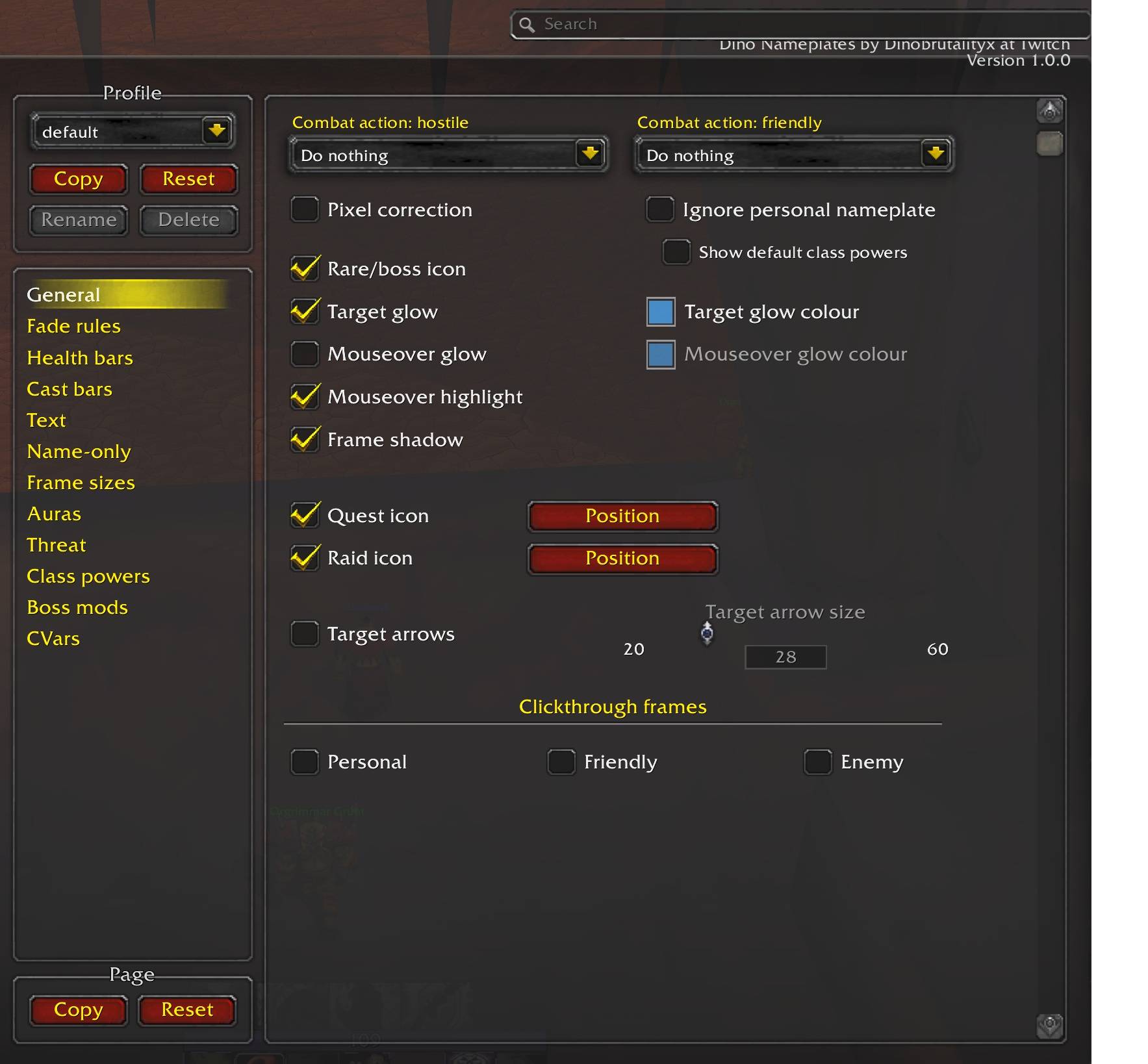
options DNP.jpg
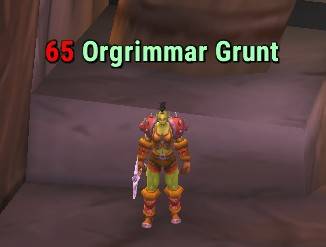
NPC text only mode.jpg
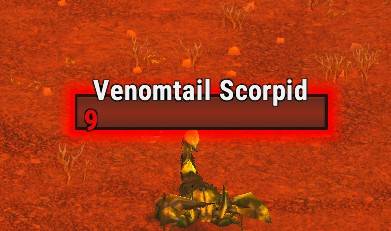
enemy.jpg
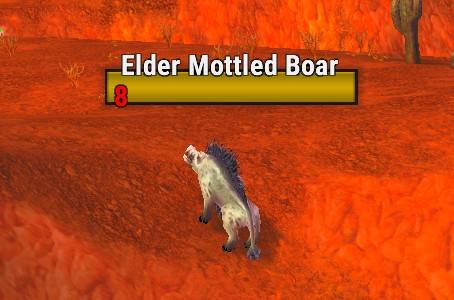
Neut mob.jpg
Description
Those nameplates you've always loved now for a modern classic anniversary TBC !
Very Pretty Nameplates,
Configurable through interface options (/dnp).
You can migrate over you KUI settings using the following. (Thanks to Mudyr for the comment and instructions)
You go into the WTF -> Account -> number -> SavedVariables folder, open the Kui_Nameplates_Core.lua file with the editor (this file contains your settings) and copy everything into the Dino_Nameplates_Core.lua file in the same folder. You might need to login into the game for the game to create the Dino file. Now change the Kui in the first line to Dino so its says DinoNameplatesCoreSaved.
Frequently Asked Questions
0. Why do friendly nameplates look different in instances?
Blizzard has blocked addons from modifying friendly nameplates in instances as of 7.2 (read their statement here). We can't do anything about this.
1. Only the nameplate of my target shows up!
That's because of the default interface option under Esc > Interface > Names > "Always show nameplates".
When that option is NOT checked (the default), only the nameplate of your current target will be shown while out of combat. When it IS checked, nameplates will always be shown, depending on other CVars (FAQ 1a, for instance) and settings in /dnp.
1a. Friendly NPCs don't have any nameplates!
This is due to a CVar Blizzard added in 7.1. There's a checkbox for it under /dnp > CVars > "Always show friendly NPCs' nameplates"
2. Some nameplates still aren't showing up!
They're probably disabled. The game's default options for nameplate visibility are under Esc > Interface > Names. The default keybinds for them are V, Ctrl+V, and Shift+V.
Alternatively, if you're in a large raid or another situation where many nameplates are visible then, as of Legion, the maximum number of visible nameplates is limited to 40. Addons can't change this.
See also: FAQ 7.
3. Why are nameplates fading and changing size as they move?
This is vanilla nameplate behaviour inherited by DNP as of 2.19. Check the "allow Dino Nameplates to modify CVars" option under /dnp > CVars, then check "disable scaling" and "disable fading."
DNP also now inherits the game's line-of-sight alpha modifier by default. To disable that, set "line-of-sight alpha" under /dnp > CVars to 1.
4. Why is there a nameplate under my character?
That's the personal nameplate which was added to the game in Legion. Here's how to disable it. By default, it only shows while you're in combat, or when you otherwise receive damage or healing. There are some options for this behaviour under /dnp > CVars.
6. Nameplates keep appearing/disappearing after I enter/leave combat!
If nameplates are being shown upon engaging a boss, this is done by boss mods like BigWigs or DBM so that they can show you extra information on them. You can disable this by unchecking /dnp > boss mods > "allow boss mods to control visibility..."
Otherwise, make sure the "combat action" drop-downs at the top of /dnp > General are set to "do nothing". If that doesn't fix it, make sure "always show nameplates" is checked (see FAQ 1). If it still happens, then another addon is doing it.
7. Why don't unattackable enemy players (e.g. in sanctuaries) have nameplates?
The game doesn't render nameplates for unattackable enemy players. Addons can't change this. The in-world floating names aren't nameplates and can't be modified by add-ons (except the font).
Dino Nameplates TBC Anniversary Team