
DKP - Bidder
- By

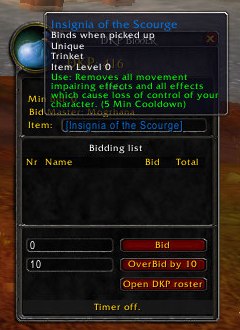
You can hover the link to see what is that you are bidding for at the moment.
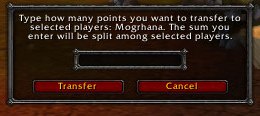
You just type here how many dkp you wanna loose toward other players that you have selected :)
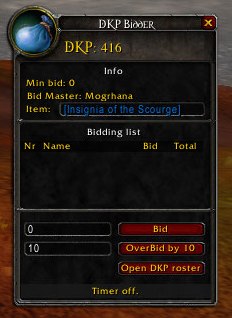
This is how the window looks when the bidding starts.
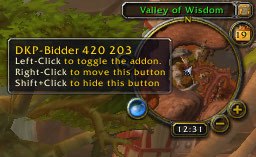
Here you can see a minimap icon. You can disable it easily if you want to of course.
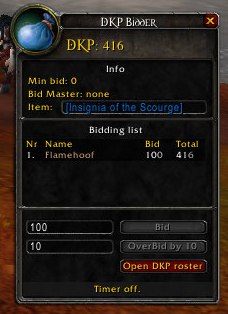
After bidding has stoped all bid and overbid buttons are changed into disabled mode. Here you can also see that one bid was made and it is visible in warrior color on the list.
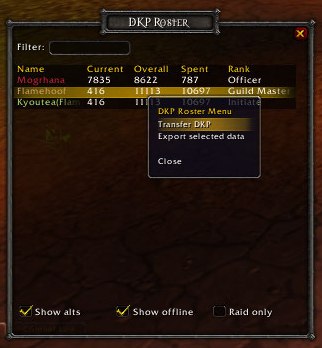
The menus for a bidder only user allows you to transfer your dkp easily, and to export data.
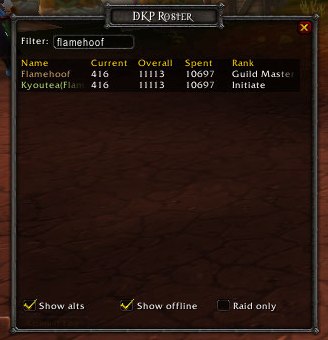
Filtering is what I always wanted to have either in normal roster or in Qdkp one. Never got it, so now you can have it in my DKP - Bidder :)
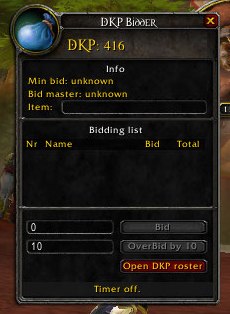
Normal view of the addon when nothing is really going on :). You can see here bid and overbid buttons disabled.
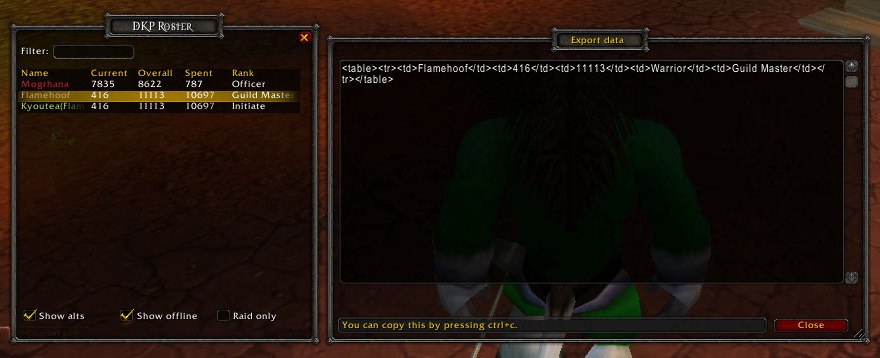
How many users you will select, that many will be exported. So for instance you can filter to not show alt's and then exported data will contain only main's. The export atm export's to ugly html table, but if there will be any requests for this to be...
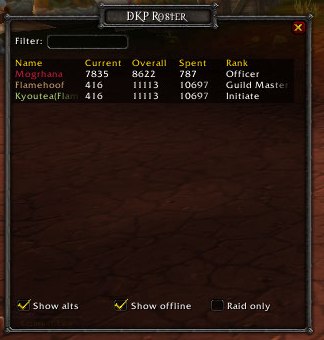
This is how the roster window looks like. The example is made on my test guild, thats why you can see only 3 players, but check it on your own, works and looks really great!