DialedinUI
- By
One-click UI layouts for Blizzard’s own UI. Pick from ten popular setups, preview them, apply through Edit Mode and undo any time.
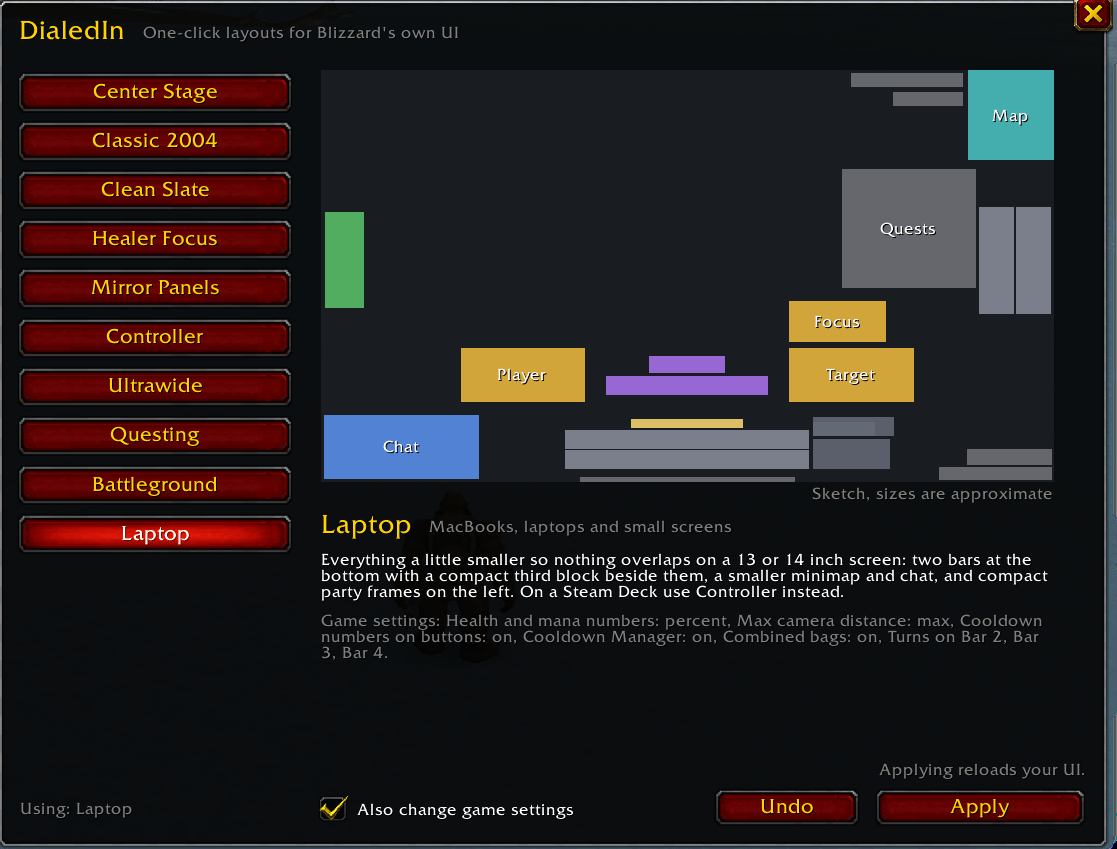
picker.png
Description
One-click layouts for World of Warcraft: Forever, built entirely on Blizzard's own UI.
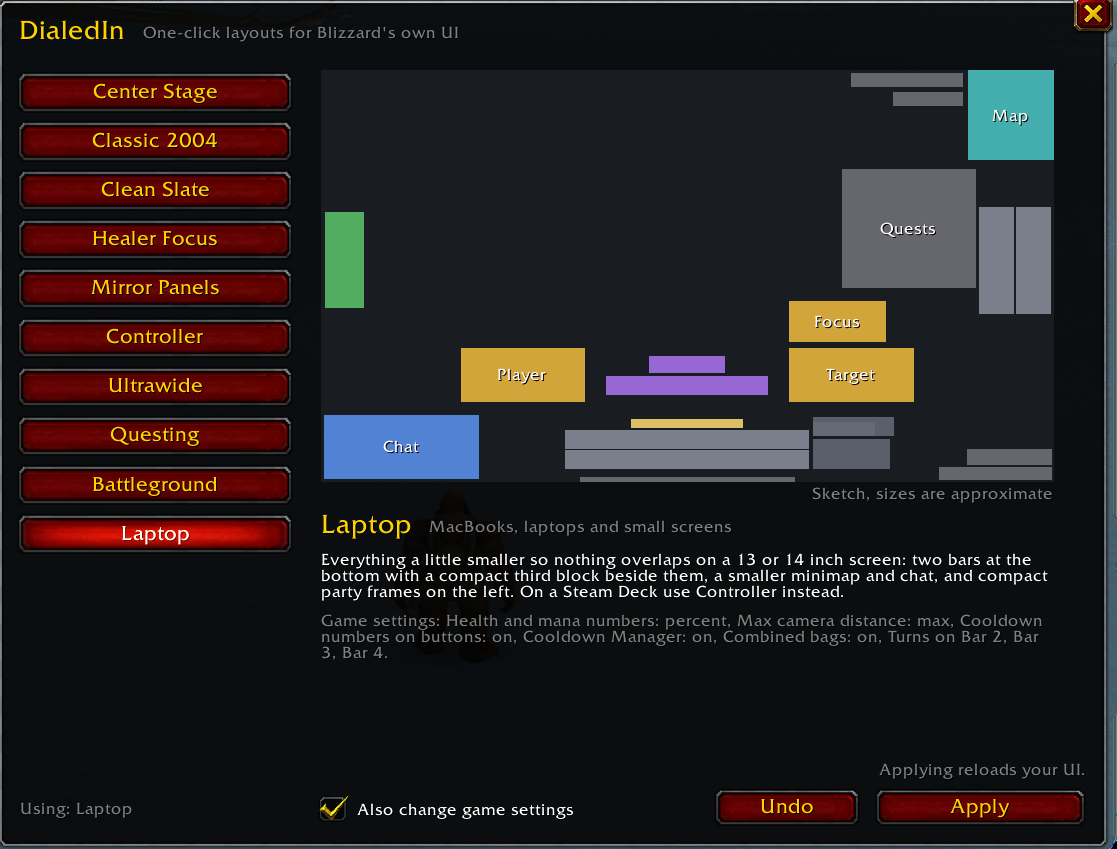
Pick a setup from the list, look at a sketch of it, and click Apply. DialedInUI moves your frames through Edit Mode, adjusts a few common game options, and reloads your UI. If you don't like it, Undo puts everything back the way it was.
Nothing is replaced or reskinned. Every layout is a normal Edit Mode layout called DialedInUI, so once it's applied you can open Edit Mode and keep adjusting it like a layout you made yourself.
The layouts
- Center Stage: dungeons and raids, DPS and tanks. Player, target, cooldowns and cast bar in one column under your character.
- Classic 2004: Blizzard's Classic layout with the overlaps fixed and modern extras hidden.
- Clean Slate: exploring, leveling and screenshots. Bars and cooldowns only show when you need them.
- Healer Focus: party and raid frames in the lower middle of the screen, with mouseover casting on.
- Mirror Panels: for former ElvUI users. Chat and damage meter as matching panels in the bottom corners.
- Controller: gamepad, couch and Steam Deck. Bigger frames and button prompts on Blizzard's gamepad layout.
- Ultrawide: 21:9 and 32:9 monitors. The fight column stays in the middle and the side panels are pulled in.
- Questing: your first character. Bigger minimap, quest tracker and chat.
- Battleground: battlegrounds and world PvP. A tight center cluster and a bigger loss of control alert.
- Laptop: MacBooks and small screens. Everything a little smaller so nothing overlaps.
Every layout is checked at the default UI scale on 16:9, 16:10 and 14 inch MacBook screens so frames don't sit on top of each other.
How to use it
- Type
/dialed, or click DialedInUI in the addon list next to the minimap. - Click a layout to see a sketch of it and exactly which settings it changes.
- Click Apply, then click again to confirm. Your UI reloads with the new layout.
- To go back, click Undo in the window or type
/dialed undo.
Untick Also change game settings to apply only the frame positions and leave your options alone.
What it changes
- Frame positions and sizes, saved as an Edit Mode account layout named DialedInUI. Applying a different layout replaces it.
- Extra action bars: a layout that uses Bar 2 or Bar 3 turns them on. Bars are never turned off.
- Game settings (optional): things like health and mana numbers, target of target, max camera distance, cooldown numbers on buttons and the Cooldown Manager. The picker lists each one before you apply.
The first time you apply a layout, DialedInUI writes down your active layout and every setting it is about to change. Undo puts all of it back, even if you tried several layouts in between.
Commands
/dialedopens the layout picker/dialed apply centerapplies a layout by name (addlayoutonlyto skip game settings)/dialed undogoes back to how things were/dialed list,/dialed statusand/dialed check
Known limits
- Edit Mode allows 5 account layouts. If you already have 5, delete one in Edit Mode first.
- Layouts can't be applied in combat or while Edit Mode is open.
- Controller needs the gamepad UI turned on, and the other layouts need it off.
- On 16:10 and MacBook screens a long quest list can reach down to the target frame. Collapse the tracker, or use the Laptop layout.
Source code, bug reports and the full changelog are on GitHub: github.com/MrGuato/DialedInUI
DialedinUI Team