


Dialect Chat
- By

Dialect Chat – Seamlessly translate your outgoing chat into in-game fantasy dialects (Dwarvish, Tauren, Forsaken, Gilnean, and more).
This button will open and close the DIalect Chat Panel.
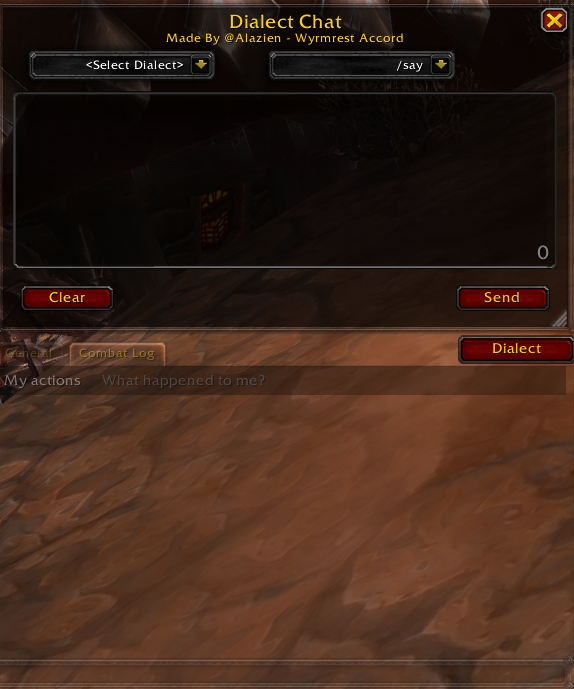
This is how I designed the addon to be setup. The Dialect button directly above the chat window, then the Dialect Chat Panel the same size as your chat window and on top of it. Change the size however works for you.
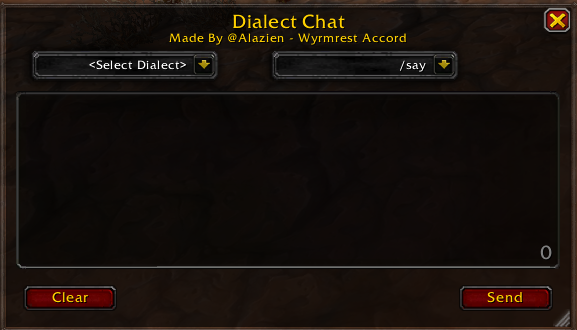
This is the panel that you will type into, select the dialect, and choose which channel it will be sent to.