Detailed Buff Timers
- By
MissingBuff1.png
Gallery1.png
GalleryOption1.png
GalleryOption2.png
GalleryOption3.png
Description
Detailed Buff & Debuff Timers
A light-weight replacement for Blizzard's buff/debuff area that shows MM:SS formatted timers, with optional clickable buttons for consumables and missing buffs.
Your buffs, with real timers
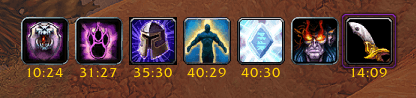
Blizzard's default buff frame shows a vague XXm for buffs and debuffs. Detailed Buff & Debuff Timers swaps it for Blizzard's own custom aura container, so every buff and debuff keeps a live MM:SS countdown for every buff. It looks like the default frame, only more useful, and every part of it is adjustable.
Features
- Light-weight. Event driven and efficient, with a light data footprint
- MM:SS formatted timers. Exact minutes and seconds on every aura, with color-coded text as time runs low and optional blinking near expiry.
- 2h+. Buffs longer than 90 minutes show up as 2h+
- Buffs and debuffs. Debuffs get their own timers and optional dispel-type border
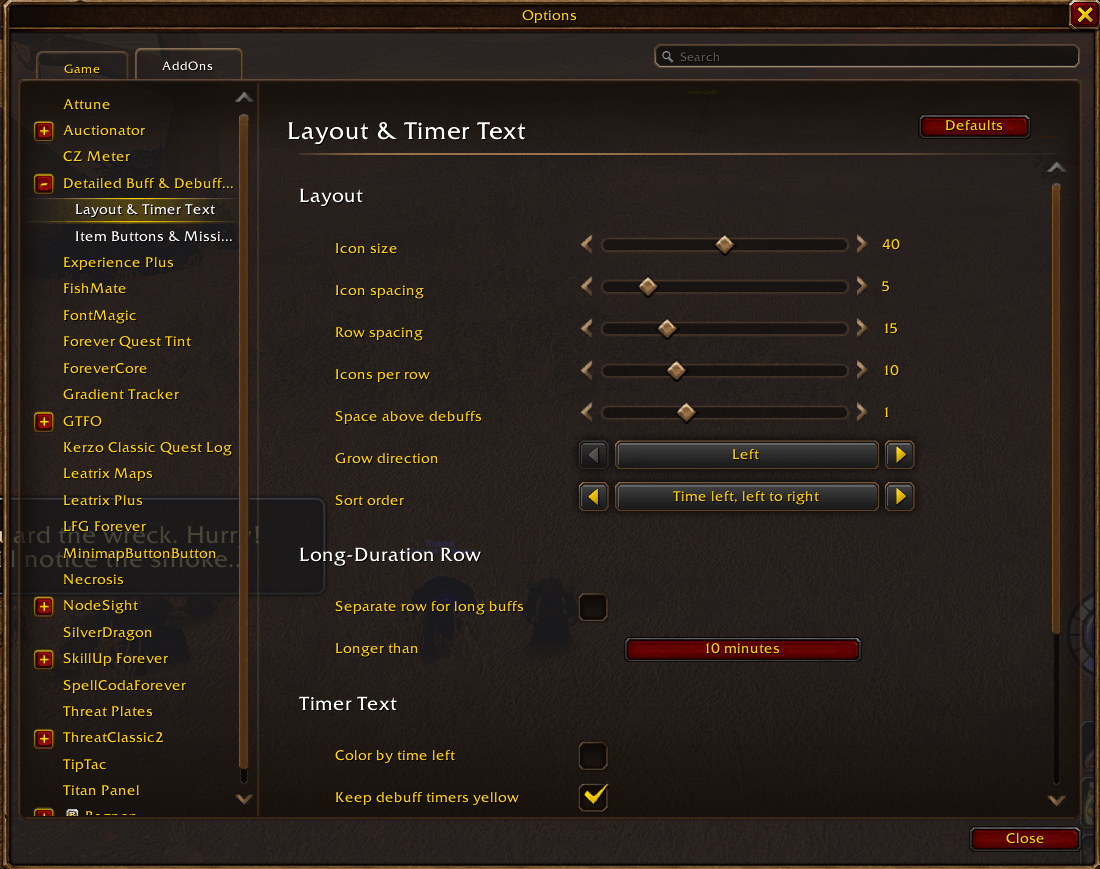
- Scalable Icons and text. Support for making icons and text readable for any UI.
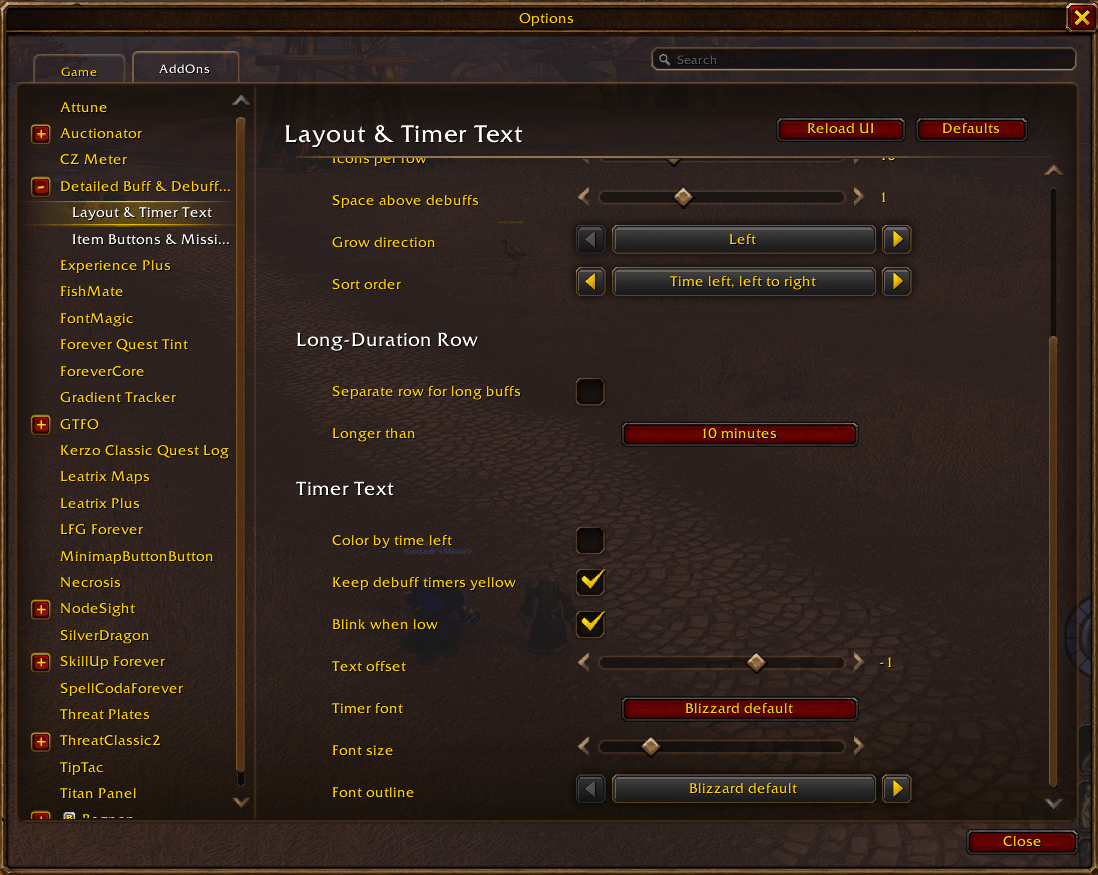
- Long-duration row. Put buffs longer than a threshold you choose on an optional separate row, so short buffs stay easy to see.
- Sorting. Choose how auras are ordere. Blizzard Default, Left to Right, or Right to left in ascending/descending order.
- Weapon enchants. Poisons, oils and stones get a toggleable purple frame.
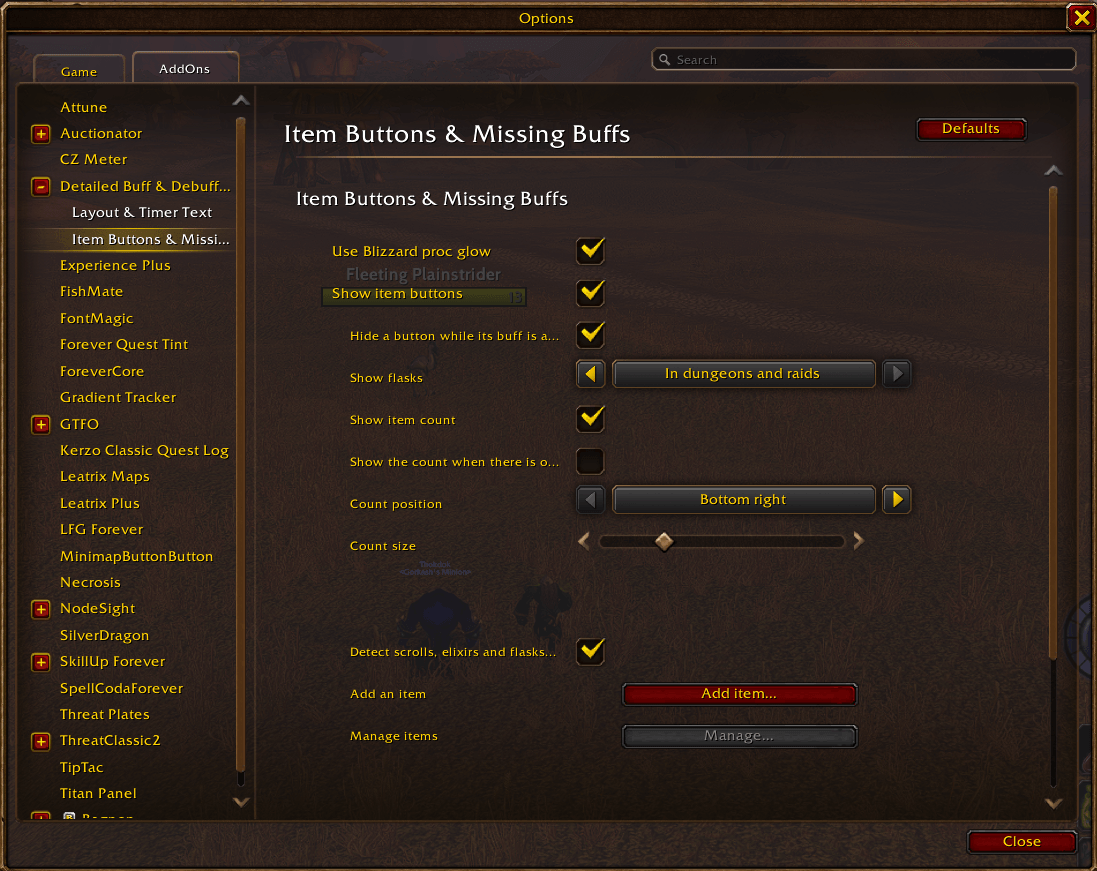
- Item buttons. Clickable buttons for consumables in your bags, with counts, so a flask or scroll is one click away. Filterable by you.
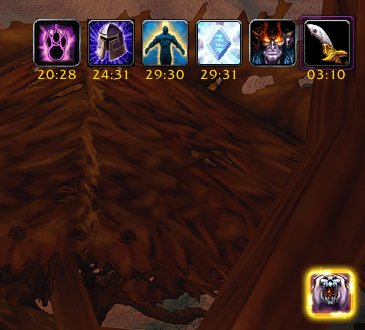
- Missing buff reminders. A button appears when a buff you track has dropped, with an optional Blizzard proc glow on recastable spells.
- Hide any buff. Keep a per-buff hide list for auras you never want to see.
- Live settings. Layout changes apply as you adjust them. Unlock to drag the frame, or use test mode to preview sample buffs and debuffs.
- Per-character or account-wide. Share one setup across characters, or give a character its own.
- Import and export. Copy your settings as text to back them up or share them.
Item Buttons and Missing Buffs
Turn on item buttons and the addon watches your bags for the consumables you care about, showing a clickable button for each with its count. Add items yourself by ID, link or name, or let auto-detect pick up flasks and similar. Shift+right-click a button to hide an item, or to ignore a reminder you do not want.
Missing buff reminders work the same way for spells: add a buff and a button shows up when it falls off, ready to recast. Recastable buffs can use Blizzard's proc glow so they stand out.
Weapon Enchants
Weapon enchants have their own section in the options. Switch them on or off, pick where they sit (start or end of the row), and choose whether they get the purple frame. The frame and the debuff border both follow your icon size.
Share your setup
Open Share Settings to export your configuration as a single line of text, or paste someone else's to import it. Values are checked on import, so a bad string will not break your layout. Your hide list travels with it.
Using a UI replacement?
If another addon already handles your buffs, turn off "Replace Blizzard's buff frame" in the options and Detailed Buff & Debuff Timers leaves the default frame alone. You can switch it back on at any time.
Where to find it
Type /dbt to open the options, or go to Options → AddOns → Detailed Buff & Debuff Timers. The options are split into three pages: the main page, Layout & Timer Text, and Item Buttons & Missing Buffs.
Commands
|
Command |
What it does |
|---|---|
|
|
Opens the options page |
|
|
Prints your current settings |
|
|
Shows or hides the drag handle to move the frame |
|
|
Shows sample buffs and debuffs to try settings (also unlocks) |
|
|
Goes back to following Blizzard's buff frame position |
|
|
Describes the weapon enchants currently detected |
|
|
Adds an item to the item buttons |
|
|
Adds a spell to the missing buff reminders |
|
|
Opens the log window, handy for error reports |
|
|
Lists all commands |
Supported clients
WoW Forever / Classic-era (Interface 16001) and retail (Interface 120105).
Found a bug or have an idea for a feature? Leave it in the comments and I will take a look.
Detailed Buff Timers Team