Deno Wardrobe
- By
A wardrobe for WoW: Forever: every look on your own character, try-on model, weapon and armour filters, named outfits.
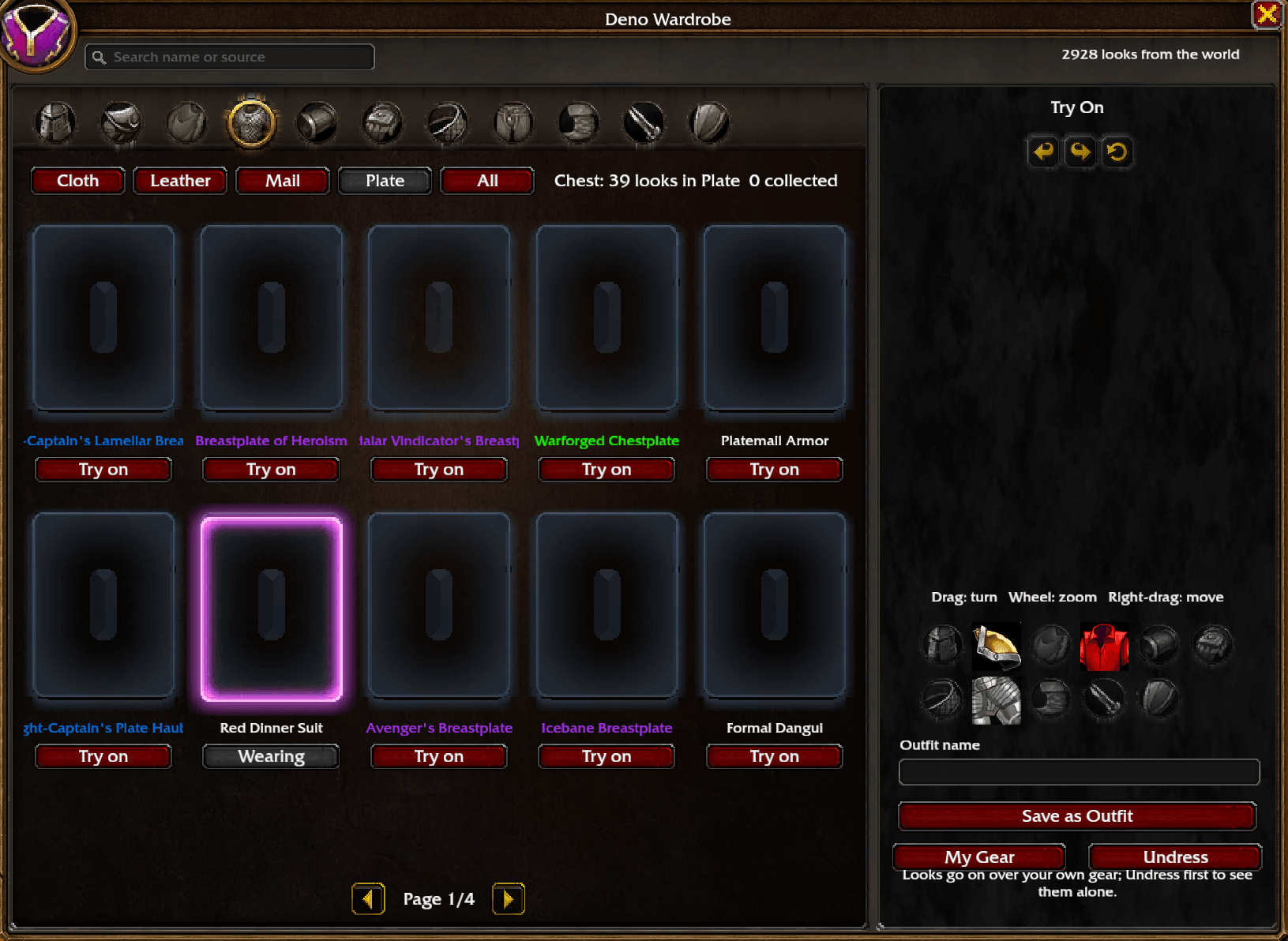
DenoWardrobe-1-chest-try-on.png
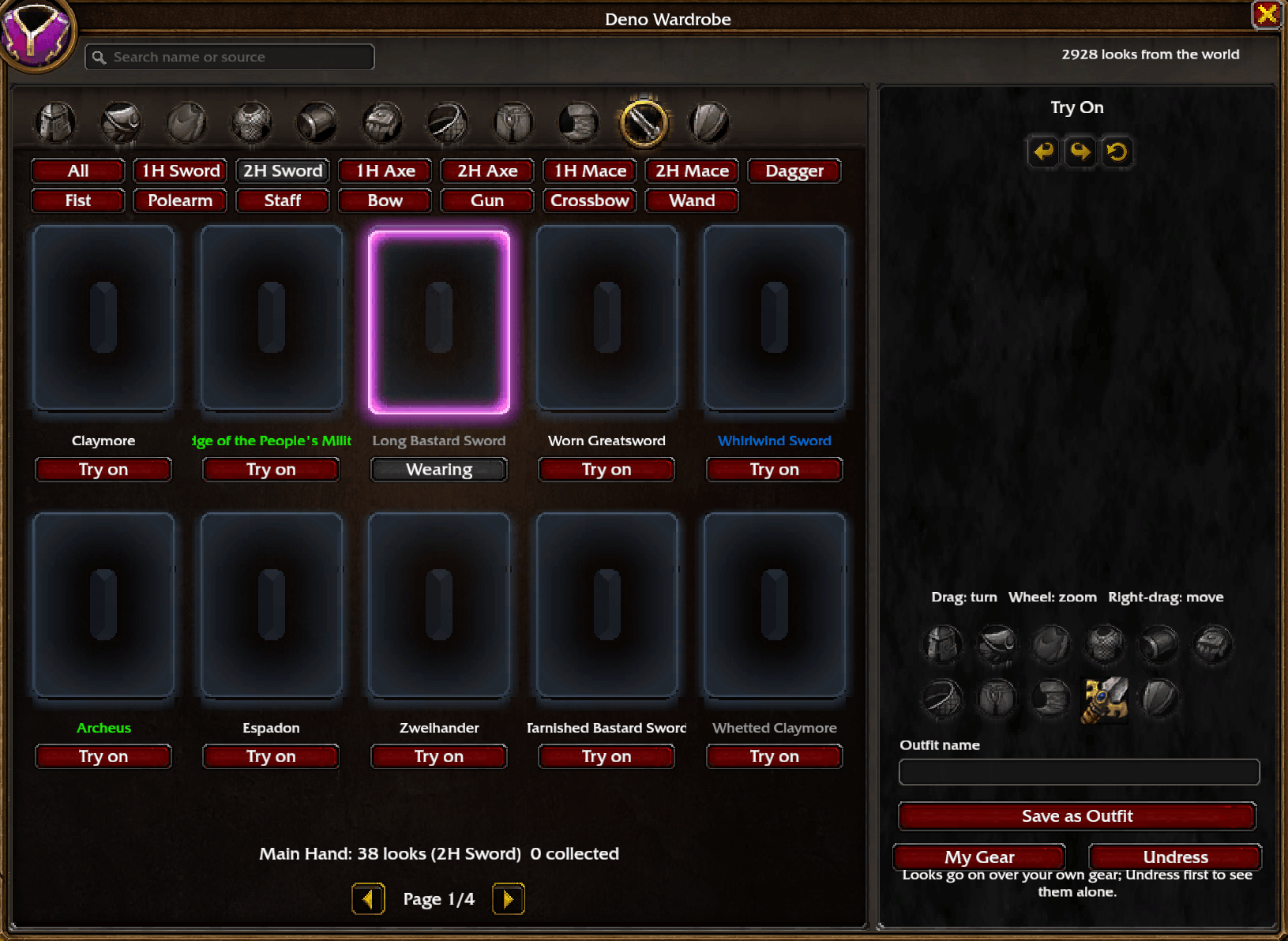
DenoWardrobe-2-weapon-filter.png
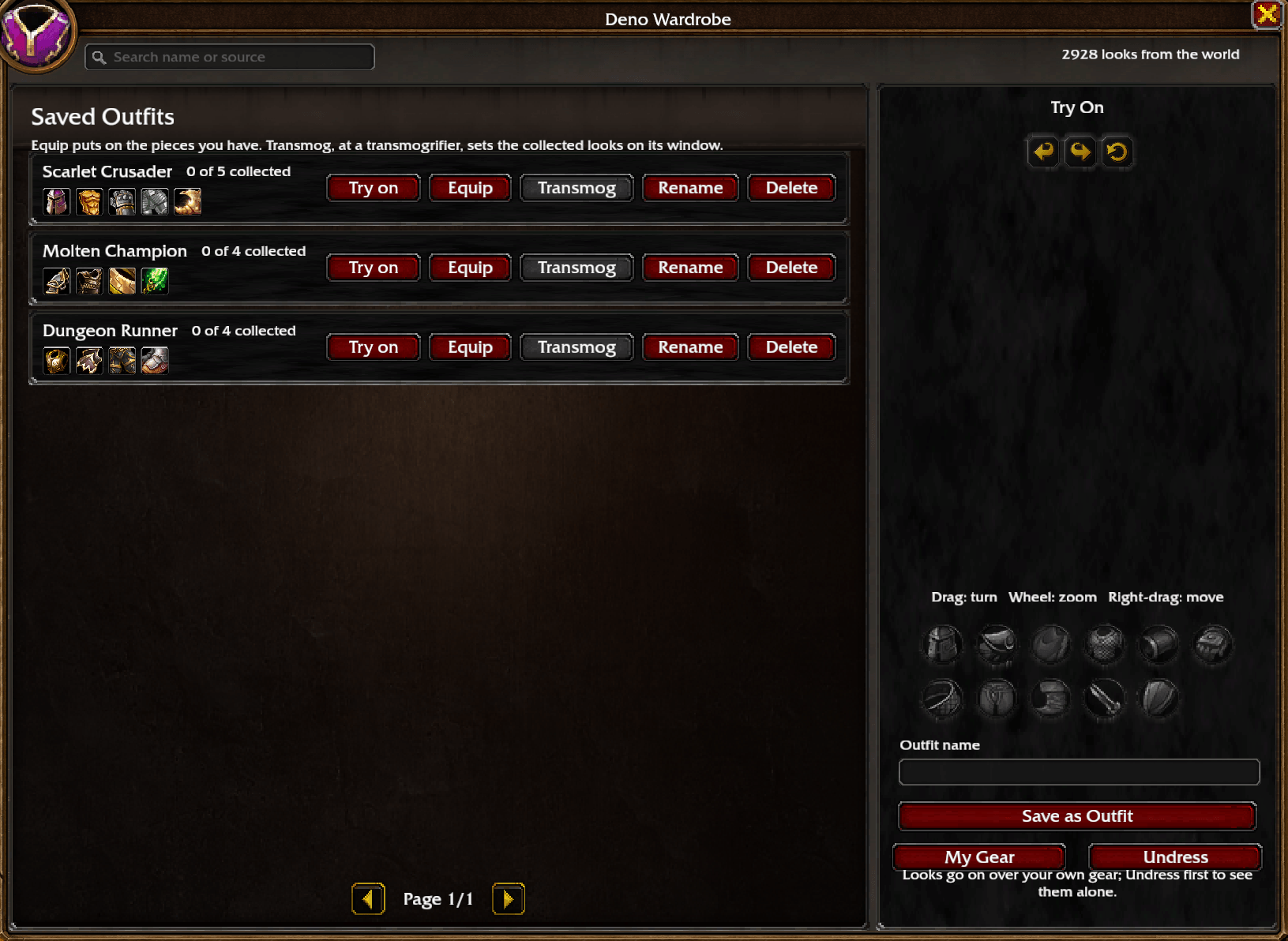
DenoWardrobe-3-outfits.png
Description
Deno Wardrobe
A wardrobe for WoW: Forever on its own tab of the character screen.
What it does
- Every look on your own character. Pick a slot, then an armour type (Cloth, Leather, Mail, Plate) or, for Main Hand and Off Hand, a weapon type (1H/2H Sword, Axe, Mace, Dagger, Shield, Bow and more). Search every slot by name or by where an item comes from.
- A turnable try-on model. Drag to turn, wheel to zoom, right-drag to move. Looks go on over your own gear, or on a bare model after Undress.
- Named outfits. Save what you tried on, Equip the pieces you own, or send a whole outfit to the transmogrifier.
- Collected and owned marks from the game's own appearance collection.
- Fast previews. Looks come from the game's own item tables, so tiles are dressed straight away; names and quality are remembered between sessions.
- No junk: placeholder, deprecated and test items and anything above level 60 are left out.
Where the looks come from
Read live each session from the addons you have installed, so their updates show up here at your next login. Nothing of theirs is copied:
- AtlasLoot Forever: dungeon, raid, crafting, PvP and faction loot
- Forever Dungeon Journal: Forever's own dungeon loot and dungeon quest rewards
- Questie: drops, vendors and quest rewards
Without any of them the wardrobe still has its built-in world list, and every wearable item you meet in game joins it by itself.
Use
Open your character screen and click the wardrobe tab on its side, or type /wardrobe.
Source and changelog: github.com/DenoHearth/DenoWardrobe
Deno Wardrobe Team