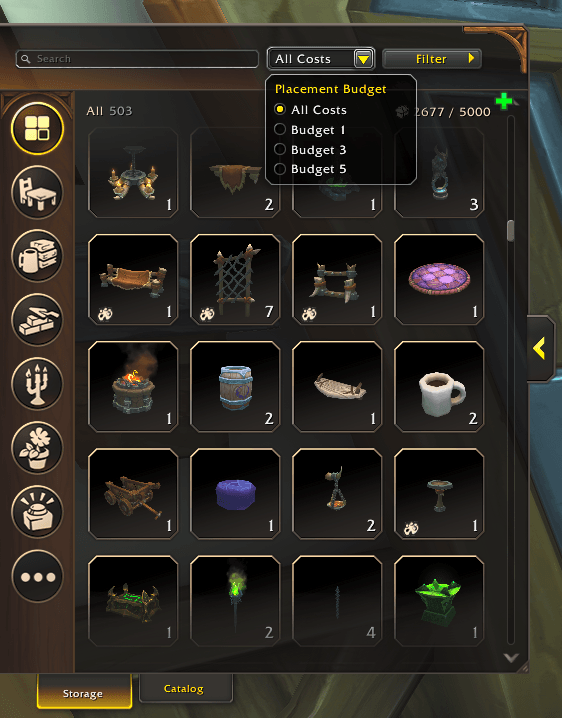
Screenshot 2026-02-13 153440.png
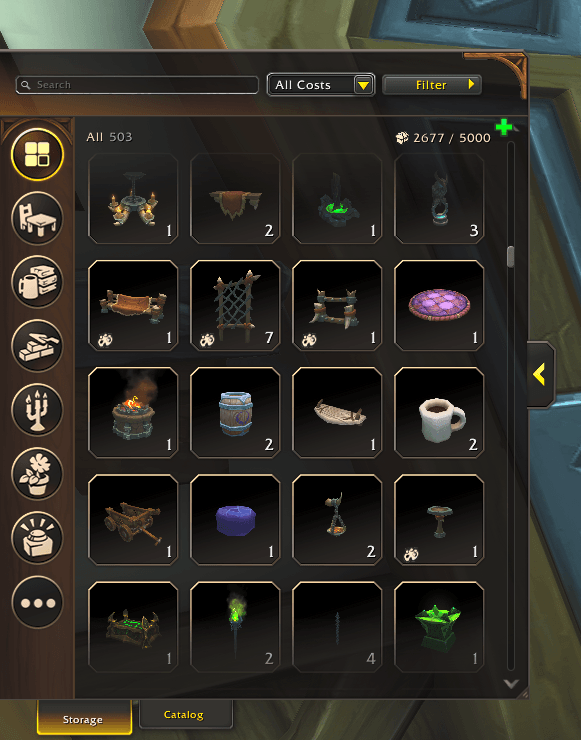
Screenshot 2026-02-13 153432.png
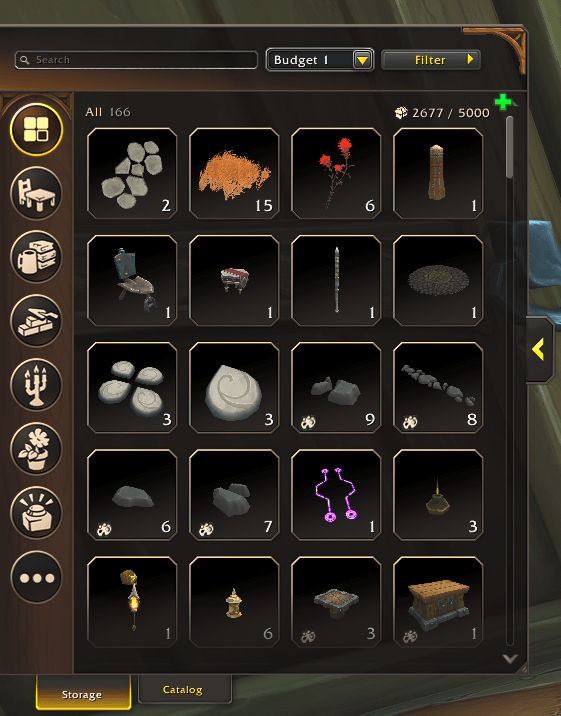
Screenshot 2026-02-13 153452.png
Description
DecorBudgetFilter adds a budget filter to your Housing Storage catalog, letting you instantly filter items by their placement cost - great when you're coming to your max budget and want to add some cosy clutter! :)
How to Use
Quick Start
- Open Housing Editor → Storage panel
- Find the "Budget" dropdown in the top-right
- Select your desired budget (1, 3, 5, or All)
- Done! Items are filtered instantly
Slash Commands
/decorbudget [all|1|3|5]  → Set budget filter
/dbf [all|1|3|5]          → Short version
What Budget Numbers Mean
In WoW Housing, each decor item has a placement cost (1, 3, or 5 budget points). Your house has a maximum budget limit.
Compatibility
- WoW Version: Retail (The War Within and beyond)
- Works With: All major housing addons
- Language: All languages (UI elements use WoW's color system)
- SavedVariables: Preserves settings between sessions
Support
Found a bug? Have a suggestion? Please report it!
- GitHub Issues
- Leave a comment on this page
Happy decorating :)
Decor Budget Filter Team