


DeckTalk
- By
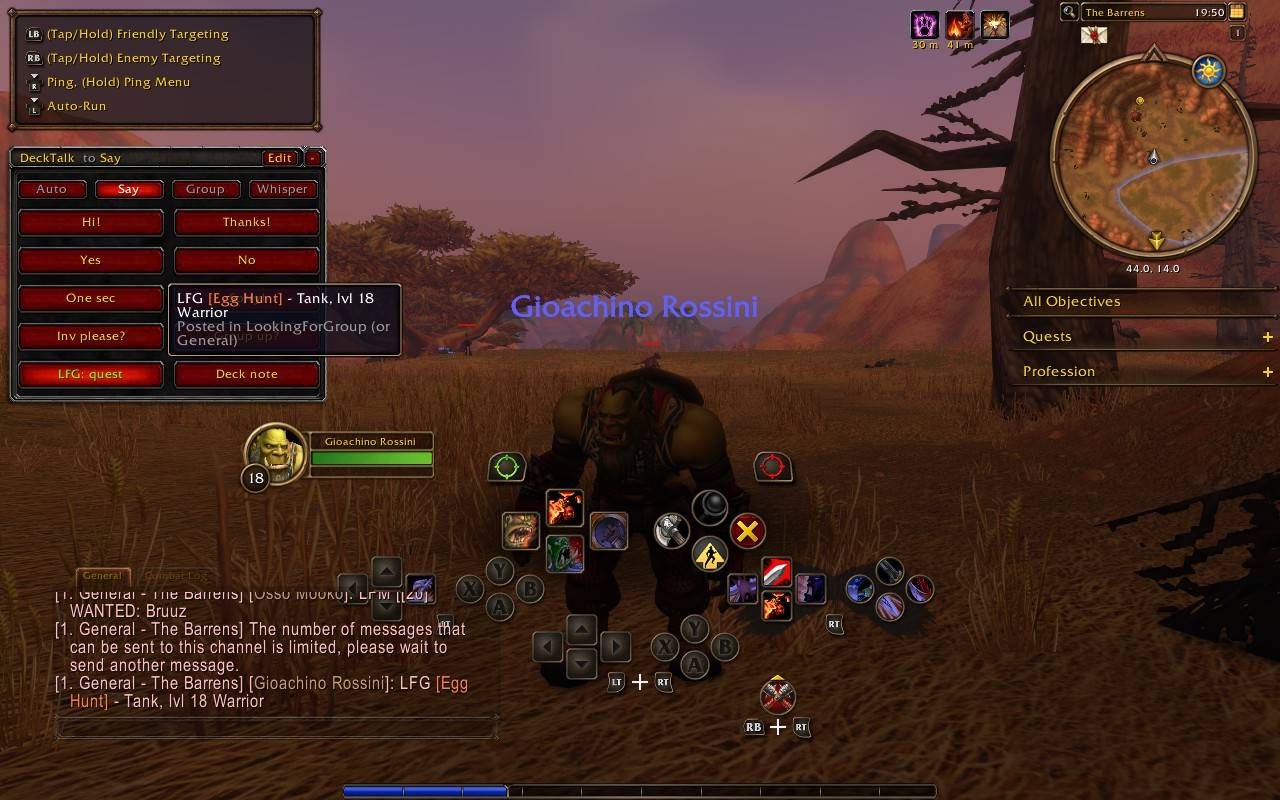
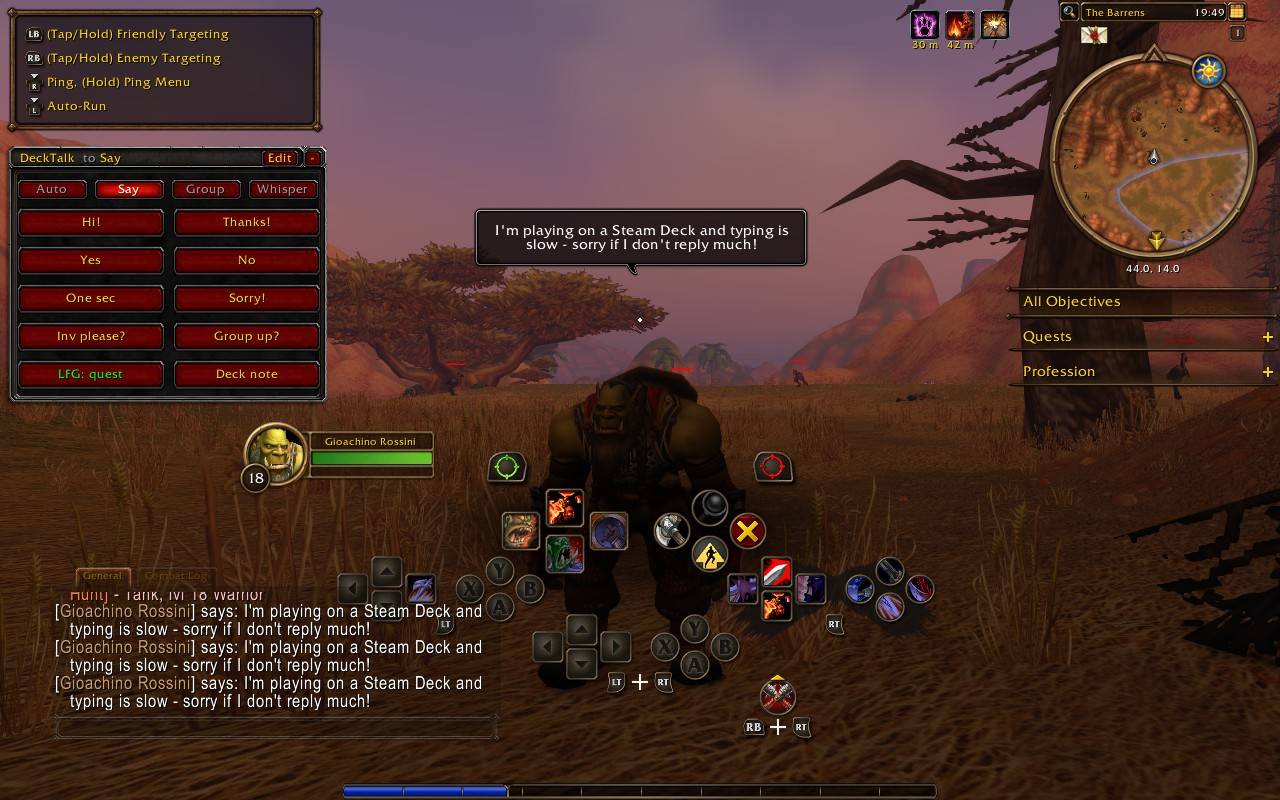
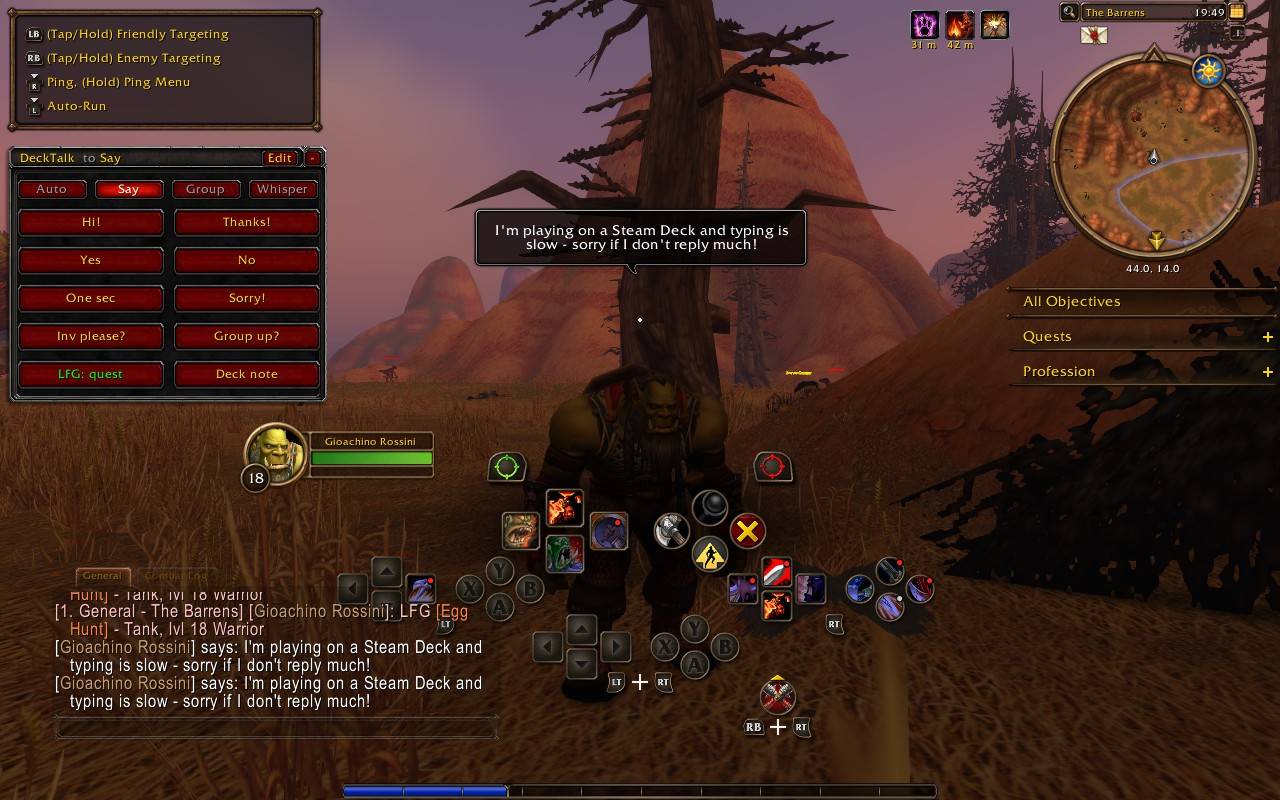
One-tap chat for controller play: quick phrases, LFG for your tracked quest with role & level, and an auto “I’m on a Steam Deck” note.
20261110195014_1.jpg
20261110194935_1.jpg
20261110194928_1.jpg
Description
DeckTalk
One-tap chat for World of Warcraft: Forever and retail players on Steam Deck or controller.
Typing on a Steam Deck is slow. DeckTalk gives you a small panel of buttons, and keybinds for your back buttons, for the things you say all the time.
Features
- 8 quick phrases: "Hi!", "Thanks!", "Yes", "No", "Inv please?"… all editable.
- Pick where messages go:
Auto(group chat when grouped, otherwise /say),Say,GrouporWhisper(the last person who whispered you). The title bar always shows the current destination. - LFG: quest posts your tracked quest with your role, level and class in LookingForGroup
(or General):
LFG [The Defias Brotherhood] - Healer, lvl 18 Druid. The role comes from your spec, or you can set it yourself. With no tracked quest it posts your zone instead. - Steam Deck note: "I'm playing on a Steam Deck and typing is slow…"
- optionally posted in group chat when you join a group (not in NPC-only groups, never mid-combat)
- optionally whispered back to people who whisper you, once per player per 10 minutes, skipping friends and guild members
- Made for back buttons: every button can be keybound, and its key is shown on the button.
- Double-tap safe: a short cooldown stops accidental double sends and channel spam. The button shows Sent! when a message goes out.
- Minimize instead of close, so you're never stuck typing
/dtto get it back. - Works with the ConsolePort cursor and the retail addon compartment (left-click: show, right-click: settings).
Steam Deck setup (back buttons)
- In WoW: Esc → Options → Keybindings → AddOns → DeckTalk. Bind each phrase to an unused key
(for example
F7–F12,Shift-F7…). - In Steam: Controller settings → Back grip buttons. Map L4 / L5 / R4 / R5 to those same keys.
- The key labels on the DeckTalk buttons show what's bound where.
Placeholders
Use these in any phrase, the note or the LFG message:
| Code | Becomes |
|---|---|
%q |
tracked quest (as a clickable link) |
%t |
your target's name |
%z |
current zone |
%w |
role + level + class, e.g. Healer, lvl 18 Druid |
%r / %l / %c |
role / level / class on their own |
Commands
| Command | Does |
|---|---|
/dt |
Show / minimize the panel |
/dt config |
Edit phrases and options (Steam keyboard: Steam + X) |
/dt hide / /dt show |
Hide completely / show again |
/dt scale 1.2 |
Resize the panel (0.5–2) |
/dt reset |
Move the panel back to its default position |
Install
Download the latest zip from Releases (or CurseForge) and unpack it into
World of Warcraft/<game version>/Interface/AddOns/. Your folder will be _retail_ or the WoW: Forever folder.
If you use GitHub's green Code → Download ZIP button instead, rename the folder from
DeckTalk-maintoDeckTalk, or WoW won't load it.
Notes
- Blizzard only lets addons post in /say and channels (like LFG) when you actually press a button or key. That's why the automatic note only goes to group chat and whispers.
- In dungeons and raids during combat, Blizzard restricts addon chat. DeckTalk waits or skips instead of throwing errors.
License
DeckTalk Team
