Dungeon Cheat Sheet
- By
Pin boss mechanics to your screen — notes pop up automatically when you enter a dungeon, so you never have to Alt-Tab for a guide again.
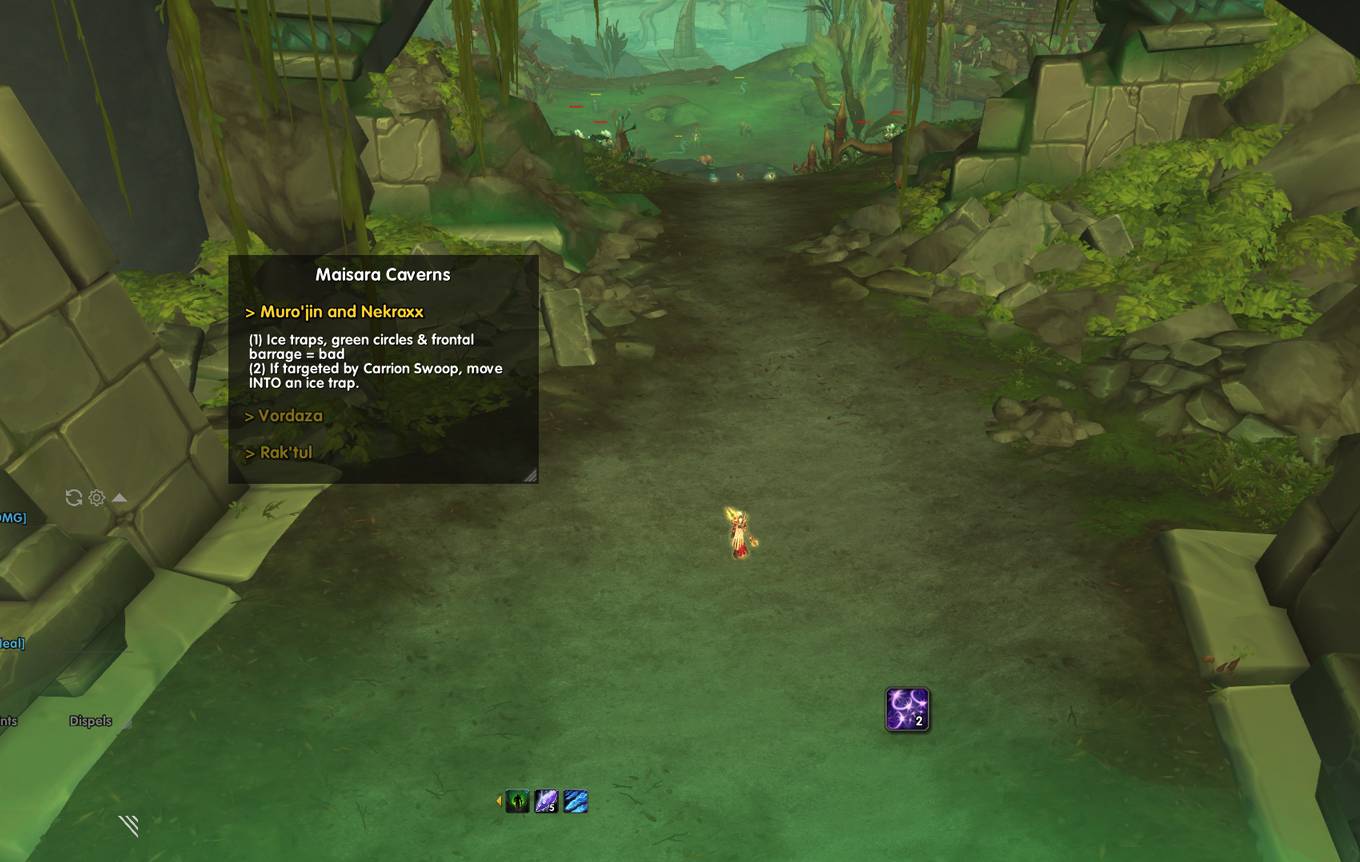
sample.jpg
Description
DungeonCheatsheet
Boss mechanics on your screen. No more panic in dungeons.
What is this?
Watched a dozen guide videos before the dungeon, then forgot everything the moment you zoned in? DungeonCheatsheet lets you pin short boss notes right on your screen — they pop up automatically when you enter a dungeon, and expand to the right boss when you target it or the encounter begins.
No more Alt-Tabbing to look up guides mid-pull.
Share & Import
Export your personal notes as a code string and send it to your friends — or paste in a code from your favorite content creator to instantly load their guides. Share your strats, import the ones you love.
Quick Start
- One-click import: Type
/dcs→ open the Editor → hit the import button on the "New Category" page to load pre-made boss guides for the current season. - Write your own notes: Create a category → add a dungeon → add targets (bosses) and jot down the key mechanics you want to remember.
- Auto-show in dungeon: The note window appears automatically when you enter a configured dungeon and hides when you leave.
- Smart expand: Targeting a mob or starting a boss encounter auto-expands the matching note (requires Encounter ID in the editor).
Common Actions
| Action | How |
|---|---|
| Open settings | /dcs or click the minimap button |
| Lock / unlock window | /dcs lock or hover the window and click the lock icon |
| Resize window | Drag the bottom-right corner (unlocked) |
| Share with friends | Editor → Import & Export → select categories → generate code |
| Import from friends | Editor → Import & Export → paste code → verify & import |
Tips
- Window position, size, font, and transparency are all customizable in settings.
- You can set up separate notes per difficulty (Normal / Heroic / Mythic / M+ / etc.).
- Use categories to keep different seasons or dungeon types organized.
Dungeon Cheat Sheet Team