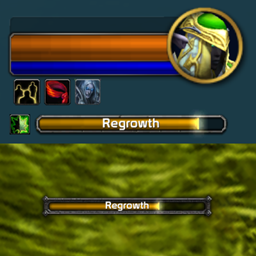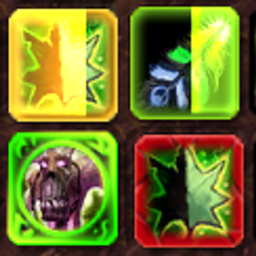
Description
Texture Replacement for WoTLK - MANUAL Installation required
Read the ReadMe.txt for more info
How is it done? What you need:
=====================================================
1. BLP to PNG converter (I use one from wowinterface)
2. Paint program that allows layers & transparency (Gimp/Paint.net examples)
3. Export Interface folder
Open World of Warcraft game settings in battle.net click the additional command line checkbox
Add "-console" and start the game, once ingame type this in chat when logged in /run SetConsoleKey "F" (This temporary overwrites your current F bind)
Now logout and go back to your character select screen, press F and a console window should appear.
Type "exportInterfaceFiles art" your game will freeze during the time it's downloading the files, DONT PANIC
Once done you can exit out of the game, open your World of Warcraft folder and you'll find a new folder containing all the art in .blp format, this is where you need
the converter to change it to .png so you can edit the textures, when done save as .png and convert back to .blp and put them in the folder.
4. Once ingame, type /fstack and hover over the frame you wish to change, then press shift this will birng up extra info in your tooltip window
you can cycle through the different frames you're hovering over by pressing alt and this is how you figure out what the frames are called
My Paint.Net color adjustments:
(Black Frame)
Black & White + Brightness/Contrast = -80, -70 x2 + -80, -58
(Dark Gray Frame)
Black & White + Brightness/Contrast = -80, -60
Icon Border I use, save as png should save with transparent background

The DarkUI Wrath Team