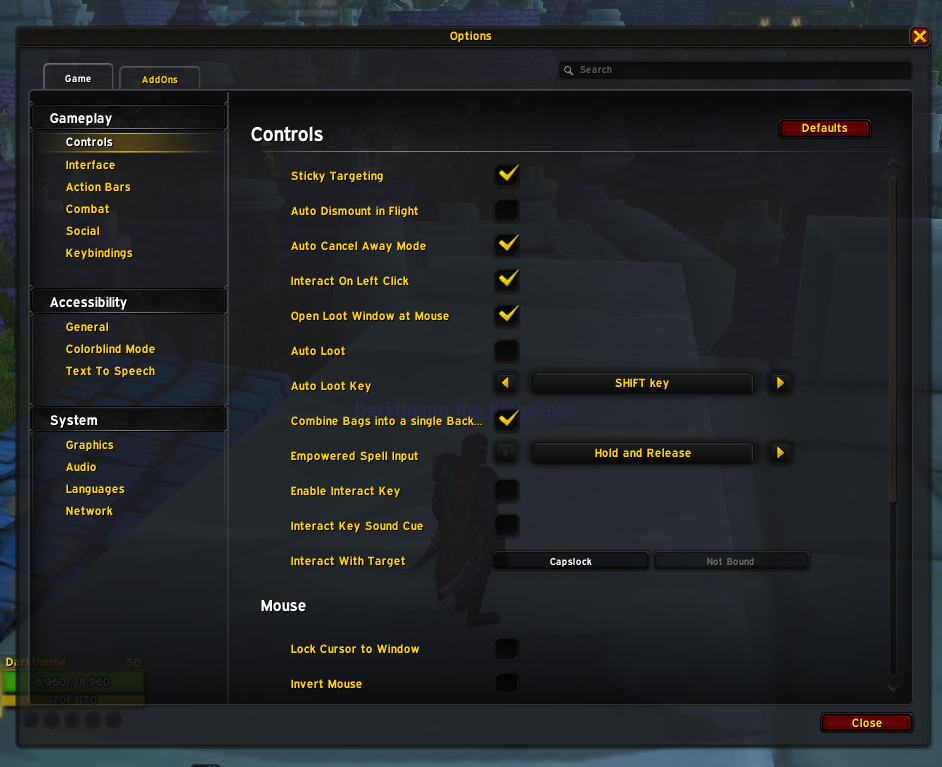
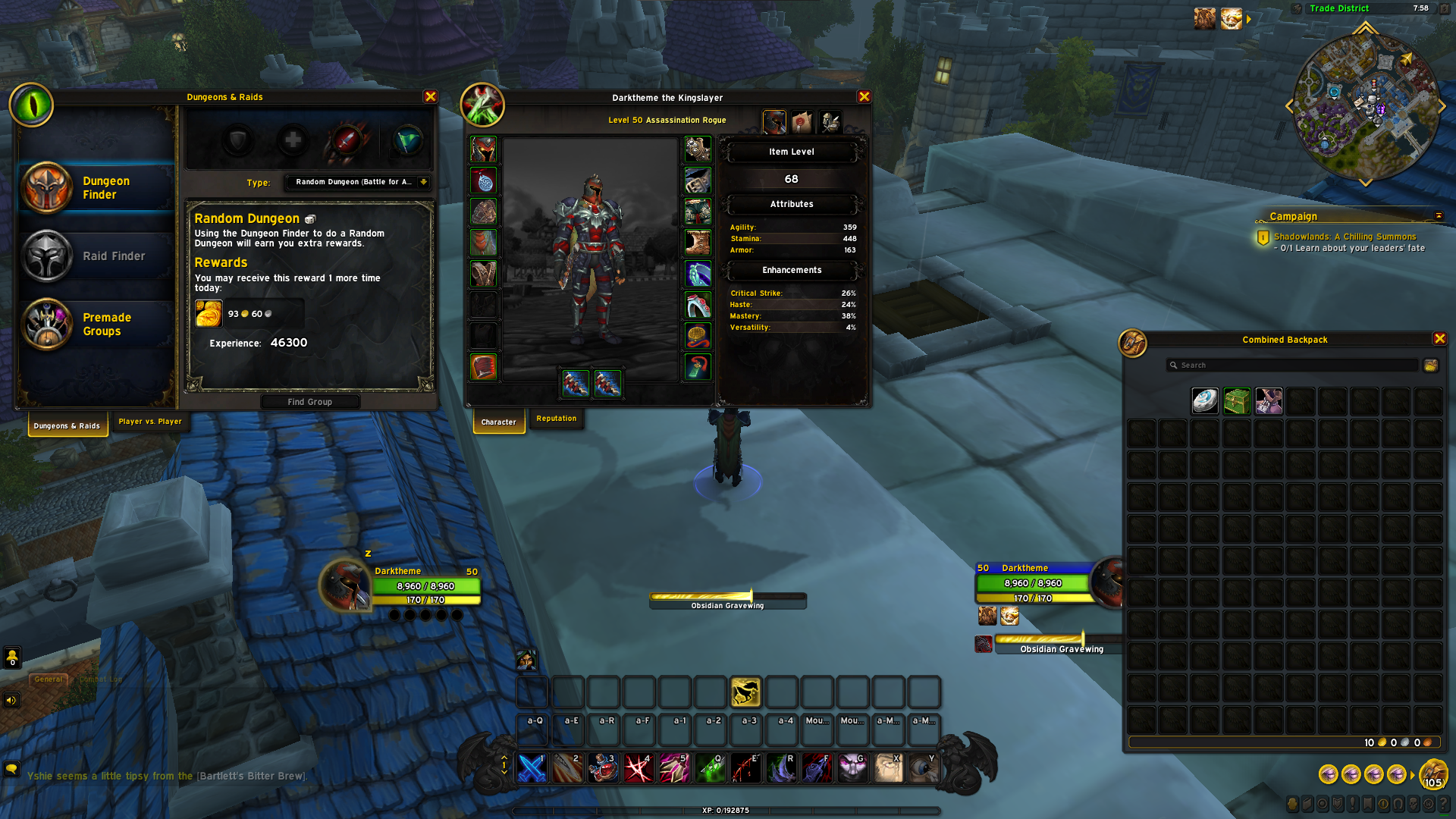
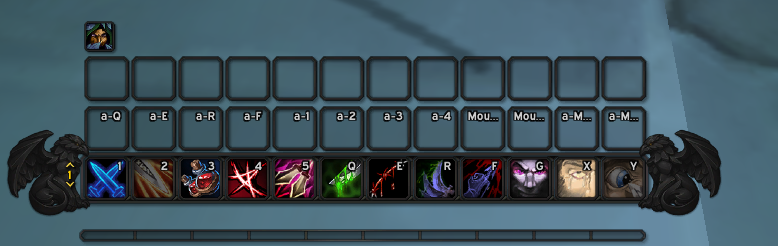
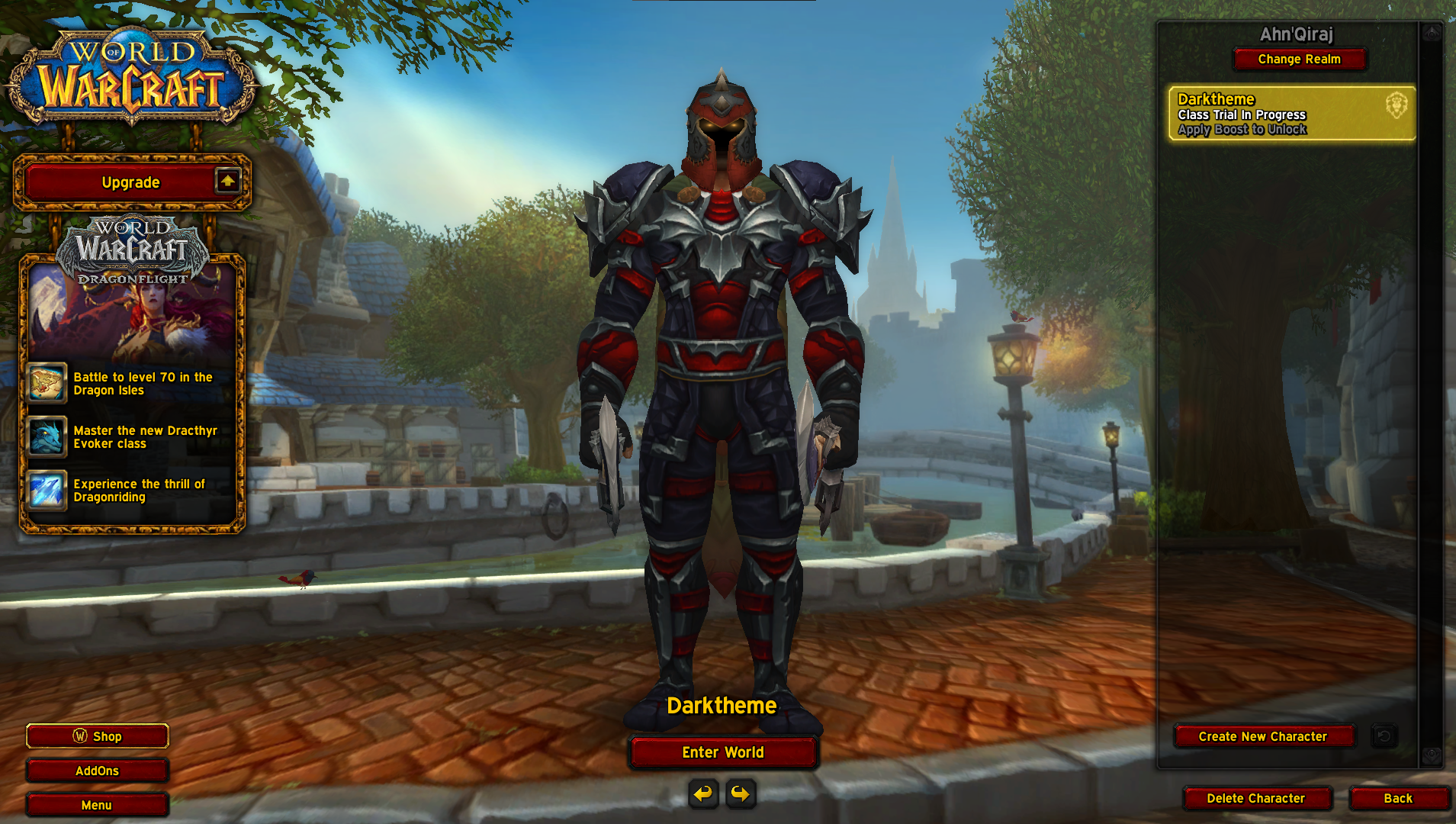
Description
World Of Warcraft Dark Theme UI Texture Pack
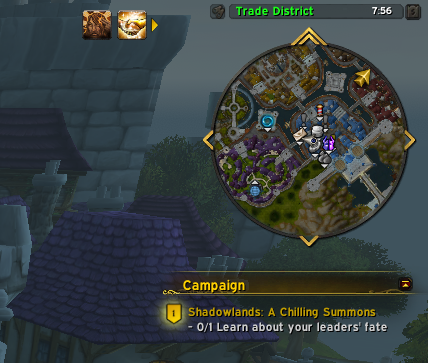
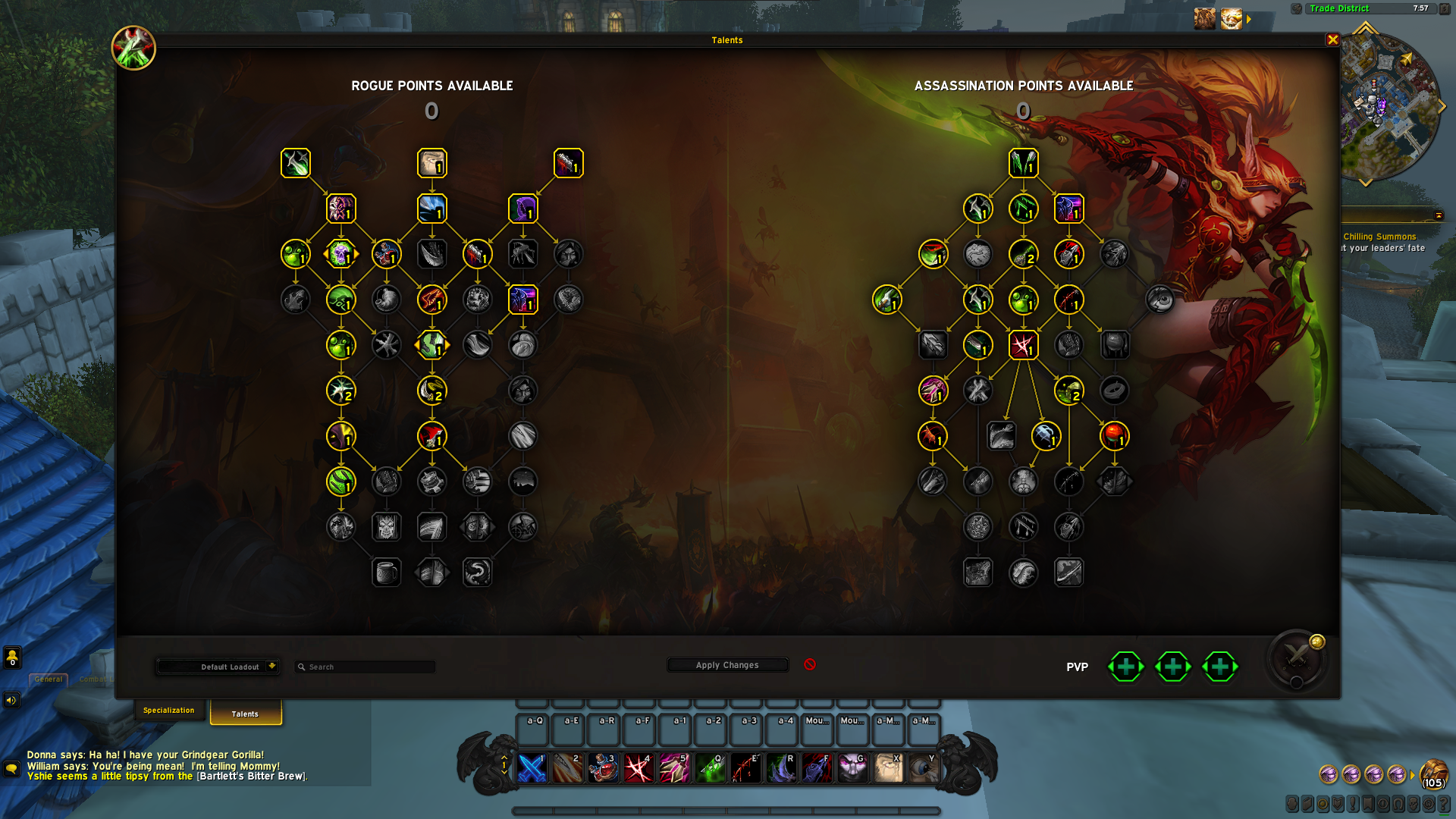
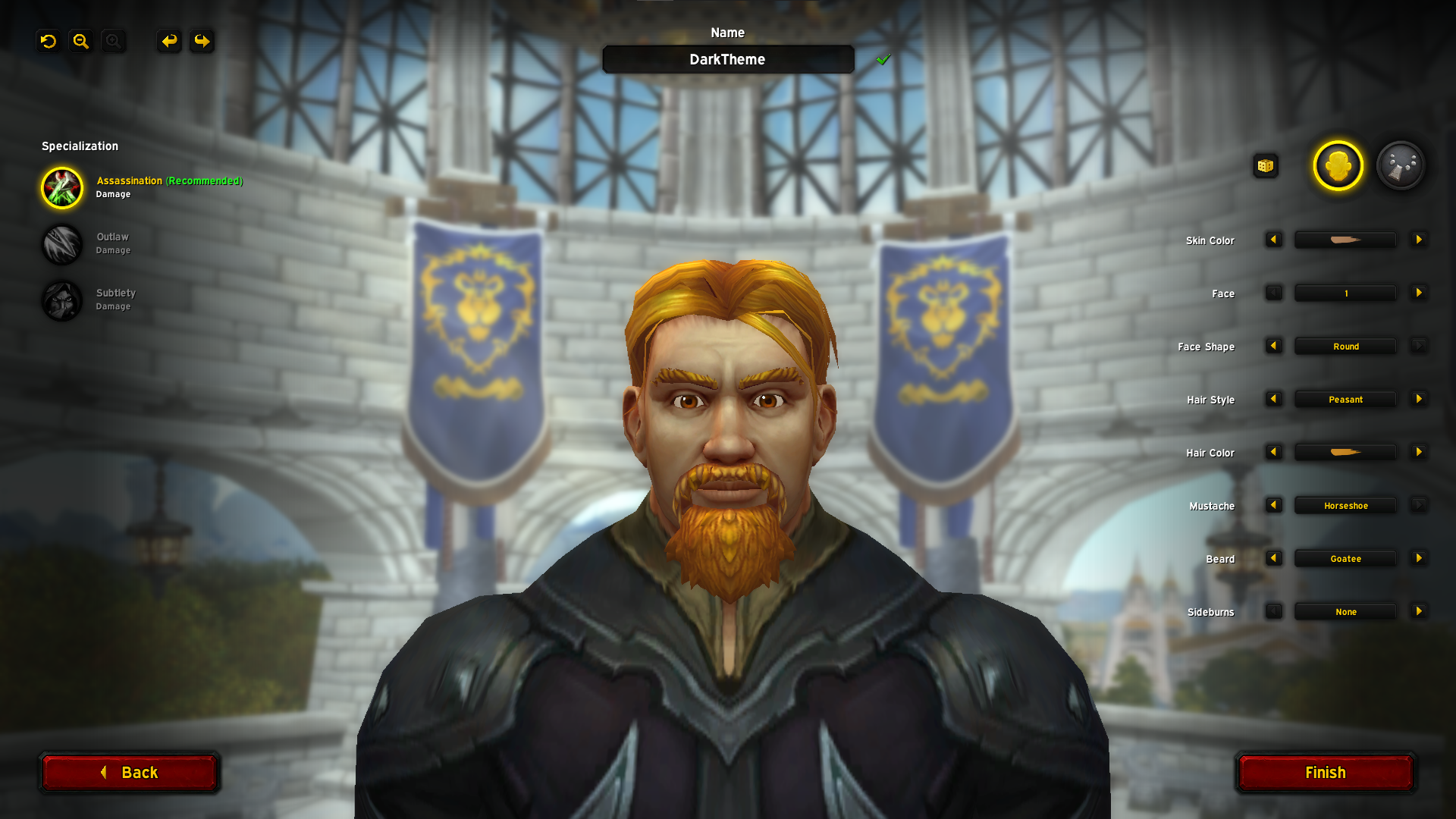
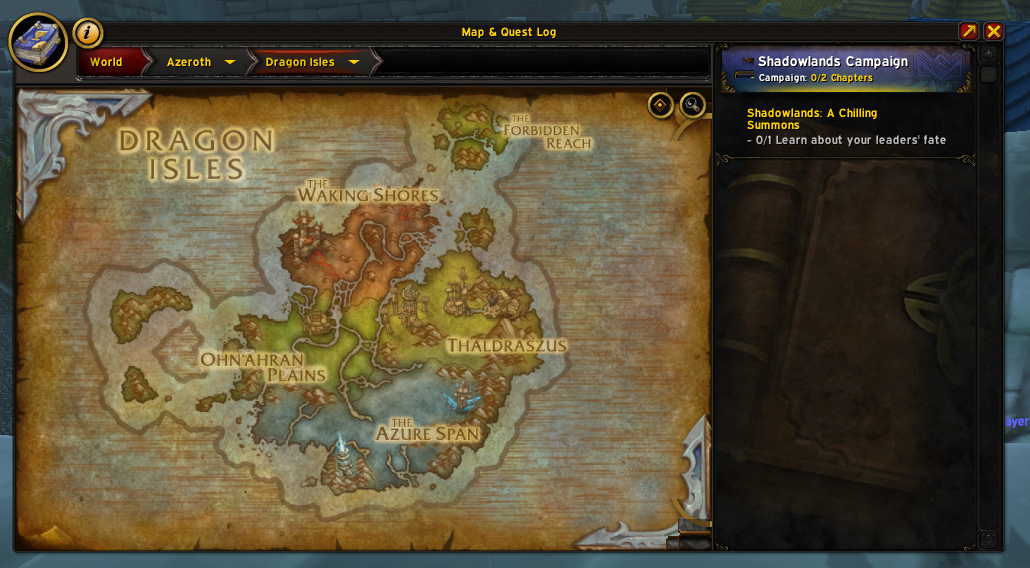
Complete World Of Warcraft Dragonflight Dark Theme overhaul. Read description before installing. Installing AddOn is not enough. Thank You.

About project
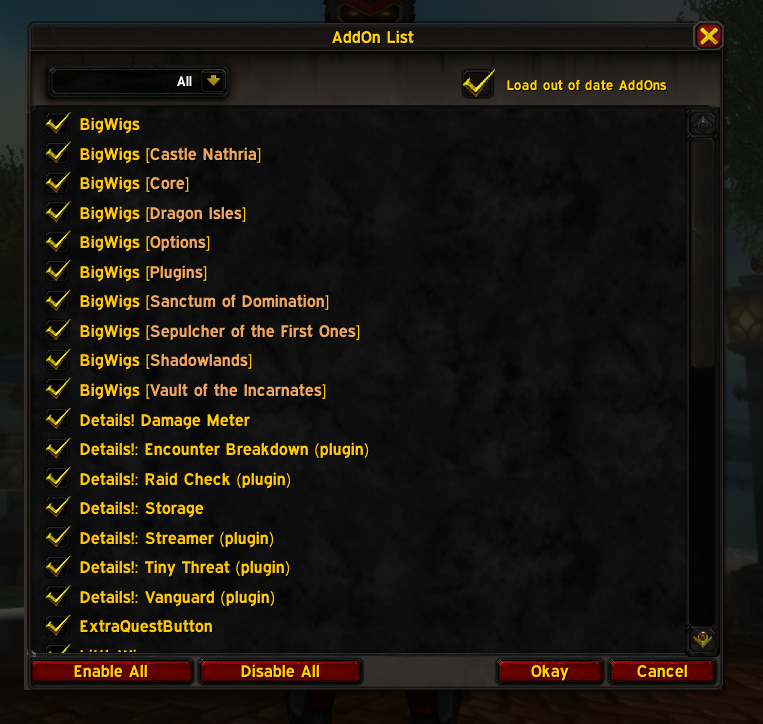
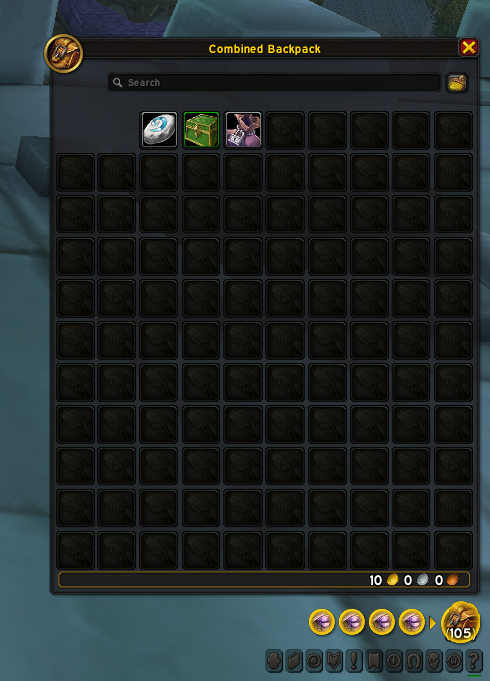
This is complete texture overhaul to dark version. Textures will work with every AddOn available and there should not be any problems with compatibility. Texture Pack isnt slowing loading times or your game performance.
(!)Download Link:
https://github.com/NYKO7/World-Of-Warcraft-Dark-Theme-UI-Texture-Pack
How to install Dark Theme UI Texture Pack guide
Step 1. Download AddOn Dark Theme UI from CurseForge. Having AddOn installed will help you to keep a track with future updates to Texture Pack.
Step 2. Download Texture Pack (You can do that by clicking on "Code" button and "Download ZIP"). Download link: https://github.com/NYKO7/World-Of-Warcraft-Dark-Theme-UI-Texture-Pack
Step 3. Unpack ZIP file you downloaded. (You might need to download extraction tool like WinRAR or 7-Zip)
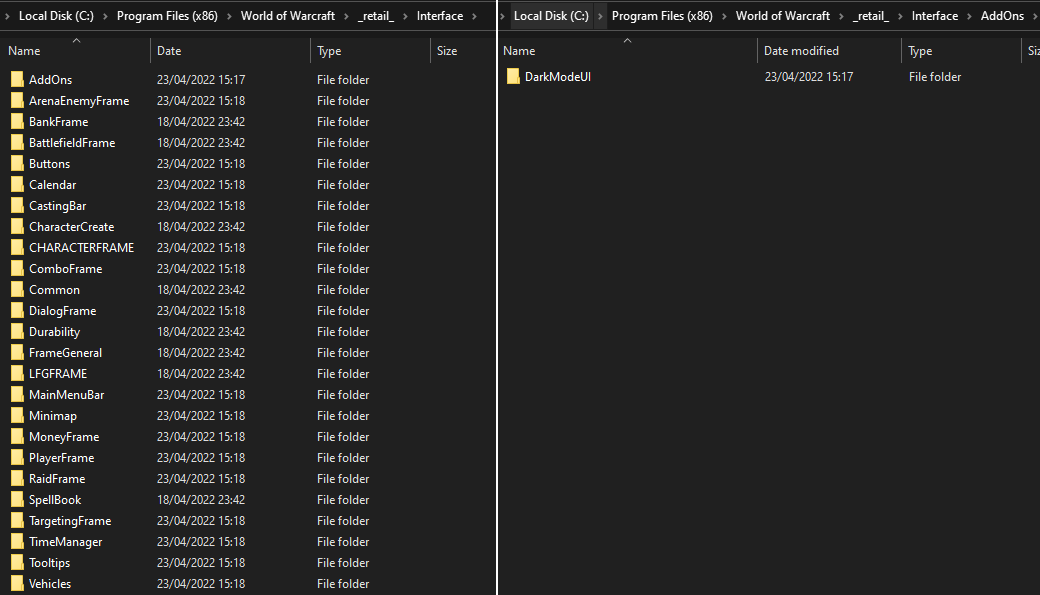
Step 4. Open extracted file and copy the content of the folder into your /World of Warcraft/retail/Interface file. !Its not an AddOn so dont copy it into AddOn folder!
Step 5. Launch the game or restart your game if you had it open already. Game needs to be restarted in order to load new Texture Pack, simple /reload is not enough and wont work.
Step 6. Enjoy Dark Theme UI Texture Pack. If you experienced any problems or Texture Pack isnt working dont mind asking for help in CurseForge comment section or discord (soon).
Your "Interface" folder after installation should look like this:

(!)How to UPDATE Texture Pack
It is required to completely DELETE old files from your "_retail_/Interface" folder and then copying new ones because copying new files over old ones might result in some broken texture still remaining in your game folders.
Feedback
You can report issues on Curseforge in the comment section.
Support the creator

Dark Theme UI Team