
CustomGlow for assisted highlight
- By
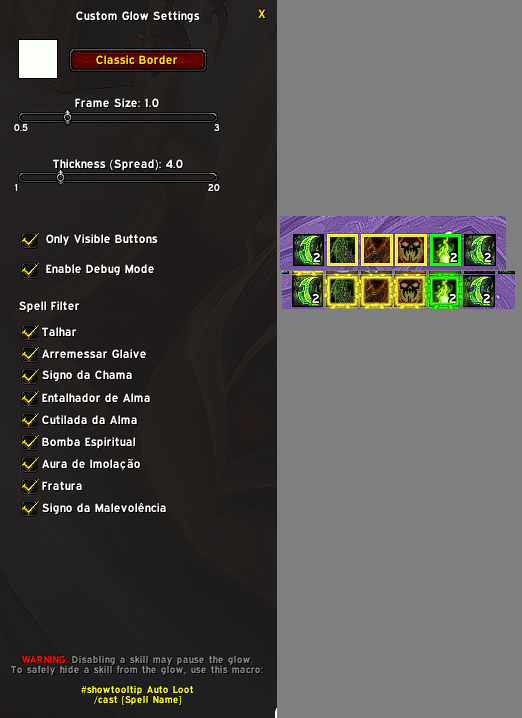
Captura de tela 2026-03-02 052740.png
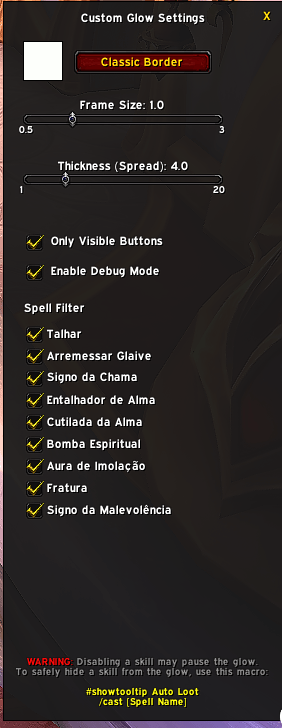
Captura de tela 2026-03-02 052740.png
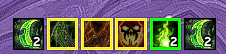
Captura de tela 2026-03-02 052844.png

Captura de tela 2026-03-02 052858.png
Description
---
How to Use
1. Type /cg in chat to open settings
2. Click the color square to pick your glow color
3. Enable "Only Visible Buttons" to avoid false positives
4. Attack a Training Dummy to test in real-time
Quick Tips:
- Frame Size = overall scale
- Border Thickness = line width (thin for precision, thick for visibility)
- Changes apply instantly
What is CustomGlow?
CustomGlow replaces WoW's default combat highlight with a customizable colored border on your action buttons. When a
spell from your rotation is ready, the glow appears – simple as that. No more missed procs or wasted GCDs.
Features:
- 5 glow styles (Classic, Pixel, AutoCast, Action Button, Poly-Circle)
- Full color customization
- Proc glow support (separate color/style)
- Alternative glow for secondary rotations
- Works with ElvUI, QUI, Bartender4, and native bars
---
CustomGlow for assisted highlight Team
