

cursorloot-logo (1).png
captura CUrsorLoot.jpg
cursorloot-warning-en.png
cursorloot-options-en.png
Description
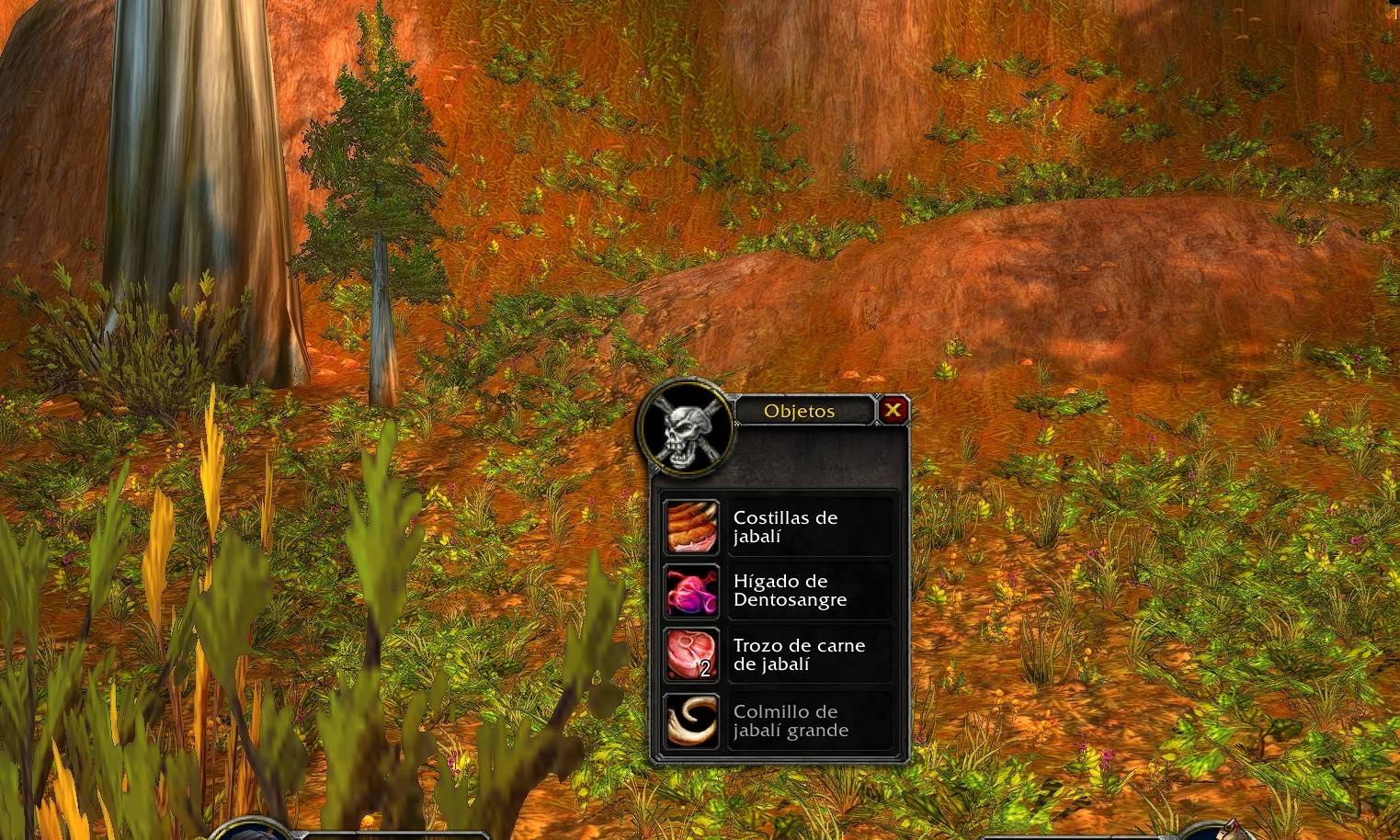
CursorLoot opens the standard loot window at your mouse cursor position, keeping your loot close at hand.
Designed for World of Warcraft Classic and The Burning Crusade, it uses WoW’s native loot-under-mouse setting. The game handles the positioning directly, avoiding the visible jump caused by moving the window after it opens.
Features
- Opens the standard loot window at your mouse cursor position.
- Supports Classic 1.15.9 and Burning Crusade Classic 2.5.6.
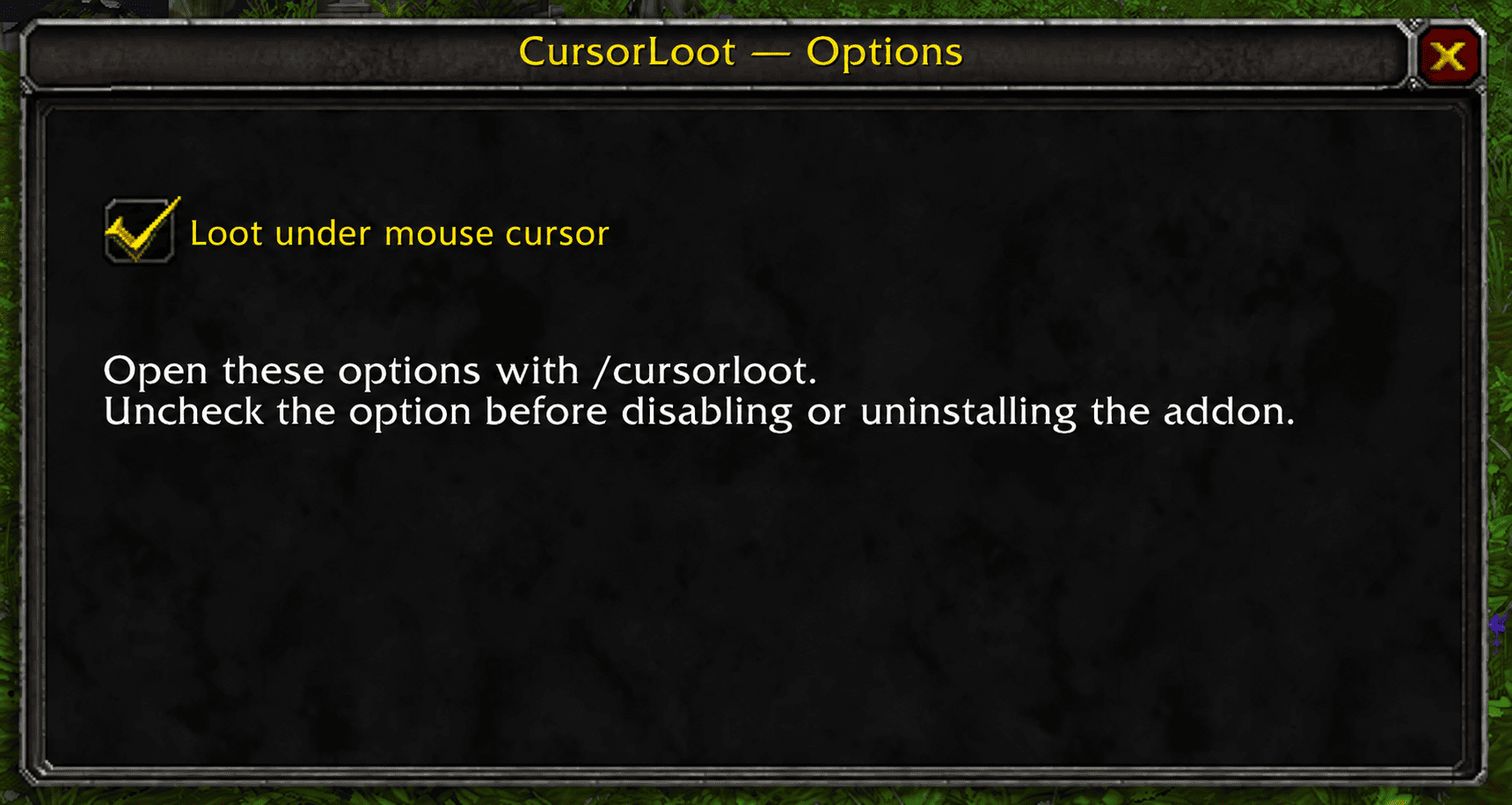
- Includes an enable/disable checkbox accessible with
/cursorloot. - Remembers your preference between sessions.
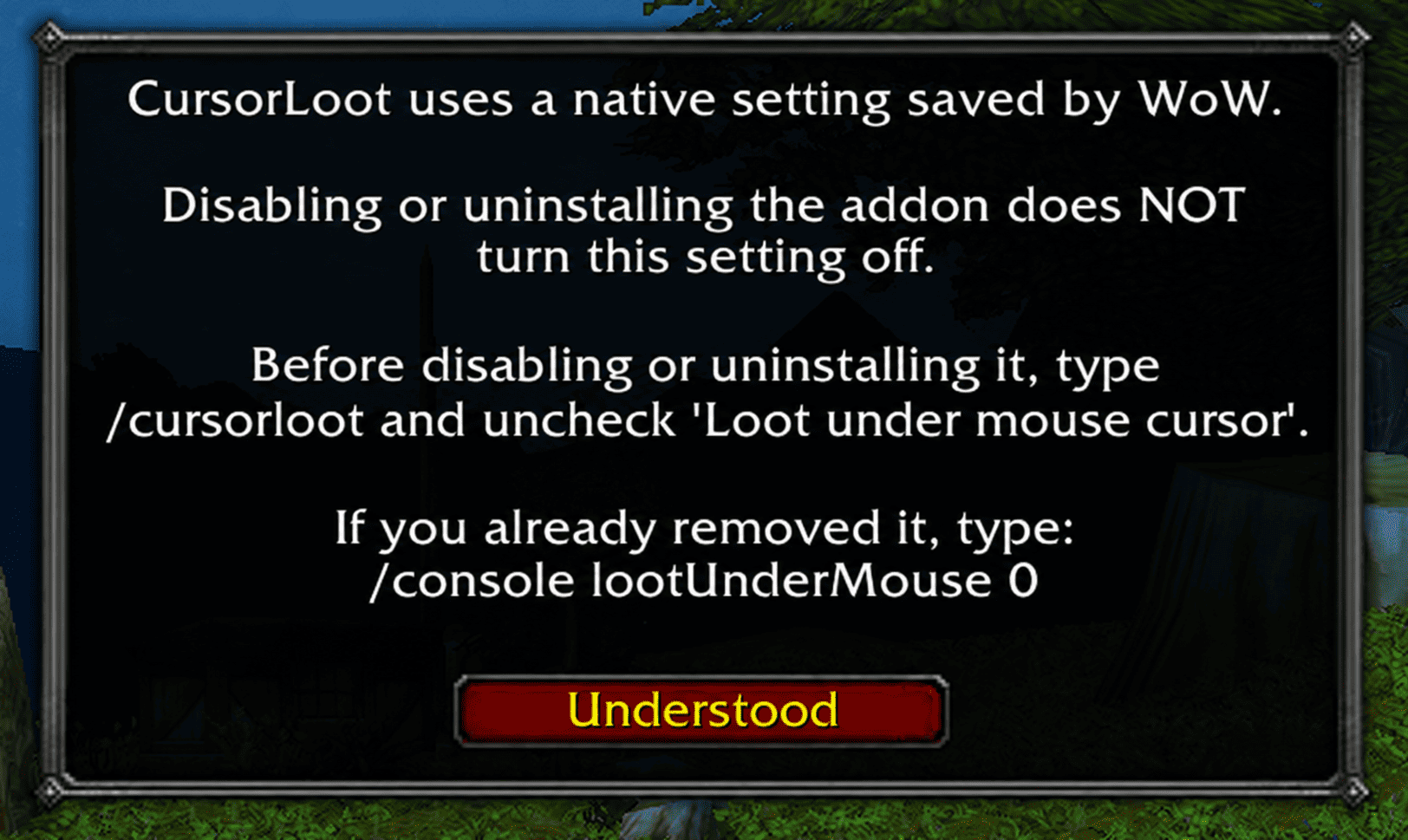
- Displays a first-run notice explaining how to disable the feature before removing the addon.
- Includes English and Spanish interface text, selected automatically according to your game client’s language.
- Leaves item collection and auto-loot behavior unchanged.
How to use
Install and enable CursorLoot, then log into your character. The feature is enabled by default on first installation.
To change it, type: /cursorloot
Check “Loot under mouse cursor” to enable the feature, or uncheck it to disable it. Your choice is saved for future sessions.
CursorLoot positions the window when it opens; the window does not follow subsequent mouse movement. With auto-loot enabled, the loot window may not remain visible. Use your configured auto-loot modifier if you want to display it.
Important: before disabling or uninstalling
Disabling or uninstalling CursorLoot does not automatically turn off loot-under-mouse positioning.
CursorLoot controls a native WoW setting called lootUnderMouse. WoW saves this setting independently of the addon, so it can remain enabled even after CursorLoot is disabled or its folder is deleted.
If you want to return to the game’s default loot window positioning, follow these steps before disabling or uninstalling CursorLoot:
- Log into the game with CursorLoot enabled.
- Type
/cursorlootto open its options. - Uncheck “Loot under mouse cursor”.
- You can now disable the addon or close the game and delete its folder.
Unchecking the option turns off the native setting. Simply disabling the addon in the addon list or deleting its files does not perform this step.
Already disabled or uninstalled the addon?
You do not need to reinstall it. Enter the following commands in the game chat, one at a time:
/console lootUnderMouse 0Then /reload
This disables the native setting and reloads the interface.
First-run notice
A notice explaining this behavior appears the first time you use the current setup. Once you click “Understood”, your acknowledgement is saved.
Updating or reinstalling the addon will normally not show the notice again, because WoW stores the acknowledgement outside the addon’s installation folder.
Compatibility
CursorLoot is intended for the standard Blizzard loot window. Other addons that replace that window or control the same native setting may affect its behavior.
CursorLoot Team
