CursorHUD
- By
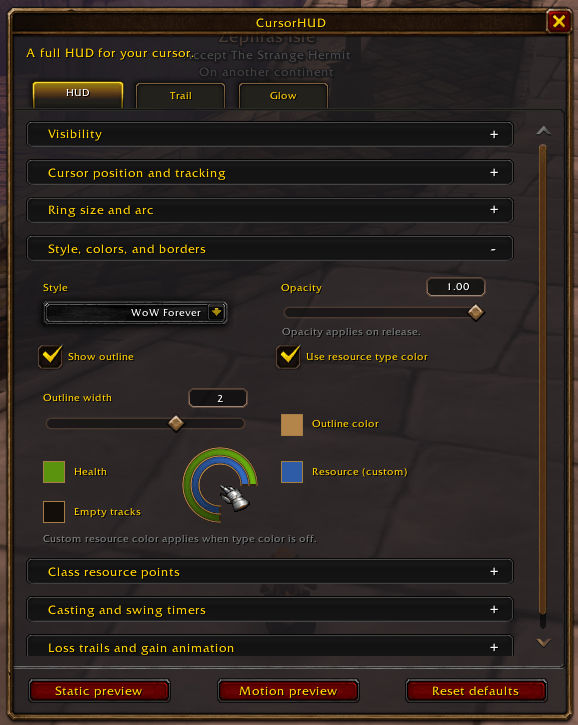
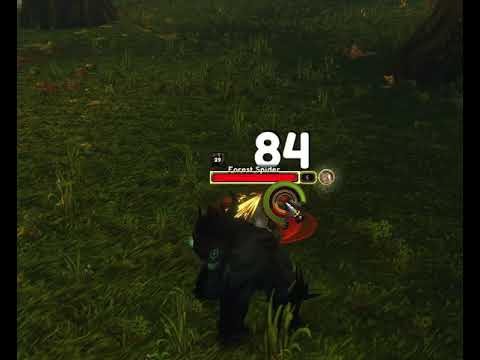
The CursorHUD Forever style.
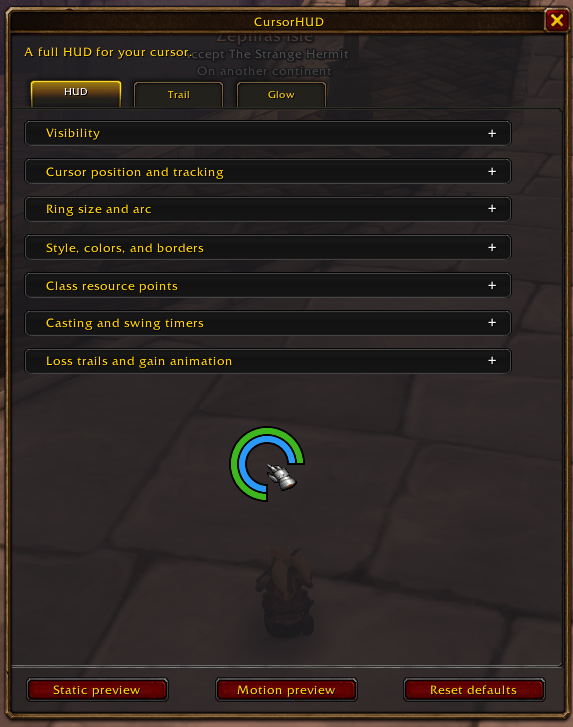
The CursorHUD flat style.
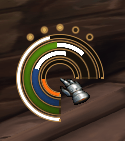
Animated trails when resources drain or heal.
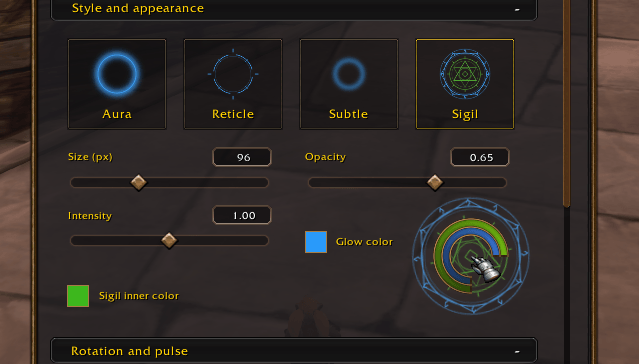
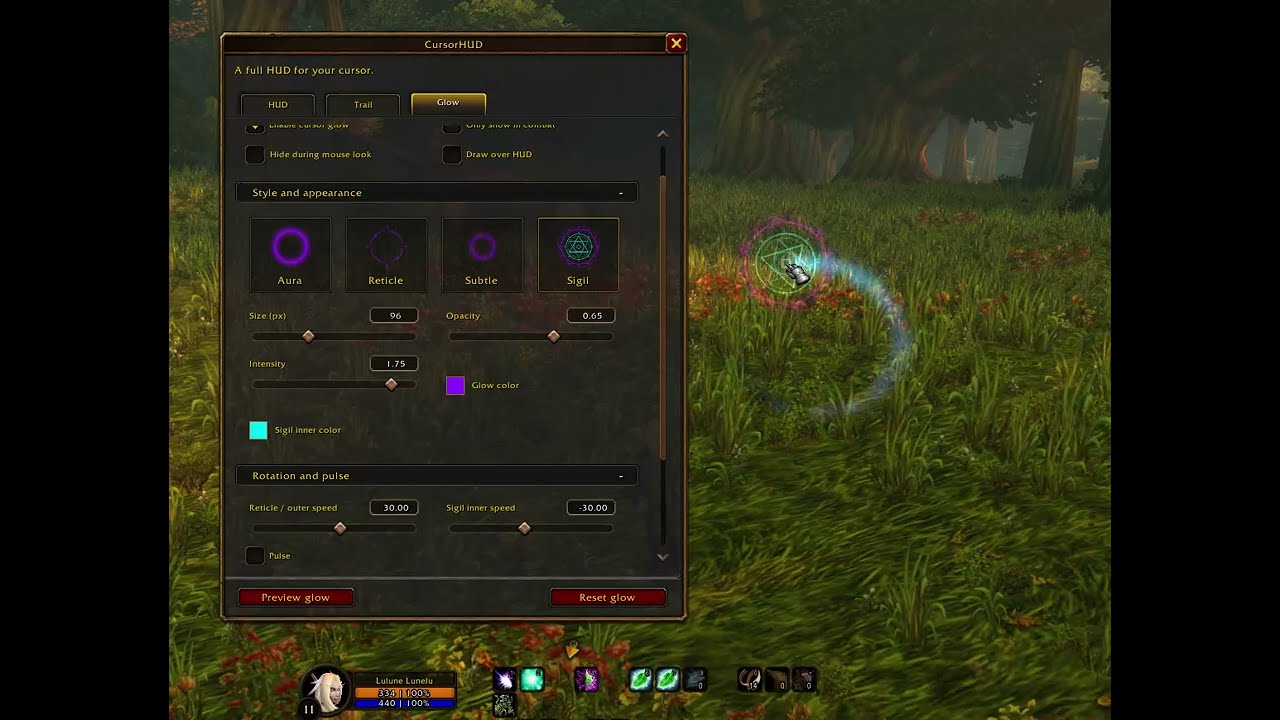
Customizable cursor glow.
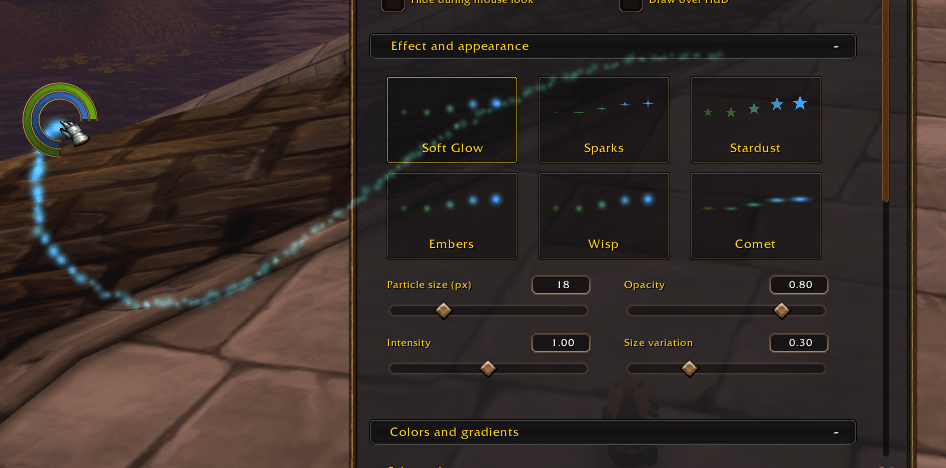
Customizable cursor trails.
Description
CursorHUD
Keep your health, resources, and combat timers close to the action. This is built for World of Warcraft: Forever. CursorHUD combines clean cursor rings with optional glows and particle trails, all customizable through a settings window.
A HUD around your cursor
- Health and resource rings with adjustable size, thickness, spacing, opacity, and colors.
- Customizable arcs ranging from 65 degrees to a complete circle, with adjustable rotation.
- Swappable rings: choose whether health appears inside or outside.
- Class resource dots for supported resources, including combo points.
- Casting bar with a separate loss trail to highlight progress lost from taking hits.
- Swing timer with automatic or selectable weapon tracking.
- Animated changes with customizable loss trails and translucent gain previews.
Choose your style
Use WoW Forever for a shaded appearance with warm borders, or Flat for a clean, simple look.
Customize outlines, individual bar colors, and loss-trail colors. Adjust the empty background opacity, including making it completely transparent. Position casting and swing timers inside or outside the main rings and fine-tune their distance.
Cursor Glow
Make your cursor easier to find with four optional effects:
- Aura: a luminous halo.
- Reticle: a rotating targeting ring.
- Subtle: a softer, understated glow.
- Sigil: layered rings with independent colors and rotation speeds.
Adjust size, opacity, intensity, pulsing, and rotation. Sigil’s inner and outer rings can rotate together, in opposite directions, or remain still.
Cursor Trail
Choose from Soft Glow, Sparks, Stardust, Embers, Wisp, and Comet.
Use a solid color, your class color, a two- or three-color gradient, or Rainbow. Color presets include elemental styles and an extra sunset style, blending orange, magenta, and deep purple.
Fine-tune particle size, lifetime, spacing, taper, spread, drift, and spin.
Simple controls
HUD, Trail, and Glow have separate settings and previews. Optional visibility controls include combat-only display and hiding during mouse look. Health and resource rings can also hide individually when full.
Glow and Trail are disabled by default, ready to enable when you want them.
Commands
- /chud opens or closes settings.
- /chud mini toggles the minimap icon.
Made for WoW: Forever.
CursorHUD Team