Crest Farm Helper
- By
Info.png
Chat.png
Goal.png
Default â Arcane Blue.png
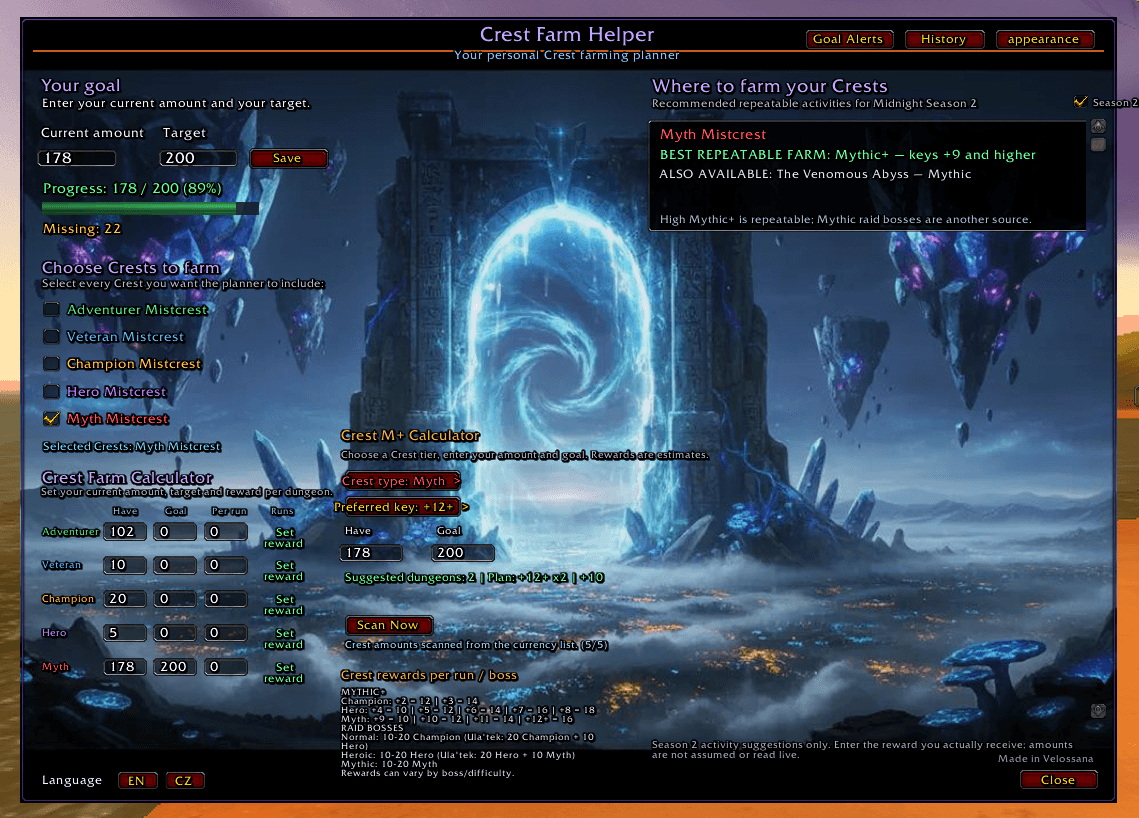
Frozen Portal.png
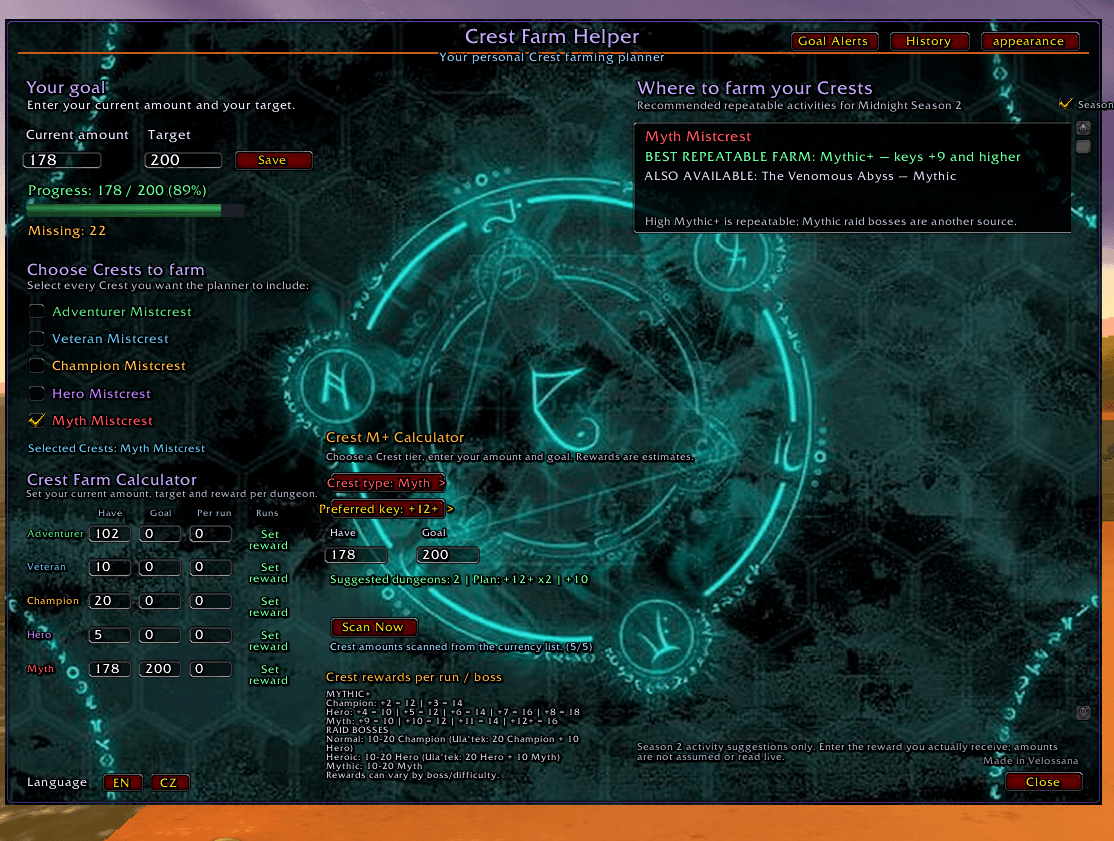
Arcane Runes.png
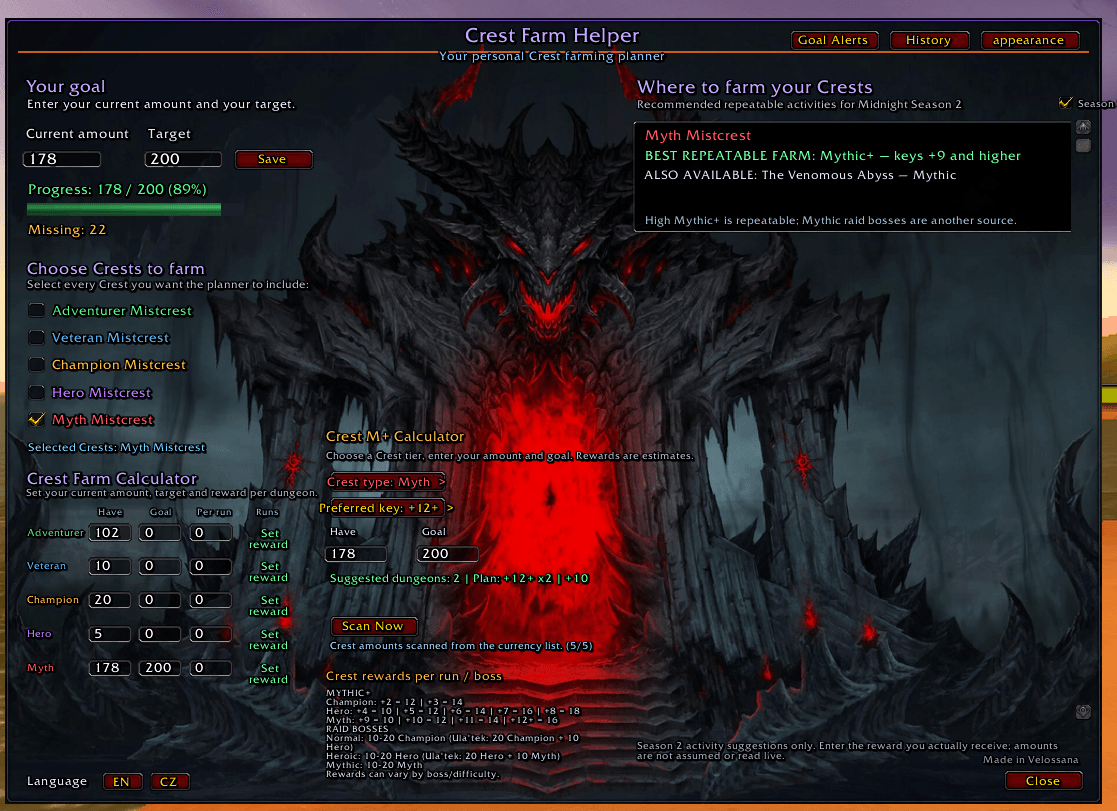
Infernal Gate.png
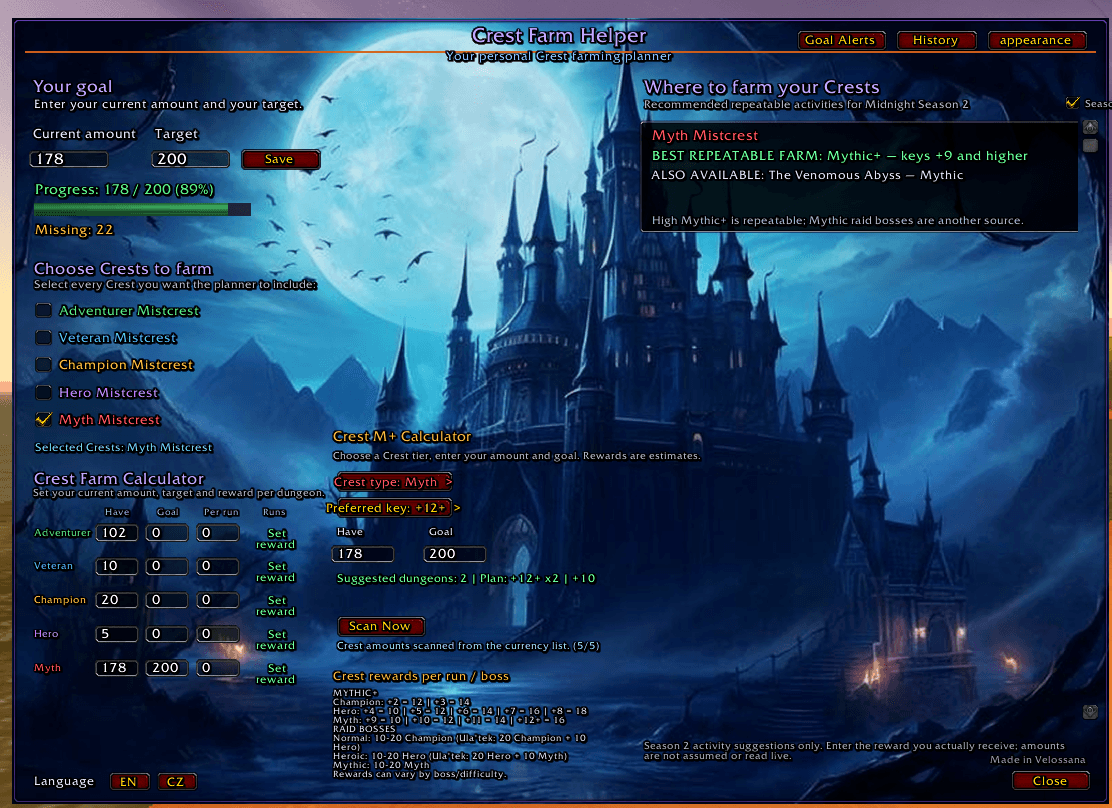
Moonlit Castle.png
Void Cracks.png
Void Portal.png
Description
Crest Farm Helper
Track your Crests. Reach your Goals. Upgrade with confidence.
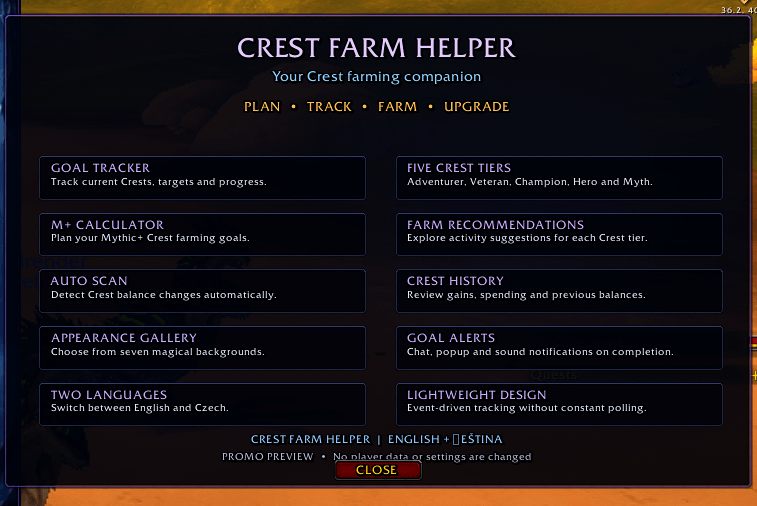
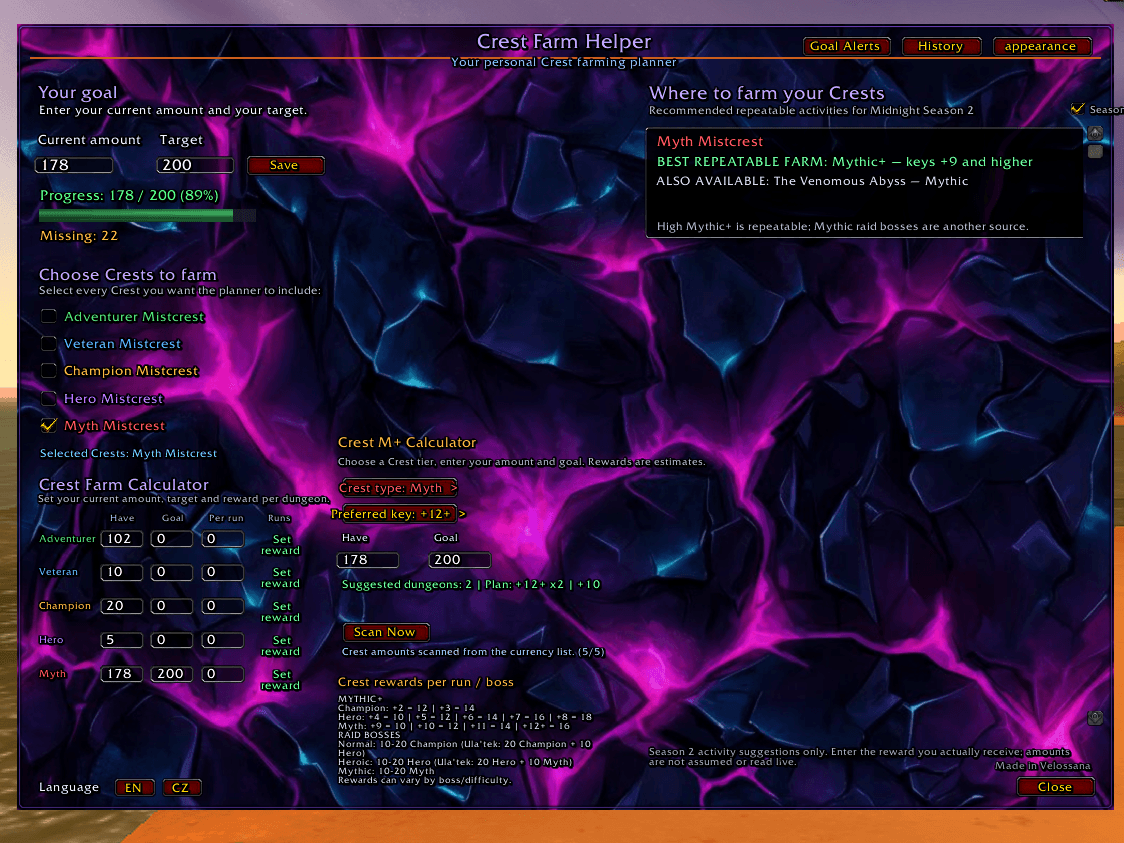
Crest Farm Helper is a lightweight World of Warcraft Retail addon designed to make Crest farming easier to manage.
Track your Crest balances, set personal goals, review your progress, and customize your addon interface.
✨ Features
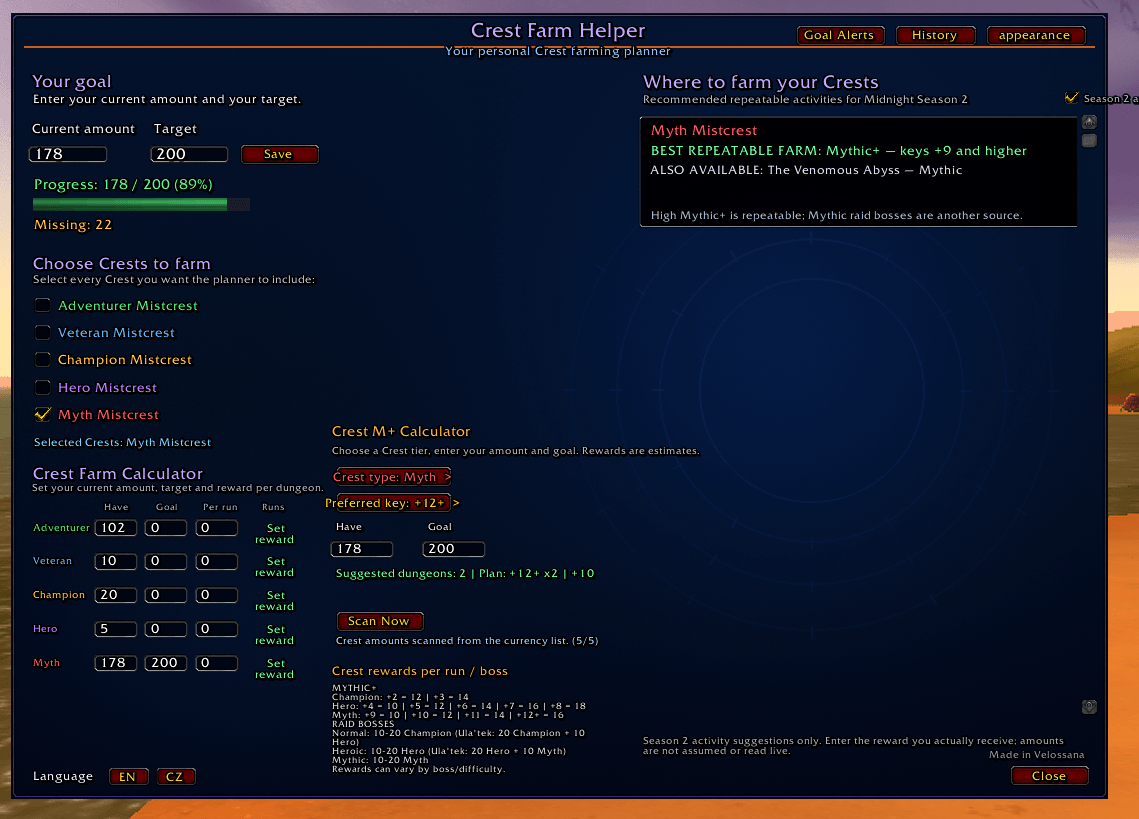
🎯 Crest Goal Tracker
-
Set a personal goal for your selected Crest type.
-
Track your current balance and remaining amount.
-
Monitor your progress towards your target.
🔍 Automatic & Manual Scanning
-
Automatically detect changes in your Crest balances.
-
Manually scan your Crests whenever you want.
-
Track all five Crest types.
📜 Crest History
-
Track detected Crest gains and spending.
-
View Crest type, amount, balance, and timestamp.
-
Store up to 100 history entries.
-
History is saved between sessions.
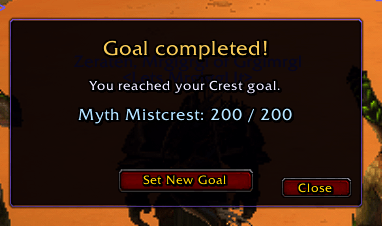
🔔 Goal Completion Alerts
-
Get notified when you reach your goal.
-
Chat message, popup notification, and sound.
-
Enable or disable each notification individually.
-
Set a new goal directly from the completion popup.
🎨 Appearance
-
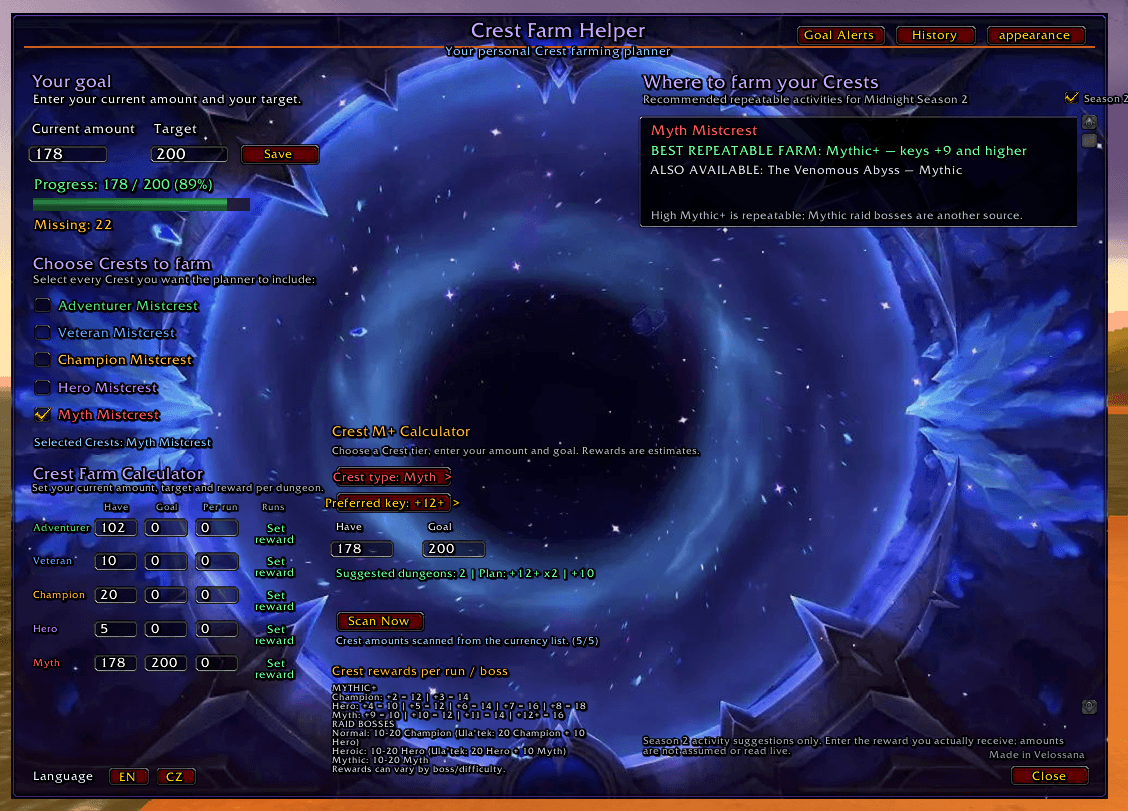
Choose from 7 different backgrounds.
-
Customize the look of your addon with fantasy-inspired themes.
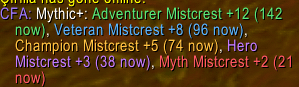
💬 Chat Notifications
-
Get notified when your Crest balance changes.
-
See which Crest type changed and by how much.
🌍 Language Support
-
English interface.
-
Czech interface.
🚀 Installation
CurseForge App
-
Open the CurseForge application.
-
Select World of Warcraft Retail.
-
Search for Crest Farm Helper.
-
Click Install.
-
Launch the game and make sure the addon is enabled.
Manual Installation
-
Download the addon ZIP file.
-
Extract the
CrestFarmAssistantfolder. -
Copy it into your WoW Retail folder:
World of Warcraft/_retail_/Interface/AddOns/
-
Restart the game or reload the interface using
/reload.
🎮 Getting Started
-
Open Crest Farm Helper using its in-game interface or
/cfa. -
Select the Crest type you want to track.
-
Set your farming goal.
-
Let Auto Scan track your Crest balance.
-
Check your Crest History and progress whenever you want.
⚠️ Compatibility & Notes
-
Designed for World of Warcraft Retail.
-
Classic compatibility is not currently confirmed.
-
Automatic scanning detects balance changes; it is not a live transaction log.
-
The first scan establishes your initial balance. It does not create a history transaction.
-
Your history stores up to 100 entries.
-
Interface compatibility must be updated and verified for major game patches.
💜 Your Crests. Your Goals. Your Progress.
Thank you for trying Crest Farm Helper! Feedback and suggestions are always welcome.
Crest Farm Helper Team