


CreshChat
- By
WoWScrnShot_062726_204339.jpg
WoWScrnShot_062726_204409.jpg
WoWScrnShot_062726_204350.jpg
WoWScrnShot_062726_204422.jpg
WoWScrnShot_062726_204438.jpg
Description
CreshChat v0.2.2 Alpha
** ADDON IS CURRENTLY BEING REWORKED AND BUG FIXED - RELEASE SOON TM **
Have feedback or suggestions? Leave a comment!
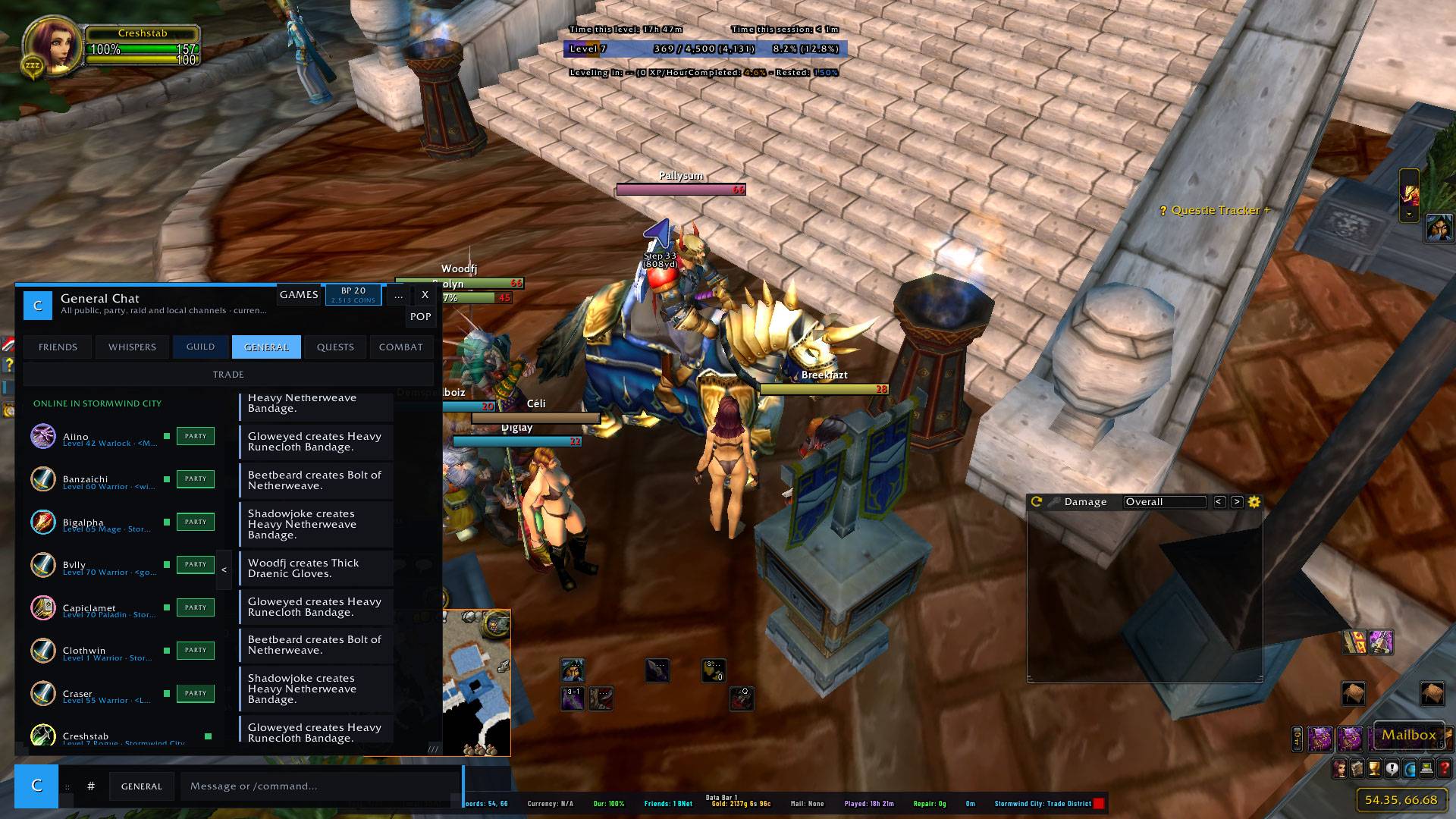
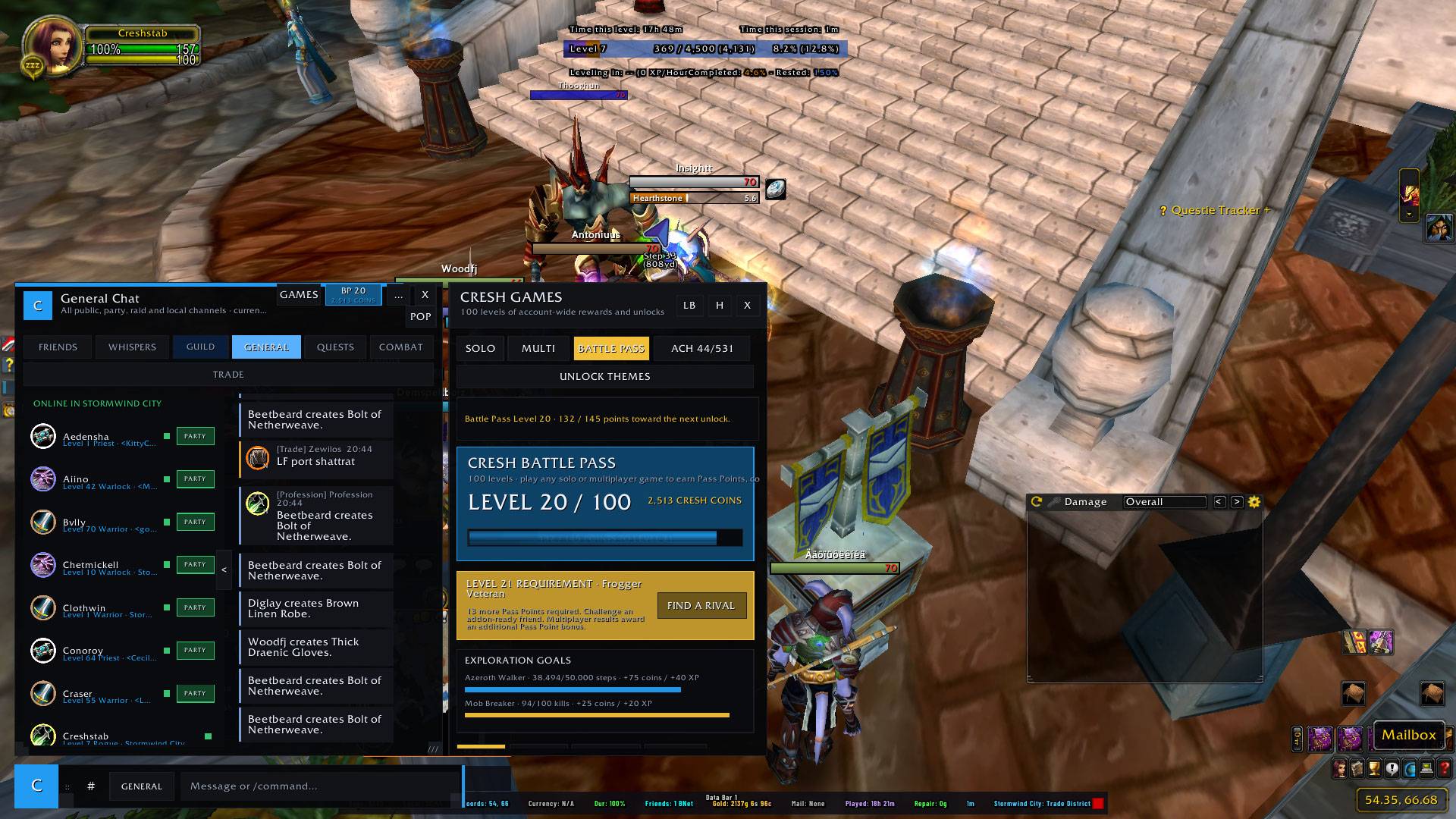
CreshChat is an alpha messenger-style chat, social, progression, and game hub for World of Warcraft: The Burning Crusade Classic Anniversary Edition.
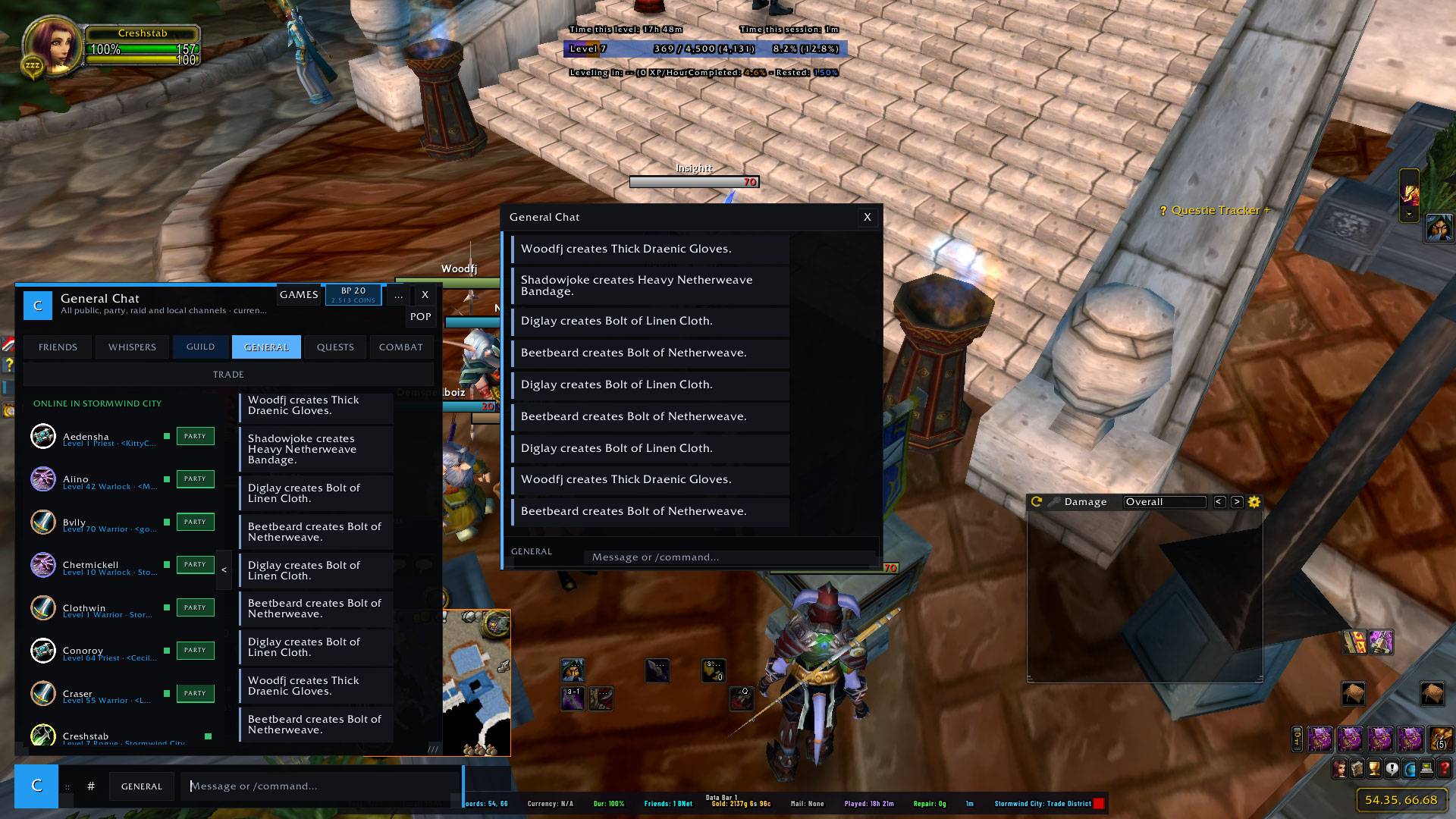
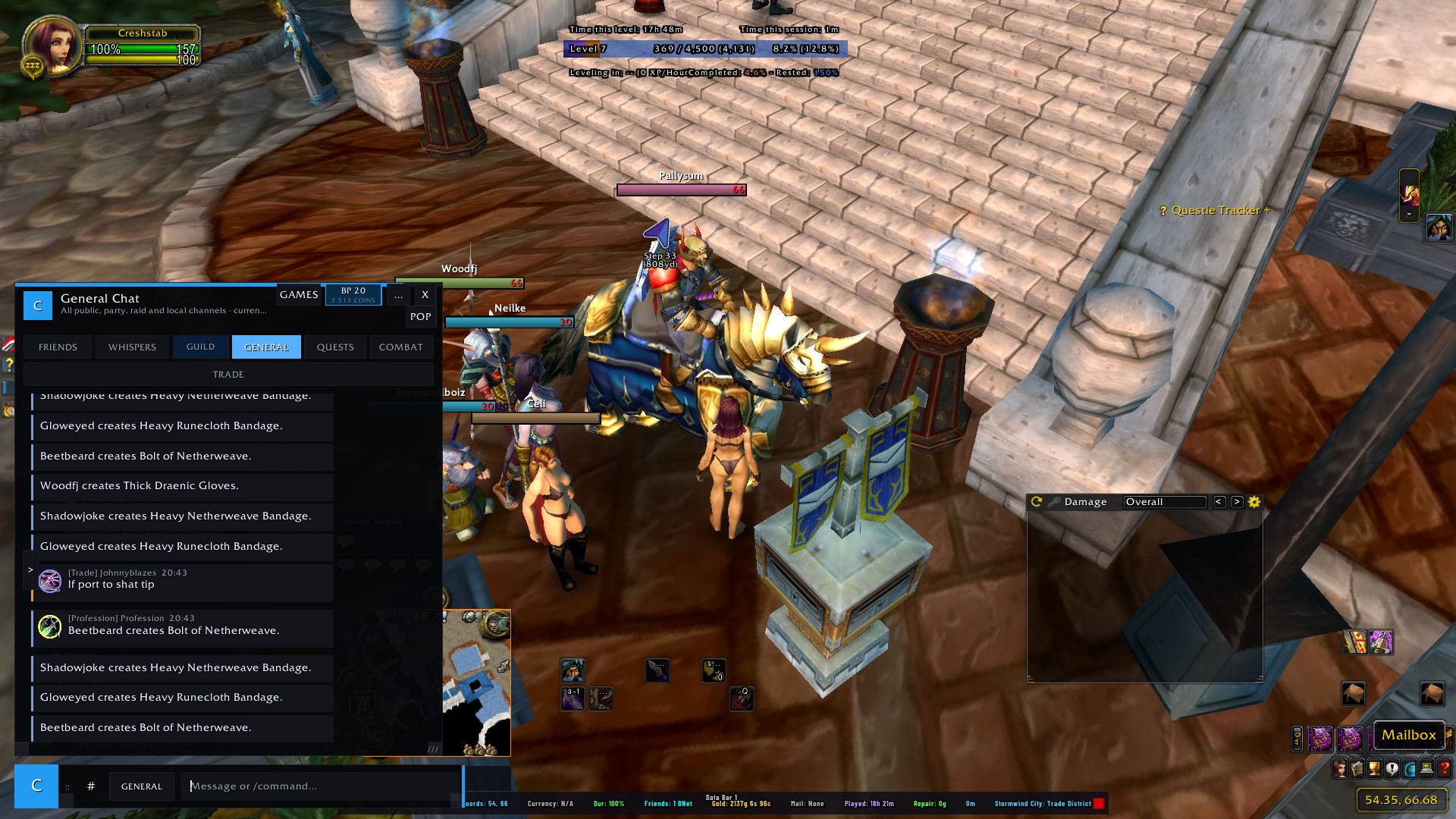
It replaces the standard chat presentation with a compact themed console featuring message bubbles, detachable conversations, social rosters, notification cards, progression systems, and built-in games.
New in v0.2.2
- Added per-character combat tracking alongside account-wide totals.
- Class achievements now evaluate progress separately for each character.
- Existing class-achievement unlocks migrate automatically without losing timestamps, values, or rewards.
- SavedVariables upgraded to schema 78 with existing chat, progression, games, settings, and unlocks preserved.
- Added in 100 more battlepass levels
- Added in 100+ achievements
Main Features
Chat and Social Console
- Incoming and outgoing message bubbles
- Whisper, Guild, Officer, Party, Raid, Instance, General, Quest, and Combat views
- Detachable conversations with saved positions
- Account-wide Whisper and Battle.net conversation history
- Game Friends, Battle.net Friends, Guild, Party, Raid, and Instance rosters
- Online, offline, and previous-Whisper sections
- Add Friend, Remove Friend, Whisper, Battle.net Message, and Party Invite actions
- Main-character and alt conversation routes
- Player level, class, rank, zone, and online-status information
- Native WoW slash-command support
- Whisper routing from player, target, party, and raid unit frames
- Failed-message and unavailable-player feedback
- Automatic Blizzard chat restoration after repeated capture failures
Notifications and Invitations
- Notification cards for Whispers, Guild, Party, public mentions, friends, system events, games, achievements, and rewards
- Per-category visibility, priority, sound, and volume controls
- Adjustable direction, size, scale, duration, and animation
- Optional CreshChat-only Party invitation card
- Direct Accept and Decline controls
- Battle Pass, achievement, and unlock notifications
Themes and Interface Controls
- 100 selectable interface themes
- Independent Guild themes and colours
- Custom message, panel, border, and channel colours
- Adjustable UI, console, game-window, text, and portrait scaling
- Character interface profiles with layout copying
- Balanced, Minimal, Messenger, Pop-out Focus, and Performance profiles
- Collapsible social roster and configurable composer behaviour
Progression
Most progression is shared across characters using the same SavedVariables file:
- Main 100-level Battle Pass
- Cresh Coins
- 531 achievements with shared unlocks and rewards
- Character-specific class-achievement progress
- Account-wide and per-character combat statistics
- Game levels, records, history, and unlocks
- Themes and collectible card decks
- Tetris cosmetics and backgrounds
- Dungeon Dwellers collections, upgrades, statistics, and Dungeon Pass
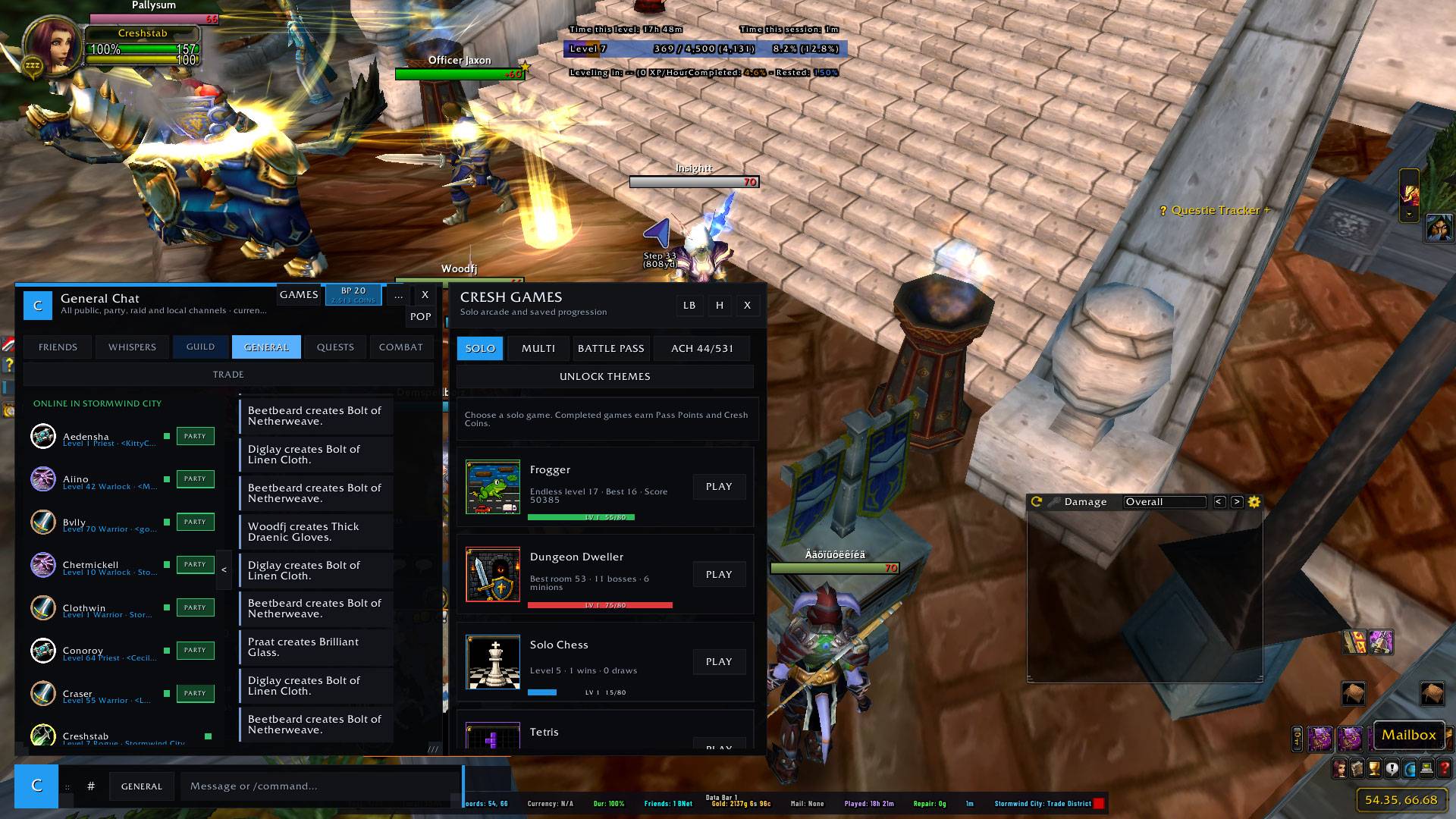
Built-In Games
CreshChat includes:
- Frogger
- Dungeon Dwellers
- Solo Chess
- Tetris
- Texas Hold'em
- Blackjack
- Higher or Lower
- Multiplayer Chess and Tetris
- Leaderboards and game history
Dungeon Dwellers
Dungeon Dwellers is an endless dice-based dungeon game featuring:
- Multiple classes, minions, and armour loadouts
- 20 enemy types
- 20 milestone bosses with unique mechanics
- Boss battles every 10 levels
- Boss checkpoints and retries
- Animated custom dice
- Four crate quality tiers
- Chest reward choices
- Permanent upgrades and armour effects
- Collection, Statistics, and Dungeon Pass pages
- Dedicated 100-level Dungeon Pass
- Custom player, minion, enemy, boss, dice, crate, chest, and reward artwork
Installation
-
Extract the downloaded ZIP.
-
Place the
CreshChatfolder inside:World of Warcraft/_anniversary_/Interface/AddOns/ -
Enable CreshChat from the AddOns menu.
-
Log in and enter:
/cc settings
Main Commands
/cc— Open or close CreshChat/cc settings— Open Settings/cc preview— Open chat and the composer/cc friends— Open Friends/cc games— Open the games drawer/cc solo— Open the solo arcade/cc battlepass— Open the Battle Pass/cc unlockthemes— Open theme unlocks/cc general— Open General chat/cc quests— Open quest conversations/cc combat— Open the Combat Log/cc input— Open quick chat input
Game Commands
/cc frogger/cc dungeon/cc chess/cc tetris/cc poker/cc blackjack/cc higher/cc leaderboard/cc gamehistory
Social and Interface Commands
/cc call CharacterName/cc hangup/cc guild all|mentions|off/cc hideblizz on|off/cc sound on|off/cc bubble on|off/cc profile balanced|minimal|messenger|popout|performance
Diagnostics and Maintenance
/cc version/cc status/cc health/cc chatcheck/cc optimise/cc test— Create test notifications/cc test run— Run the diagnostic test suite/cc devreport/cc modules/cc assets/cc resetui/cc reset/cc clear
CreshChat supports both /cc and /creshchat.
Standard commands including /w, /r, /g, /o, /p, /raid, /i, /1, /say, /yell, and /emote can also be entered through the CreshChat composer.
Compatibility
- World of Warcraft: Burning Crusade Classic Anniversary Edition
- Game version: 2.5.5
- Interface version: 20505
- SavedVariables schema: 78
- Release stage: Alpha
Please report bugs with your WoW client version, resolution, UI scale, enabled chat addons, and the output from /cc version and /cc
CreshChat Team
