


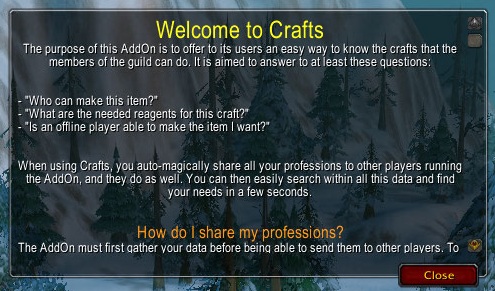
This is the help window of the AddOn, that will be displayed automatically the first time your run Crafts. Please read it carefully, since it contains important information on how the AddOn works.
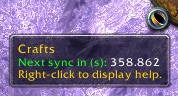
The minimap icon (that can be removed!) displays the number of seconds before the next synchronization. You can also Left-Click the button to open the main window, or Right-Click the button to open the help window.
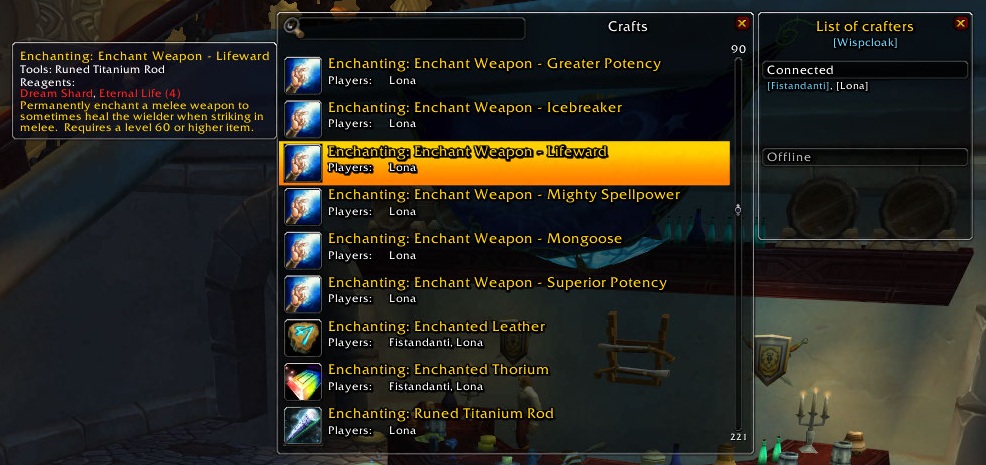
The main window of the AddOn is separated in two parts: the search window that you can see in the middle of the screenshot is where all your synchronized data is displayed. You can search within it by simply typing a word in the search box at the top...

There is no configuration GUI for the AddOn. Only a few slash commands that let you hide the minimap, get the amount of time before the next synchronization, or display the main window.

