CraftLink
- By
Find who can craft items in WoW Classic TBC – browse guild professions, share recipes, and post favorite crafts in trade chat
guild_browser.png
Control_panel.png
professions.png
post_favorites.png
Description
CraftLink
A profession and recipe sharing addon for WoW Classic: The Burning Crusade (TBC Anniversary).
CraftLink lets players share professions, browse recipes, and find crafters quickly without trade chat spam, screenshots, or fake claims. Recipes are shared directly addon-to-addon using WoW API data, making them reliable and verifiable.
Why CraftLink
Crafting coordination in Classic often means:
- asking trade chat repeatedly
- screenshots of profession windows
- trusting players who claim they can craft something CraftLink solves this by allowing players and guilds to browse real recipe data instantly.
- Verified recipe data – Recipes come directly from the WoW API.
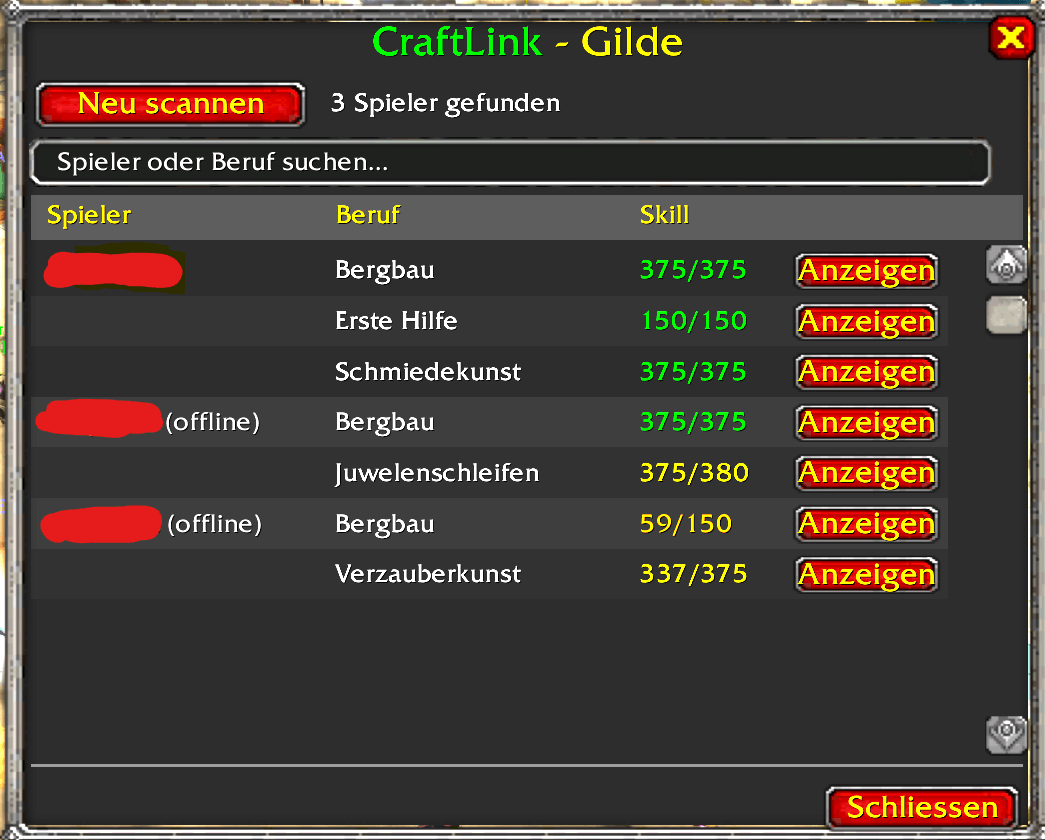
- Find crafters faster – Quickly see who in your guild can craft something.
- Cleaner trade chat messages – Share selected crafts instead of long text lists.
Core Features
- Automatic profession scanning when opening profession windows
- Auto-detect professions and skill levels on login – no need to open the profession window first
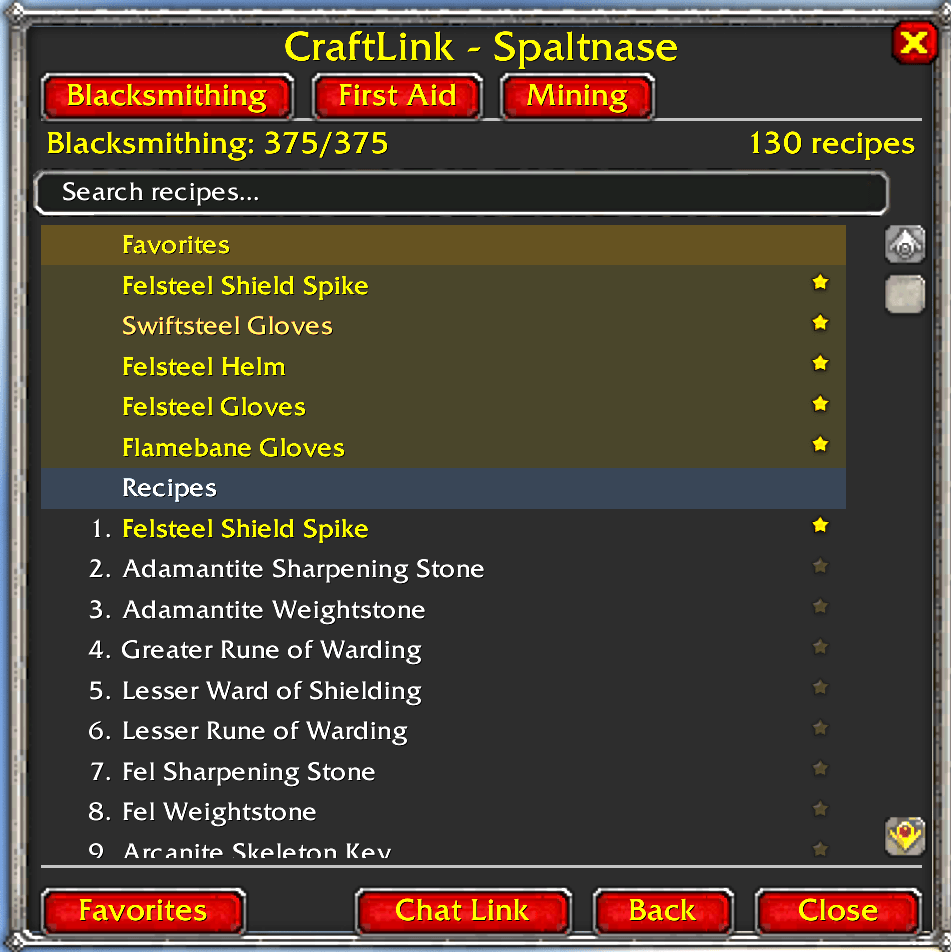
- Recipe browser with difficulty colors and tooltip support
- Favorites system for marking important crafts
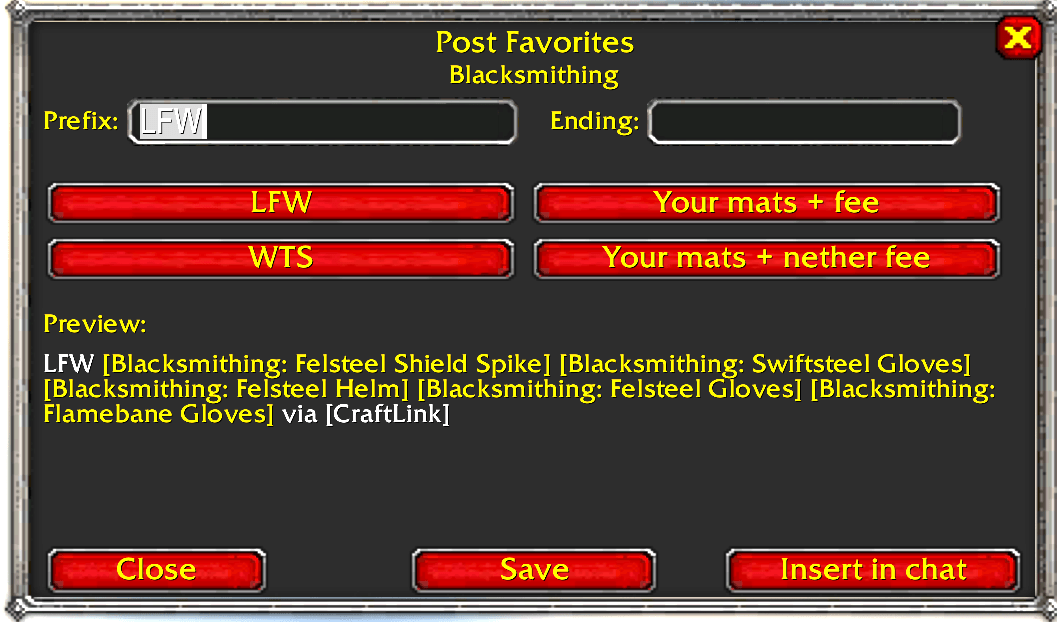
- Favorites posting composer
- customizable prefix and ending
- presets (
LFW,WTS,Your mats + fee,Your mats + nether fee) - live preview
- one-click chat insertion
- saved template
- Clickable CraftLink chat links
- Guild profession browser with offline member support
- AtlasLoot integration – search icon on profession items to find guild crafters directly from AtlasLoot
- Favorites metadata sharing between CraftLink users
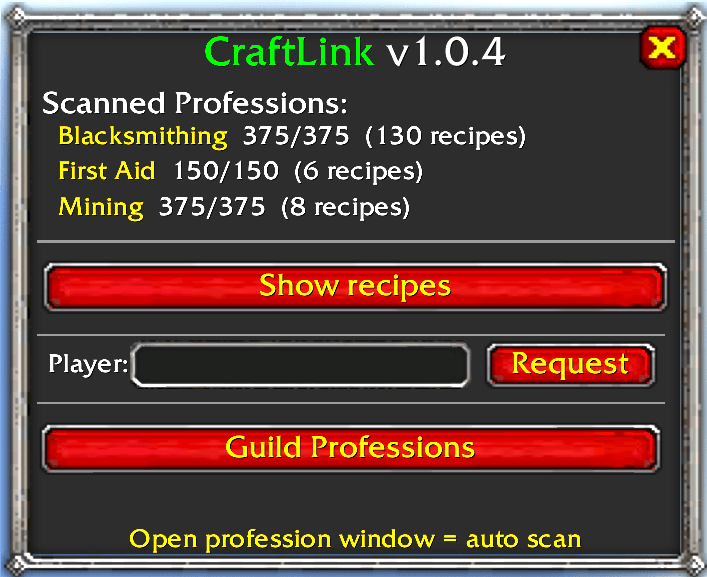
- Control panel + minimap button
- Saved window positions
- Multi-language UI: EN / DE / FR / ES / IT / PT / RU
AtlasLoot Integration
When AtlasLootClassic is installed, CraftLink adds a search icon next to every profession item in AtlasLoot's crafting pages.
- Click the icon to see which guild members can craft that item and whether they are online.
- Alt+Right-Click on any profession item for the same lookup.
- Works with offline guild data — no need for crafters to be online.
- CraftLink does not modify AtlasLoot in any way.
Example Trade Chat Message
WTS [Enchant Weapon - Mongoose] [Enchant Weapon - Major Spellpower] [Enchant Ring - Stats] via [CraftLink] Players without CraftLink see normal clickable recipe links. CraftLink users can click the CraftLink link to browse the full recipe list.
Slash Commands
/craftlink or /cl – Open Control Panel
/cl show – Show your recipes
/cl list – Print scanned professions in chat
/cl request <Player> [Profession] – Request recipes from a player
/cl guild – Open Guild Profession Browser
/cl lfw [Profession] – Create a favorites chat post
Quick Start
- Open your profession windows once to scan recipes.
- Mark important crafts with the star icon.
- Use Favorites to create a clean trade chat post.
- Use Chat Link so other CraftLink users can request your full data.
- Browse AtlasLoot → Crafting and click the search icon to find guild crafters.
Notes
- Full data exchange requires both players to have CraftLink installed.
- AtlasLoot integration works automatically when AtlasLootClassic is installed — no configuration needed.
- Chat templates remain English by design for consistent trade channel usage.
The CraftLink Team