
Cooldown Master
- By


You can change how the icons stack in Stacking in the Lanes tab. This set up "Grouped"

This is the "Spread" option for Lane cooldowns
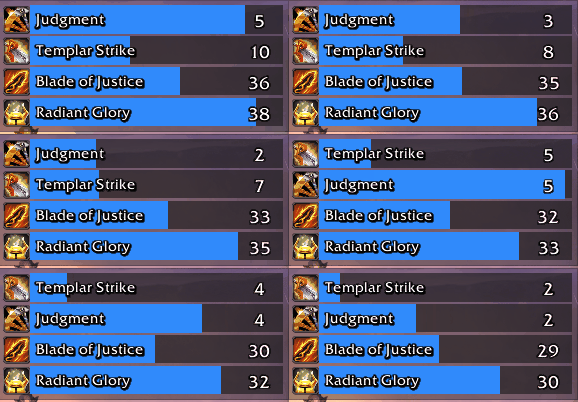
Bars - Fully customizable
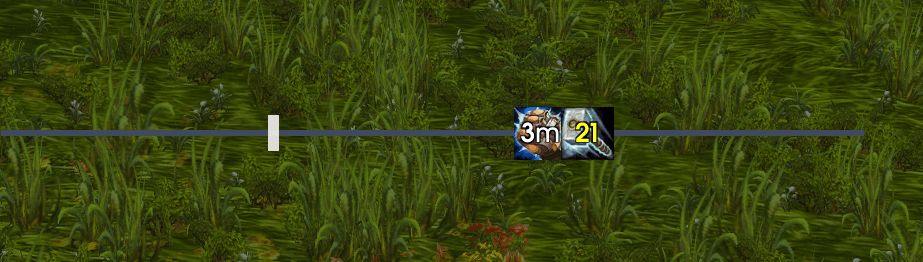
In the Classic Flavors, you can set secondary Tracking (ST) and use the same timline as a swing timer, or GCD
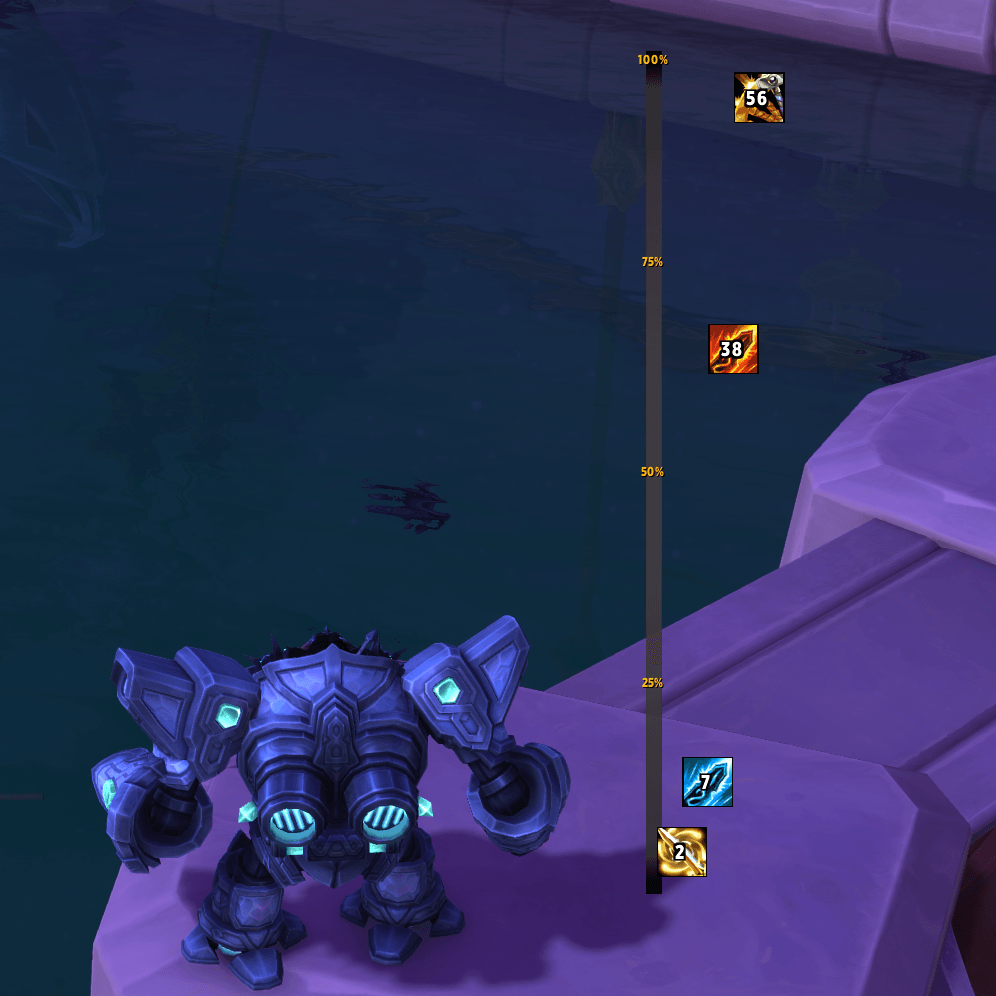
You can also make the Lanes vertical, and choose how the icons spread when they are close together
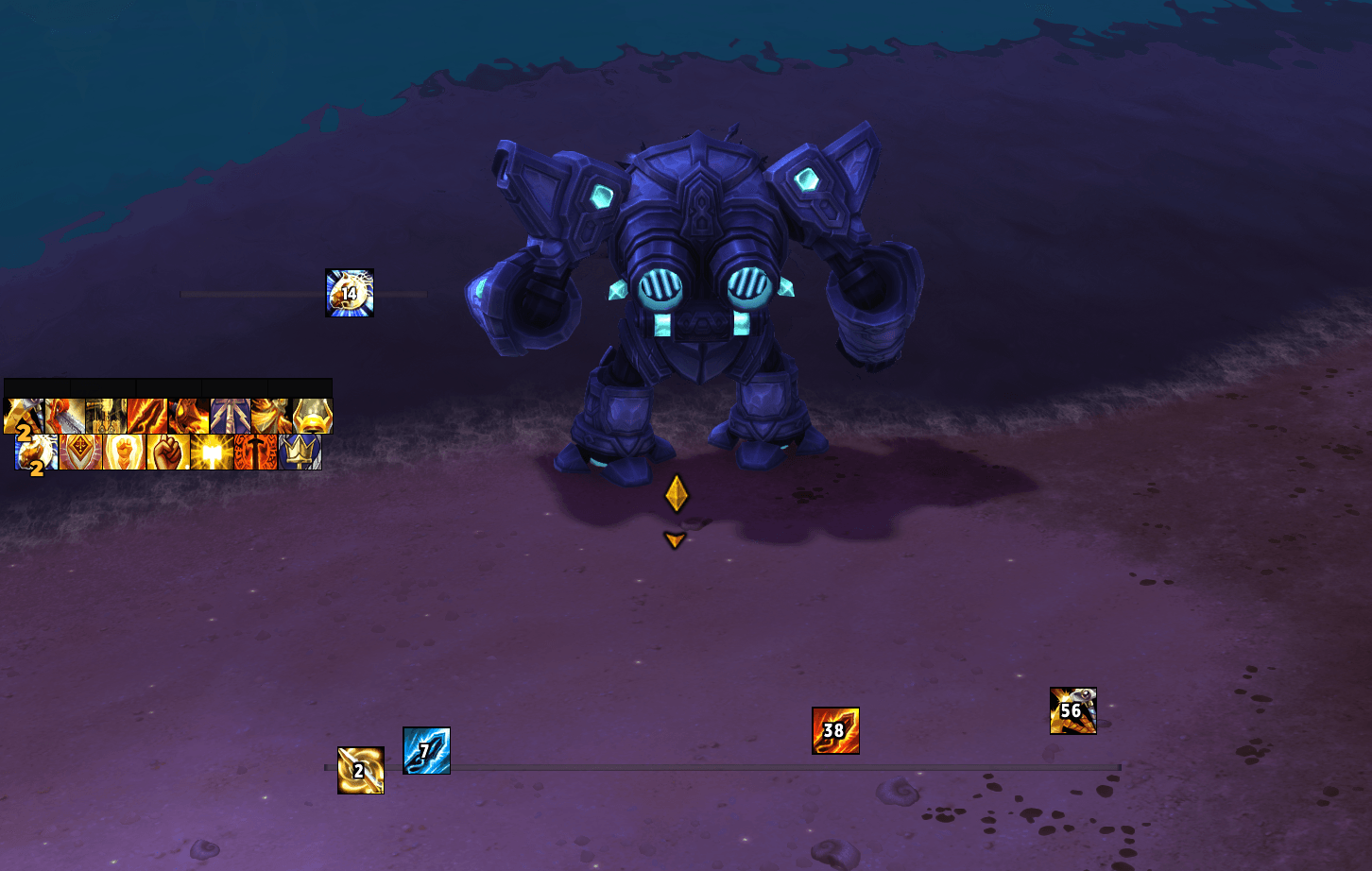
Make little Lanes, or long Lanes, text on lane or no text. Customize however you want
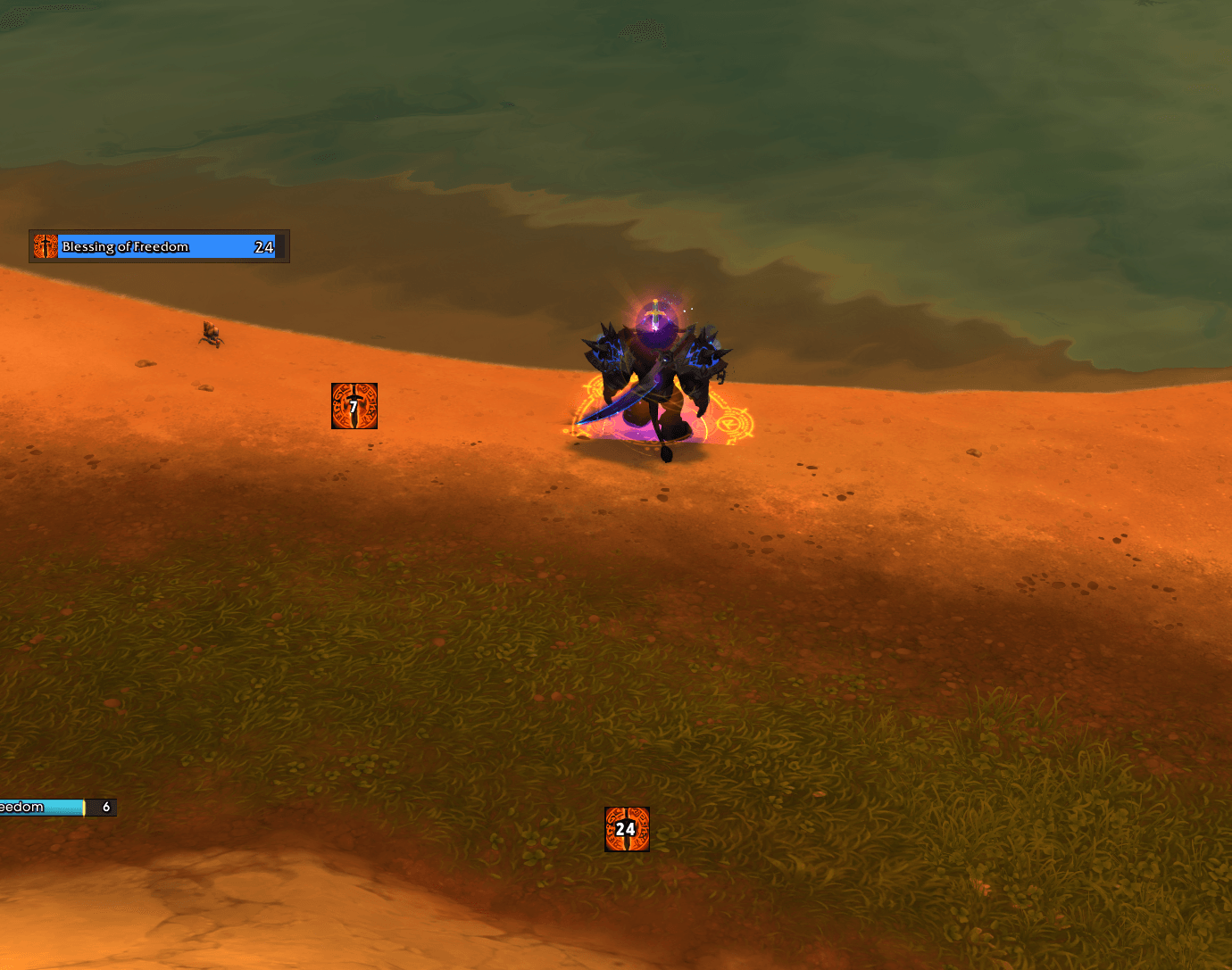
This is my example of custom cooldown for Blessing of Freedom. The icon to the left of my char shows me how long I got to use it, and the lane below shows the actual cooldown time for the spell
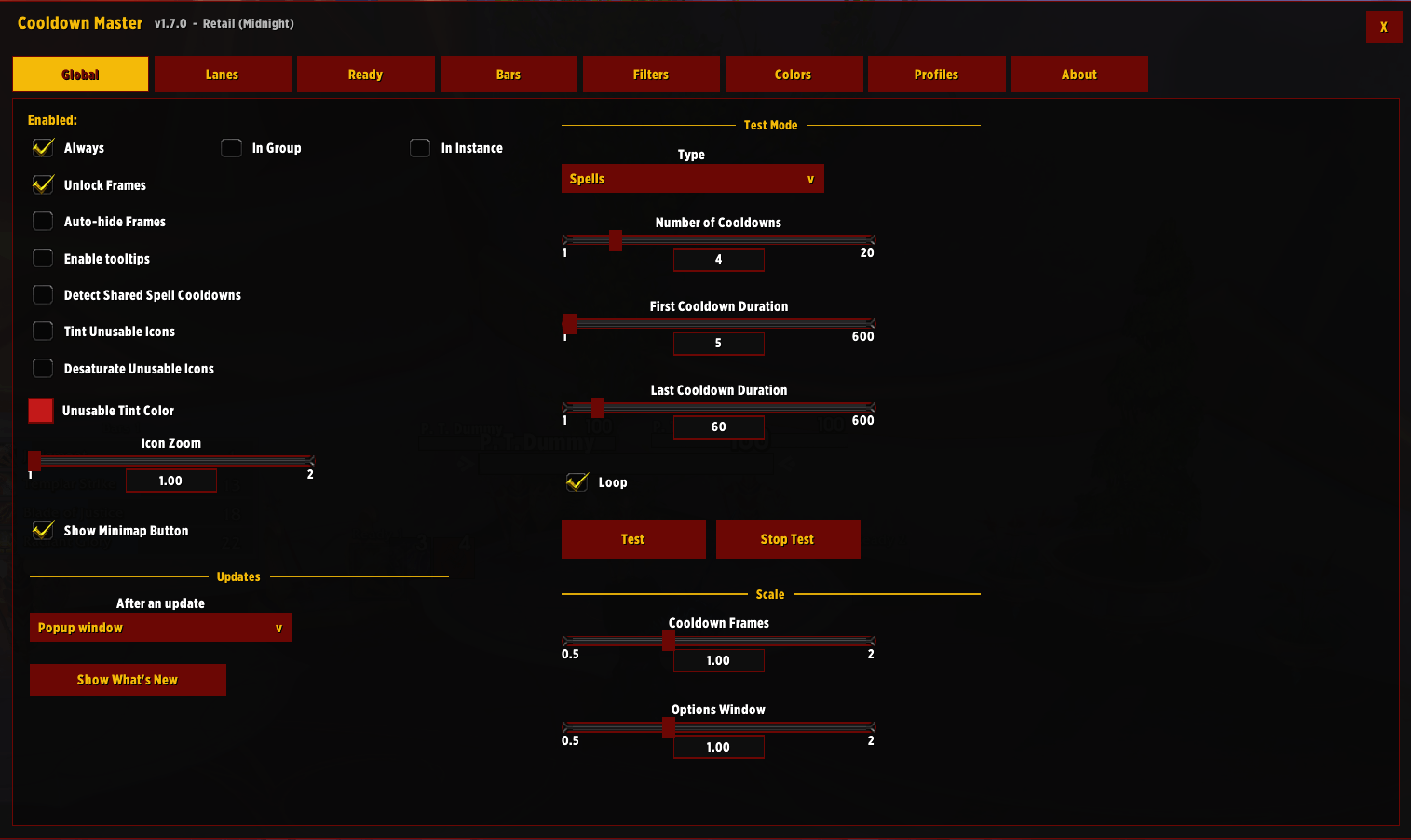
Global options for the addon
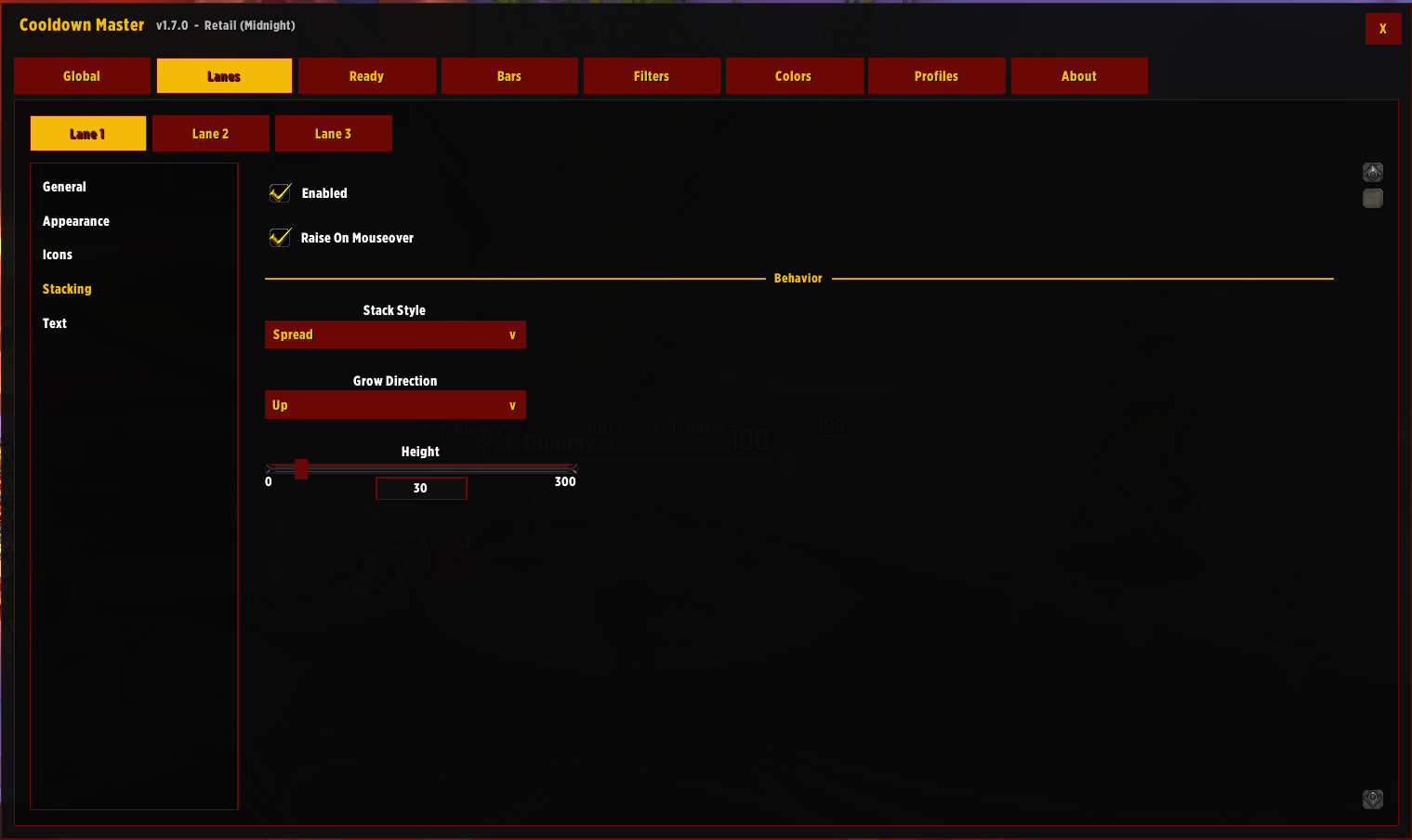
Customize or disable your lanes here
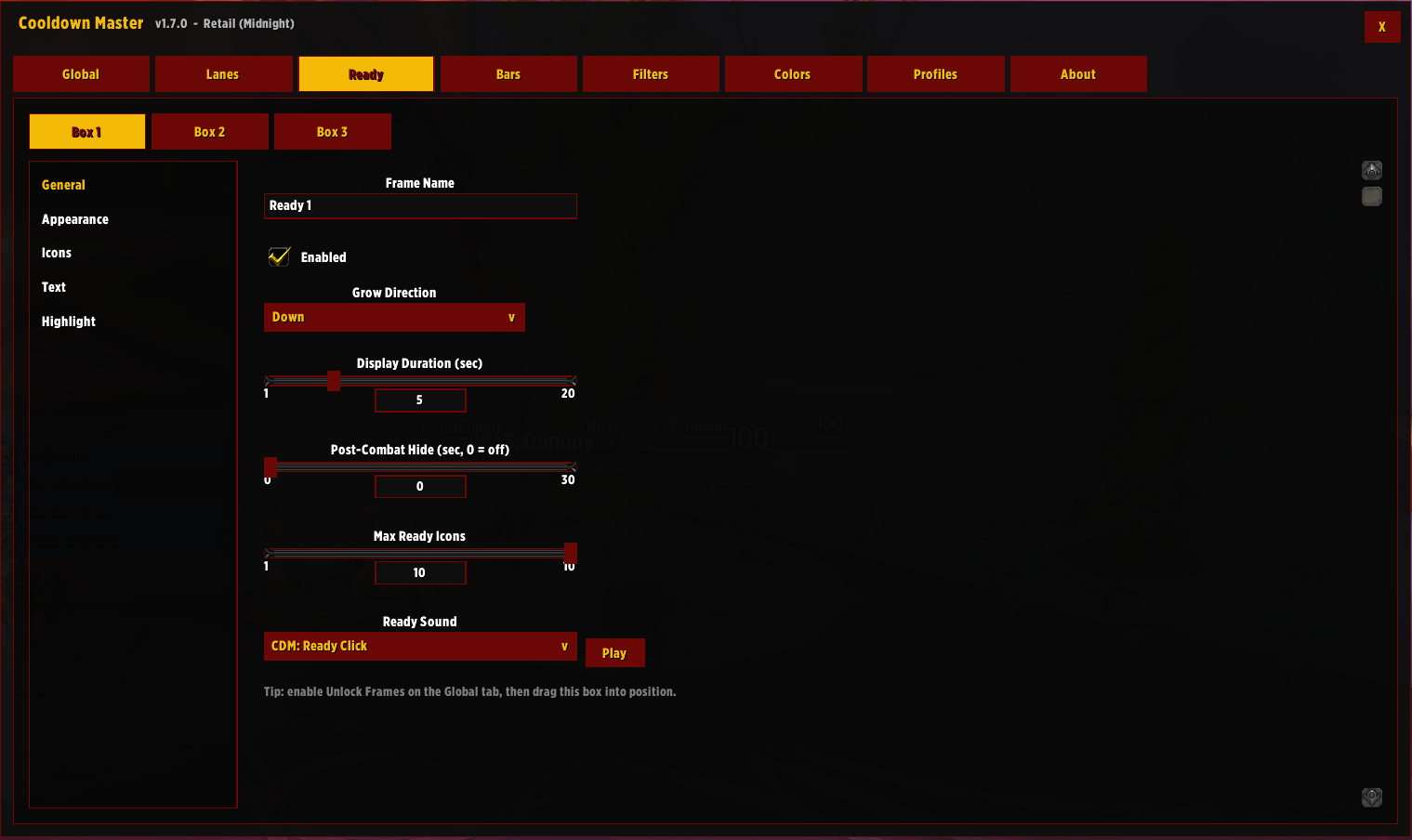
Ready boxes show you the icon, with a sound, when the spell comes off cooldown. It flashes, and then stay on screen for 5 seconds by default. Customize it to your liking
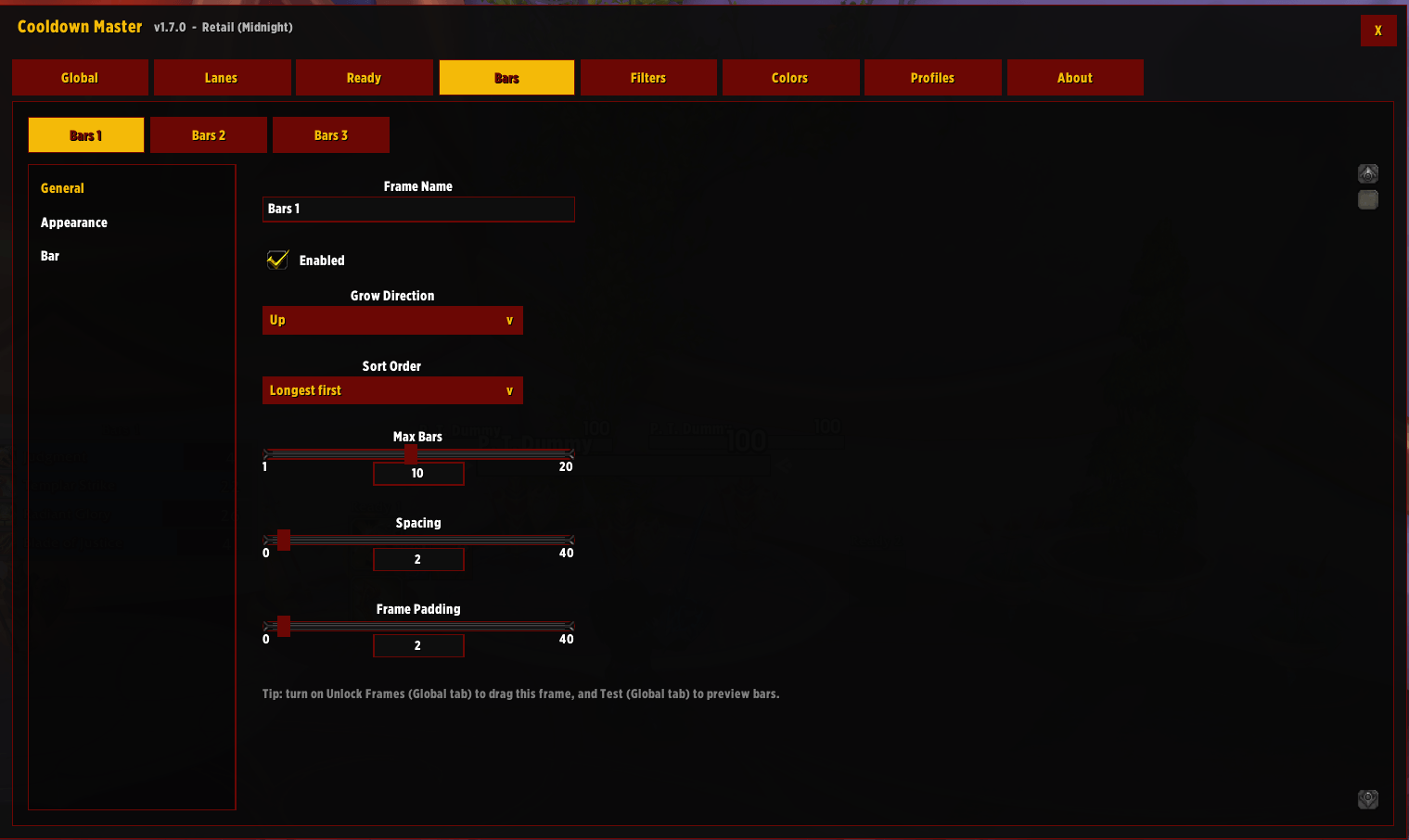
These are the classic cooldown bars. Customize them to your liking
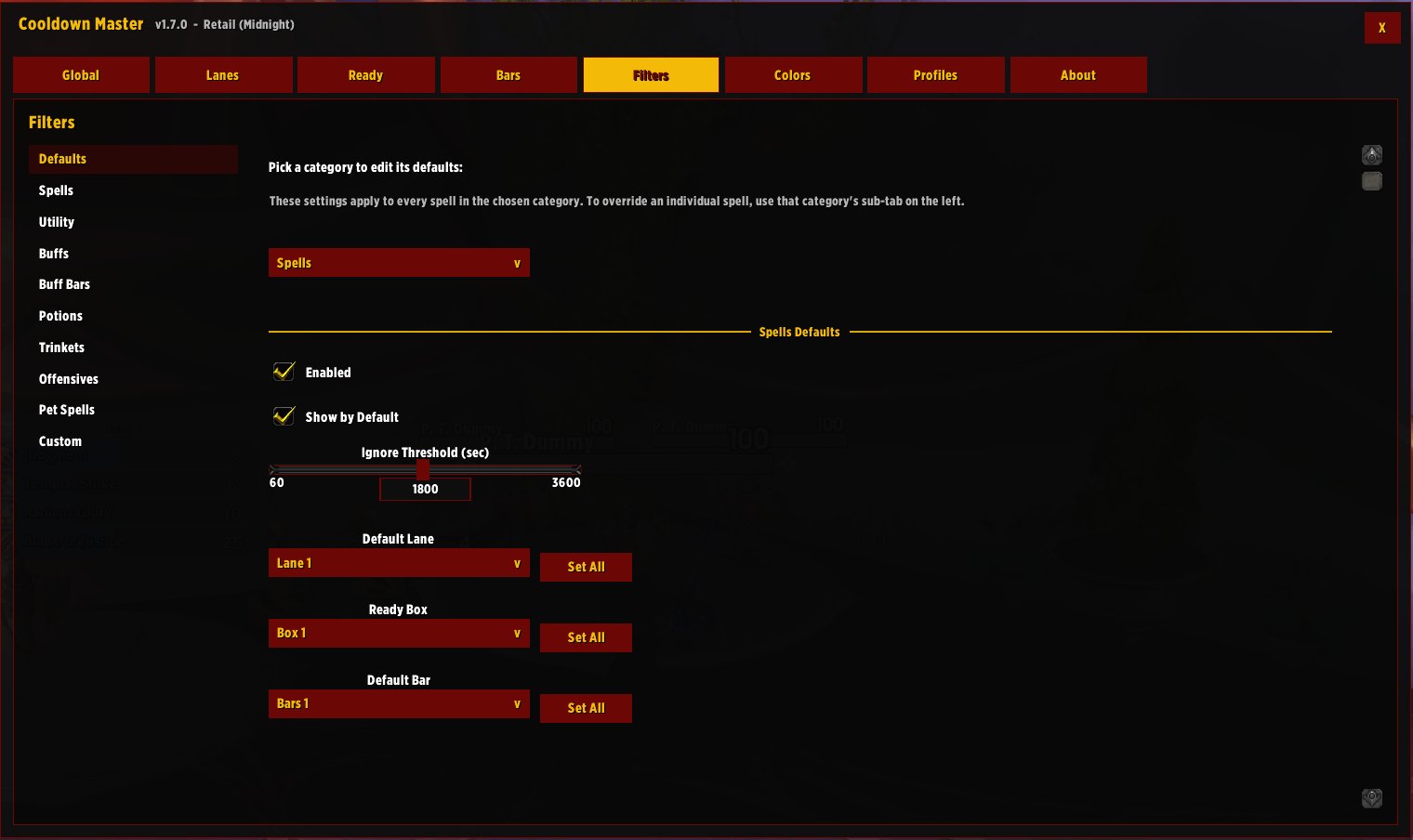
This is where you control what spell/buff/potion goes where. You can change the default and change everything in this tab. Lots of options, and lot to setup. Easy to understand
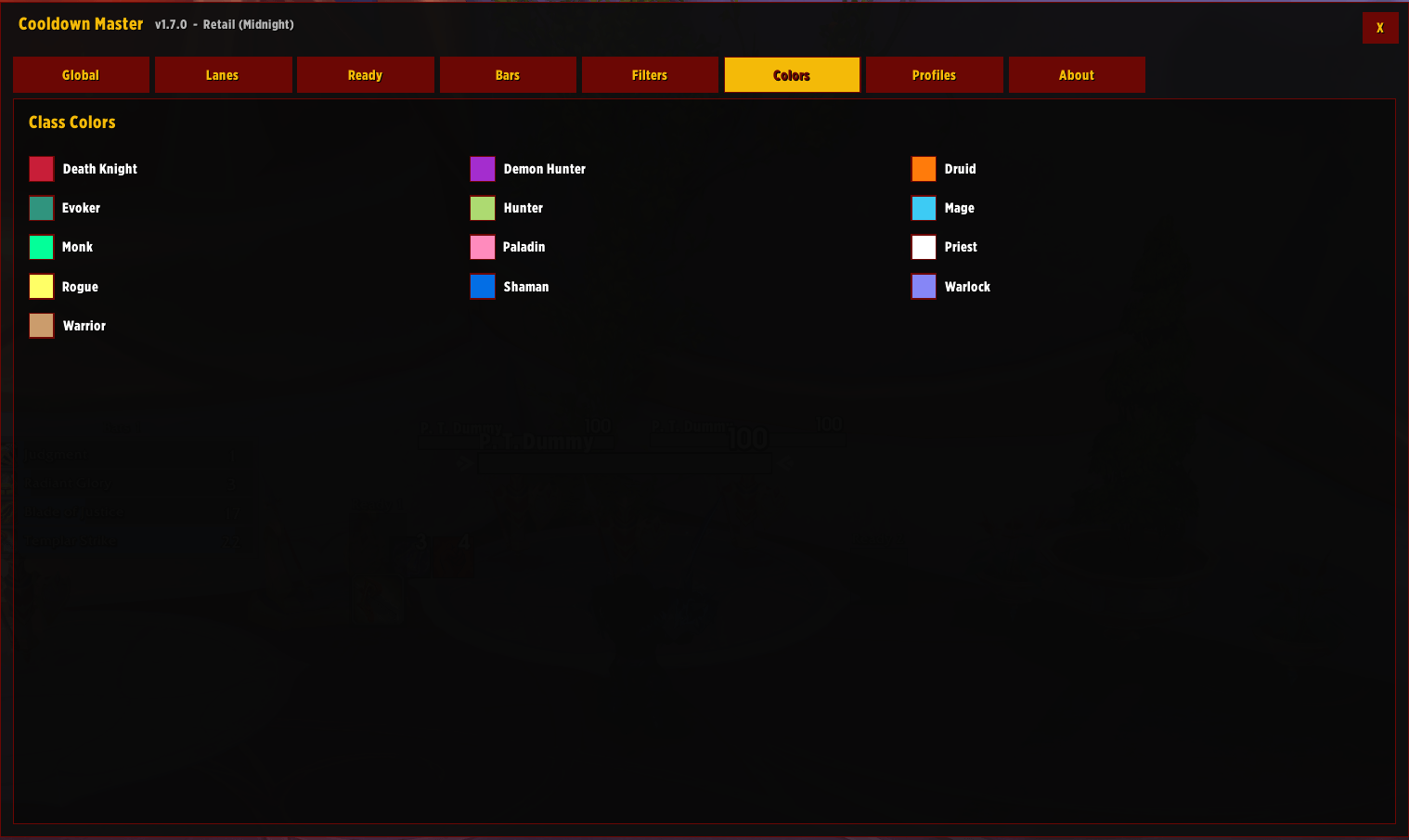
Change the default colors here
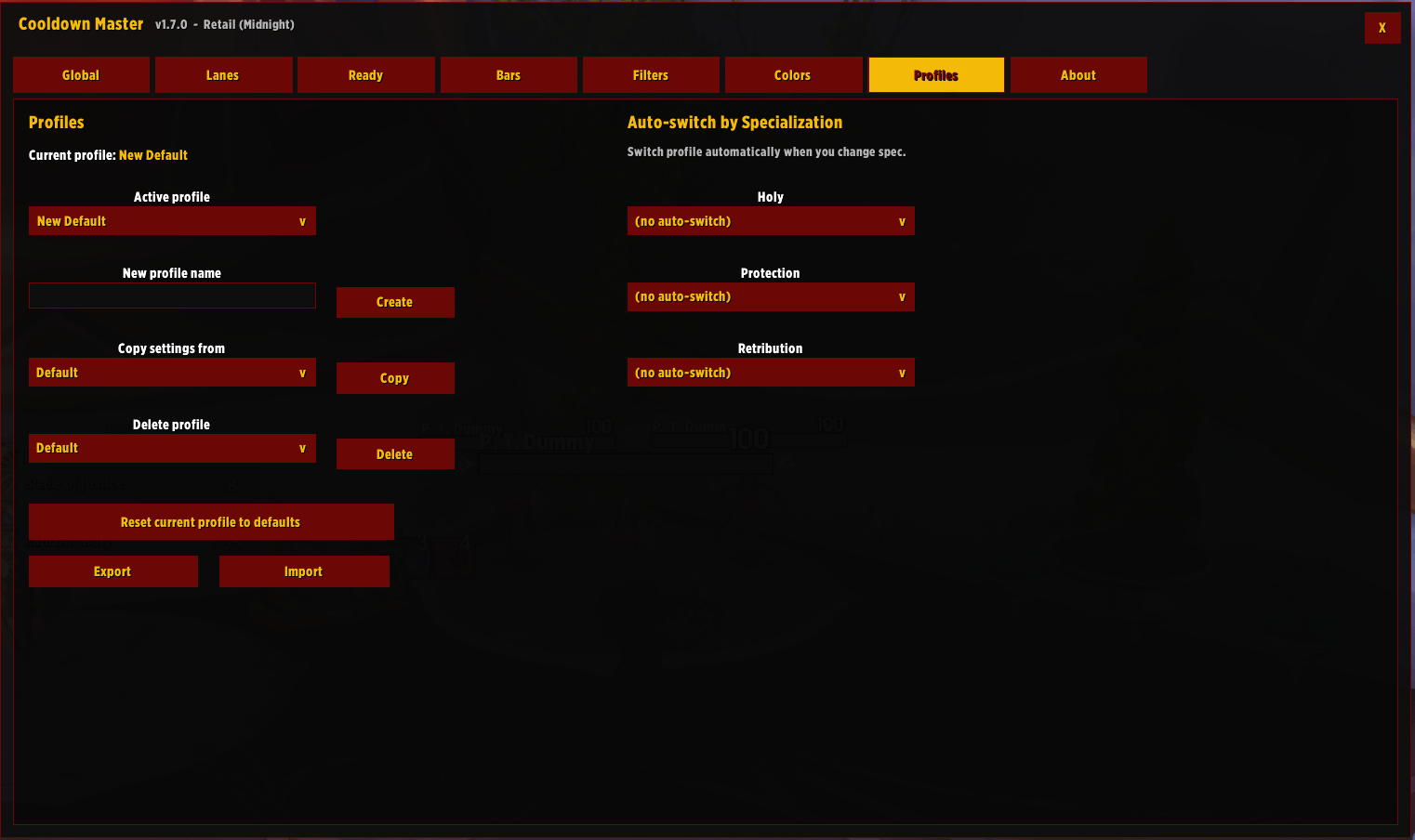
Standard profile options here
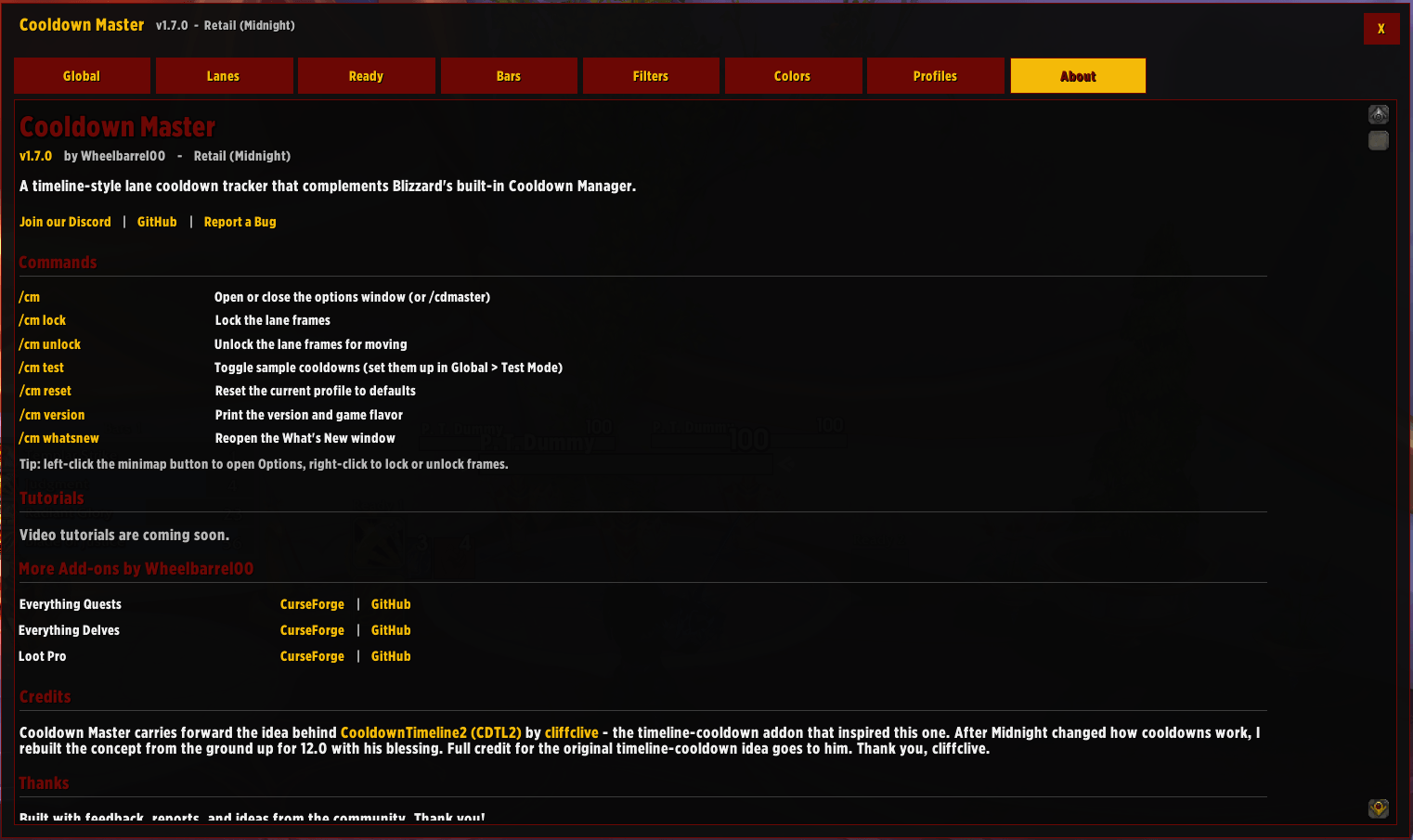
See the changelog and other useful info here