Controller Back Buttons
- By
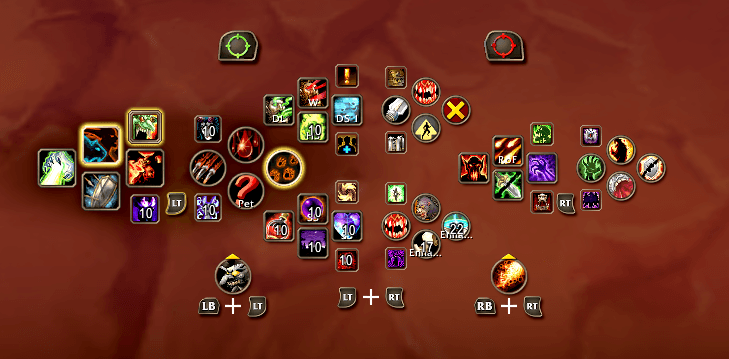
Four buttons bound to 16 slots via native controller modifiers.
Screenshot 2026-11-24 102723.png
Screenshot 2026-11-24 102737.png
Screenshot 2026-11-24 102645.png
Screenshot 2026-11-24 102658.png
Description
ControllerBackButtons
Adds your gamepad's back paddles (L4, L5, R4, R5) as extra actions on the native gamepad bar, with four layers per paddle. It's a lightweight addon with no config window.
Each button can be bound with a controller.
Integrated to feel like it was part of the native UI binding system.
Buttons and layers
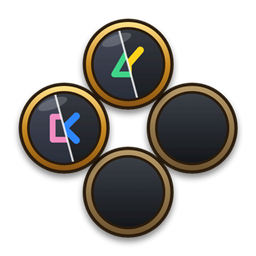
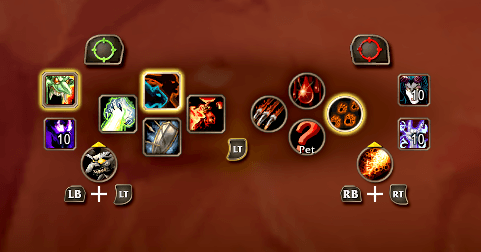
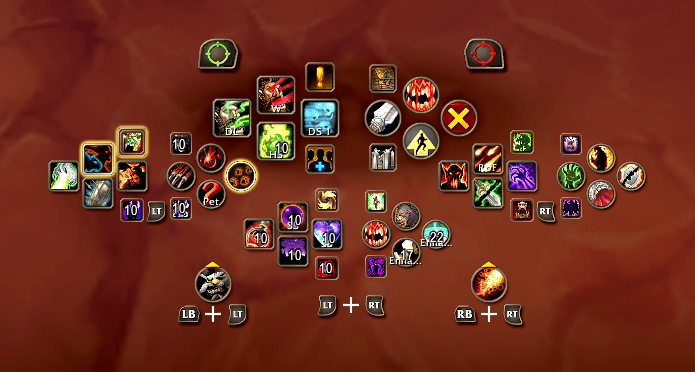
- Four paddles, each with 4 layers: no trigger held, LT held, RT held, and LT+RT held.
- 16 action slots, using slots 153 to 168.
- The layer is read live from the triggers at the moment you press the paddle.
- Each layer holds anything the action bar accepts: spells, items, macros, mounts, companions, pet actions, flyouts, equipment sets and battle pets.
Setup
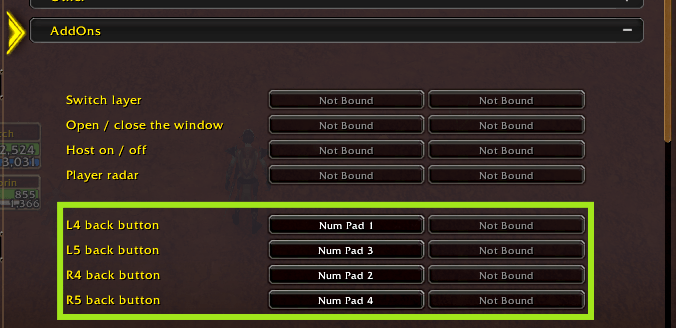
- Bind each paddle once under Key Bindings > AddOns > Back Buttons.
- To assign an action, pick it up and drop it onto the button layout.
- While you're holding something droppable, each button fans out into its 4 layers.
- The LT, RT and combo layers each show the matching trigger glyph, so you drop into the right one.
On screen
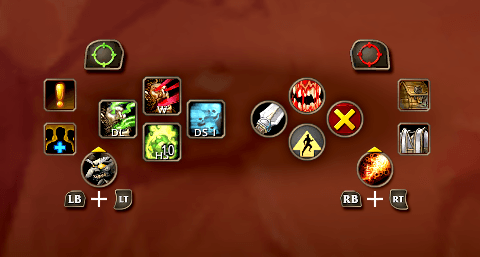
- The buttons sit beside the left and right shoulder buttons of the native gamepad bar.
- They look like native slots (slot art, border, hover, cooldowns, counts, usable and out-of-range states).
- Only the active layer's button is shown. A layer is only visible when it has an action, so empty buttons stay hidden. The icons are hidden when the native bar is hidden.
Combat safety
- The fan-out for dropping actions only changes outside combat.
- If you're in combat at login, setup waits until you leave combat.
Controller Back Buttons Team