CombatTextLite
CombatTextLite is a lightweight World of Warcraft add-on that cleanly disables or re-enables floating combat text by toggling the relevant CVars through simple slash commands and in-game options menu checkboxes.
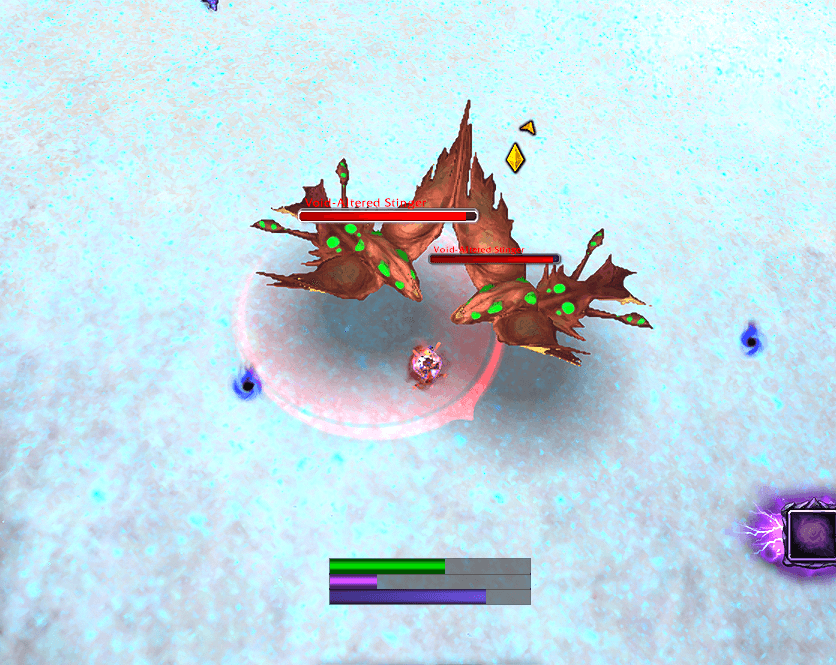
no_combat_text.png
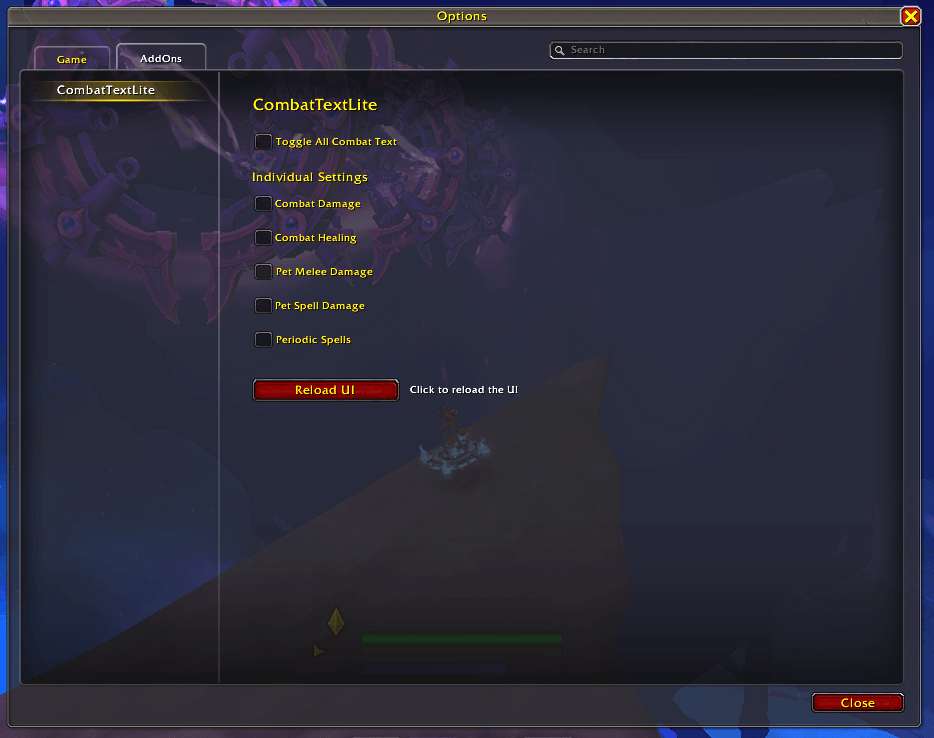
settings.png
Description
A lightweight World of Warcraft addon that provides simple, streamlined control over floating combat text settings. Reduce visual noise and keep your screen clear during high-intensity encounters.
KNOWN ISSUES
- Incorrect version number used in a comment in the `CombatTextLite.lua` file. This does not impact functionality and will be changed in the next version.
RECENT CHANGES
• No major refactor in latest version. Add-on was tested in 12.0.1 and works as intended.
FIXED ISSUES
• Add-on was erroring out because of how the settings where being implemented (was causing a taint issue that would make annoying error boxes pop up). This is now fixed and you can keep the add-on enabled at all times!
FEATURES
• Master Toggle - Enable or disable all combat text options with a single click or command
• Individual Control - Fine-tune which types of combat text you want to see
• Clean Interface - Integrated settings panel in the Blizzard Options menu
• Quick Commands - Easy-to-use slash commands for on-the-fly adjustments
• One-Click Reload - Built-in UI reload button to apply changes instantly
USAGE
Slash Commands (use /ctl):
• /ctl toggle - Toggle all floating combat text on or off
• /ctl config or /ctl settings - Open the settings panel
• /ctl help - Display available commands
Settings Panel:
Access via /ctl config or ESC → Options → AddOns → CombatTextLite
The settings panel includes:
• Toggle All Combat Text - Master switch for all combat text
• Individual Settings:
- Combat Damage - Show damage you deal
- Combat Healing - Show healing you receive
- Pet Melee Damage - Show pet melee damage
- Pet Spell Damage - Show pet spell damage
- Periodic Spells - Show DoT/HoT damage and healing
• Reload UI Button - One-click UI reload to apply changes
IMPORTANT NOTE
After changing settings, you must reload your UI (/reload) for changes to take effect. This is a Blizzard CVar limitation. CombatTextLite will remind you when changes are made.
REQUIREMENTS
• World of Warcraft Retail
• No additional dependencies required
SUPPORT
GitHub: https://github.com/iccugs/CombatTextLite
Issues: Submit on GitHub with details about your problem
Author: Paradox.Actual
Keep combat readable and your screen clear!
CombatTextLite Team