CombatSide
- By
Customizable floating combat text with movable anchors, damage school colors, critical hit animations, live previews, and character profiles.
CombatSide — Your combat. Your numbers.
CombatSide brings customizable floating combat text to WoW TBC Anniversary. See your damage, healing and combat messages with the fonts, colors, positioning and animations you choose.
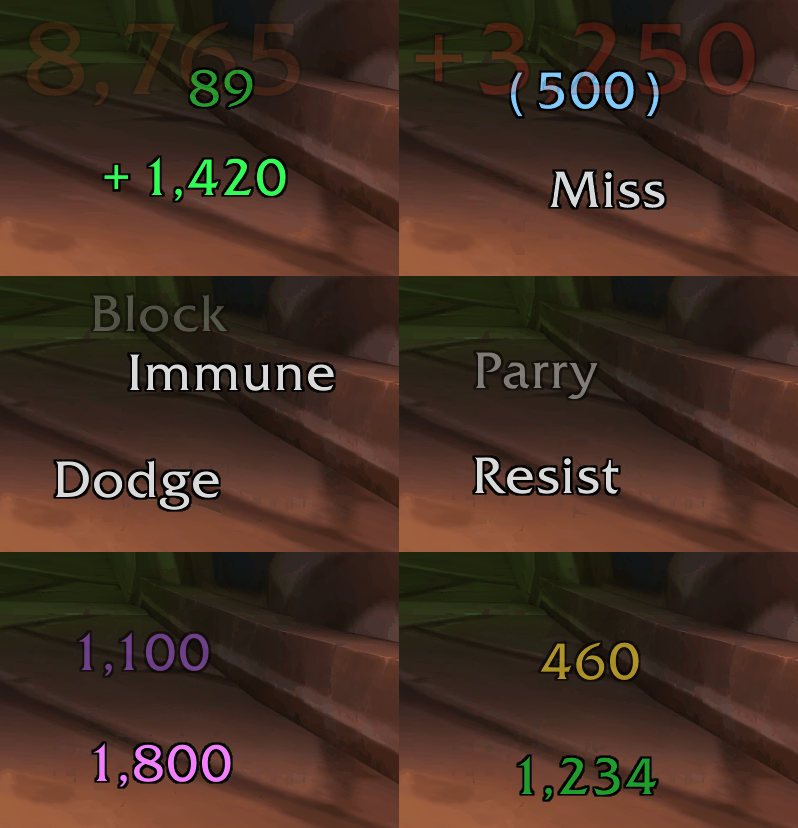
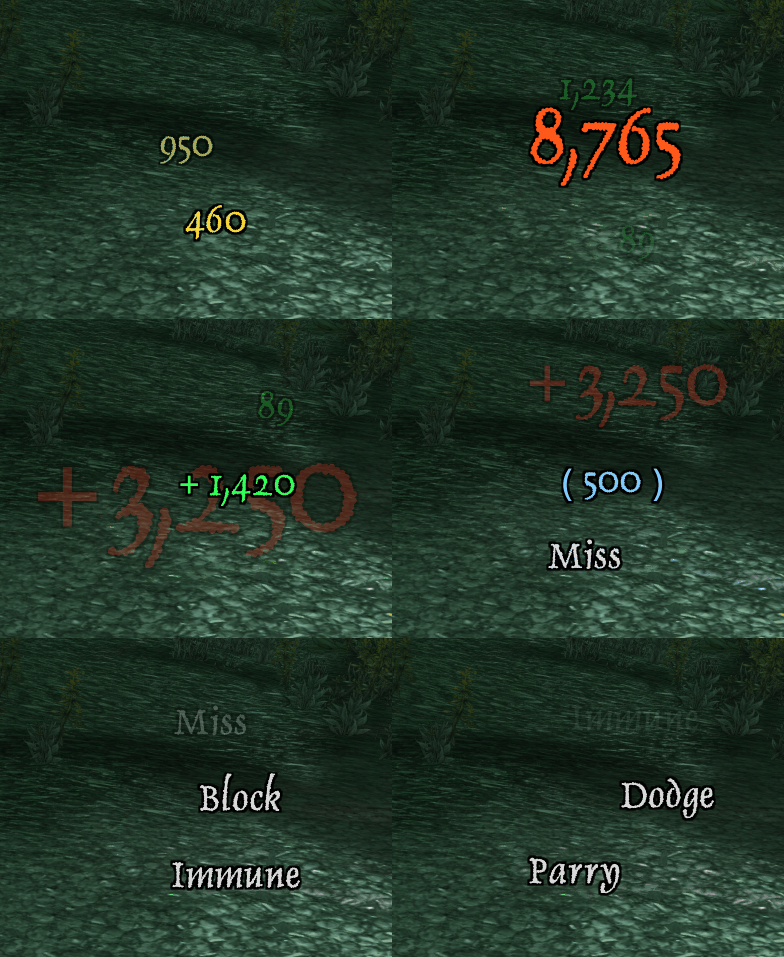
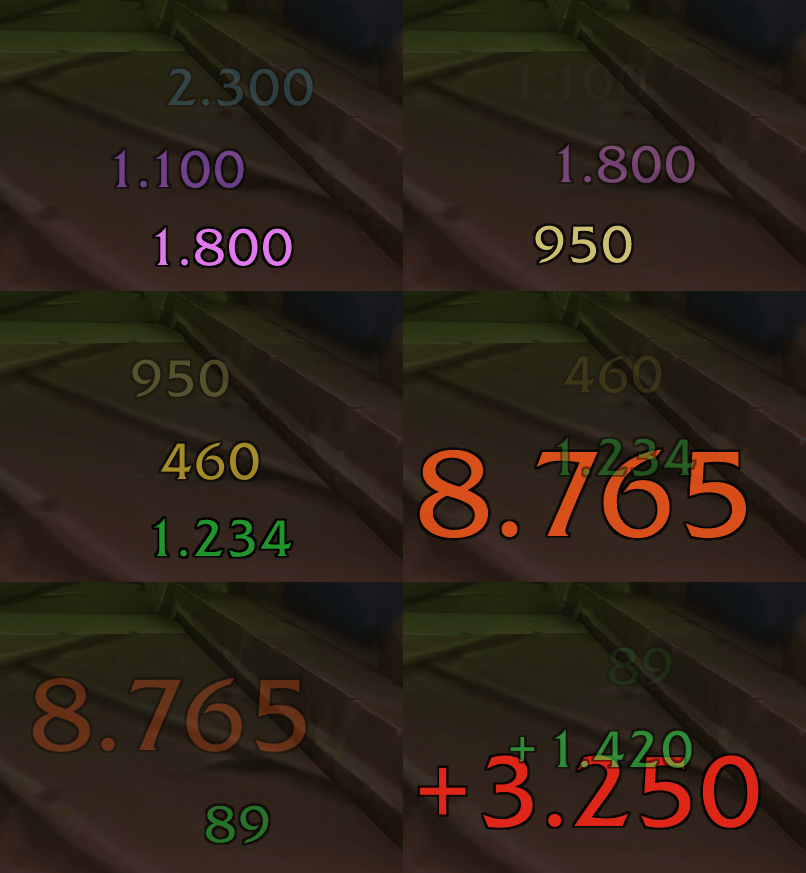
Make every hit your own
- Configure incoming and outgoing combat text separately.
- Anchor numbers to the involved unit, your own character or a free screen position.
- Drag unlocked screen fields into position using the live preview.
- Adjust fonts, size, scaling, outlines, shadows and opacity.
- Choose full or shortened numbers with optional thousands separators.
Give critical hits some impact
Choose a WoW-style pop, shake, blink, pulse or shock effect for critical hits. Customize their size, strength and speed.
Let your numbers travel in straight lines, waves, arcs or bouncing motions. Each movement style includes its own speed control and matching settings, such as wave width, arc curvature or bounce height. Fine-tune fading, acceleration and growing or shrinking effects.
Damage, healing and combat feedback
- Color damage by school, including green Nature and poison damage.
- Customize damage, critical hit, healing, absorption and combat message colors.
- Show messages such as Miss, Dodge, Parry, Block, Resist and Immune.
- Toggle damage, healing, absorption and combat messages independently for each direction.
- Optionally include pet damage and hide Blizzard’s default combat numbers.
See changes as you make them
The live preview displays sample combat text directly in the game world. A separate editor lets you adjust your settings while watching the results. Control field dimensions, number spacing, overlap and random scatter to build the layout you prefer.
Profiles and font support
Profiles are saved per character and realm. Copy an existing profile to give another character the same setup, then customize it independently.
Use built-in WoW fonts, or expand your selection with fonts provided by installed FontMagic and LibSharedMedia addons. These integrations are optional.
Getting started
Type /cst or /combatside to open the settings. Start the live preview, choose Incoming or Outgoing, and customize your combat text.
Languages: English and German.
Current compatibility: WoW TBC Anniversary 2.5.6.
Support for WoW Forever is planned for a future release.
CombatSide Team