CombatCoach
- By
Rotation Helper, DoT Tracker, Proc / Cooldown / Item / Trinket Monitor, and More!
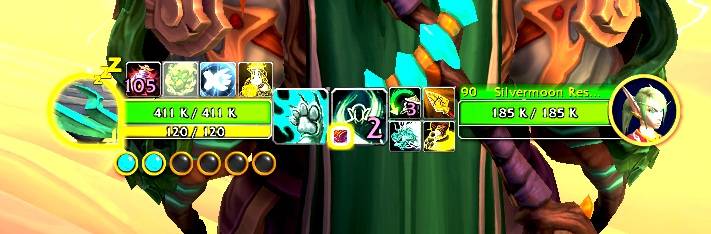
Custom Rotation Helper Coded to Top Guides.jpg
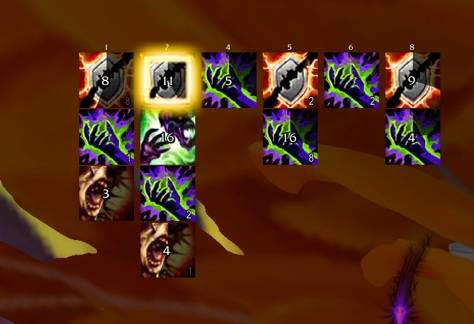
DoT Tracker.jpg
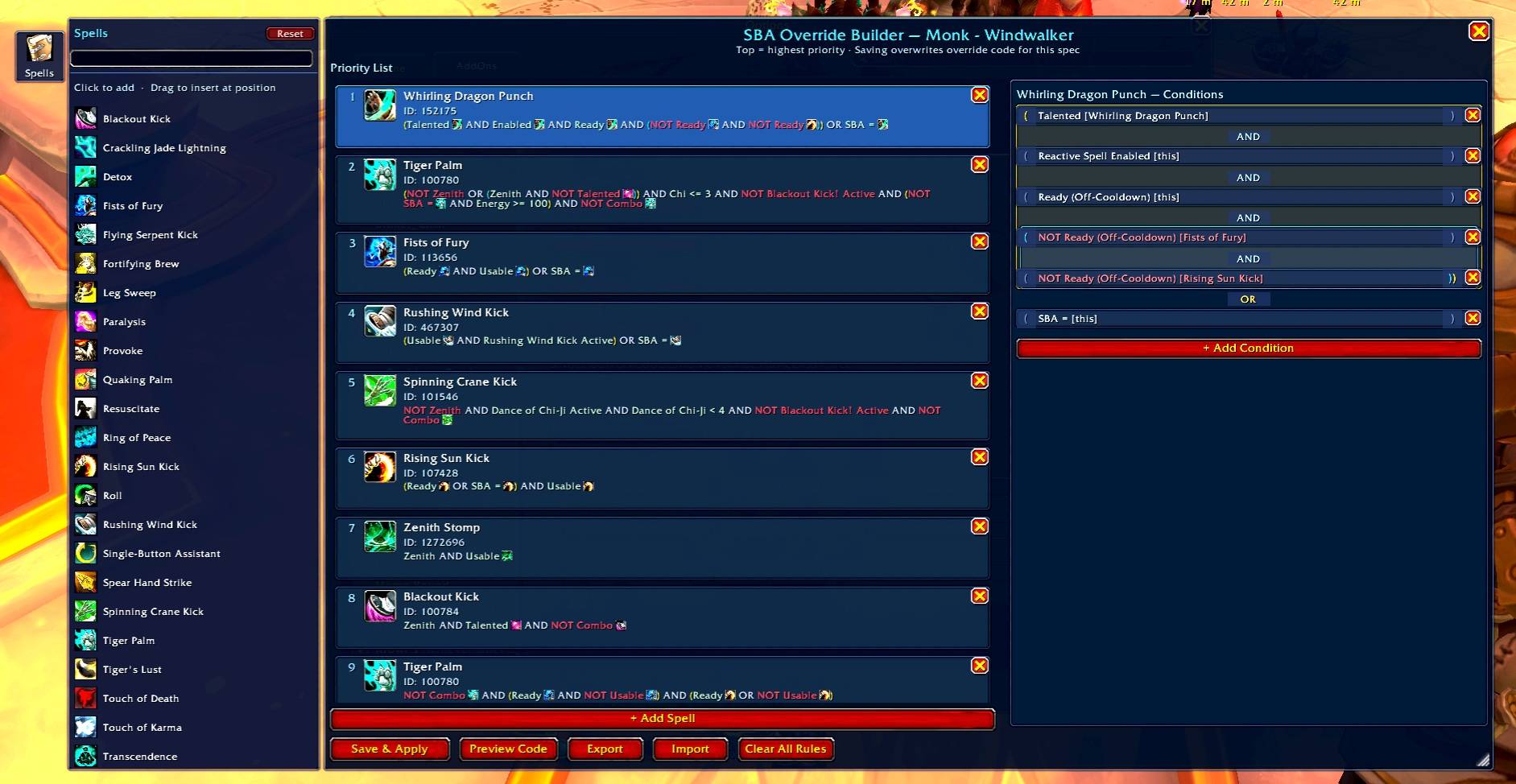
Priority Builder.jpg
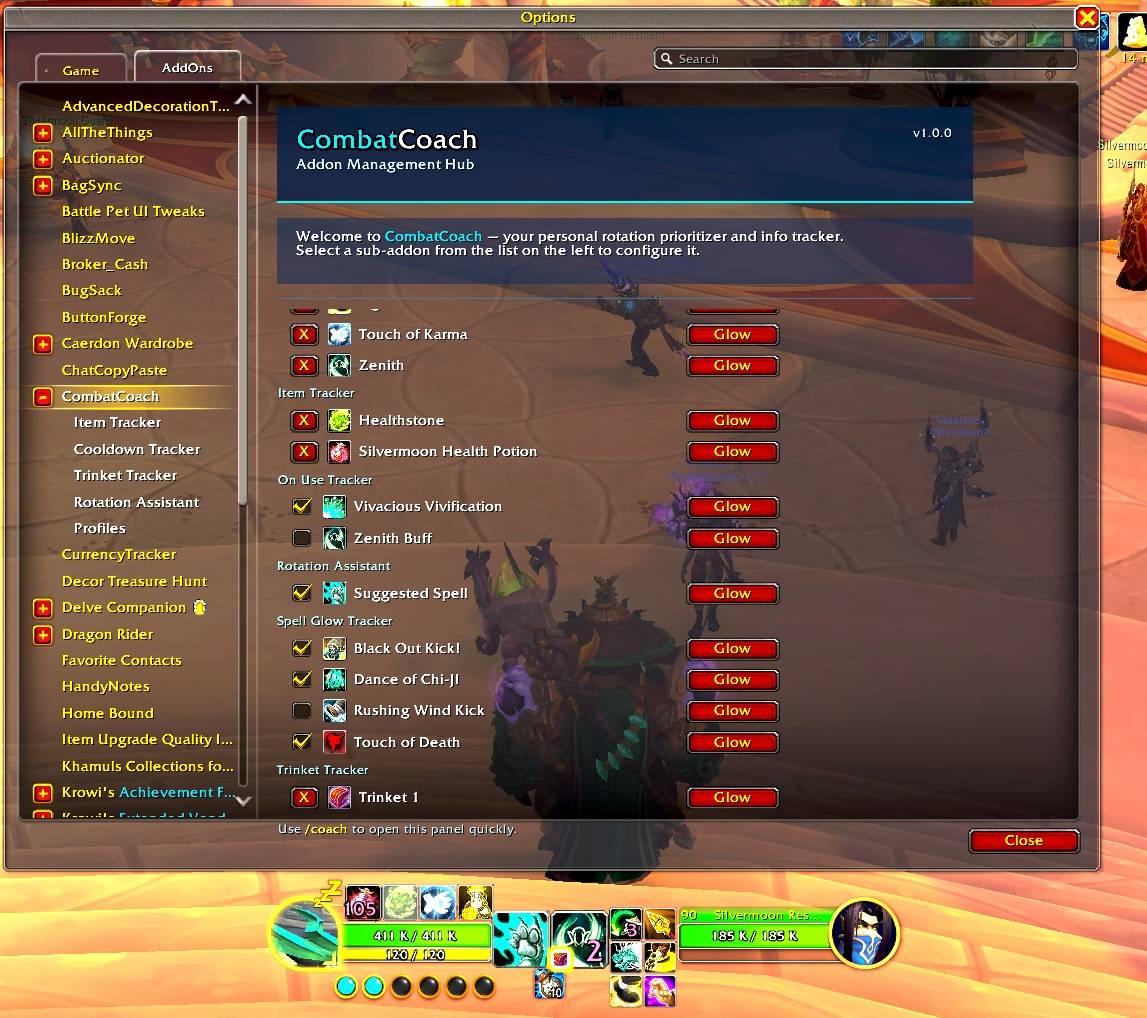
Tracks Everything and Anything.jpg
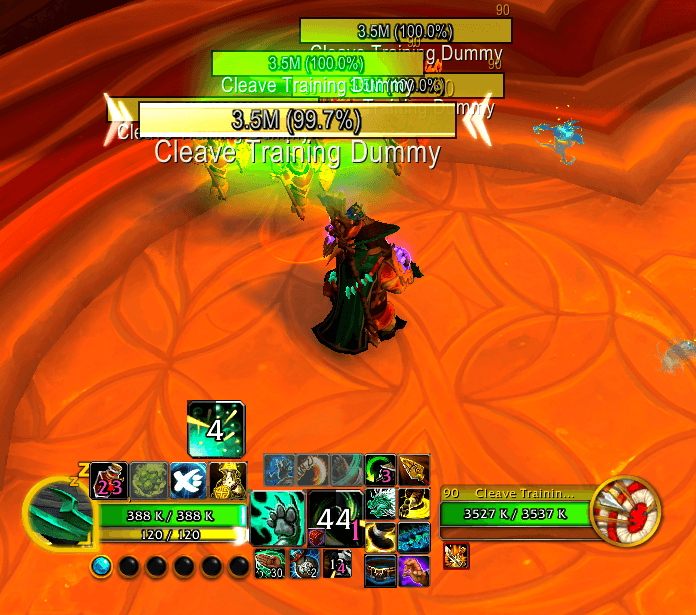
tracked1.png
Description
CombatCoach — Rotation Helper & Tracker Addon Suite
(formerly Pouls Tools)
CombatCoach is a suite of tools designed to help improve your rotation and awareness. Blizzard has added their own combat assistant and cooldown manager, but often times they are incomplete, flat wrong, or just not customizable enough. That's where CombatCoach comes in. CombatCoach Augments the information available in Blizzards baked in tools to consider things they don't and allow you to track a lot of info blizz doesn't. It leverages the info provided on those tools and other info to build a more complete set of information.
Rotation Helper
A single-spell suggestion display that improves on Blizzard's Assisted Combat system.
- Displays the Assisted Combat suggestion by default for classes where it makes sense — zero configuration required
- For specs that experience issues it provides overrides to the recommendation system.
- Has a handy graphical tool for building your priorities.
- Includes baked in conditions for common checks, class specific procs built off spell glows and blizz's cooldown manager, and custom Lua expression condition support
- Override code lets you update your rotational priorities real time.
- Has a priority analyzer to show you why it is recommending each spell.
DoT Tracker / Buff Tracker (Dynamic Buff Tracker)
- Utilizes information from Blizzards cooldown manager to track debuffs on multiple targets instead of the built in single target tracking functionality.
- Allows you to add, resize, and position buffs and debuffs in any arrangement anywhere on the screen.
- Tracks the total number of targets you are in combat with and shows where debuffs are present or missing.
- Tracks timers, stacks, and spell overrides.
Ability Cooldown Tracker
Track any ability in the game and place it exactly where you want it.
- Resizable, movable icons that can be positioned anywhere on screen.
- Tracks cooldowns, stack counts, resource checks, and icon overrides
- Per-spec configuration — different layouts for each specialization
- Supports easy custom Audio queues tied to abilities.
- Supports configurable glow effects.
Item Cooldown Tracker
Track any item in the game and place it anywhere you want.
- Supports an unlimited number of tracked items (usable or not).
- Displays cooldown timers, inventory count, and charges.
- Handy for tracking Combat potions, healthstones, or even just as a farming display.
Gear / On-Use Tracker
Track your equipped on-use gear and place them where you want them.
- Works with any gear slot — trinkets, Nitro Boost belts, on-use rings, and more.
- Shows cooldown information.
- Supports Highlight glow when usable.
Realtime Proc Tracking
- Reads your interface using Cooldown Manager and Spell Glows and talents chosen to decide what procs are active.
Plugin & Profile Support
- Plugin API — Integrate your own addons into the icon system, menus, and rotation helper with a few lines of Lua
- Custom Overrides — Use the priority override gui to choose the priorities you want or add custom code to override
- Recommended Overrides — Growing list of Pre-programmed overrides for Rotation Assistant
- Override Sharing — Full import and export support to share your priorities and layouts with your friends.
Just getting started — feedback and requests encouraged!
Why Override Blizz's Recommendations?
- Blizz sometimes recommends unusable spells
- Blizz doesn't well consider when you need to pool resources
- Blizz doesn't always adjust the rotation for all talents
- Blizz doesn't incorporate community tricks that allow you to maximize damage
- Blizz doesn't always properly account for number of enemies you are facing
Slash Commands
List of slash commands available in this addon suite:
/cc,/coach— Open CombatCoach settings;/cc helpshows help.
Notes:
- Commands are case-insensitive. Use the addon's UI for more options.
- When first logging into a class, populate your cooldown manager buff icons section (/cdm) with any buff/debuffs you want to track and then attack a target dummy for 2 min so combat coach can dynamically learn your learn your spells and rotation.
CombatCoach Team