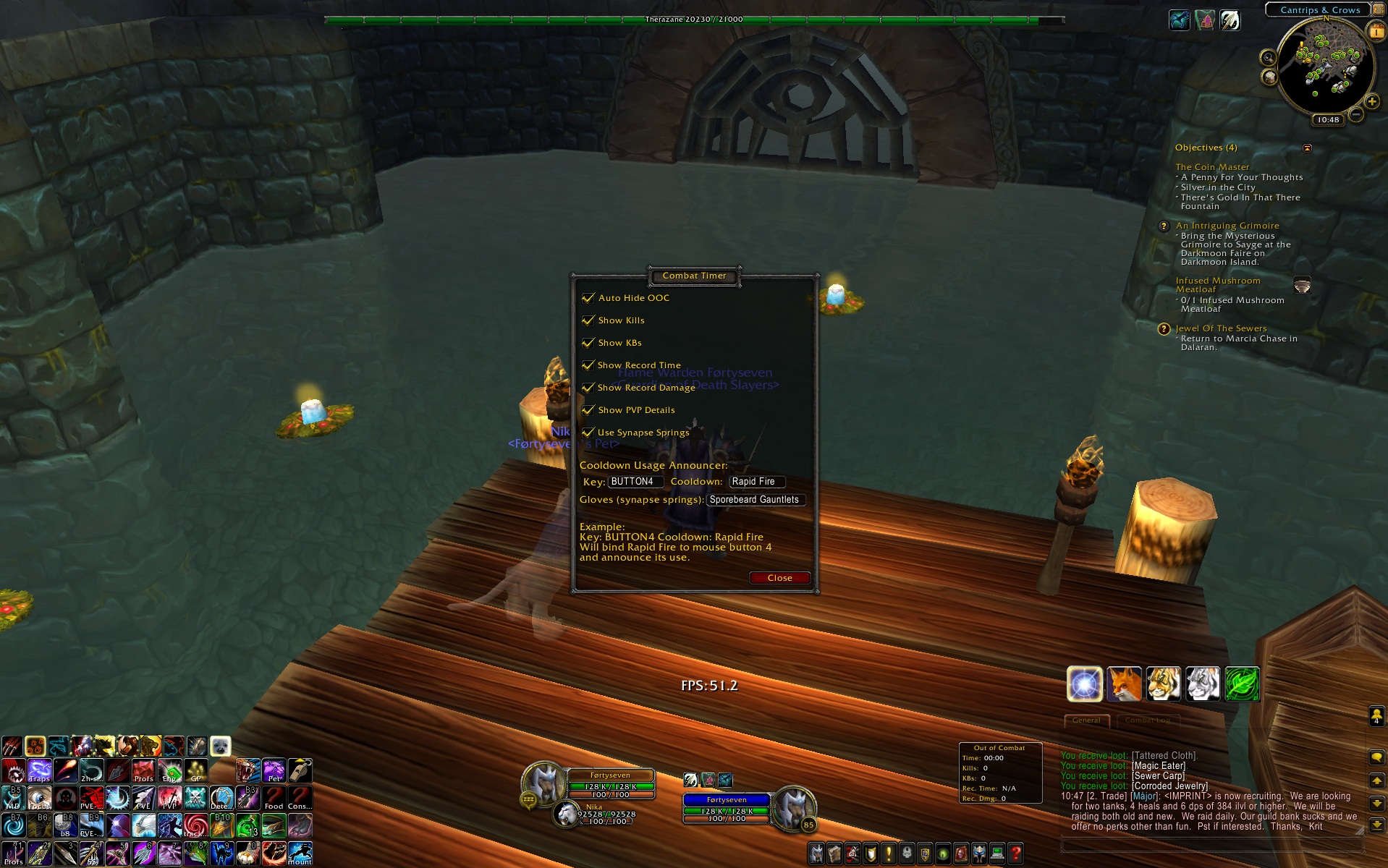
A screenshot showing the options frame, with all options enabled, and configured (middle of screen).
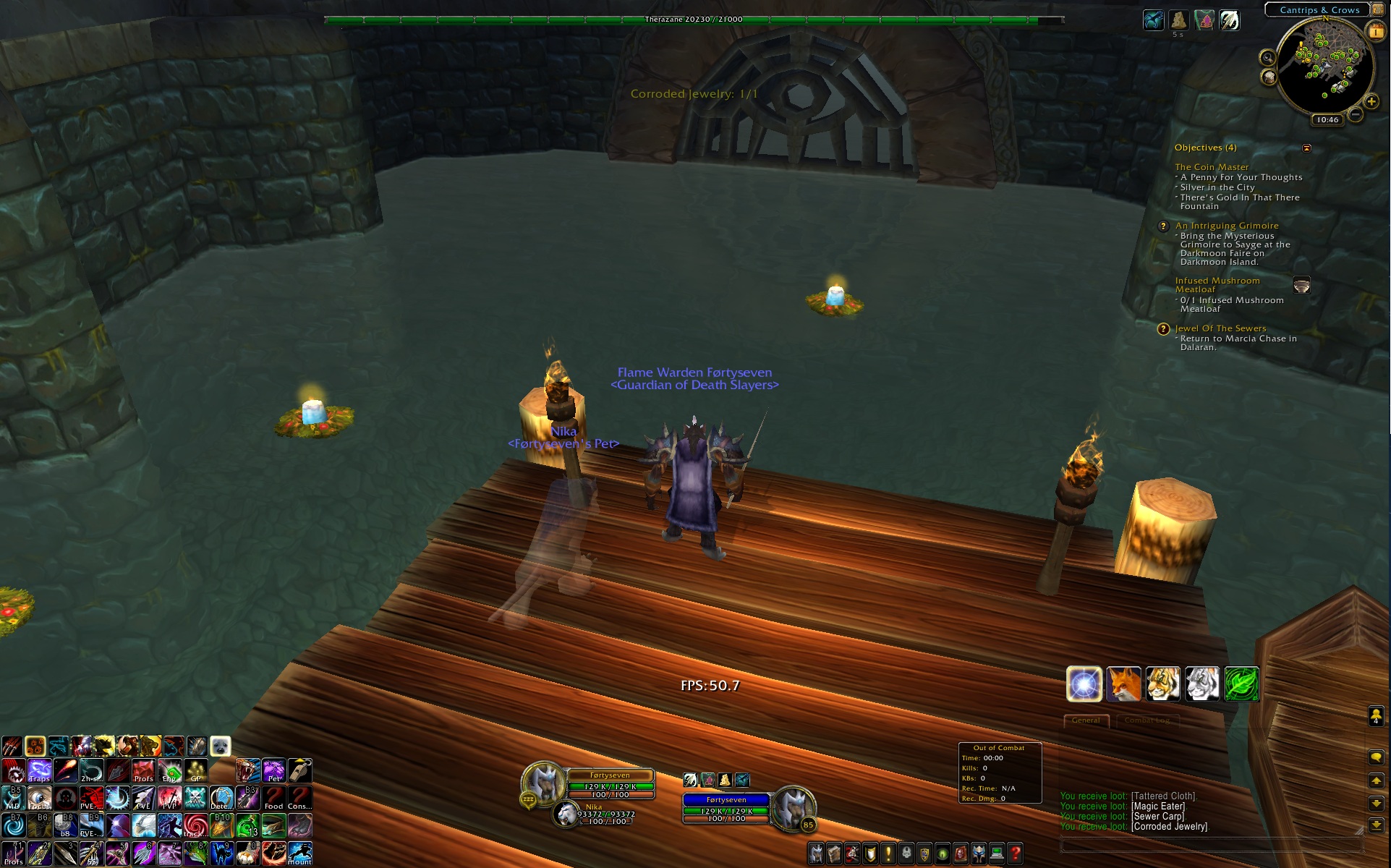
A screenshot showing the mini frame (by the chat box in the bottom right).
Description
Combat Timer 1.0
By Steve Fraser - aidevelopment@gmail.com
Features:
- Shows additional combat data
- Combat Timer (how long you've been in combat)
- Kills (how many times you've seen your target die)
- KBs (how many times you've scored a killing blow on your target)
- Record Time (the fastest your target has died after you entered combat)
- Record Damage (the most damage you've done in a single attack to your target)
- PVP Details
- Honor earned since flagging
- Killing Blow/Death ratio since flagging
- Kills since flagging
- Only shown when flagged PVP
- Counts *all* kills, not just honorable kills
- Honor gained is completely accurate, unlike Blizzard's report
- Cooldown Announcer
- Allows you to bind a key to a cooldown.
- Pressing this key will yell a random "aggressive" phrase, and alert everyone nearby that you've popped your cooldown
- Allows you to use your gloves (synapse springs), on the same button.
- Simply click the button again to use synapse springs.
- Options
- All features listed above can be turned on or off
- In the key text box, enter the key you wish to bind.
- Ex: BUTTON4 (mouse button 4) or 2 (2 key) or CTRL-2 (control + 2)
- In the cooldown text box, enter teh name of your cooldown
- Ex: Rapid Fire or Presence of Mind
- If you enable synapse spring usage, enter the name of your gloves with synapse springs in the gloves text box
- Ex: Sporebeard Gauntlets
Usage:
- Type "/comtim mini" in your chat box to toggle the mini frame on or off.
- Type "/comtim options" in your chat box to toggle the options frame on or off..
- OR double click the mini frame to show up the options frame.
- The mini frame is hidden by default, and displays in combat.
- All frames are moveable by default.
Known Issues:
None
Reporting an Issue:
Please send me an email with any issues you may experience, along with any feature requests you may have. When reporting an issue, please be as specific as you can about what you were doing when the issue occured. Including where you were (continent, zone), your faction, whether you were in party or not, would also be helpful.
IMPORTANT: BE SURE TO COPY AND PASTE THE LUA ERROR YOU RECEIVE!