Combat Text Customizer
- By
Customize your combat text: scrolling text areas, numbers on nameplates, fonts, colours and themes in one settings window.
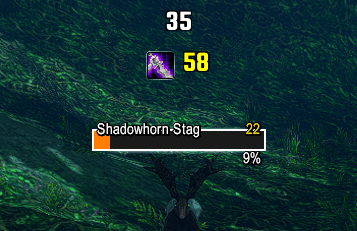
combat-ability-icon.png
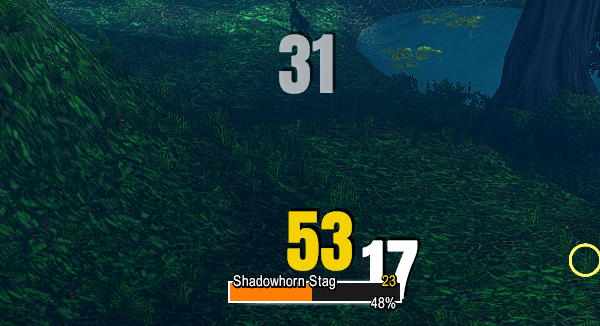
combat-fonts.png
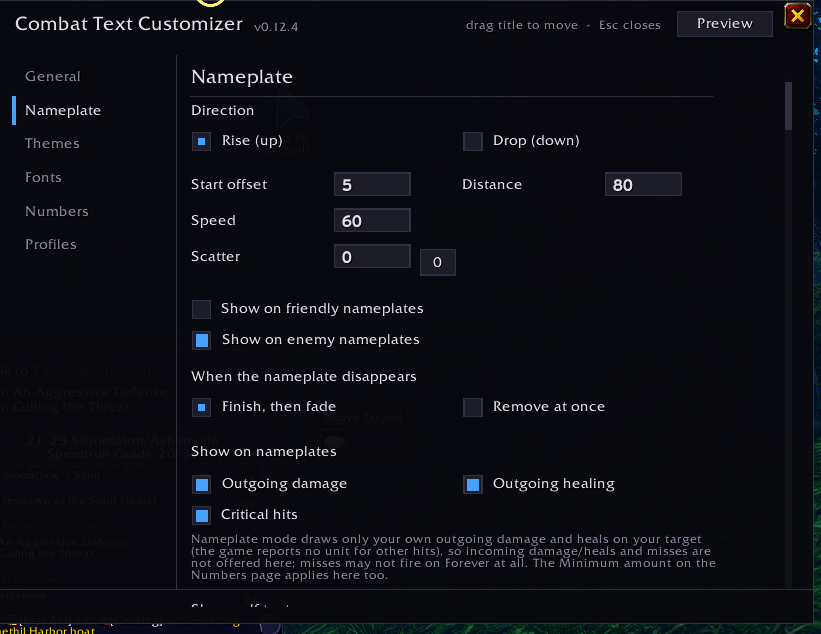
nameplate-page.png
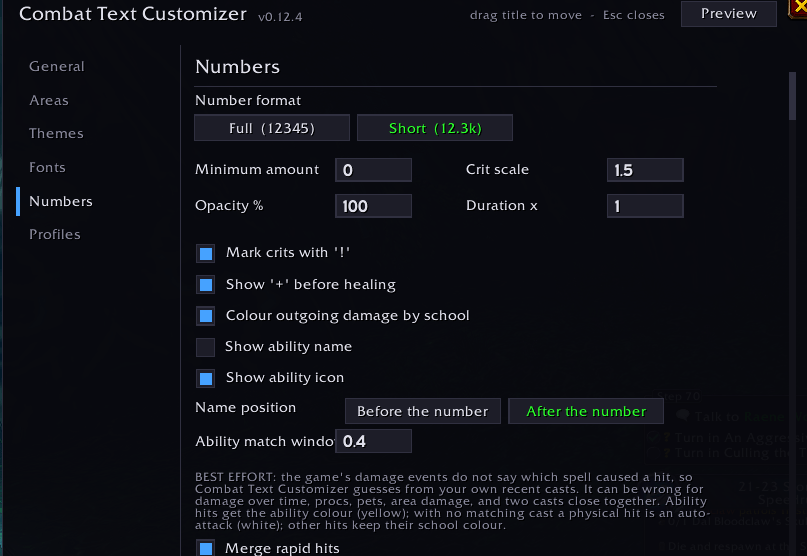
numbers-page.png
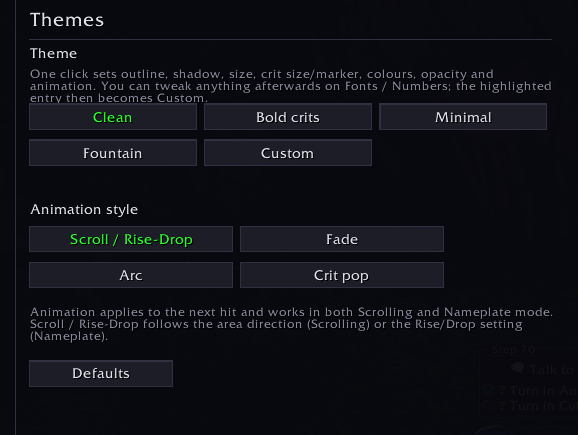
themes-page.png
Description
Combat Text Customizer lets you decide how your combat numbers look and where they appear in WoW: Forever. Show them in scrolling text areas you place yourself, let them rise from the target's nameplate, or keep the game's own numbers and just change their font and size. Everything is configured in one settings window: type /ctc.
Three modes
- Scrolling - your own text areas. Drag them anywhere, choose the scroll direction (up, down, left or right) for each, add scatter (0 gives one perfectly straight line) and set how long text stays.
- Nameplate - numbers that rise from, or drop down, the target's nameplate. Optional self text shows the damage you take and the healing you receive near your character (off by default, and you can drag it where you want).
- Blizzard - keeps the game's own combat numbers and changes their font and size. Nothing else is drawn by the addon in this mode.
Each of Scrolling and Nameplate keeps its own settings, so switching modes never changes or loses the others.
Features
- Fonts, sizes and colours, with separate styling for auto-attacks and abilities, a card-based font picker with ten bundled fonts, and support for your own .ttf / .otf font files
- Crit scale and an optional crit marker, opacity, duration, and number format (full or short, like 12.3k)
- Colour your damage by spell school, and your own colour for each type of number
- Ability names and icons next to the numbers, shown only when the game provides the spell information (the addon never guesses)
- Hit merging, so rapid hits add up ("Swipe 135 (x3)")
- Filters: hide hits below a minimum amount, and choose which event types show
- Themes and animation styles
- Profiles, plus import and export of your settings as a string to share with friends
- Optionally hide Blizzard's own numbers so nothing shows twice
- A flat dark settings window
Good to know
- This is an early version for the WoW: Forever beta client. Not every feature has been tested on every class.
- In Blizzard mode a font change takes effect after you log out to the character select screen and back in (a /reload is not enough). Size changes apply at once.
- In Nameplate mode the numbers on the target are your outgoing damage and healing. Damage you take and healing you receive appear as the optional self text near your character.
- Ten open-licensed fonts are bundled (Anton, Bebas Neue, Russo One, Oswald, Teko, Barlow Condensed, Pathway Gothic One, JetBrains Mono, Metamorphous and MedievalSharp, all under the SIL Open Font License; licence texts are included). To use your own, put the files in the addon's Fonts folder and add them on the Fonts page.
Commands
- /ctc or /combattextcustomizer - open the settings window
Feedback
Found a bug? Leave a comment with the exact Lua error text (from the in-game error window or BugSack) and what you were doing.
Not affiliated with or endorsed by Blizzard Entertainment. World of Warcraft is a trademark of Blizzard Entertainment.
Combat Text Customizer Team