


Cohors
- By
In-game companion for Cohors: syncs your guild’s characters, gear and professions to your self-hosted guild website.
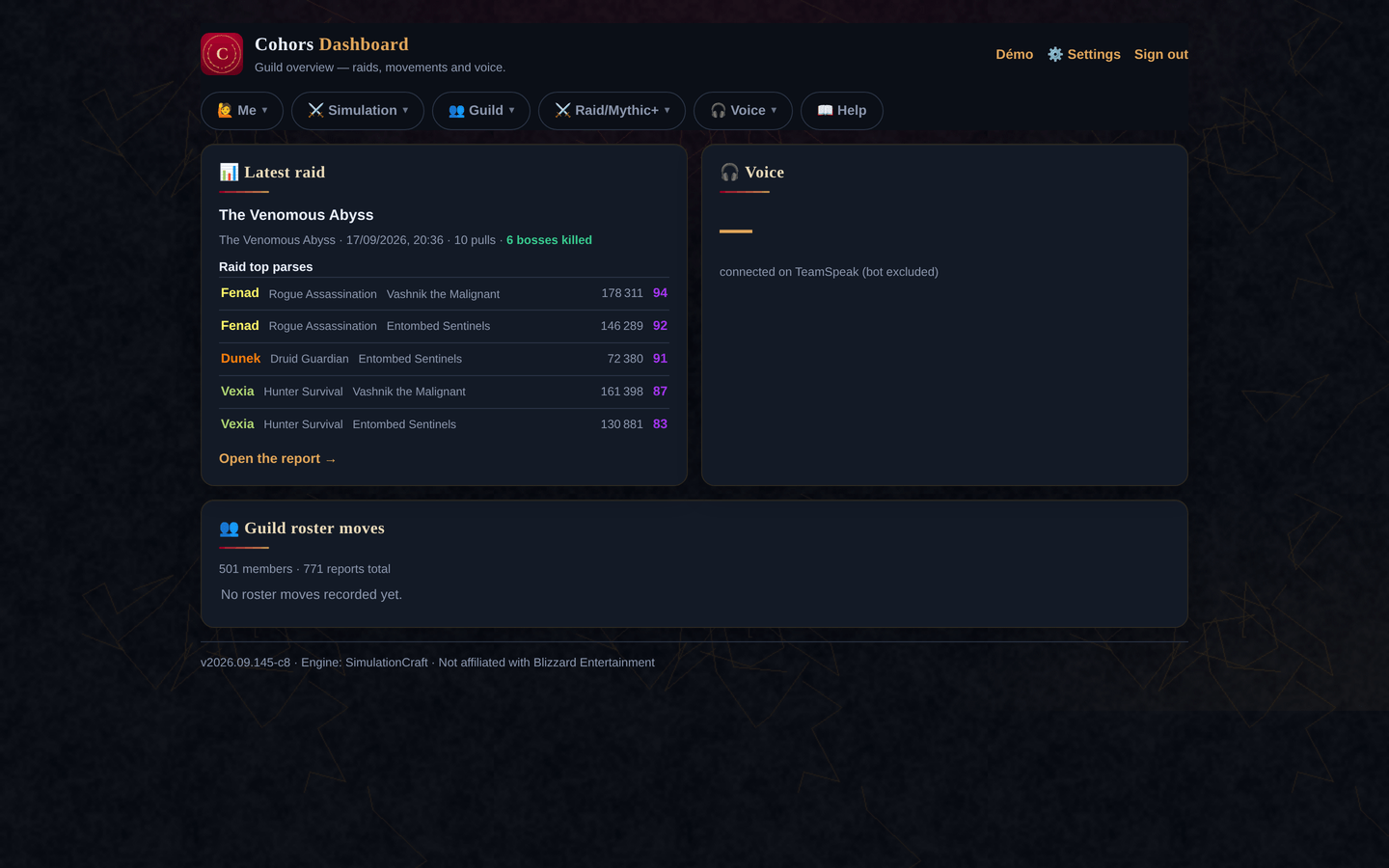
shot-dashboard.png
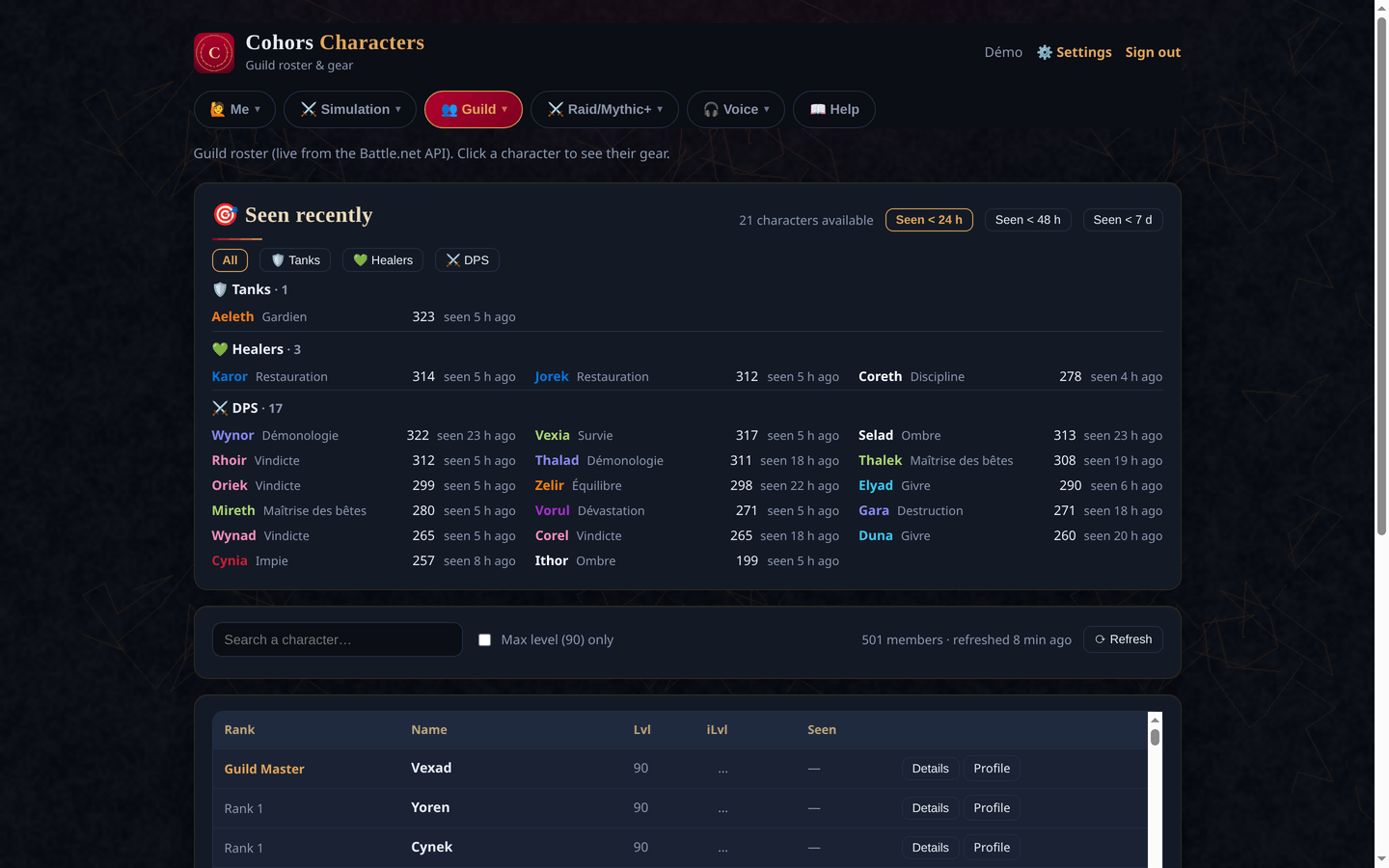
shot-characters.png
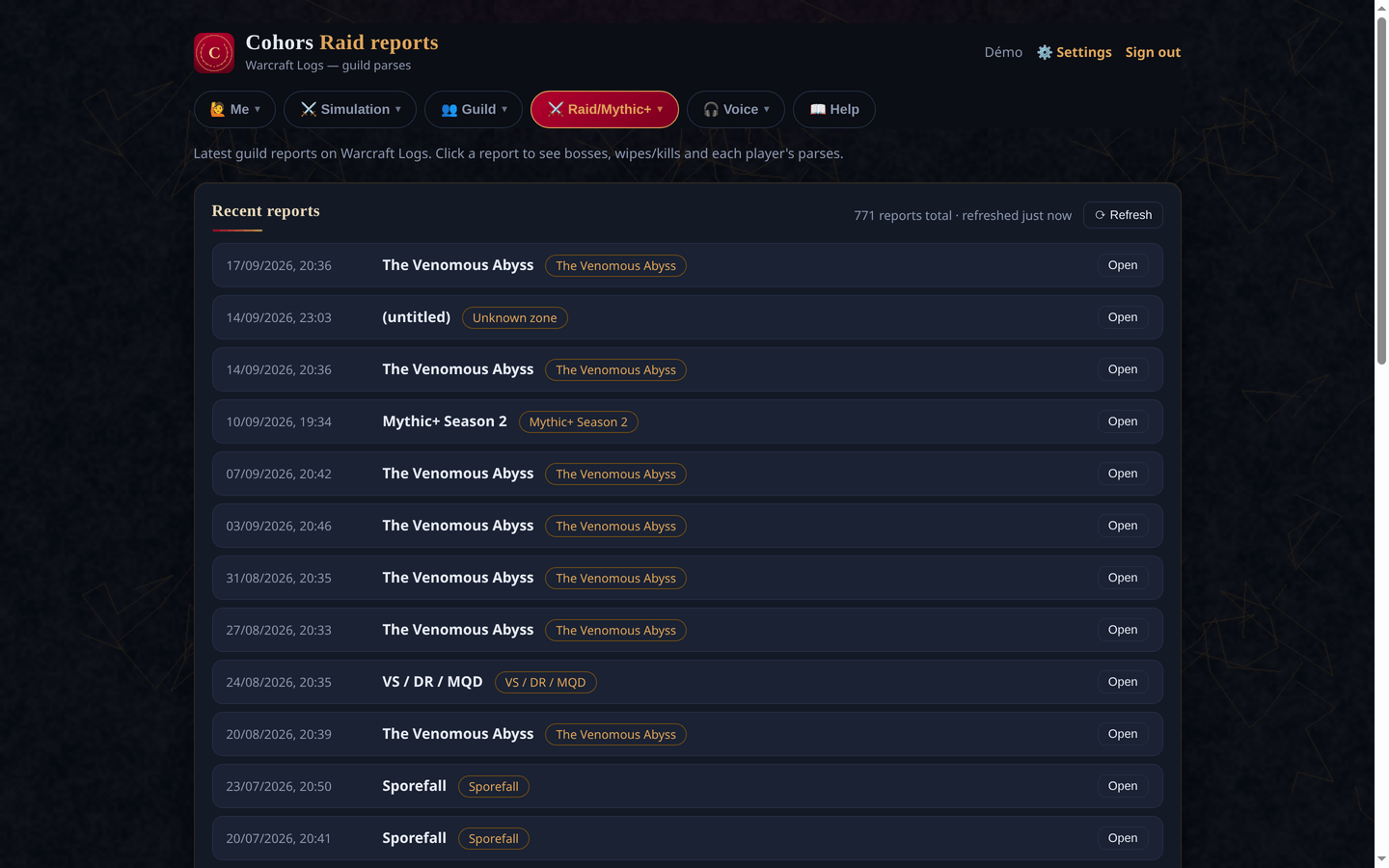
shot-raids.png
Description
Cohors – Guild Companion
Cohors is the in-game companion of Cohors, a free, self-hosted web app for World of Warcraft guilds (roster, raid calendar, wishlists, crafting, loot, Discord bot).
The addon moves data between the game and your guild's Cohors site with a simple copy & paste.
⚠️ This addon needs a Cohors instance run by your guild. On its own, it has no data to work with.
Features
📤 Export from the game to Cohors
- Crafting recipes: share the recipes your characters know, so guildmates can find who crafts what and send craft orders.
- Guild calendar: export upcoming in-game calendar events and sign-ups, so officers see raid composition, missing buffs and attendance on the website.
- Raid loot history: at the end of the night, export who received which item from which boss. Cohors records it, posts it on Discord and notifies players whose wishlist item dropped.
🎁 Loot council (officers / master looter)
Paste the loot export from Cohors and get a Loot tab in game (/cohors loot):
- Tooltips on dropped items: item level gain for each raider, tier set progress, who has the item on their wishlist (and at which track: Champion, Hero or Myth), and what each player already received tonight and over the last 30 days.
- Loot per boss (
/cohors boss): the boss's loot table from the Adventure Guide, with the group members who want each piece. The current boss is selected automatically when the encounter starts.
Slash commands
| Command | Action |
|---|---|
/cohors |
Open the addon window |
/cohors loot |
Loot council tab |
/cohors boss |
Loot of the current / last boss |
How it works
- Click an export button in game, then copy the text that appears.
- Paste it into the matching page on your Cohors site.
- For loot council, do the reverse: copy the export from Cohors and paste it into the addon.
Cohors Team
