


ClassMe
- By

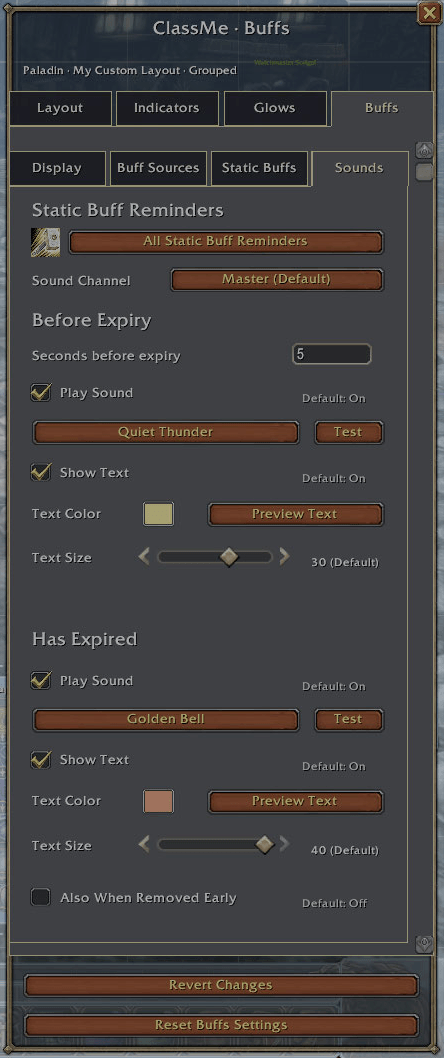
Choose before-expiry and expiry sounds, optional colored messages, text sizes and the sound channel. Customize All Static Buff Reminders or each Buff in native HUD Edit Mode.
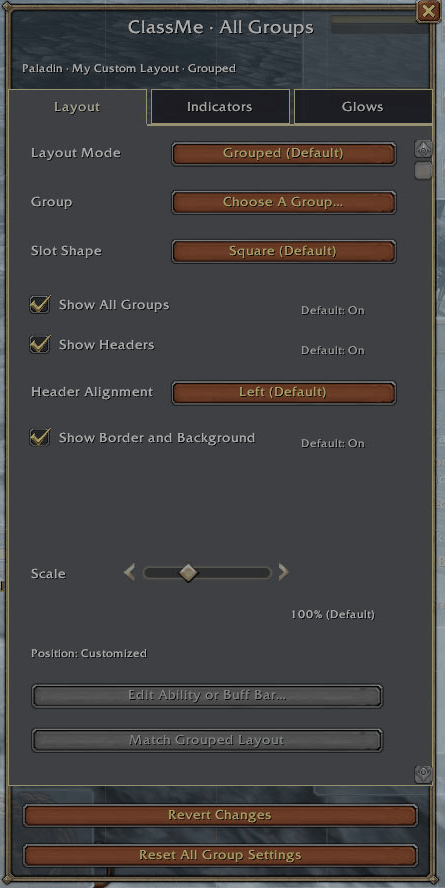
Choose a layout mode for a group or All Groups. Ungrouped abilities and static Buff bars move independently, with separate saved arrangements and individual options.
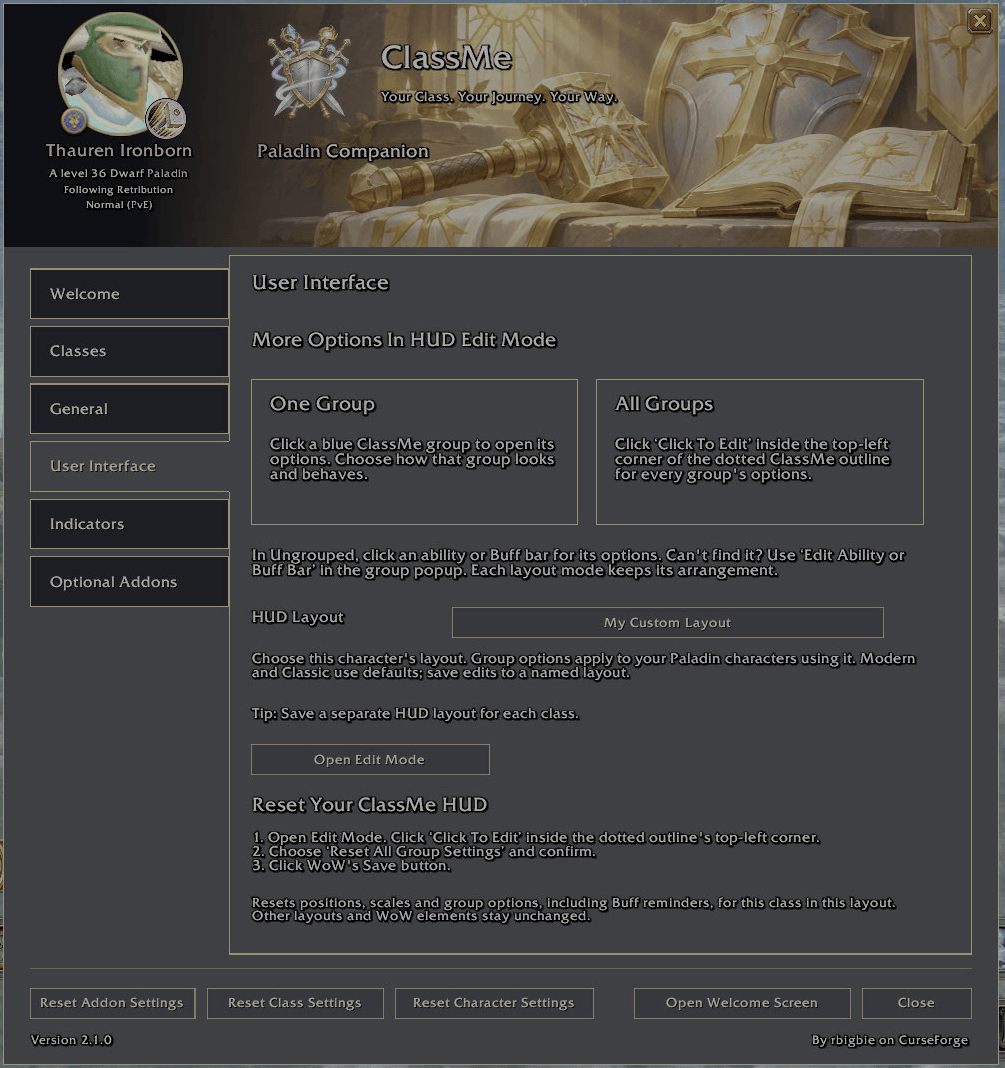
Open User Interface for native Edit Mode, the HUD layout picker and reset instructions. Click a group, the dotted All Groups outline or an Ungrouped ability for its options.
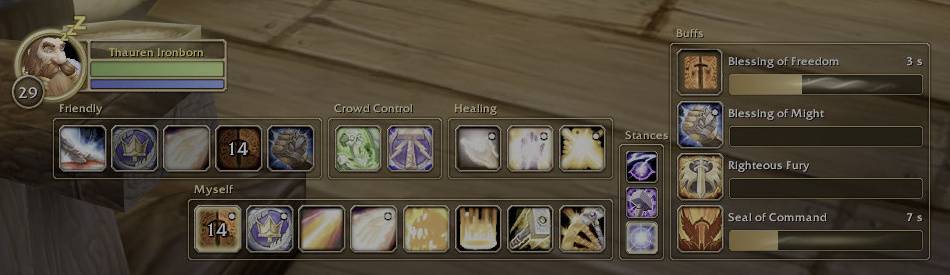
Level-29 Paladin: purposeful action groups, native Aura controls and an active temporary Blessing of Freedom row. Learned abilities are shown during play.
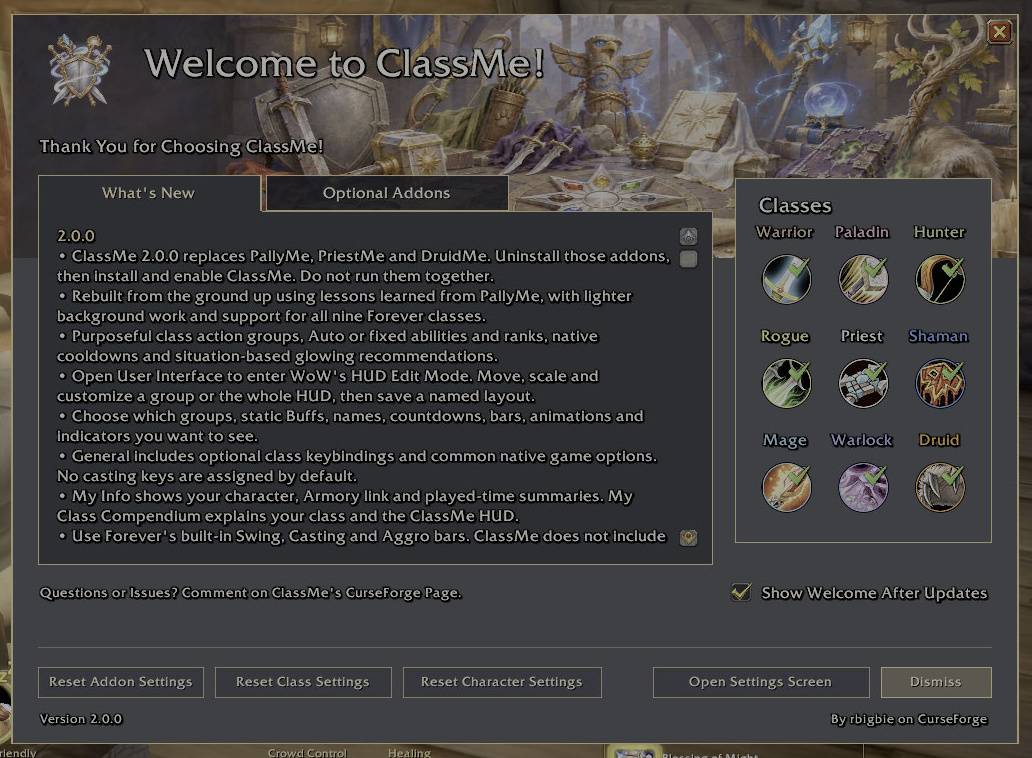
One rebuilt addon for all nine Forever classes. Choose enabled classes and read the migration notice before starting.
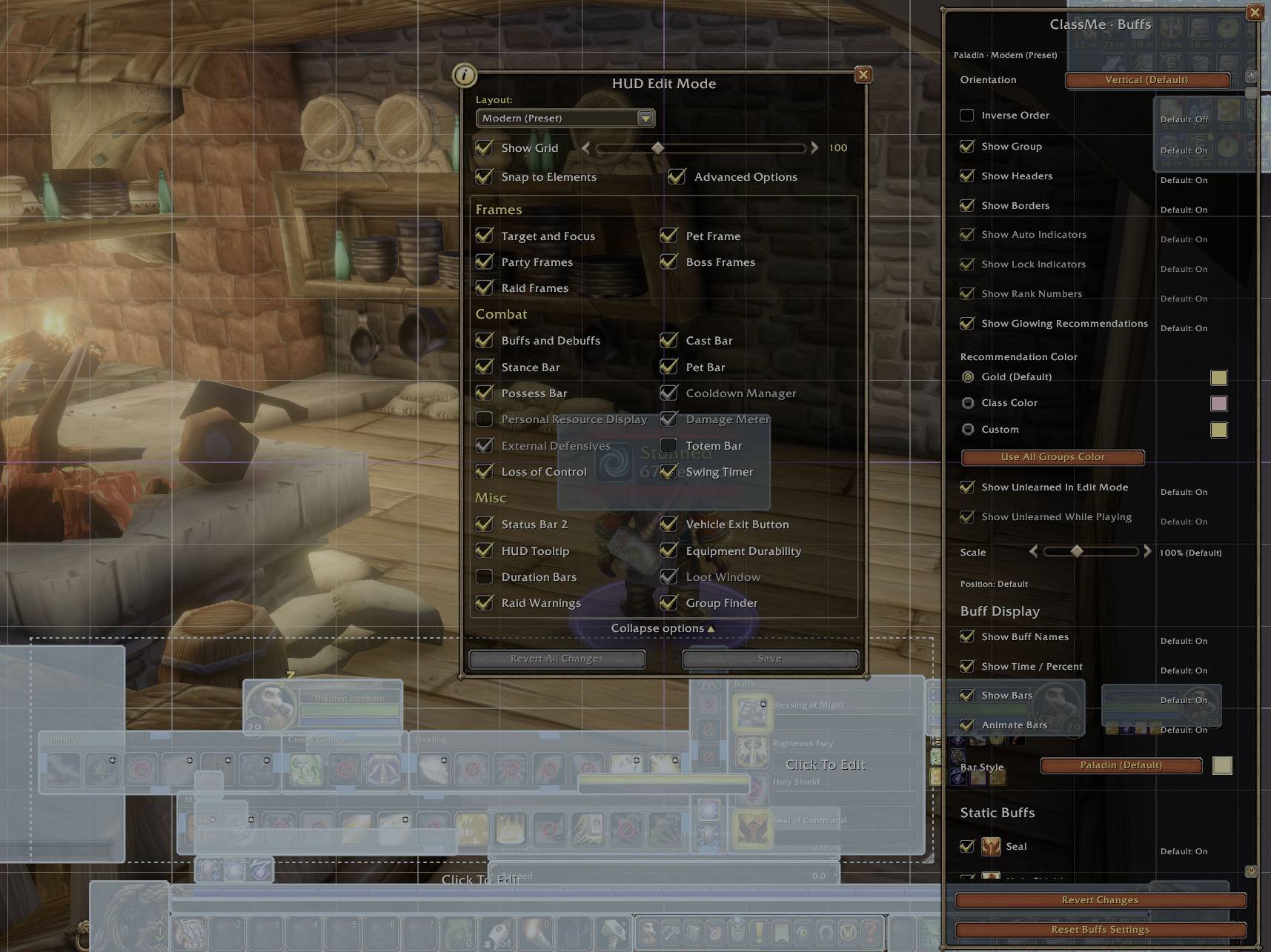
Open User Interface > Open Edit Mode and click a group. Change its appearance, recommendations and static Buffs, then save a named HUD layout. Unlearned abilities are visible here for editing.
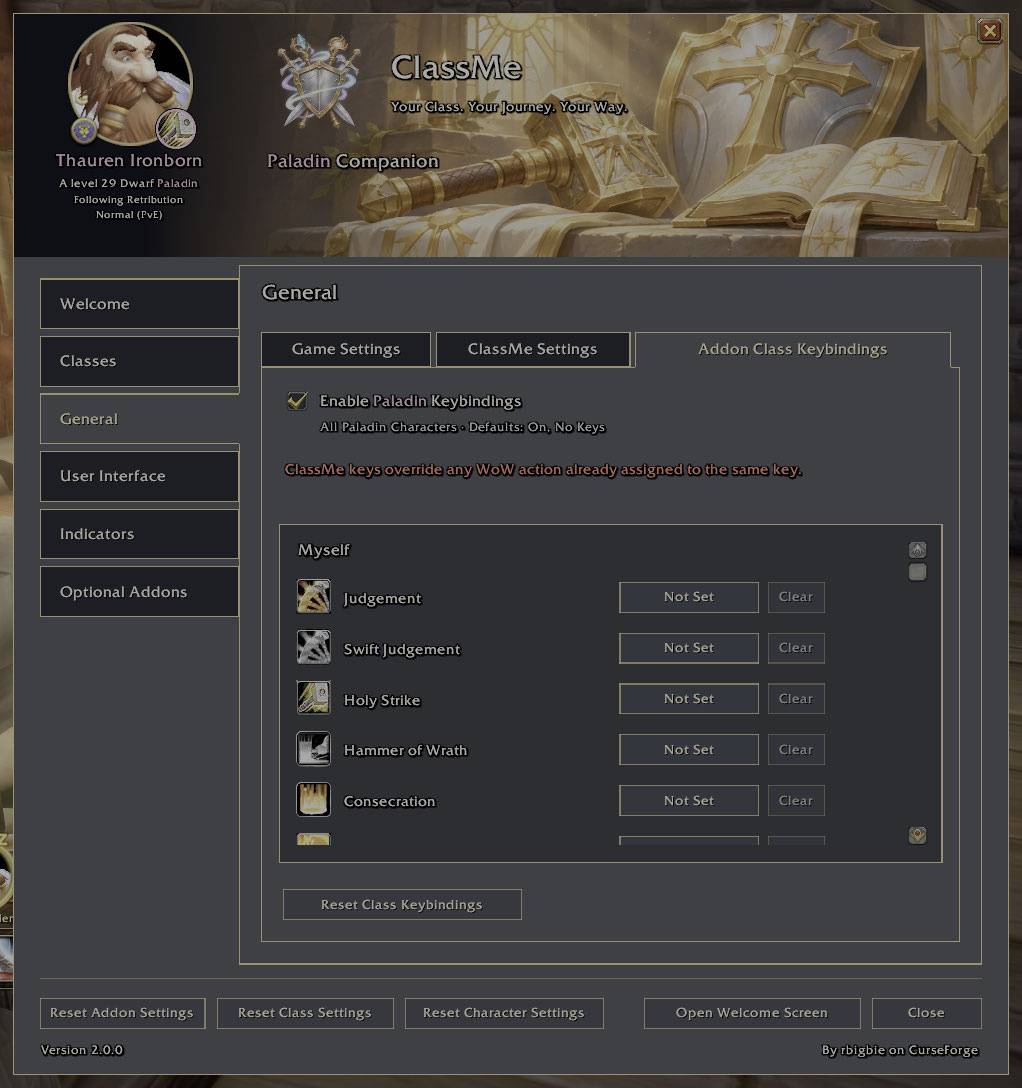
Assign keys for your class in General. No casting keys are assigned by default; conflicts are identified before use.
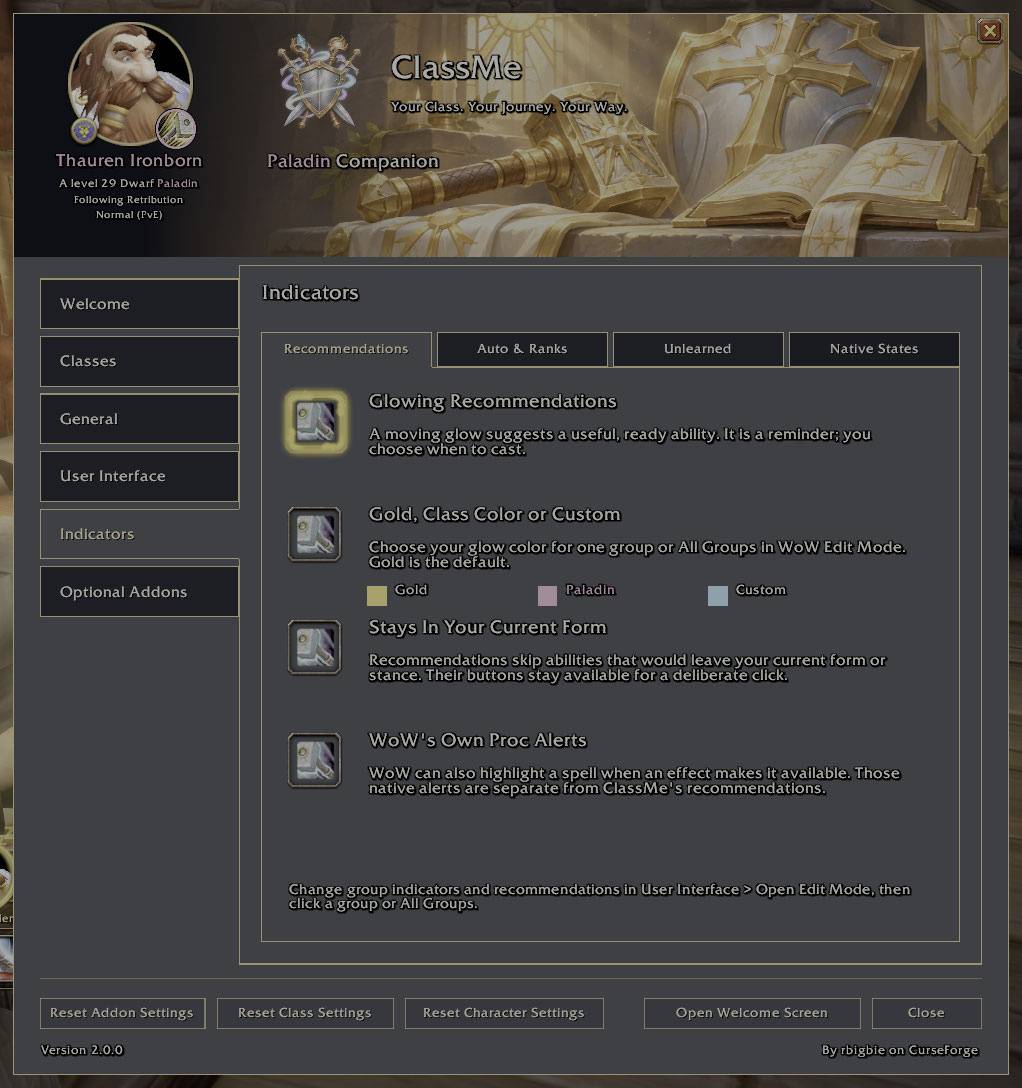
Read visual examples of recommendations, Auto and fixed choices, ranks, unlearned abilities and native button states.
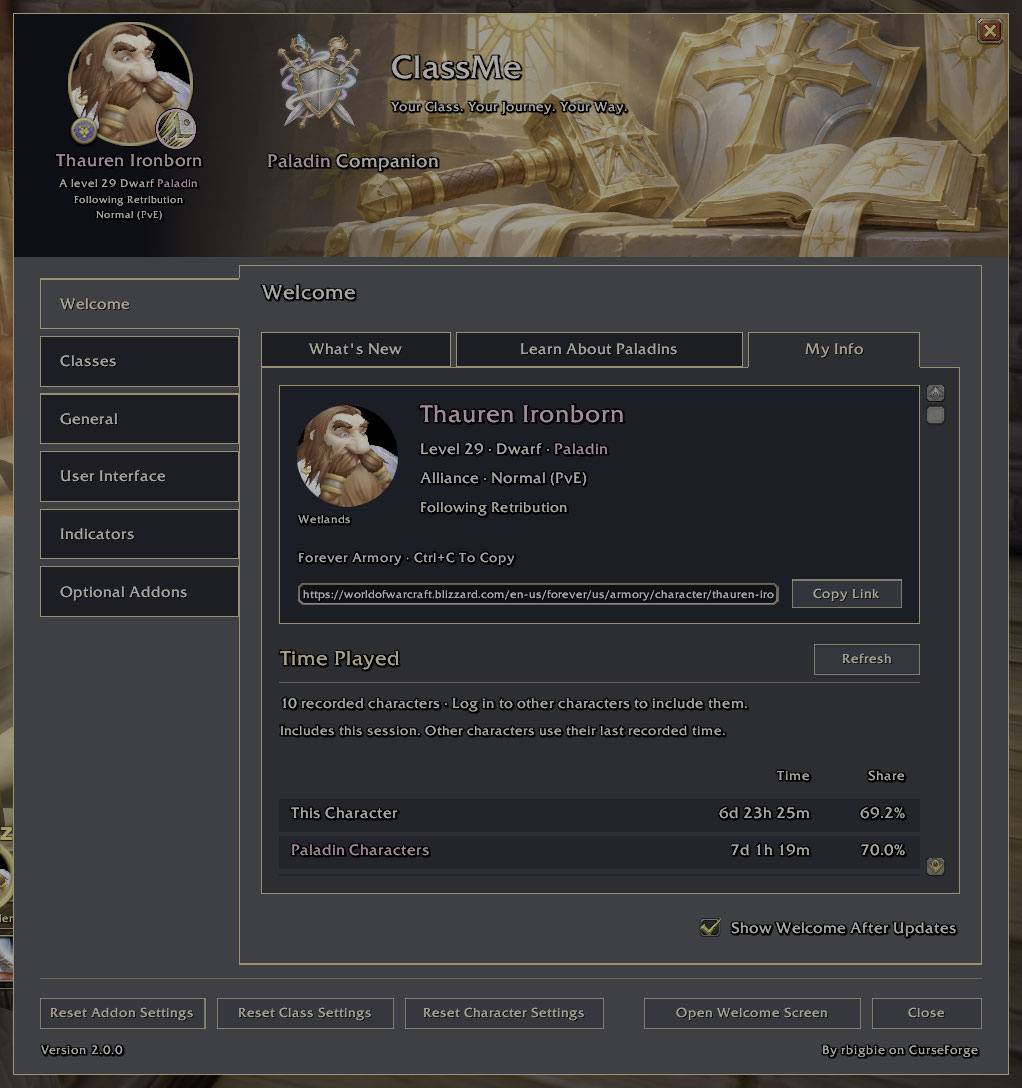
A personal character card with a copyable Forever Armory link and recorded character, class and faction time summaries.
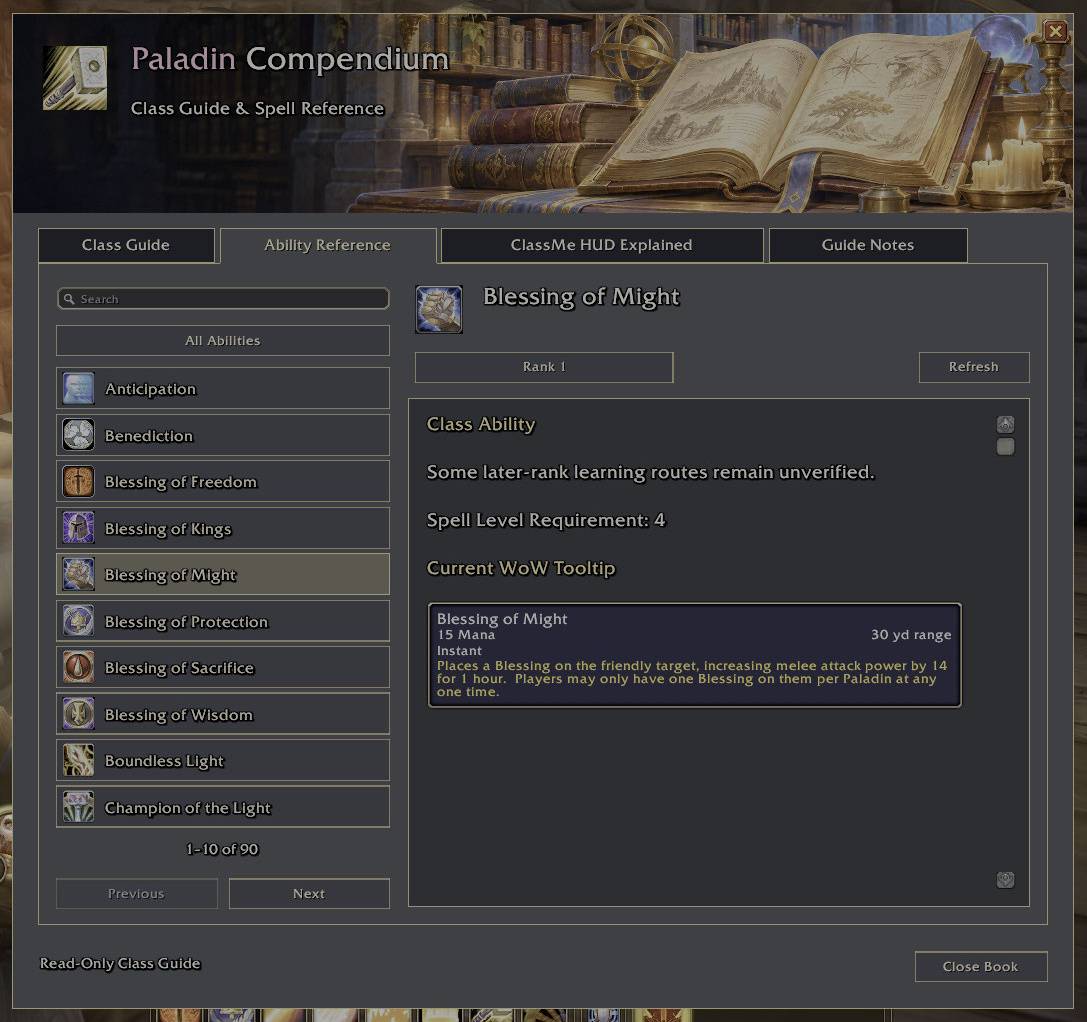
Browse class guidance and searchable spell/rank references with the current native spell icons and tooltips. Each class has its own reference.
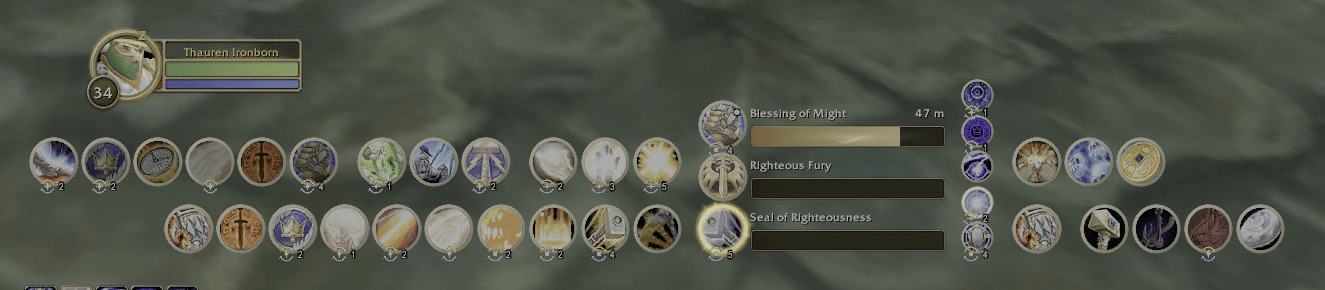
Actual Paladin HUD using Round slots with group headers and backgrounds hidden. Square slots remain the default. Change each group or All Groups in native HUD Edit Mode and save to a named layout.