
Classic Portrait Forever
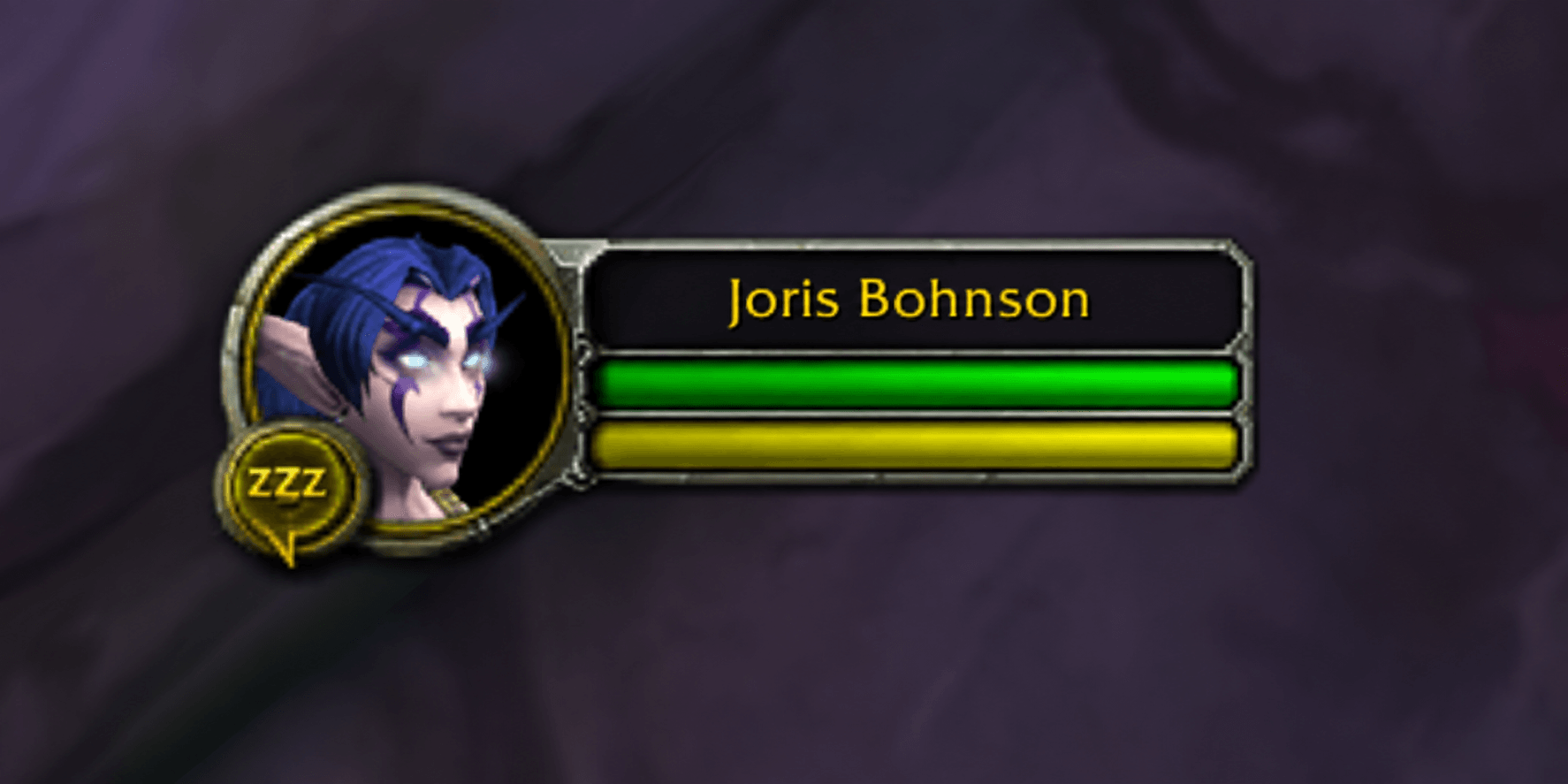
player-portrait-preview.png
Description
Classic Portrait Forever
Bring the classic WoW portrait style to the WoW Forever beta (1.60.1): round portraits, classic borders, narrow green health bars and resource-coloured power bars.
Features
- Classic-style player, target (including mobs), focus, pet, party, target-of-target, focus-target and boss portraits on supported Blizzard layouts.
- Classic elite and rare target borders.
- Default portrait scale of 1.2, with separate player and target scaling or one setting for all supported portraits.
- Optional health and power numbers.
- Appearance settings saved per character; position portraits through Blizzard Edit Mode.
- Uses artwork already included in the WoW client. No dependencies.
Commands
Make layout changes outside combat.
/portrait— Show help./portrait scale all 75%— Shrink all supported portraits to 75%./portrait scale target 50%— Shrink only the target to 50%./portrait scale 1.2— Scale the player portrait./portrait scale target 1.2— Scale the target portrait./portrait scale all 1.2— Scale all supported portraits./portrait text auto— Follow the game's status-text setting and show numbers on hover./portrait text onor/portrait text off— Show or hide numbers on supported larger frames./portrait status— Show version and detected layouts./portrait offor/portrait on— Disable or enable the custom appearance and reload./portrait reset— Reset portrait scales, then reload.
Scale values range from 25% to 300%, or 0.25 to 3 as decimals. Percentage input requires version 0.2.8 or later. Use Blizzard Edit Mode to position portraits. Classic Portrait Forever focuses on their appearance and does not move frames.
Beta compatibility
Intended for WoW Forever beta 1.60.1, build 70374, interface 16001. Version 0.2.9 is distributed as a Release for the beta client. Automated Lua checks passed; the latest scaling and level-alignment changes still need visual confirmation in-game. Other WoW versions are not currently claimed as supported.
Compact raid-style grids and third-party replacement unit frames are outside its scope. Unrecognized beta layouts retain the native artwork. Some animated combat effects, heal/absorb overlays and embedded class-resource widgets are not fully reproduced.
When reporting a problem, include your game build, /portrait status output, any Lua error and a screenshot where helpful.
Installation
CurseForge client: Select your WoW Forever/beta installation and install the latest Release of Classic Portrait Forever. If it is not available in your client, use the manual option below.
Manual installation:
Extract the archive into your beta installation's Interface/AddOns folder. The resulting path should be Interface/AddOns/ClassicPortrait/ClassicPortrait.toc. Restart WoW and enable Classic Portrait Forever at character selection.
Version 0.2.4 resets earlier ClassicPortrait custom scales to 1.2 once per character while retaining saved positions. Later scale changes save normally.
Version 0.2.5 removes portrait dragging and the lock/unlock commands. Old addon position settings are discarded so Edit Mode controls positioning.
Classic Portrait Forever Team
