
Classic Era Finder
- By
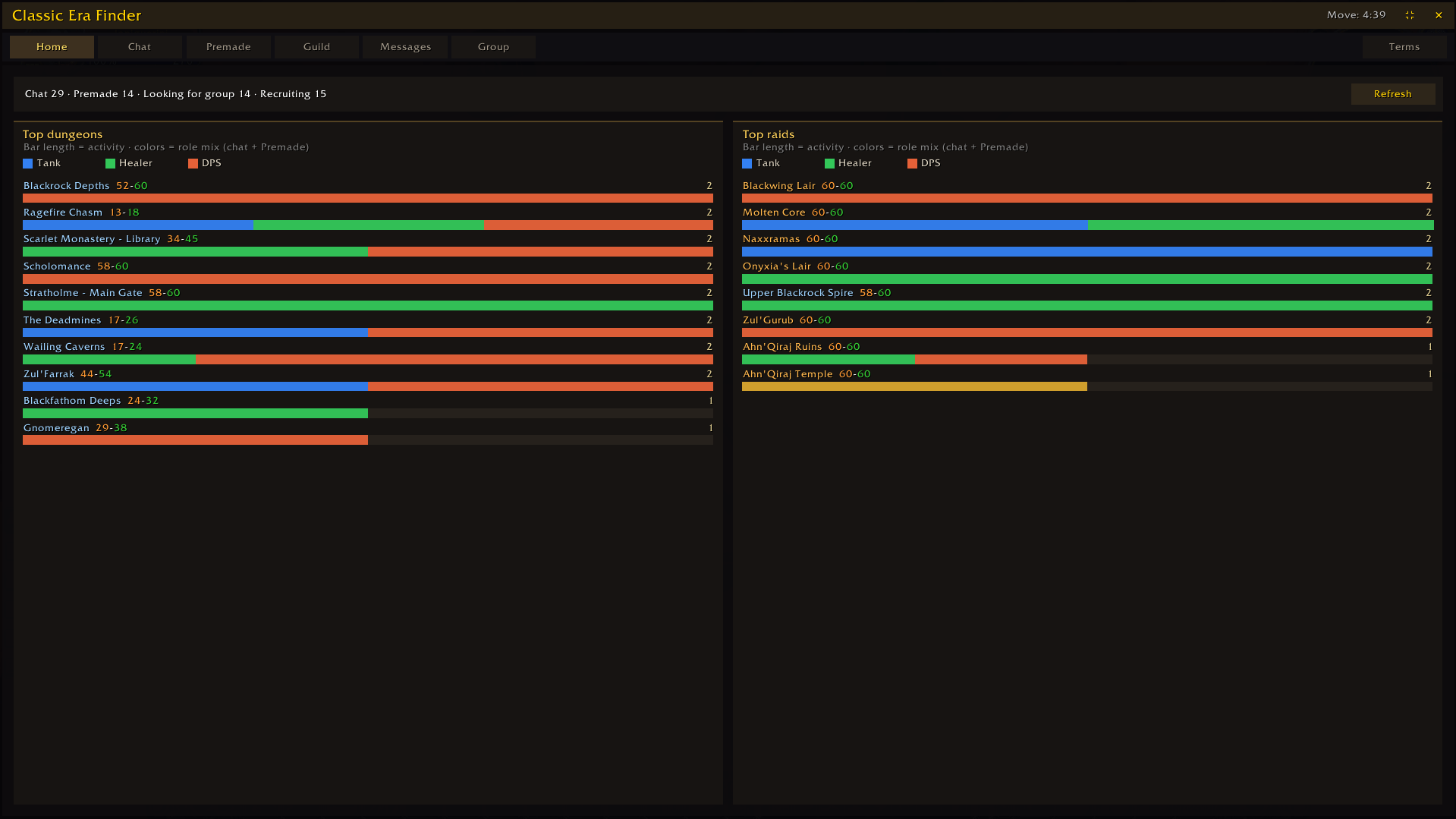
Live demand overview: top dungeons and raids with Tank / Healer / DPS bars from Chat and Premade.
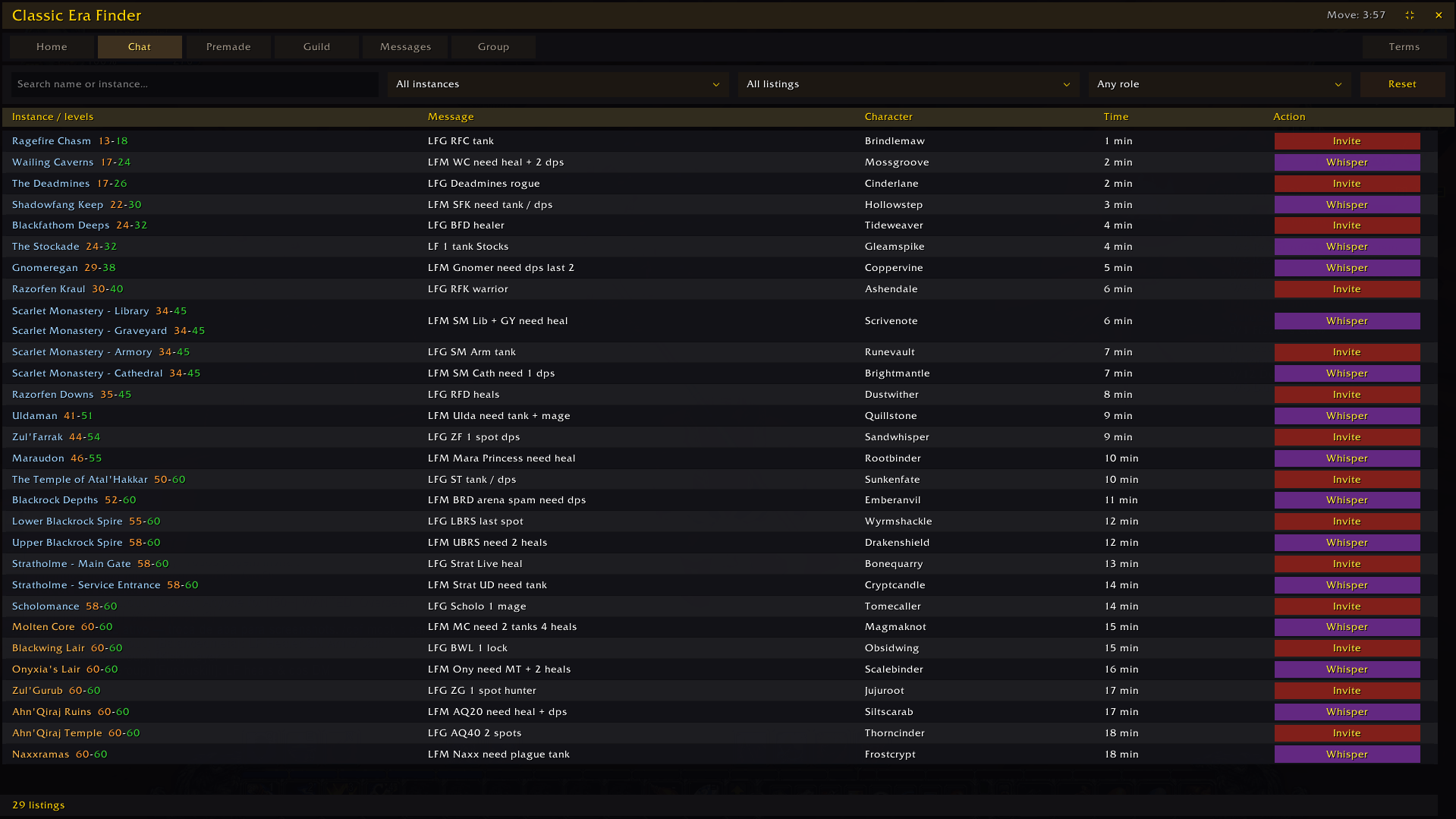
LFG/LFM chat listings with instance, intent, and role filters, plus one-click whisper.
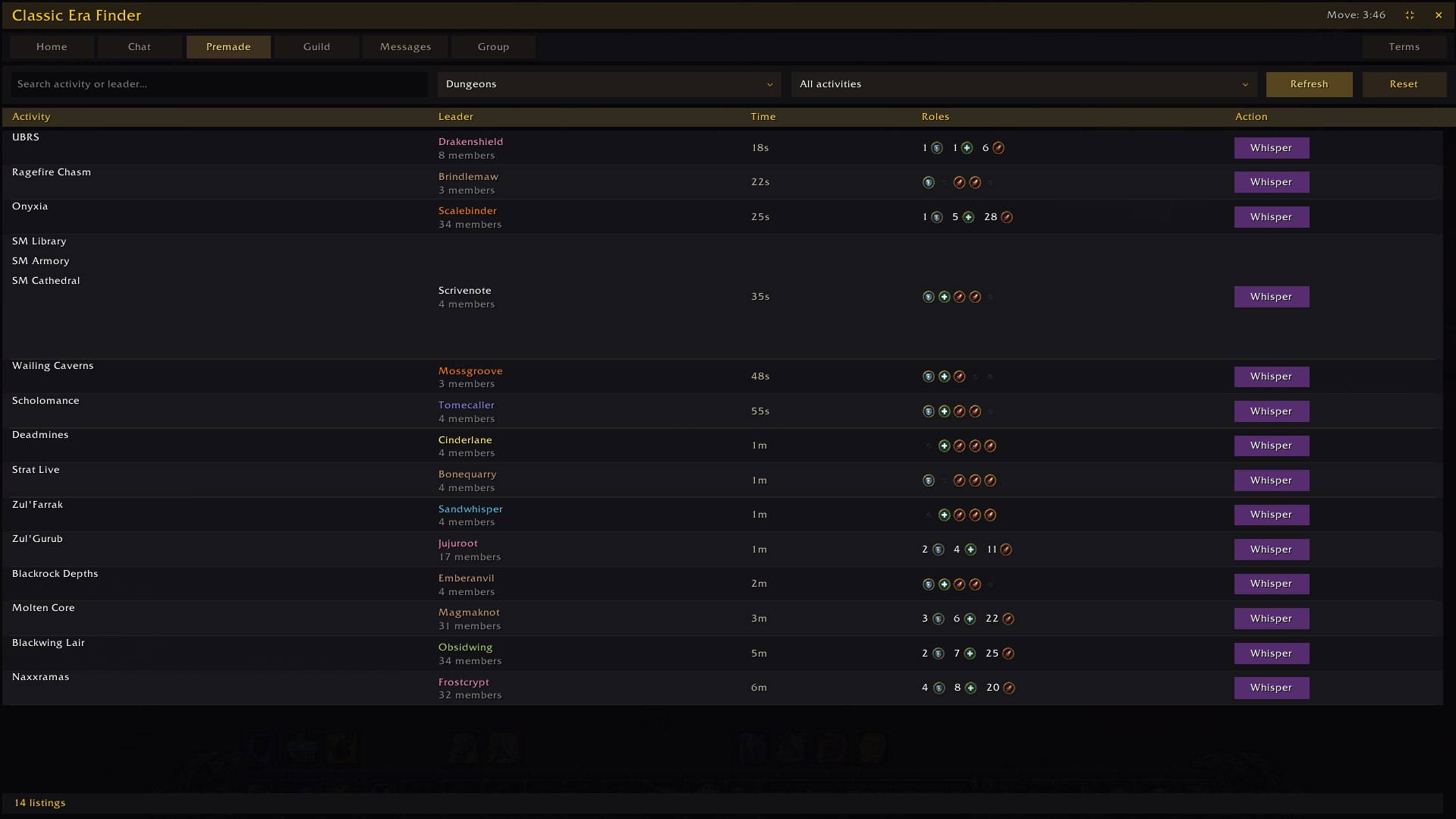
Official Group Finder results: activity, comment, role slots, and listing age.
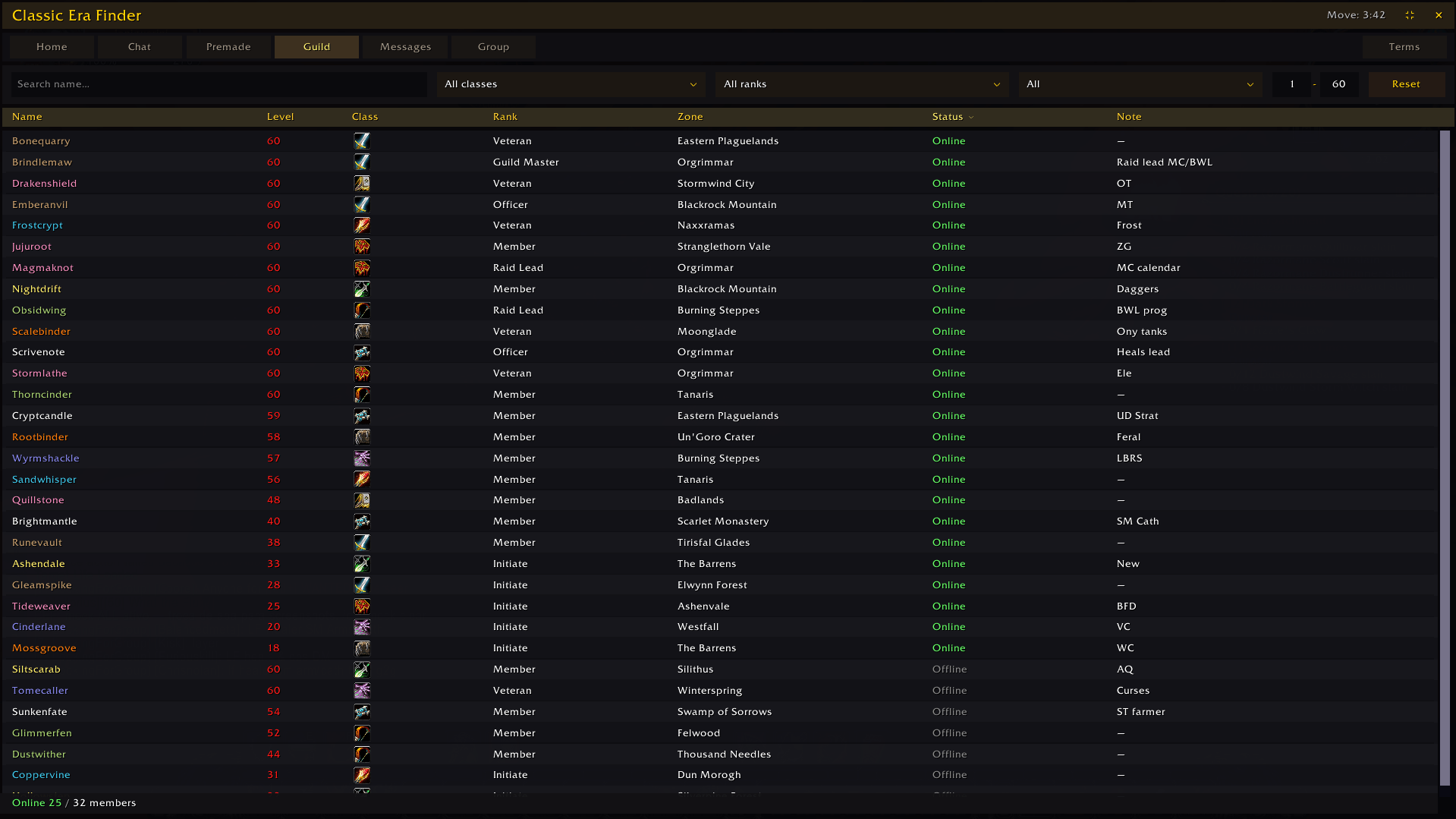
Guild roster with level, class, rank, zone, status, and filters.
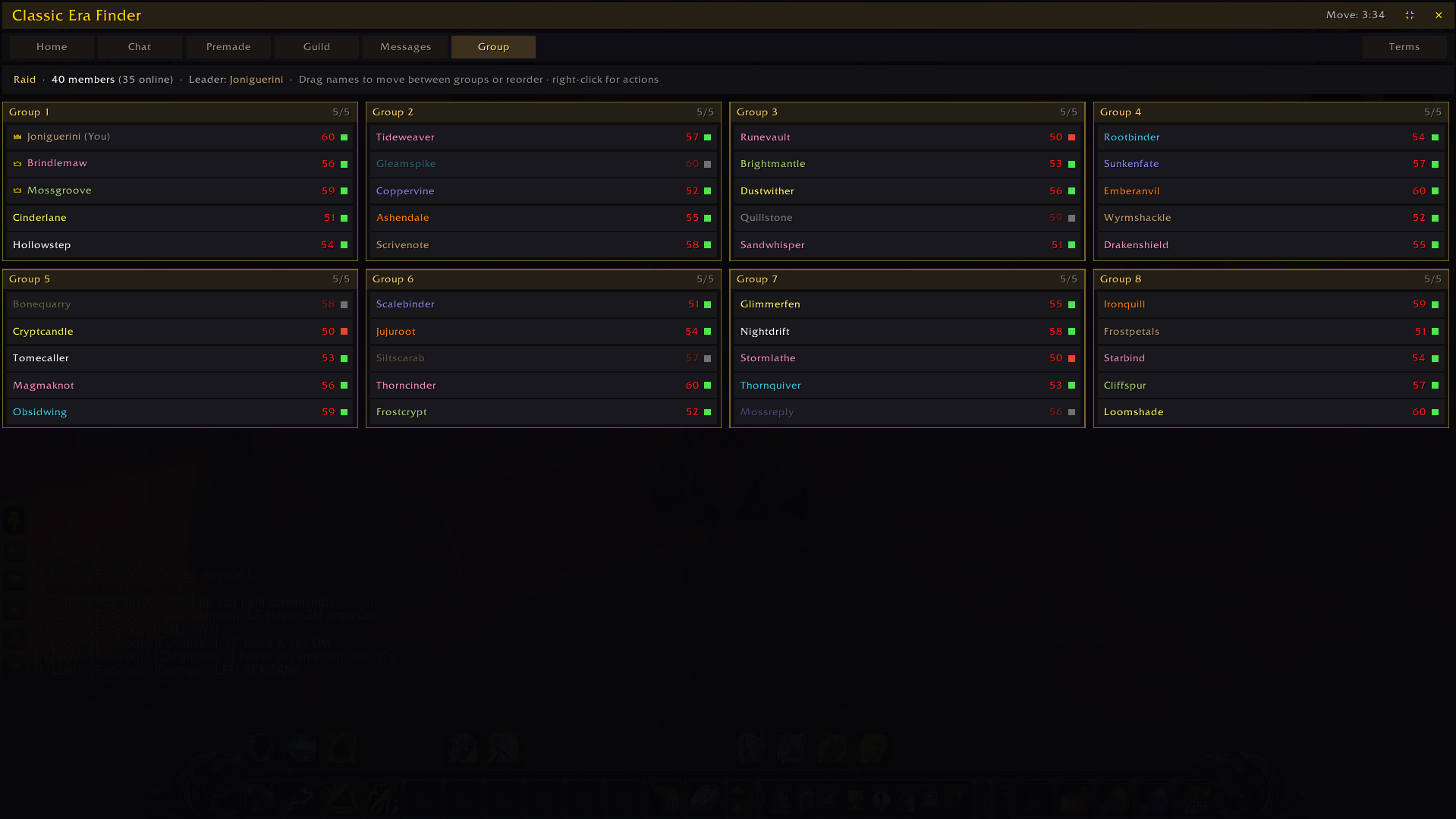
Current party/raid roster: subgroups, leader/assist, zone, and group management.
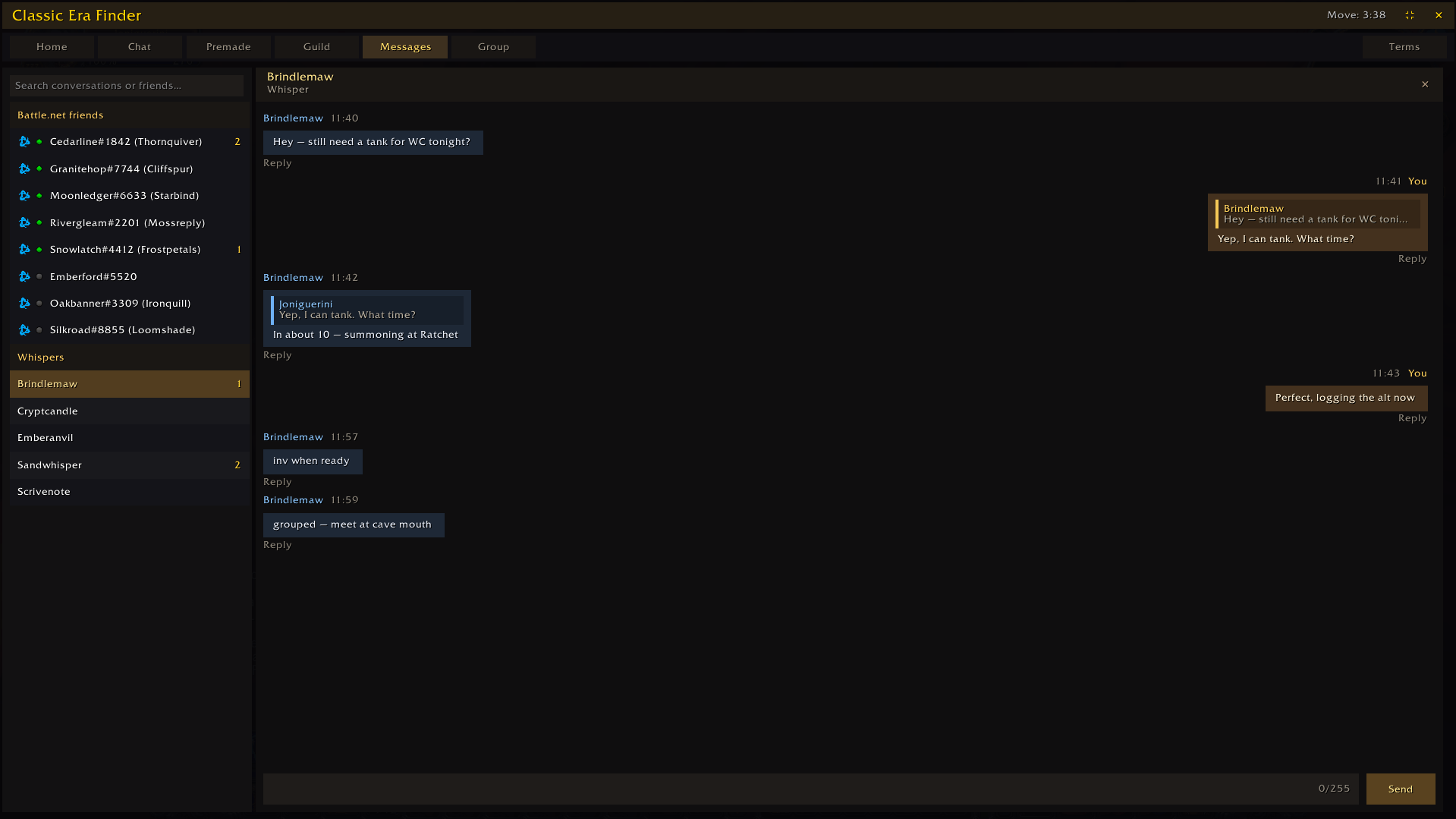
Whisper and Battle.net hub with local history and quoted replies.
Description
Classic Era Finder helps you find and manage groups in WoW Classic without living in the chat window.
It watches LFG/LFM messages, shows Official Group Finder listings, and keeps guild, messages, and raid roster tools in one custom UI.
Features
- Chat — detects dungeon/raid ads from chat, with filters for instance, intent (looking for group vs recruiting), and role.
- Premade / Official — Blizzard Group Finder listings with role slots and activity filters.
- Home — live overview of which instances and roles are most in demand right now.
- Guild — roster view with filters and class colors.
- Messages — Battle.net and whisper hub with local history.
- Group — current party/raid roster with subgroups and raid management helpers.
- Terms — reference for detection keywords used by the addon.
Supported clients
- Classic Era (including Season of Discovery and Hardcore realms)
- Burning Crusade Classic / Anniversary
Languages
UI auto-follows the game language, with manual override: enUS, ptBR, esES, esMX, frFR, deDE, itIT, ruRU, koKR, zhCN, zhTW.
How to use
- Type
/cefor click the minimap button - Use the Chat and Premade tabs to browse listings
- Whisper or Invite depending on whether the poster is recruiting or looking for a group
Notes
- Chat listings are scoped by season/realm so Era, SoD, Hardcore, and TBC do not mix history.
- Fullscreen mode includes an AFK movement reminder timer.
Classic Era Finder Team
