Screenshot 2026-10-08 121752.png
Screenshot 2026-10-08 121855.png
Screenshot 2026-10-08 121927.png
Screenshot 2026-10-08 122046.png
Description
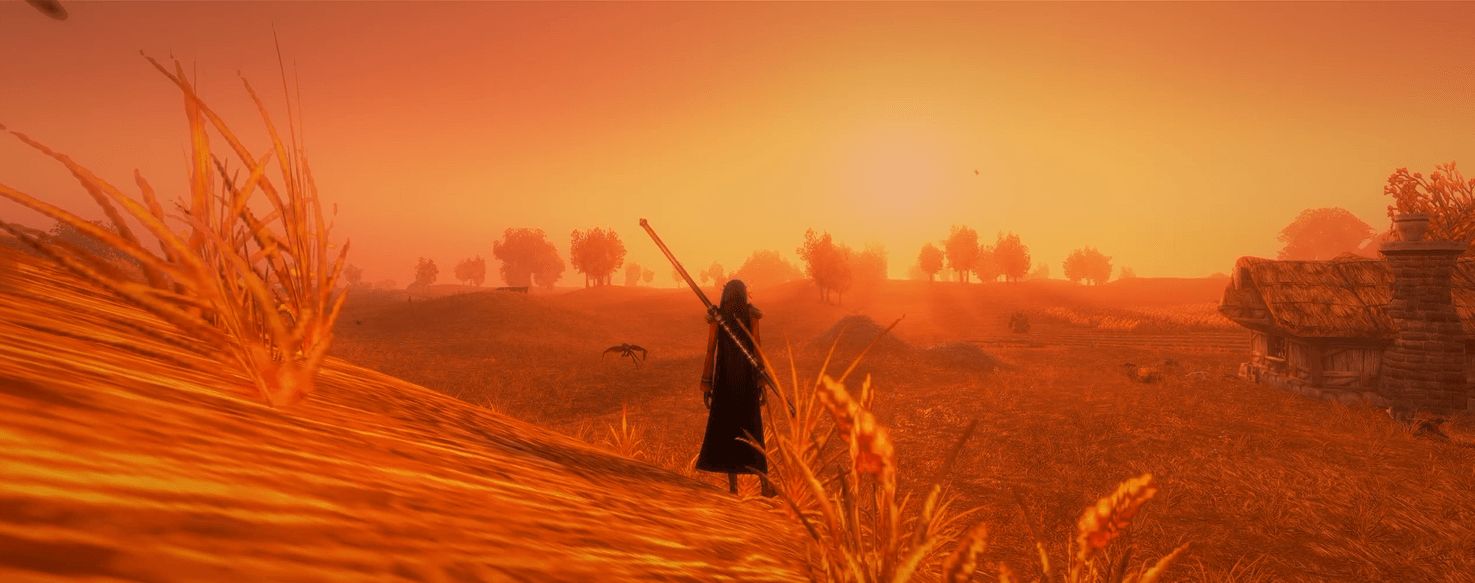
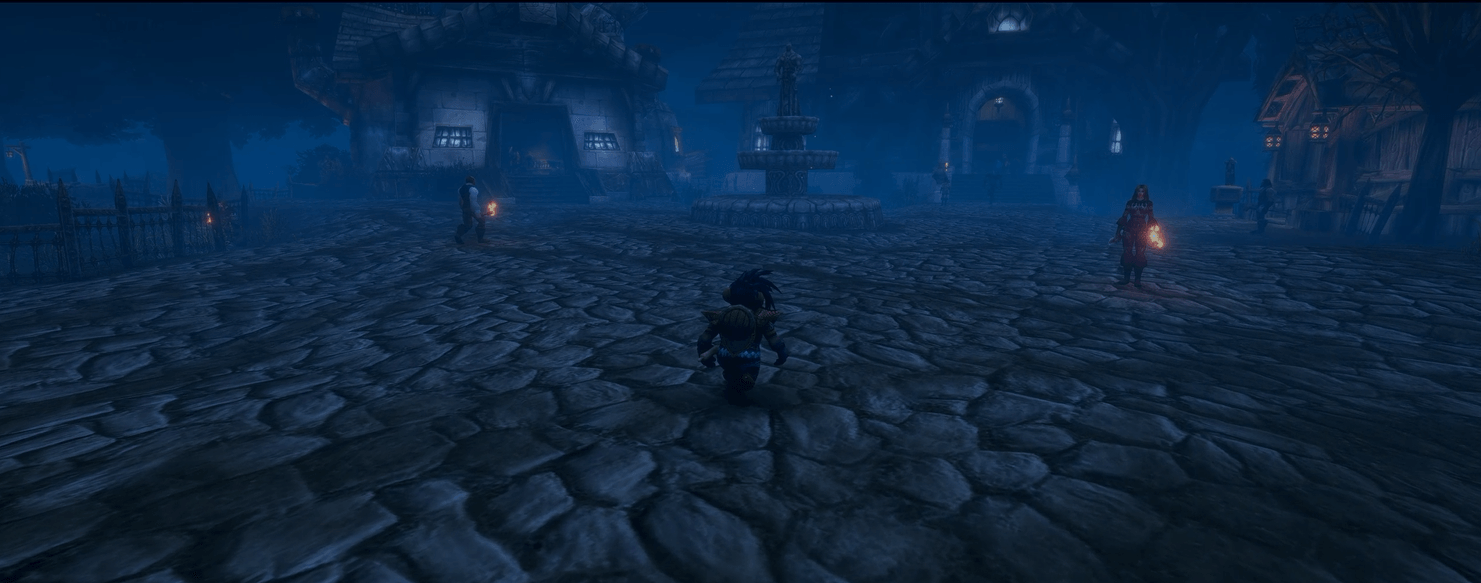
Immerse yourself in the World of Warcraft. Cinematic quietly fades your UI away whenever things are calm and brings it back the moment you need it. Meanwhile the camera, colour and music turn every flight, campfire, quest and stroll into a scene.
- Fades the UI between fights, with letterbox bars sliding in. Combat, targeting an enemy or opening a window brings it straight back.
- Smart reveals: hover over anything to see it. Chat pops up when a message arrives (you choose which message types and channels), your portrait shows while you're recovering, and buffs flash up when you gain one.
- Stay cinematic in combat if you like, showing only the frames you choose for fights, enemy targets and friendly targets, each with its own fade speed.
- Names, nameplates and tooltips: hide unit names, nameplates and world tooltips in cinematic mode. You decide per kind (mobs, NPCs, your faction, the other faction, pets, totems) what stays, what shows in fights, and which get a small icon instead of a name.
- Hide the UI, keep the look: a keybind that works like Alt+Z but leaves the tint, letterbox and other effects on screen. It's made for screenshots.
- The minimap stays up while tracking herbs, minerals, treasure or fish.
- Your call on every frame: keep any frame always visible, or fade extra ones from other addons.
- Turns itself off where you'd rather have the full UI: dungeons, raids, battlegrounds, cities, inns, parties or raid groups. You can also snooze it for 10 minutes or until logout from the minimap button.
Each situation has its own camera, and they hand over seamlessly:
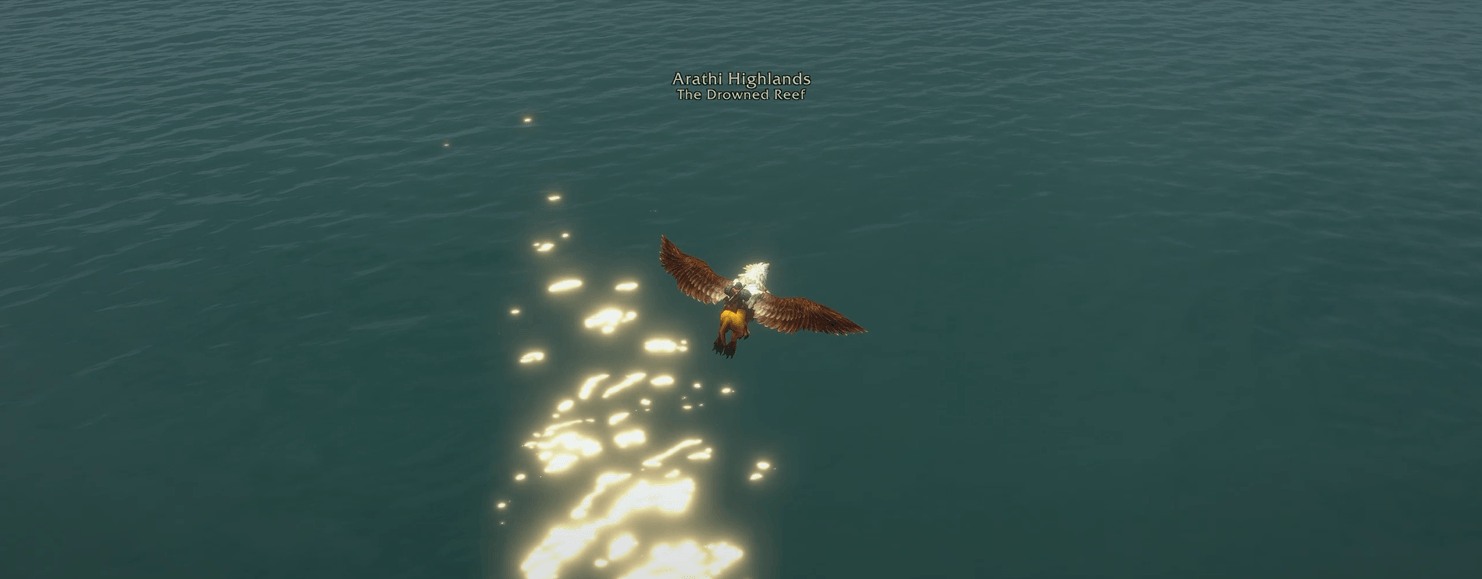
- Flight Cam: swings behind you at takeoff, sways through the journey, and settles behind you before landing. Each route is timed as you fly it, so the next time it knows when you'll land. Random fly-bys turn the camera slowly round to look back at the view, then return.
- AFK Cam: stand still for a while, or go AFK, and the camera slowly sweeps around your character and drifts in and out.
- RP Walk Cam: switch to walking and the camera sways gently behind you. It holds steady through turns, then glides round to your new heading.
- Auto-run Cam: a travel camera that looks ahead down the road and drifts in and out as you go. On retail it keeps going when you auto-run on a skyriding mount.
- Cozy Cam: rest by a campfire,
/sit,/sleep,/dance,/kneel, sit in a chair, or draw your weapon for a hero shot. The camera swings round to face you, comes in close, and sways softly. - Vista Cam:
/stareout at the view and the camera lines up behind you, lowers, and takes it in. - Fish Cam: cast Fishing and the camera settles behind you with the bobber in view. Right-click to cast again.
- Quest Cam: talk to a quest giver and the camera eases in close and comes round to a dialogue shot past your shoulder. It goes back when you close the window.
- Death Cam: when you die, the camera rises and circles slowly round your body over a cold, dimmed screen, with a song of its own.
- Events page: pick which camera each event starts (or none), how long it waits first, and whether moving ends it.
- Depth of field: a soft haze round the screen edges in the camera modes, set separately for each one.
- Indoor limits keep the camera out of walls in buildings and caves.
- Screen tints: warm, cool, night, dusk, sepia, dreamy or your own colour, with a vignette. The strength drifts gently over time so it never feels static.
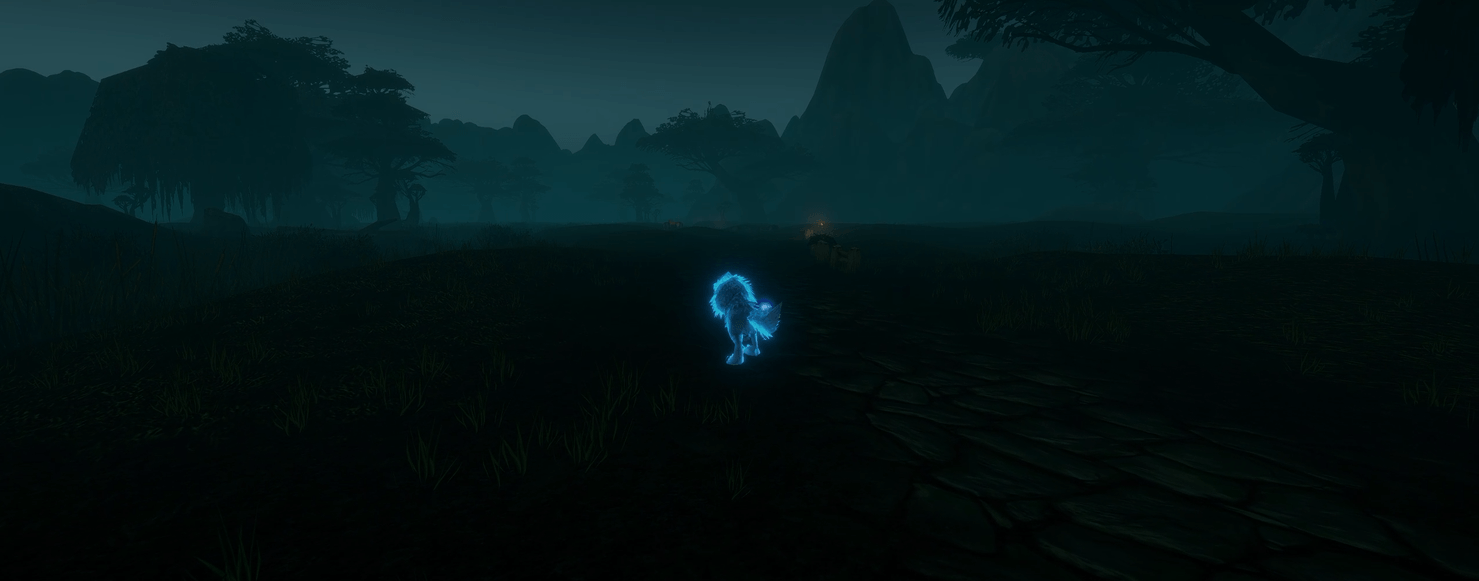
- Time of day: the world shifts from moonlit blue to dawn pink to golden hour, following game time or your own clock. Each phase can be tuned.
- Zone moods: pale blue snowfields, sandy deserts, sickly plaguelands, a smoky Ironforge, a golden Westfall and many more. On retail that covers every expansion, from Outland's fel-scorched Hellfire to Midnight's Voidstorm. They fade smoothly at zone borders. Areas such as Theramore can have their own moods, and you can set any zone or area to the colour you want.
- Inn glow: step into an inn and the outdoor tint lifts for a warm, firelit glow.
- Weather: rain, snow and sandstorms grey or colour the scene, on clients that report weather.
- A time-of-day title under the zone name ("Dusk", "Night") on login and as the day turns, with a fitting sound: a rooster, bells, frogs, an owl or a wolf.
- Music fades in with cinematic mode and out when the UI returns.
- Choose which cameras play music: flights, AFK, cozy, vista, fishing, RP walks and auto-runs can each start a fresh track.
- Pause the music as you move on or when a flight lands. Mute it in combat, on flights, or in cities, inns, dungeons, raids and battlegrounds.
- Music fatigue stops music restarting too often, with exceptions for the moments that matter and new zones.
- Ambience follows the music, keeping wind and water under the soundtrack.
- Your own sound and game settings are always restored, even after a crash.
- A minimap button with quick switches for tints, zoom, music, combat and the minimap, plus a snooze.
- Full settings under Options › AddOns › Cinematic, with a page for each camera plus Events, Look, Audio, Combat, Nameplates, Chat, Frames and Keybinds.
- Keybinds to toggle cinematic mode, peek at the UI, hide the UI, trigger a fly-by, or start any camera on demand.
/cinefor slash commands, and/cine debug helpfor troubleshooting.
Cinematic supports every WoW game mode, from retail to the Classic versions. It's made first and foremost for WoW Forever, so that's where it's tested most, but please report issues from any version. Settings that only apply to one game, such as the swing timer or the extra action button, only show up there. Each game keeps its own settings.
Type /cine log, press Ctrl+C and paste the result into your report. It holds the addon's recent history, any Lua errors and a summary of your setup (game version, changed settings, other addons). It doesn't include your character's name or realm.
If the addon keeps hitting an error, it stops itself for the session and puts your UI and game settings back. /cine panic does the same by hand, and /cine resume starts it again.
Made with AI assistance. Feedback and ideas welcome!
Cinematic Team