CotfQqP.jpg
CY0yshD.jpg
kWbYNzY.jpg
vs04oPW.jpg
Description
CherryAuras
Your own auras for Midnight, built on Blizzard's aura system.
Inspired by Weakauras, CherryAuras lets you build your own displays (icons, bars, groups and text) and put them anywhere on your screen. It uses the AuraContainer system Blizzard introduced (No Custom Code) so your auras keep working in combat, in Mythic+ and in raids, where the game now hides aura details from addons.
Core Features
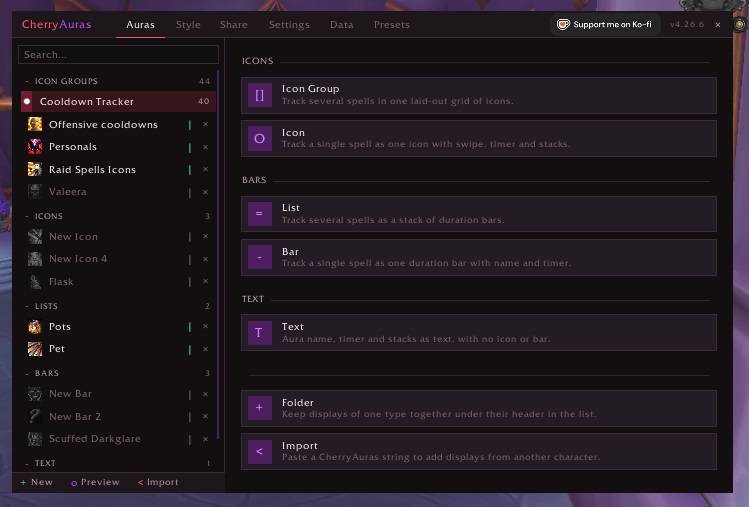
Five Display Types: Icons, bars, lists, dynamic icon groups and text. Pick one, add your spells, and it shows up straight away.
Track Anyone: You, your target, target of target, focus and pet, plus buffs on every party or a raid member.
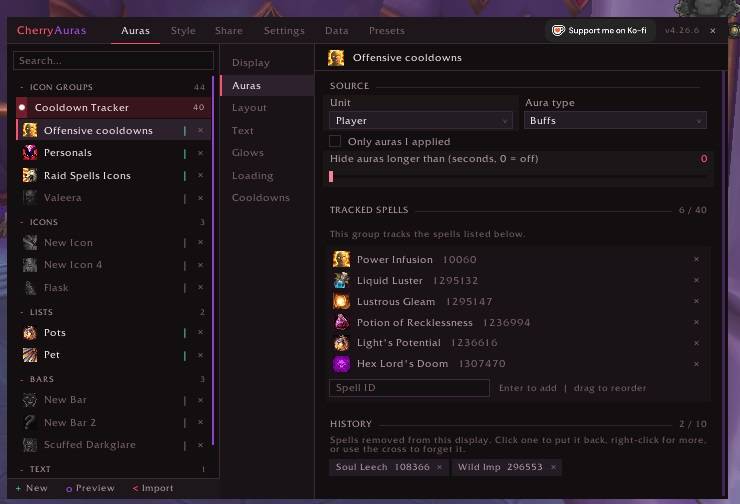
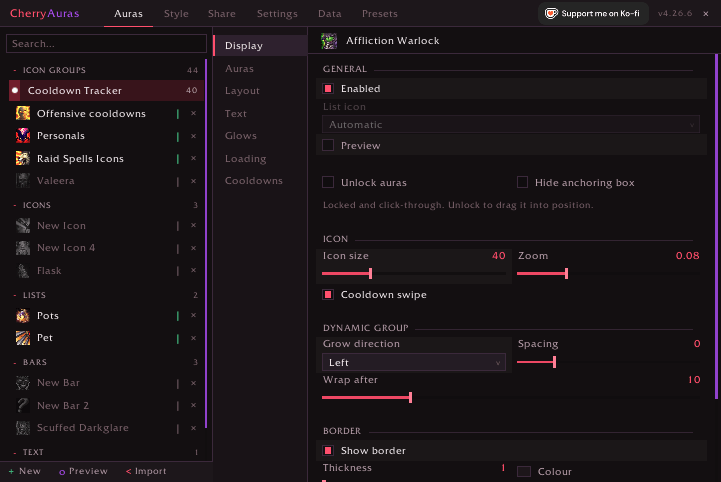
Highly Custom: Fonts, bar textures, borders, colours, gradients, class colours, sparks, with text for the name, stacks, duration, caster and target. Anchor any display to your unit frames, party frames, raid frames, the minimap or anywhere you like.
Preview Everything: Preview mode fills every display with sample auras, so you can set everything up before you ever pull.
More Features
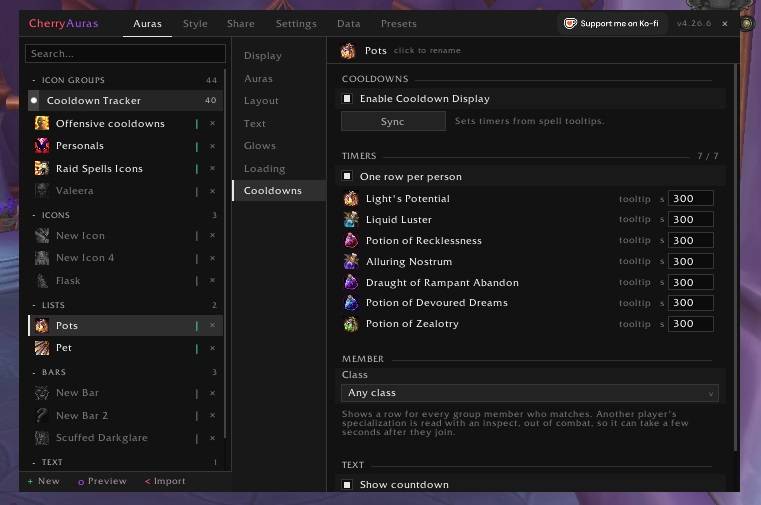
Cooldowns: Add Cooldowns to your auras with custom timers, talent logic or make them appear only on certain conditions. It's all in your control!
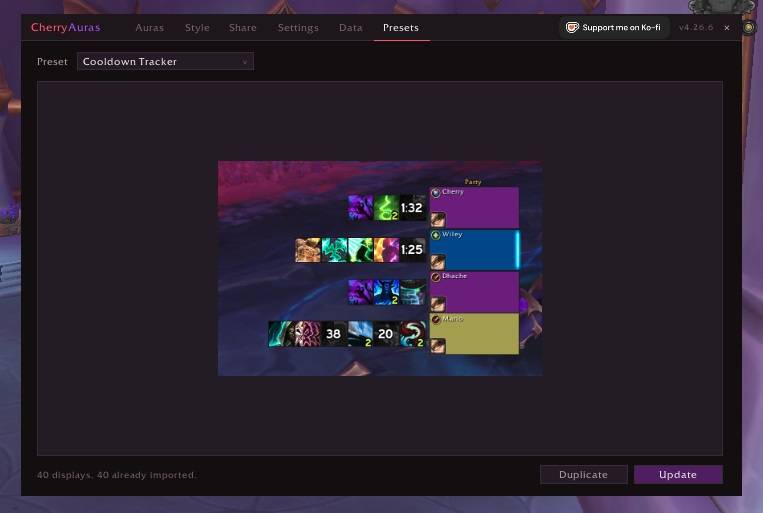
Presets: A collection of ready-made Auras (Cooldown Tracker, Party Potion Tracker and Raid Spell Icons). See what it looks like, then import it in one click.
Glows: Pixel, Autocast and Pulse glows for your displays.
Load Conditions: Show a display only for certain classes, specializations, roles or levels; only in the open world, delves, dungeons, Mythic+, raids or more.
Share in Chat: Link an aura in chat. Anyone with CherryAuras can click it to ask you for it and import it on the spot.
Spell Data: A Data tab records every spell you meet in dungeons, raids and delves: who cast it, where, and its spell ID. Search it, and copy the ID you need.
Import, Export & Profiles: Share displays as strings, keep separate profiles, sort displays into folders, and copy settings from one display to others.
Window Themes: Five colour themes for the options window (CherryAuras, Monochrome, Midnight, Cataclysm and Dragonflight).
Quick Start
Type /ca to open CherryAuras, press New, pick a display type and add a spell. Or open the Presets tab and import a ready-made Aura.
Commands
/caor/cherryauras: open the options window/ca new: create a new display/ca list: list the displays in your profile/ca lock: lock every display/ca preview: preview every display (/ca preview offto clear)/ca import//ca export: import or export displays/ca reset: recenter the options window/ca status: check system support and your current setup
Feedback & Bugs
Leave a comment here or message me on Discord (Abiecherry). When reporting a bug, the output of /ca status as well as the LUA error display helps a lot!
Support
If you enjoy CherryAuras, you can support me on Ko-fi.
You can also find me on Twitch, YouTube and TikTok.
Legal
All Rights Reserved. See License.
CherryAuras Team

Owner