


ChatClassicFade
- By

ChatClassicFade allows the chat frame to fade properly, like it used to before patch 3.3.5 ruined it.
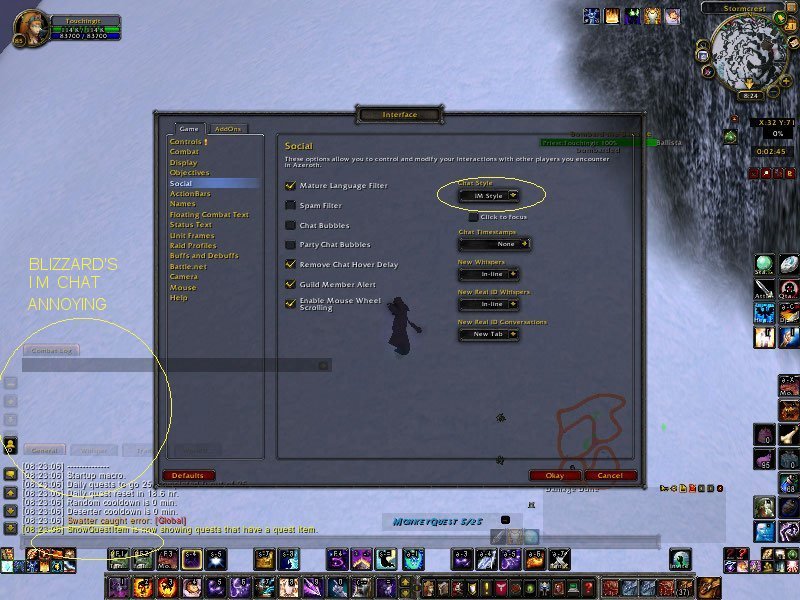
8. Compare to Blizzard IM chat windows without the addon.
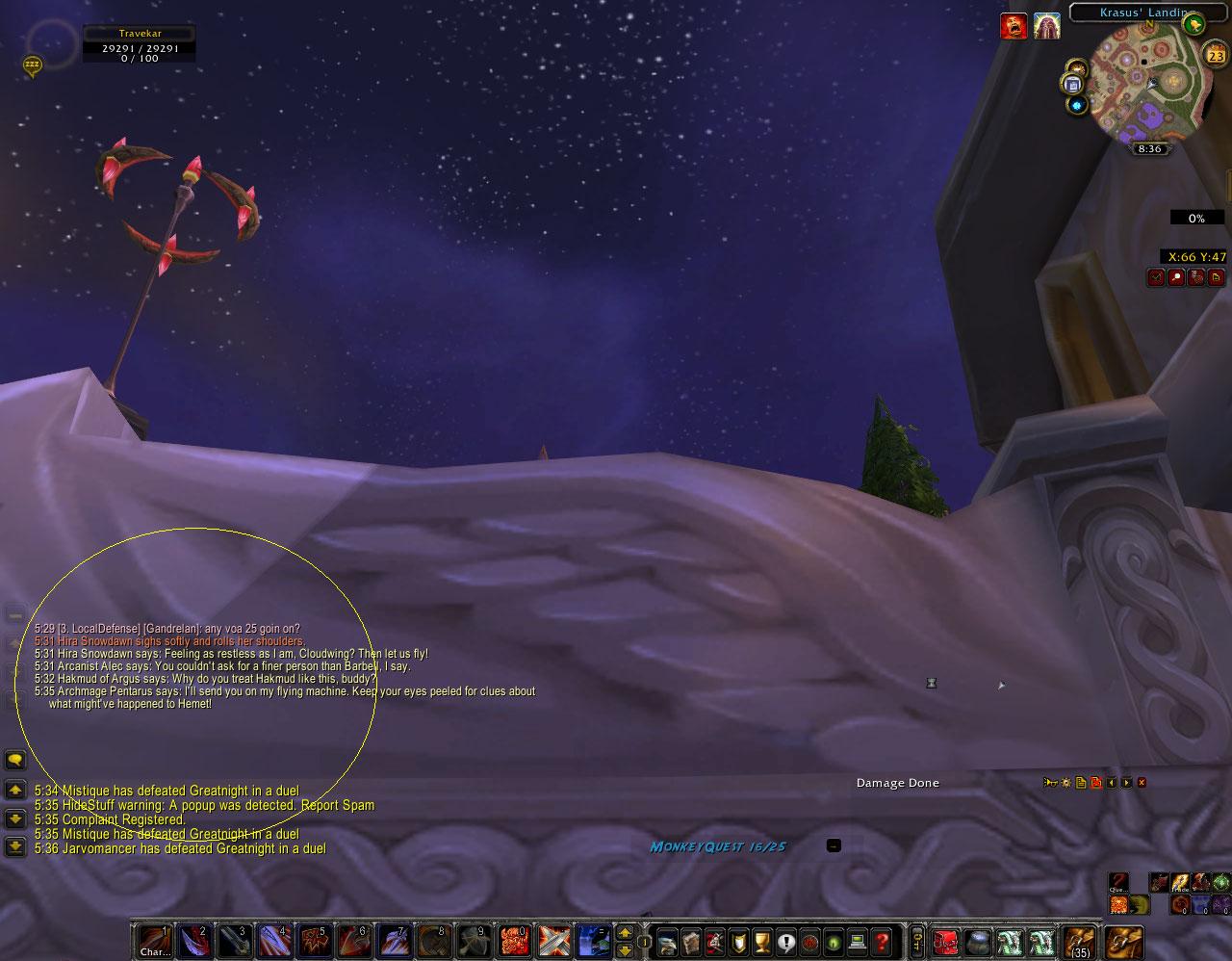
1. Fade chat windows when the mouse moves away.
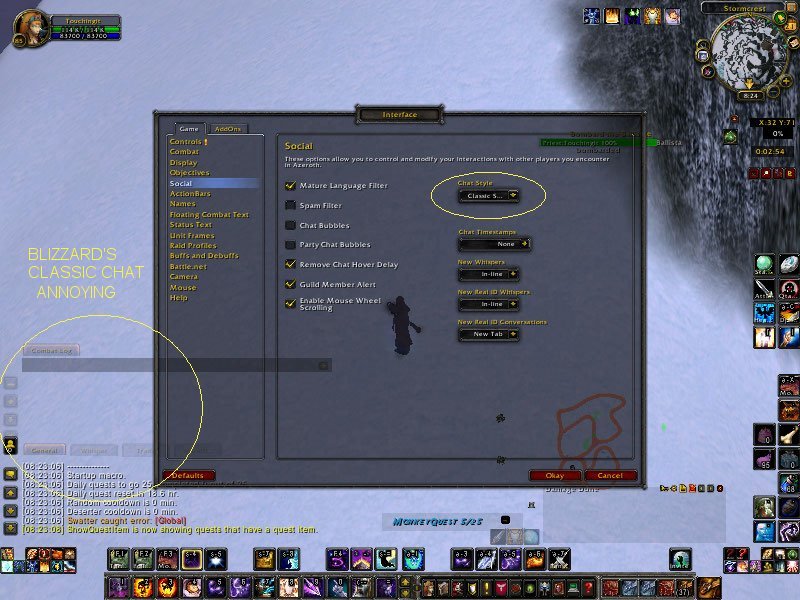
7. Compare to Blizzard classic chat windows without the addon.
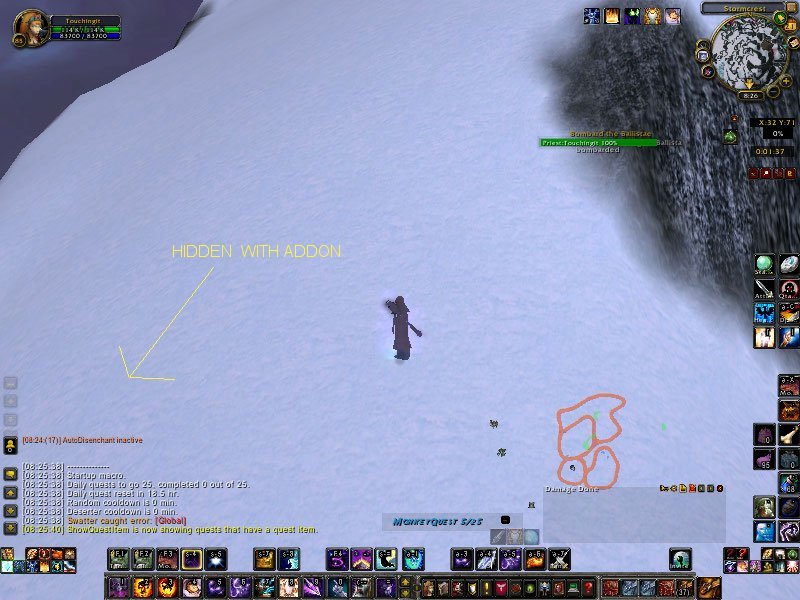
6. Compare addon chat windows fading all the way, unlike Blizzard.
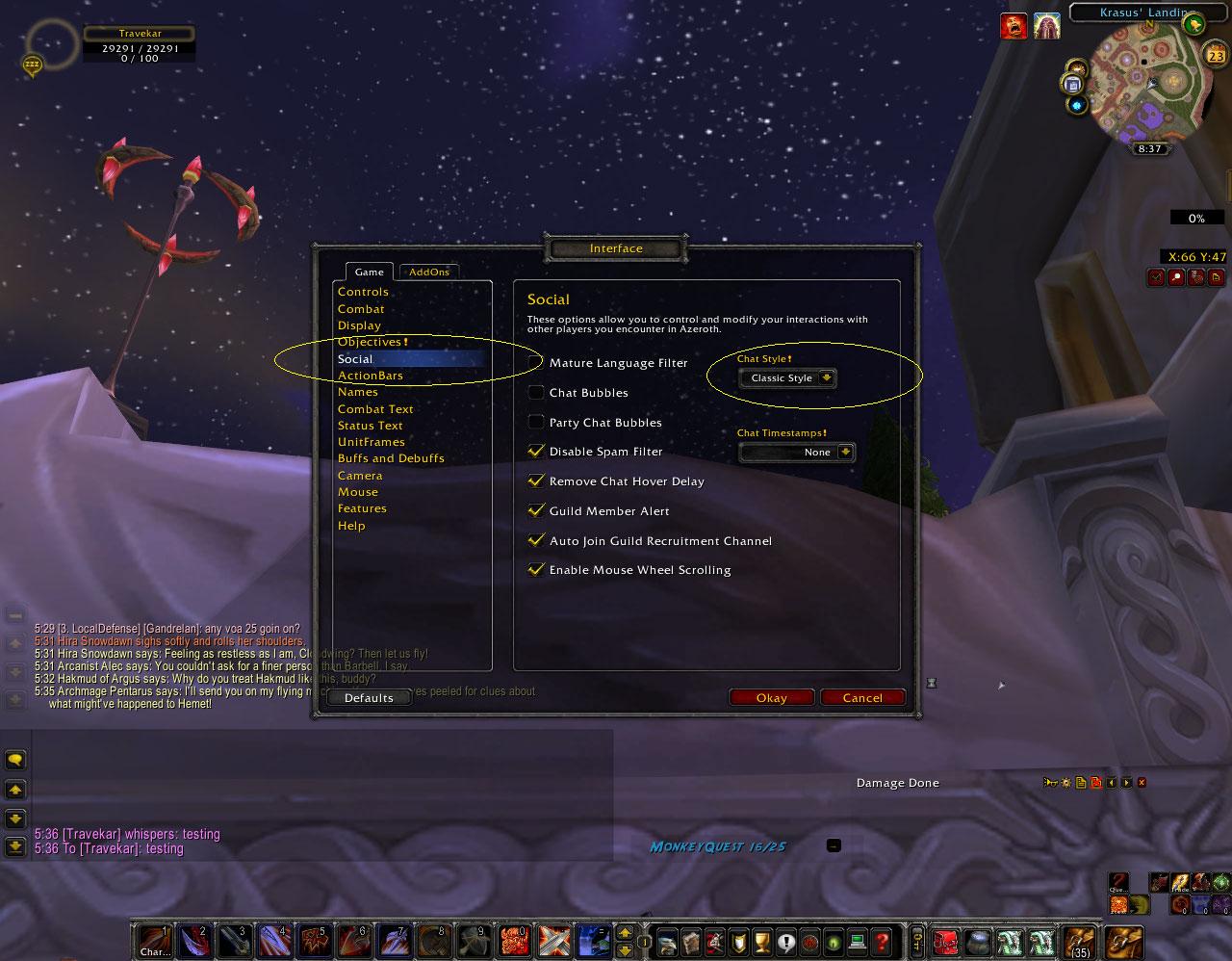
4. The interface option is set to the classic chat style.
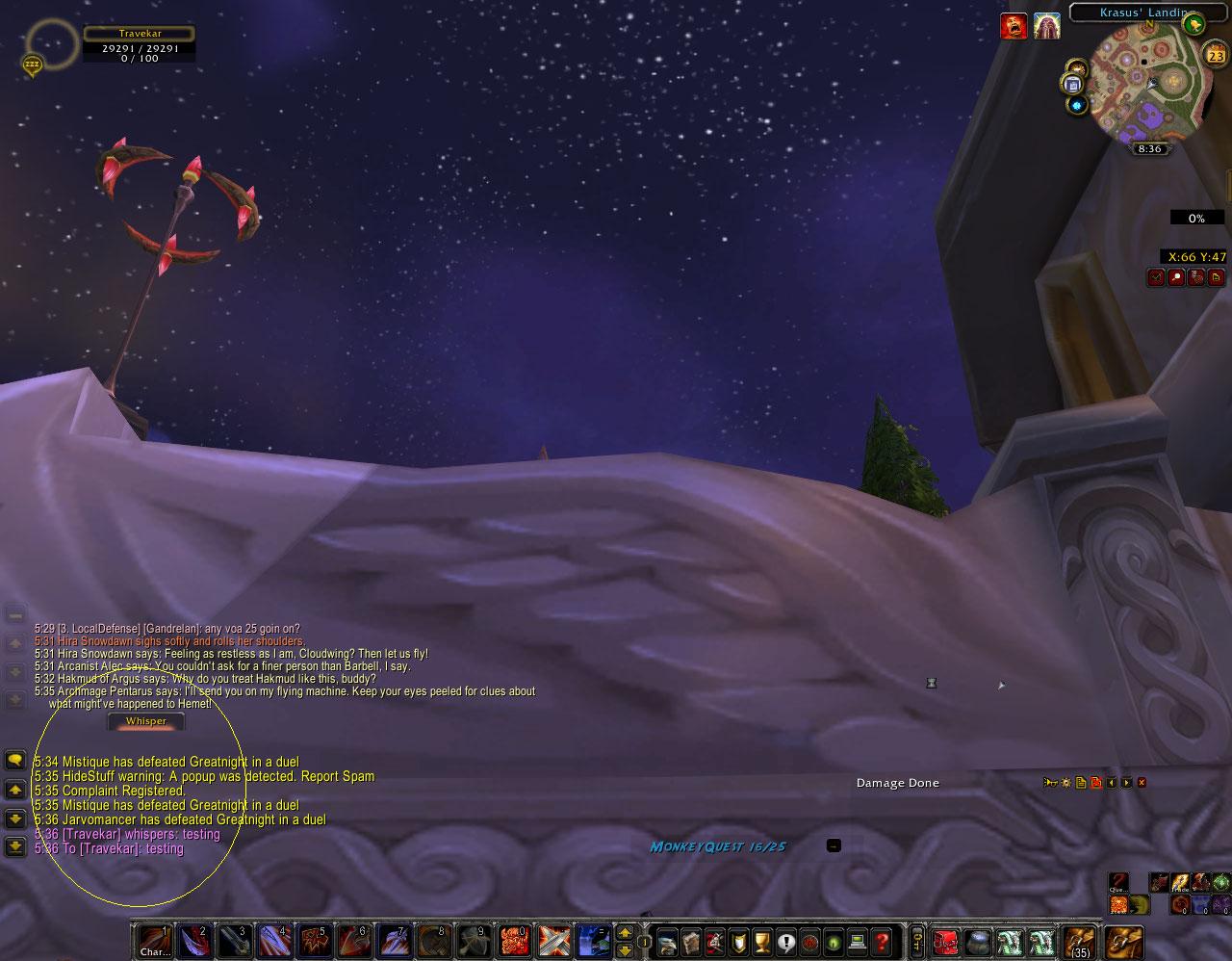
3. Alerts in a chat window will still be seen and not hidden.
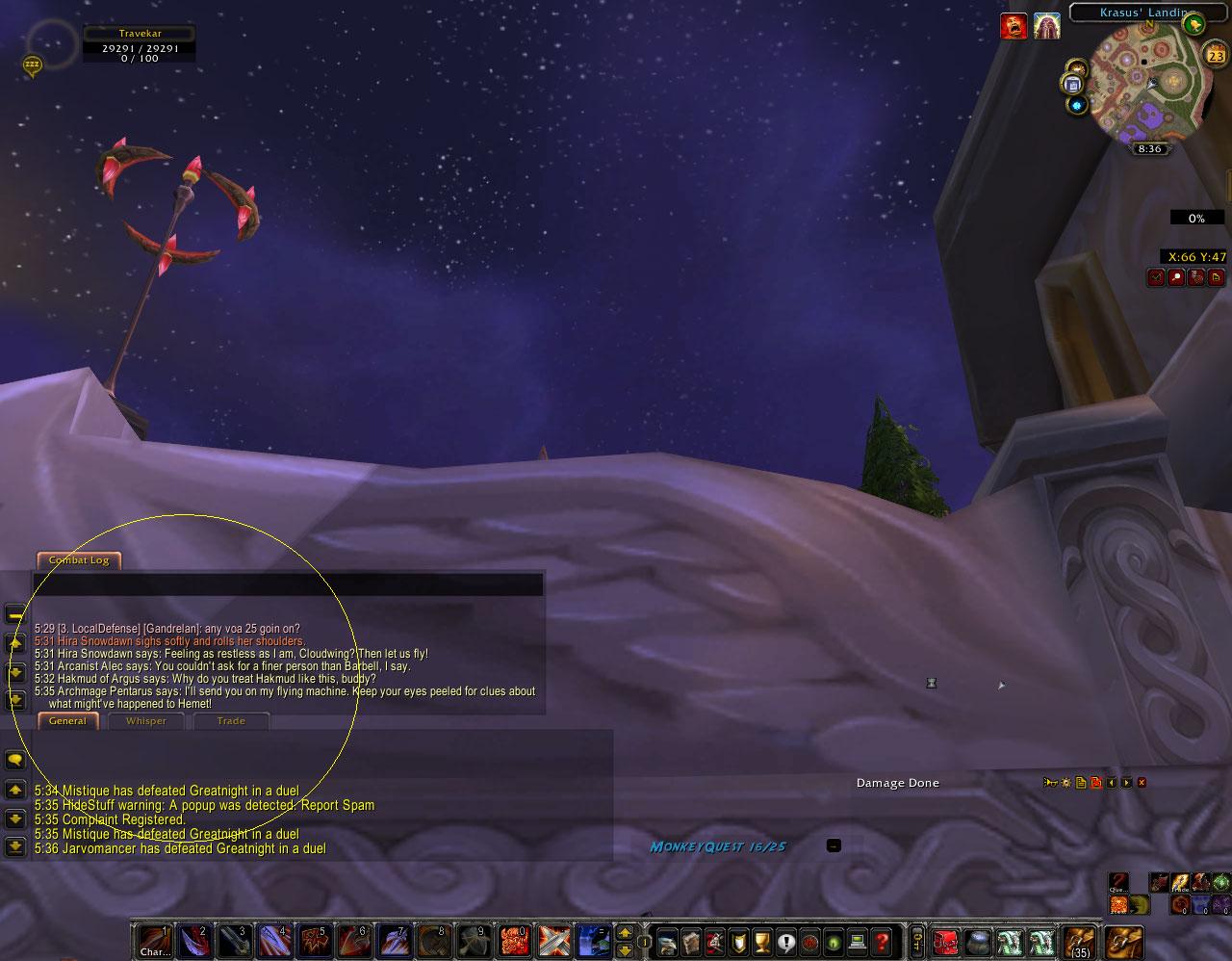
2. Show chat windows and tabs when the mouse hovers over them.
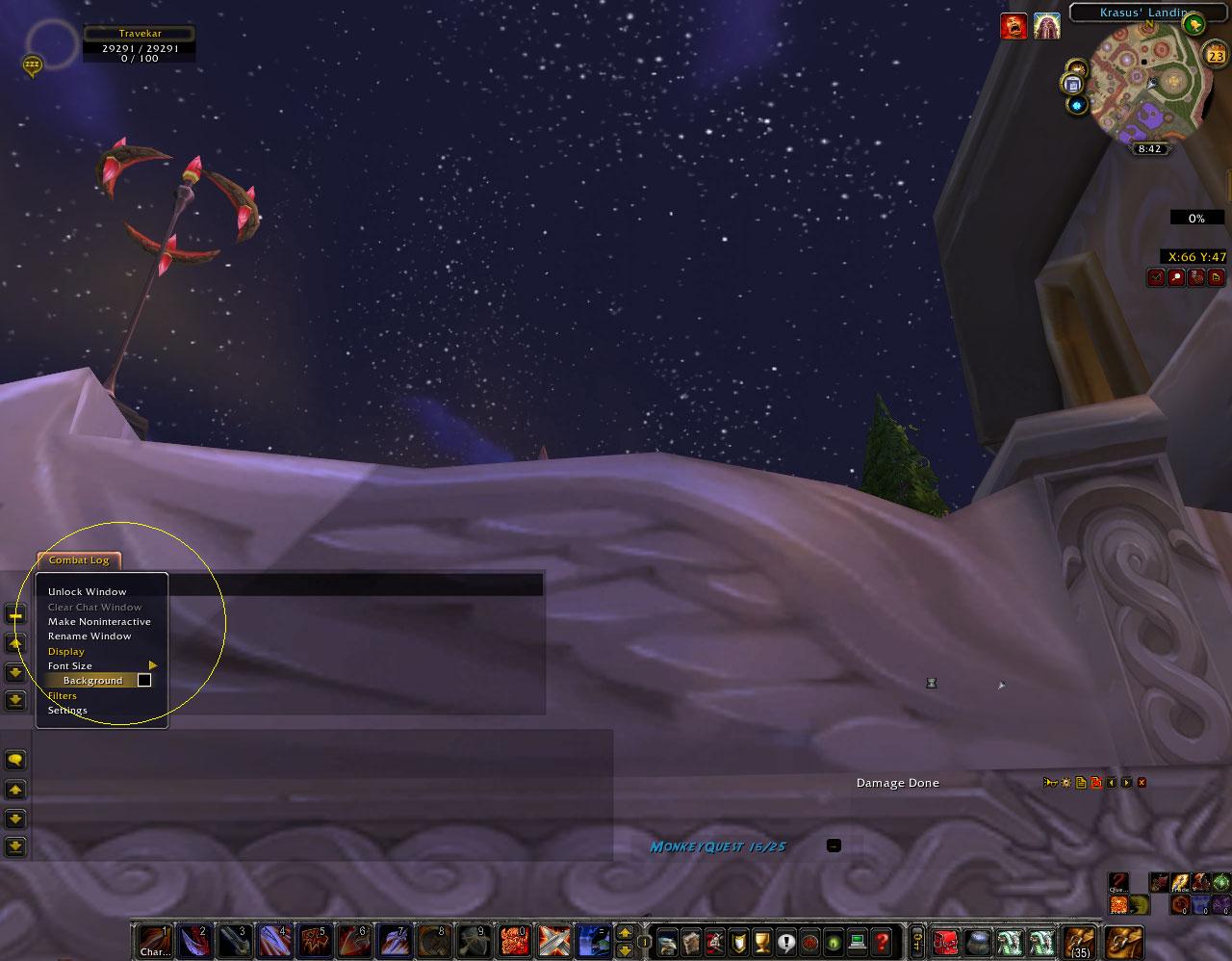
5. Set the chat background by right clicking a tab and selecting the background. Choose the lowest settings to fade completely.