


ChatHUD
- By
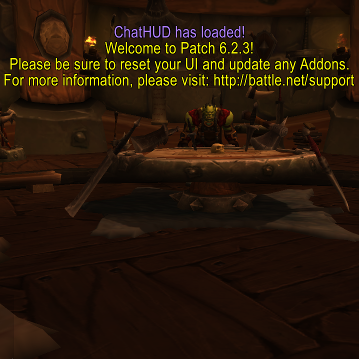
Display of login text,
Cropped to square.
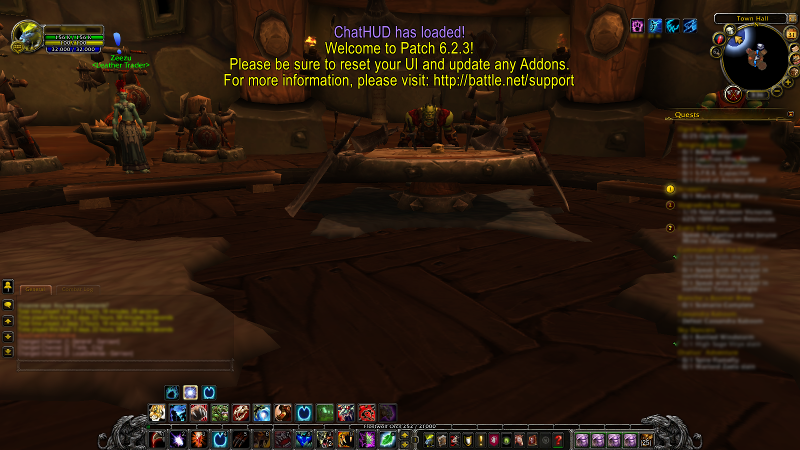
A screenshot of the display at login; this text quickly fades and is replaced by similar text from monitored channels.
Description
ChatHUD displays key chat channels briefly in large text in the main screen.
Long chat messages will reduce the display font size, & display time dynamically.
All messages displayed still post to the chat box as normal.
Chat channels displayed in the HUD:
* Whisper, Say, Yell
* Party, Leader
* Guild, Officer
* Raid, Leader
* Emotes (including custom)
* Chat channels (if player name is mentioned)
* System (plays ReadyCheck if disconnect is mentioned)
There is a Beta version which implements slash command in-game display customization,
but even in the Beta, most settings must be made directly in the addon code.
To change channels, layout, etc, you will have to open the lua file and play with the code.
Extensive commenting should facilitate this process; the lua file can be opened with a text editor,
and can be found in the WoW directory \Interface\AddOns\ChatHUD.
Please back up your settings, by making a copy in your Documents folder or something,
because if Curse updates your addon, it will overwrite any changes you've made.
ChatHUD Team
