Moonlight_말풍선
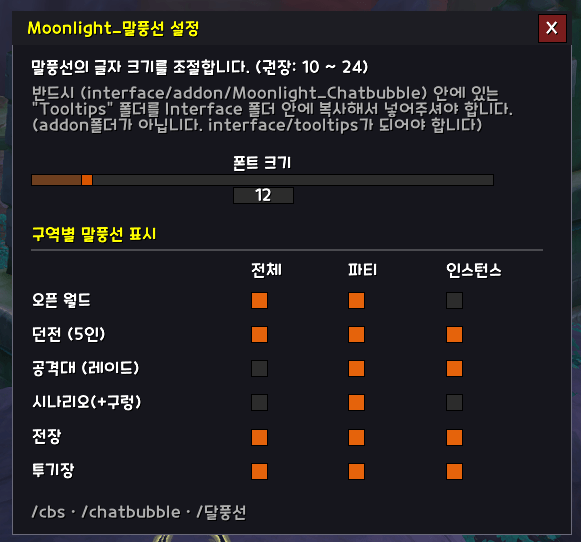
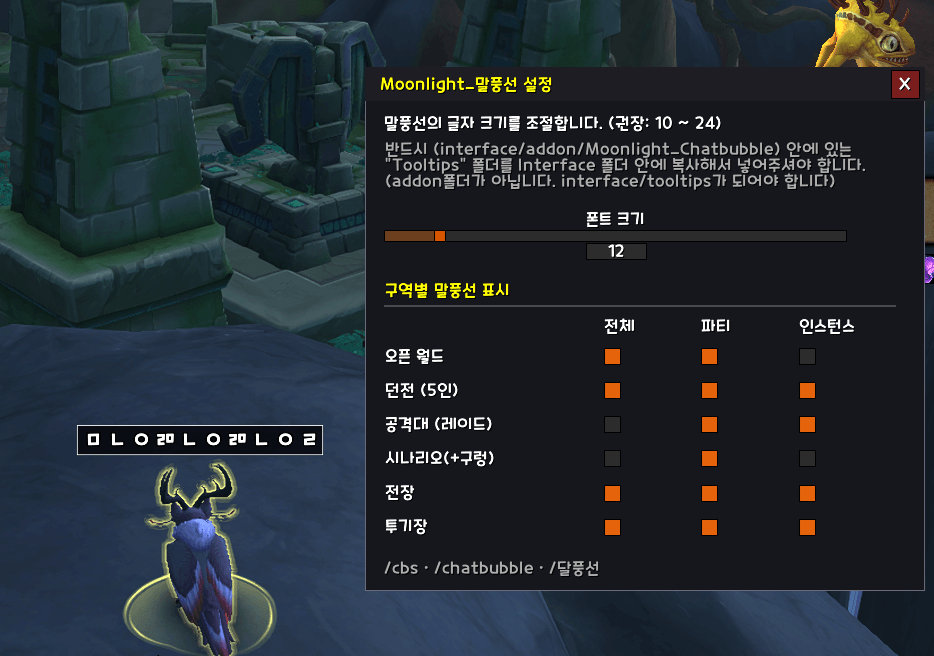
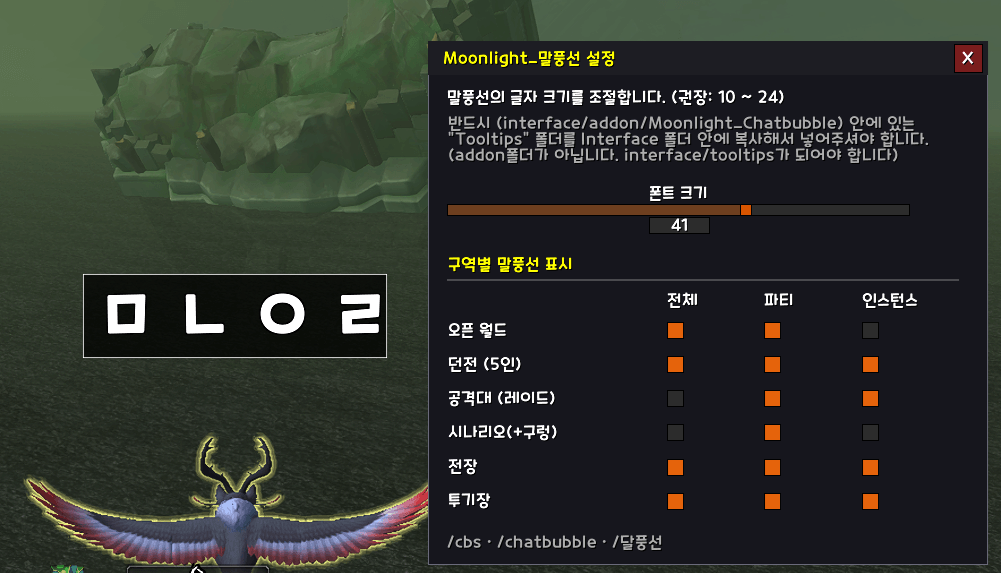
you can resize chat bubble and font size
cb1.png
cb2.png
cb3.png
Description
---------------------------
[ 반드시 아래를 확인하십시오 ]
애드온을 설치한 후, 애드온 폴더 내의 "Tooltips 폴더" 를
retail\ interface 폴더 내에 넣으세요. (주의 : addon 폴더가 아님)
interface \ Tooltips 폴더 내에
ChatBubble.BLP,
ChatBubbleVertical.BLP
파일 2개가 존재하면 됩니다.
말풍선의 글자 크기를 조절할 수 있습니다.
옵션에서 폰트 사이즈를 조절할 수 있습니다.
설정값 변경 후에는 리로드를 하세요
게임 내 명령어는 /cbs , /달풍선, /말풍선
=================
After installing the addon, place the "Tooltips" folder from the addon directory into:
retail\Interface\
(Important: Not inside the AddOns folder)
Inside Interface\Tooltips, you should have the following two files:
-
ChatBubble.BLP
-
ChatBubbleVertical.BLP
You can adjust the chat bubble font size.
Go to the options and change the font size as desired.
After changing the settings, please reload your UI.
In-game commands:
-
/cbs -
/달풍선 -
/말풍선
The Moonlight_말풍선 Team